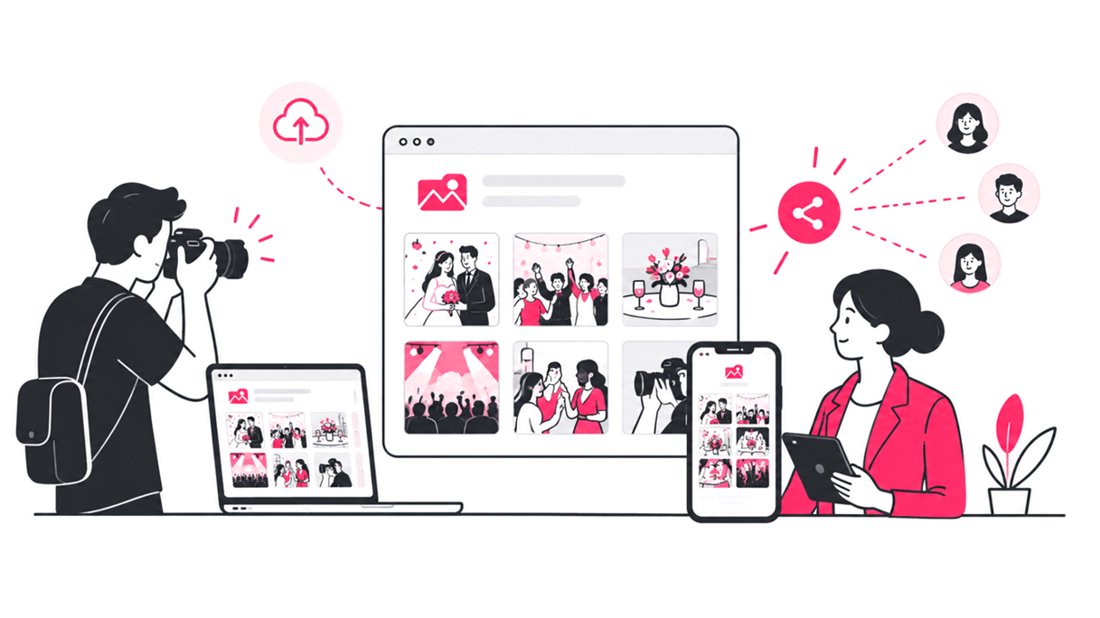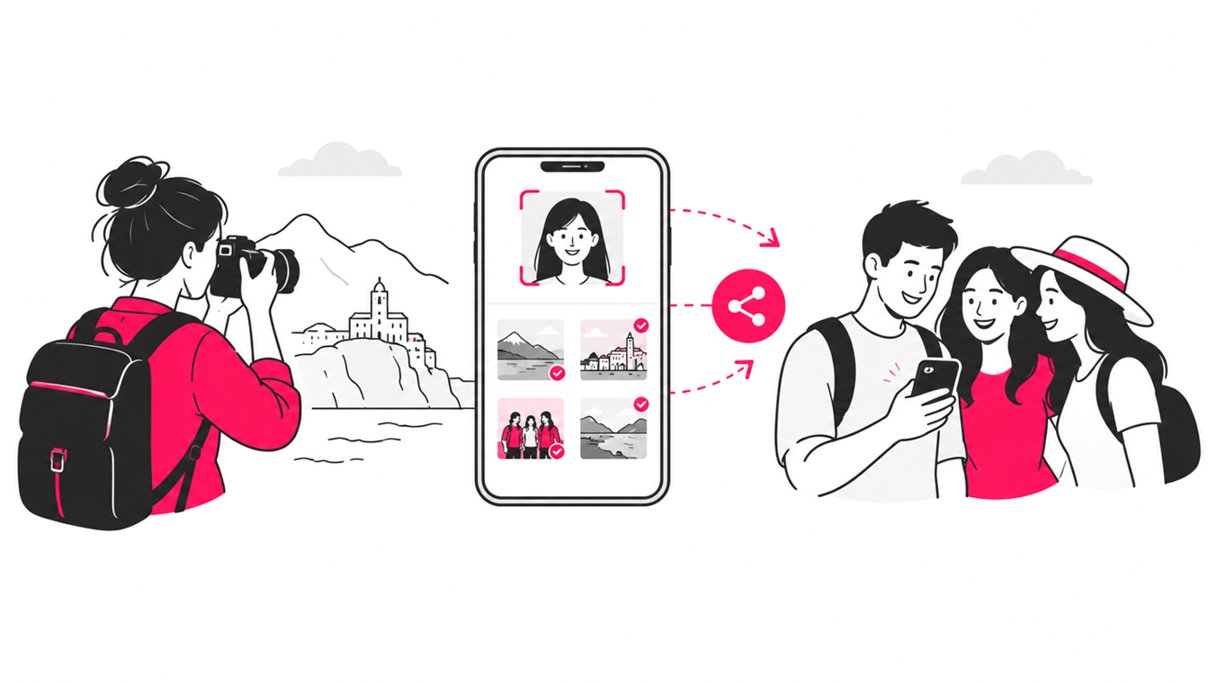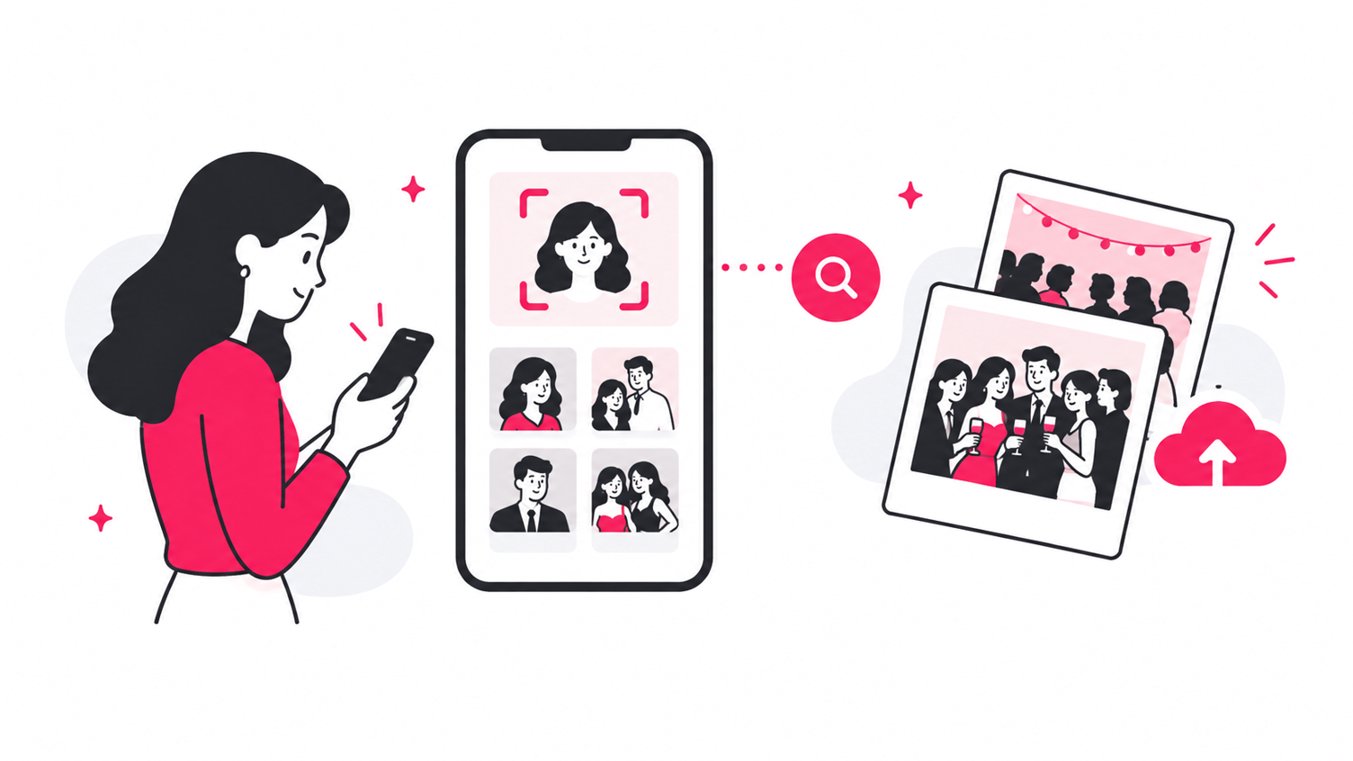
If you are trying to find your photos from an event, the fastest method is to open the photographer’s event gallery, scan the event QR code or use the shared link, then use selfie-based face recognition to instantly filter the gallery to photos you appear in. If face search is unavailable, you can search folders, dates, filenames, or manually browse the gallery, but those methods become increasingly inefficient as the photo count grows.
For event photographers and organizers, the lesson is simple: finding event photos is not just a storage problem. It is a search and delivery problem. A gallery can contain thousands of excellent images, but the experience fails if guests cannot quickly locate the few photos that matter to them.
This guide breaks down the complete event photo retrieval process, explains why facial recognition has become important, and shows how a platform such as SnapSeek can turn a large event gallery into a searchable, mobile-first experience.
Why Finding Event Photos Is Harder Than It Sounds
A professional event can generate hundreds or thousands of photographs. Weddings, conferences, festivals, school events, sports tournaments, corporate parties, and brand activations may all have multiple photographers, cameras, locations, and shooting periods.
A traditional shared folder gives everyone the same problem: find one person inside a large collection.
The guest usually knows what they want, but not where the file is stored. They may remember the venue, approximate time, or people they were with, but they rarely know the filename.
That is why the best event photo sharing workflows reduce the number of decisions a guest has to make.
According to NIST’s ongoing face-recognition evaluations, recognition performance varies substantially between algorithms, and image quality can affect false-negative rates. In practical event photography, that means face recognition should be treated as a search aid that needs a reliable implementation, not as magic that works identically in every image.
The Step-by-Step Process to Find Your Event Photos
1. Get the Event Photo Gallery Link
Start with the link provided by the photographer, event organizer, venue, or host.
Modern event photo galleries may be distributed through:
- A direct gallery URL
- A QR code displayed at the venue
- A QR poster or table card
- A message shared after the event
- A link on the event website or organizer’s social profile
QR access is especially useful at live events because guests can move from the physical event to the digital gallery without typing a long URL.
For organizers, the objective should be to make the gallery discoverable while the event is still fresh.
2. Open the Gallery on Your Phone
A mobile browser is usually the easiest way to search for event photos.
There should be no reason to force a guest to download an app just to retrieve one image. A browser-based event photo sharing platform can make the process considerably simpler.
SnapSeek is browser-based and lets guests access collections through a link or QR code without creating an account or downloading an app. Its feature set also includes mobile-first face search and instant photo matching.
3. Choose Face Search or Selfie Search
If the gallery supports AI face recognition, look for an option such as “Find My Photos,” “Search by Selfie,” or a similar face-search function.
This is the point where the workflow changes.
Instead of asking, “Which of these 2,000 photos contains me?”, the guest provides a reference image and lets the system search the collection.
With SnapSeek, a guest can take a live selfie or upload an existing face photo from their camera roll. The platform then uses face matching to return relevant images from the collection.
This is particularly useful when guests remember the event but have no idea when the photographer captured their photos.
4. Use a Clear Reference Photo
Face search is only as useful as the reference image.
For the best results, use a photo where the face is:
- Clearly visible
- Reasonably well lit
- Not heavily obstructed
- Large enough for the system to analyze
- Facing the camera or close to a natural viewing angle
This matters because real event photography is messy. People turn their heads, move through changing lighting, wear hats, appear in groups, and sometimes only show part of their face.
NIST specifically notes that poor image quality can increase false-negative errors in face recognition systems. The practical takeaway is to use a good reference photo and, when necessary, try another clear image.
5. Review the Matched Photos
Once the search finishes, review the results rather than assuming every match is perfect.
A useful event photo search should reduce a huge gallery to a manageable personal collection.
SnapSeek also supports multi-face search, allowing users to search for up to five people simultaneously. That is useful for couples, families, teams, friends, or group shots where one person’s search may not surface the entire group.
Check out SnapSeek multi-face search feature.
6. Refine the Search When Needed
A good photo retrieval system should support more than one way to narrow results.
For example, SnapSeek includes interactive face filtering, which can be useful when several people appear in the same image. Users can include or exclude detected faces to refine the results.
This solves a common event photography problem: finding a photo of you and one specific friend rather than every photograph containing either person.
Learn more about how this Face Grouping feature works on SnapSeek for event photos.
7. Download the Photos You Want
Once you have found the right images, download them individually or in batches, depending on the platform.
SnapSeek supports batch downloads and ZIP generation, making it easier to retrieve multiple event photos without downloading every file one at a time.
For photographers selling images, SnapSeek also supports paid high-resolution downloads, allowing guests to preview images and purchase original files through the gallery.
Face Recognition vs. Manual Event Photo Searching
The difference becomes obvious when the gallery gets large.
| Method | How Guests Search | Works Well for Large Events? | Guest Effort |
|---|---|---|---|
| Google Drive folder | Filename or folder browsing | Limited | High |
| Dropbox folder | Folder and thumbnail browsing | Limited | High |
| Basic online gallery | Manual scrolling and filters | Sometimes | Medium to high |
| QR gallery | Fast gallery access | Yes, if search is good | Low |
| Face recognition gallery | Selfie or reference photo | Yes | Very low |
| Multi-face search | Multiple faces at once | Yes | Very low |
The important distinction is that QR codes solve access, while face recognition solves discovery.
A QR code can get 500 guests to the same gallery. It does not, by itself, tell each guest which of the thousands of photos contain them.
Face search handles that second problem.
Why Face Recognition Matters for Event Photographers
For photographers, the value of AI face recognition is not only convenience for guests.
It changes the delivery workflow.
Instead of spending additional time manually tagging photographs by guest, the photographer can publish a searchable collection and let the guest perform the retrieval themselves.
That creates several practical advantages:
- Less manual sorting
- Faster guest photo discovery
- Better experience for large galleries
- Easier delivery at weddings and corporate events
- More useful galleries for festivals and sports
- Fewer “Can you find my photo?” requests
- A more scalable delivery process
The Better Workflow: From Camera to Guest
The most efficient event photo retrieval system starts before the guest ever searches.
A practical workflow looks like this:
Step 1: Capture
Photograph the event normally using your professional camera workflow.
Step 2: Prepare
Cull and edit the images you want to make available. Do not make guests search through obvious duplicates, test frames, or unusable shots.
Step 3: Upload
Create the event collection and upload the selected images to the photo sharing platform.
Step 4: Make Access Visible
Generate a QR code and place it where guests will actually see it.
Good locations include:
- Registration desks
- Photo booths
- Reception tables
- Event entrances
- Screens
- Printed cards
- Post-event messages
Step 5: Let Guests Search
Guests open the gallery, provide a selfie or reference photo, and retrieve their matched images.
Step 6: Deliver and Re-engage
Guests can download, share, or purchase images depending on the event’s setup.
This workflow shifts the difficult part from manual guest support to automated search.
Why SnapSeek Works Well for Event Photo Retrieval
SnapSeek combines the access layer and the search layer in one browser-based workflow.
Its core event photo sharing features include:
| SnapSeek Capability | Why It Matters |
|---|---|
| AI face recognition | Finds photos containing a guest |
| Selfie search | Gives guests a simple visual search method |
| Reference photo upload | Lets guests search using an existing photo |
| Multi-face search | Finds group and family photos |
| QR code access | Removes friction from gallery discovery |
| No app or account | Makes guest access simpler |
| Private collections | Helps keep event galleries controlled |
| Guest visibility controls | Lets organizers decide what guests can access |
| Batch downloads | Makes retrieving multiple images faster |
| One-year storage | Gives guests more time to retrieve photos |
| Custom branding | Keeps the photographer or organizer visible |
| Optional paid downloads | Adds a way to monetize digital images |
The platform is also designed as a one-way photo sharing workflow. The photographer or event host controls the collection, while guests access and retrieve the images rather than uploading their own event photos.
Also check how SnapSeek helps speed up photo delivery for photographers at an event.
What If Face Search Does Not Find Your Photo?
No face recognition system can guarantee a perfect match for every image.
If your photo does not appear, try these steps:
- Upload a clearer reference photo.
- Try a different selfie.
- Check whether the photographer has finished uploading the gallery.
- Browse the collection or relevant event folder.
- Check whether you were photographed from behind or at an extreme angle.
- Ask the event organizer whether some images were excluded from the shared collection.
This is also why photographers should set expectations clearly. A searchable gallery should improve discovery, but it should not replace sensible curation and quality control.
How Event Managers Can Improve Photo Retrieval
Event organizers can make the technology more effective with a few simple decisions.
Put the QR Code Where People Wait
Guests are more likely to scan a code when they have a natural moment to do so. Registration, food service areas, exits, and photo booth zones can be useful placements.
Explain the Search in One Sentence
Do not make guests figure out the workflow. A simple instruction such as “Scan, take a selfie, and find your photos” explains the core journey without requiring technical knowledge.
Keep the Gallery Private
Not every event needs a completely open photo archive. Private collections, passwords, and guest visibility controls can be useful for weddings, corporate events, schools, and other situations where organizers want more control over photo access.
The Real Goal Is Not a Bigger Gallery
A successful event photo gallery is not the one containing the most files. It is the one that helps a guest find the right photo with the least effort.
That distinction matters for photographers because the delivery experience is part of the service. A beautifully edited collection loses value when the client has to scroll through thousands of thumbnails to find one image.
The future of event photo sharing is therefore moving from storage toward discovery: searchable galleries, QR access, AI matching, mobile-first delivery, and controlled guest experiences.
SnapSeek brings these pieces together into one workflow designed specifically around how people actually look for event photos.
FAQ
How can I find my photos from an event?
Ask the event photographer or organizer for the photo gallery link or QR code. If the gallery supports face recognition, upload a clear selfie or reference photo to find images containing you.
How do I find event photos by face?
Open a face-recognition photo gallery and provide a selfie or reference image. The system compares the reference face with faces indexed in the event collection and returns relevant photographs.
Can I find event photos without scrolling through the whole gallery?
Yes. If the event photo sharing platform supports AI face recognition, you can search by selfie or reference photo instead of manually browsing every image.
Can I find photos of multiple people at an event?
Yes, if the platform supports multi-face search. SnapSeek supports searches involving up to five people, which can be useful for couples, families, friends, and teams.
Do I need an app to find my event photos?
Not necessarily. Browser-based platforms such as SnapSeek let guests access galleries through a link or QR code without downloading an app or creating an account.
What should I do if face recognition cannot find my photo?
Try another clear reference photo, check whether the gallery is fully uploaded, and consider manually browsing the collection. Photos with obstructed faces, extreme angles, poor lighting, or very small faces can be harder for recognition systems to match.
How do photographers make event photos easier to find?
Photographers can use a dedicated event photo sharing platform with QR access, AI face recognition, mobile galleries, private collections, and batch downloads. This reduces manual searching and gives guests a direct path to their own images.
Conclusion
Finding photos from an event should not mean scrolling through thousands of thumbnails or guessing filenames. The better approach is simple: give guests instant gallery access, let them search with their face, and make the right images available in seconds.
For photographers and event organizers, that means less manual support and a more useful delivery experience.
SnapSeek combines QR-based gallery access, AI face recognition, selfie and reference-photo search, multi-face discovery, private collections, and flexible download options into a single event photo sharing workflow.
Explore SnapSeek and give your guests a faster way to find the photos they are actually looking for.