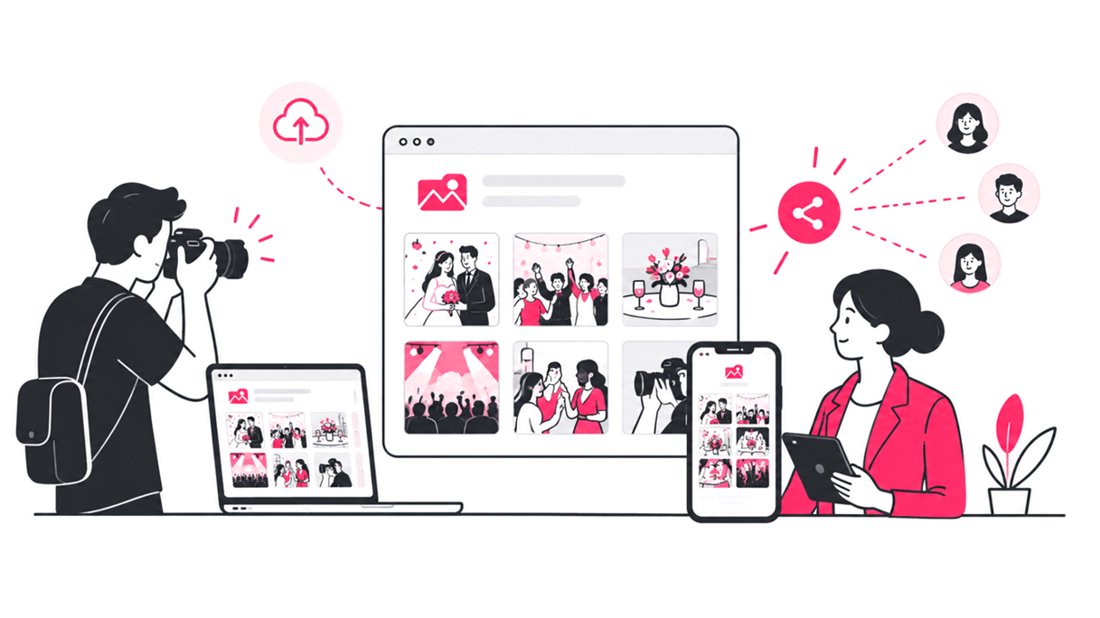
A branded online event photo gallery is more than a place to deliver images. It is a branded digital touchpoint where attendees can find photos, sponsors can gain visibility, and photographers can keep their business identity in front of every guest. With SnapSeek, photographers and event teams can customize the gallery theme, replace third-party branding, add sponsor logos, write custom guest messages, apply watermarks, create branded QR codes, and link the gallery to their website and social channels.
For corporate events, conferences, launches, award ceremonies, trade shows, and brand activations, this matters because photo delivery is part of the attendee experience. A generic gallery can complete the technical job of sharing images, but a branded event photo gallery can extend the visual identity of the event beyond the venue.
What Is a Branded Event Photo Gallery?
A branded event photo gallery is an online photo-sharing experience customized to match the identity of the photographer, company, event, or sponsor.
Instead of sending attendees to a generic photo page, the gallery can reflect the event’s visual system through elements such as:
- Company or photographer logos
- Custom colors and page themes
- Sponsor branding
- Custom welcome messages
- Branded photo watermarks
- Custom QR codes
- Website and social media links
- White-label presentation without third-party platform branding
This creates a consistent path from the physical event to the digital photo experience.
SnapSeek’s branding tools are designed around this workflow. The platform supports custom page themes, logos, automated watermarking, guest messages, website and social links, and complete white-labeling.
Why Branded Galleries Matter for Corporate Events
Corporate event managers usually have more stakeholders to satisfy than a private event. The gallery may need to work for the event organizer, internal marketing team, photographer, sponsors, agency, and attendees at the same time.
A branded gallery gives those stakeholders a shared digital destination.
1. It extends the event brand after the event
An attendee may see the company logo throughout a conference, then encounter the same visual identity when looking for event photos later.
That continuity makes the gallery feel like part of the event rather than a separate photography service.
2. It gives sponsors another branded touchpoint
Sponsors often need visibility beyond banners and stage signage. A photo gallery can provide another place for sponsor identity to appear, particularly when sponsor logos or branded watermarks are relevant to the event agreement.
The key is to use sponsor branding deliberately. The goal is not to make every screen look like an advertisement. The goal is to make sponsorship visible without overwhelming the photography.
3. It keeps photographers recognizable
For event photographers, the gallery is also a portfolio and referral touchpoint.
A guest who receives a strong event photograph may later want professional photography for another conference, company event, wedding, or private occasion. Keeping the photographer’s identity visible gives that person a clear path back to the photographer.
4. It makes the delivery experience feel intentional
A folder link says, “Here are the files.” A branded gallery can say, “Here is the official photo experience for this event.”
That distinction is especially useful when the photographer is delivering premium corporate event photography.
Branded vs. Non-Branded Event Galleries
The difference is not simply visual. Branding changes how the gallery functions as part of the overall event workflow.
| Element | Non-branded gallery | Branded event gallery |
|---|---|---|
| Visual identity | Generic platform design | Event, company, or photographer theme |
| Platform branding | Usually visible | Can be removed with white-labeling |
| Sponsor visibility | Limited or inconsistent | Can be intentionally incorporated |
| Photographer branding | Often secondary | Can remain visible throughout the experience |
| Guest messaging | Generic or limited | Custom welcome and instructions |
| QR access | Standard QR experience | Custom QR design and presentation |
| Website traffic | Separate from photo delivery | Direct links can be built into the gallery |
| Social discovery | Usually disconnected | Social links can be added to the guest experience |
| Photo protection | May require separate workflow | Custom watermarks can be automated |
| Corporate presentation | Functional | Designed to match the event brand |
The practical takeaway is simple: an unbranded gallery delivers photos, while a branded gallery can become part of the event’s digital identity.
How to Create a Branded Online Event Gallery
Creating a professional branded gallery starts before you upload the first image.
Define whose brand the gallery represents
Decide whether the primary identity should be:
- The event organizer
- The corporate brand
- The photography studio
- The event agency
- A combination of the company and sponsors
For corporate work, this decision should ideally be agreed upon before the event. It prevents last-minute changes and helps the photographer prepare the correct logos, colors, and messaging.
Match the gallery to the event’s visual identity
A branded photo gallery should look like it belongs to the event. Use the company’s established colors rather than choosing colors independently. If the event already has a landing page, presentation deck, invitation, or signage system, use those assets as the visual reference.
SnapSeek lets hosts customize primary and background colors and adjust visual elements such as corner styling, while its contrast controls help maintain readable text. This is useful for creating a gallery that feels closer to a branded microsite than a generic album.
Replace third-party branding
White-labeling becomes important when the gallery is being presented as part of a professional photography or corporate event service.
SnapSeek’s complete white-label option removes its name, logo, and footer links so the gallery can remain focused on the photographer or event brand. For photographers, this can make a meaningful difference when clients expect a branded delivery experience.
Add the right logos
Start with the primary event or company logo. If sponsors need visibility, add approved sponsor branding where it makes sense. The hierarchy matters. The primary brand should remain clear, while sponsor logos should support the event’s sponsorship structure.
Avoid adding every available logo to every location. A clean hierarchy usually looks more professional.
Write a useful guest message
A custom message should do more than say “Welcome.” Use it to explain what guests should do next.
For example, the message can tell attendees to scan the QR code, take a selfie, find their photos, download their favorites, or visit the event website.
This is a small piece of copy, but it removes uncertainty from the guest journey. SnapSeek supports custom guest messages and welcome text directly within the event experience.
Design a QR Code That Looks Like Part of the Event
QR codes are often treated as purely functional objects. At a corporate event, they can also be a branded entry point.
SnapSeek supports customizable QR access, including printable QR posters with custom background photos and multiple themes.
For a more polished event photo-sharing workflow, consider:
- Matching the QR code colors to the event palette
- Using a suitable background image
- Selecting a font that fits the event identity
- Placing the QR code near clear instructions
- Using the same visual treatment on venue signage
- Creating separate signage for registration, breakout areas, lounges, or photo zones
The QR code should still be easy to scan. Branding should improve recognition without compromising usability.
Use Watermarks as Both Protection and Branding
Watermarking has two jobs in event photography. The first is protection. A watermark can identify the photographer or organization when an image is shared outside the original gallery.
The second is brand reinforcement. SnapSeek allows photographers to configure watermark position, size, and opacity and apply the settings across a collection.
For corporate events, use a watermark that remains visible but does not compete with the photograph.
A good approach is to test the watermark on portraits, group photographs, wide venue shots, dark images, bright images, and sponsor-heavy photographs.
The right opacity and placement will depend on the visual style of the event.
For a deeper look at watermark workflows, see Auto Watermarks on SnapSeek.
Turn the Guest Search Page Into a Brand Touchpoint
One of the most overlooked parts of event photo sharing is the search experience itself.
Guests may spend only a few seconds finding their photos, but that screen is still an interaction with the event brand.
SnapSeek lets photographers and organizers add website and social links to the experience.
This creates several useful paths.
For photographers
Link to Photography portfolio, Instagram, Contact page, Booking page
For corporate events
Link to Company website, Event website, Brand social accounts, Sponsor pages, Registration or future event pages
For event agencies
Link to Agency website, Case studies, Social channels, Contact or inquiry page
The important principle is relevance. Do not turn the gallery into a link directory. Give guests a small number of useful next steps.
Build a Branded Gallery Workflow for Corporate Events
A repeatable process makes branded event photo delivery easier.
| Stage | Photographer action | Event manager action |
|---|---|---|
| Before event | Collect approved logos, colors, URLs, sponsor assets | Confirm branding requirements |
| Gallery setup | Configure theme, logo, watermark, and white-label settings | Review brand presentation |
| QR preparation | Create branded QR code and signage | Approve placement around venue |
| Photo upload | Upload edited event photographs | Confirm delivery timing |
| Guest access | Share QR code and gallery link | Promote access through event channels |
| Photo discovery | Guests use selfie search | Encourage attendees to find and share photos |
| Post-event | Keep gallery active for downloads | Use relevant website and social links for follow-up |
This separates responsibilities and reduces the chance of branding decisions becoming an afterthought.
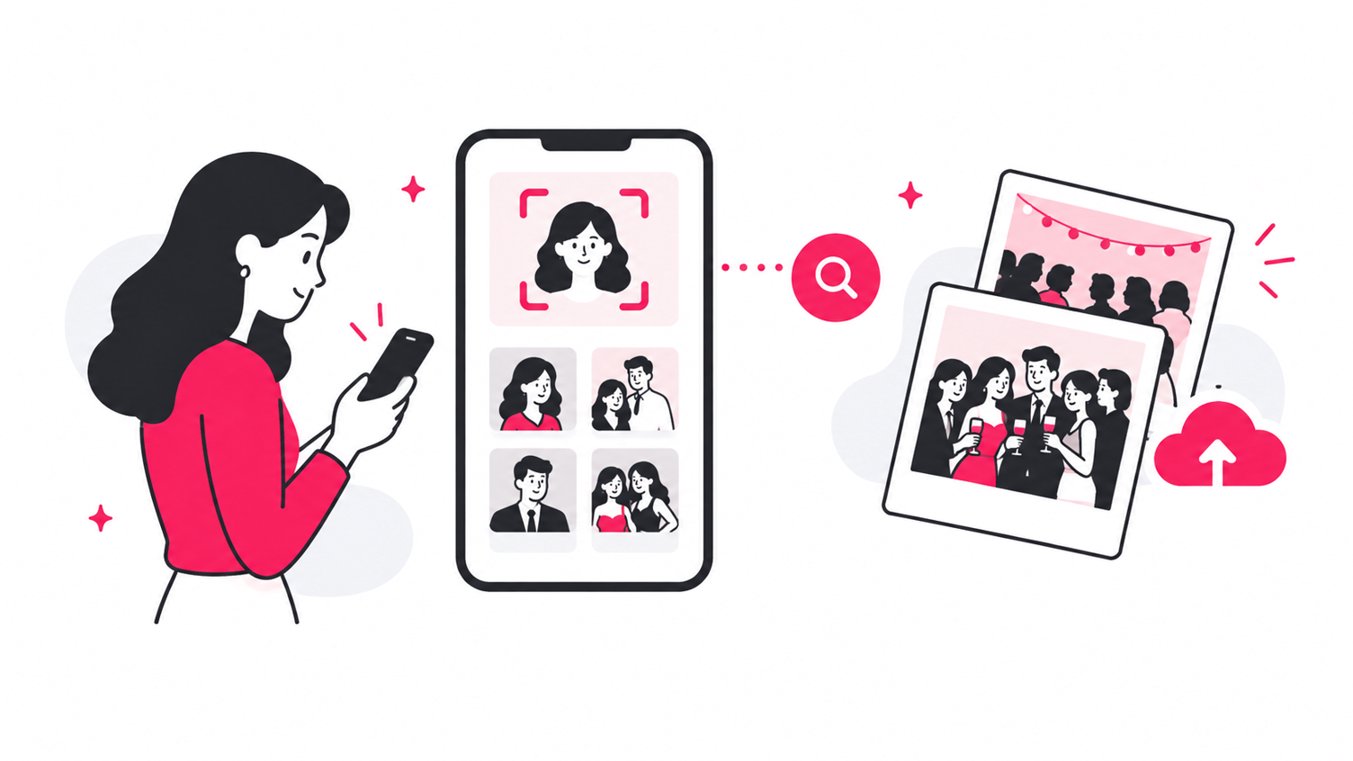
For photographers handling large event galleries, AI face recognition can also remove much of the manual searching involved in traditional photo delivery. Guests can access the gallery through a QR code or link and use a selfie to find photographs they appear in.
You can explore the workflow in How to Speed Up Photo Delivery After an Event.
Use Branded Galleries for More Than Photo Delivery
A corporate event gallery can support several different use cases.
Conferences and trade shows
Use company branding, sponsor logos, and links to the corporate website. The gallery can become a post-event resource for attendees who want to download photographs from sessions, networking events, and booth activations.
Product launches
Match the gallery to the product launch campaign. Custom messages and links can direct attendees toward the product website or campaign page while the photography remains the primary experience.
Award ceremonies
Use the event’s visual identity and sponsor branding to create a gallery that feels like an extension of the ceremony. This is particularly useful when attendees are likely to share professional portraits or award photographs on social media.
Corporate parties and celebrations
A branded gallery can keep the experience polished while still making photo discovery easy for employees and guests.
Brand activations
For experiential marketing, the gallery can become part of the activation itself. A branded QR code can move guests from a physical experience to a personalized digital photo experience in seconds.
Branding Should Reduce Friction, Not Add It
The best event photo gallery is not the one with the most customization. It is the one where the branding feels intentional and the guest can find their photo without thinking about the technology behind it.
A useful branded gallery should answer three questions immediately:
- Am I in the right place?
- How do I find my photos?
- What should I do after I find them?
That is why branding and usability should be designed together.
SnapSeek is browser-based, so guests can access collections through a link or QR code without downloading an app or creating an account. Its AI face recognition workflow then lets guests search for photos using a selfie.
For more ideas on reducing friction in event photo delivery, read Share Event Photos With Guests With No Email Collection.
A Practical Branded Gallery Checklist
Before publishing a corporate event photo gallery, check:
- Primary event or company logo uploaded
- Approved color palette applied
- Third-party branding removed if white-labeling is required
- Sponsor logos added according to the sponsorship agreement
- Custom guest message written
- Photographer watermark configured
- Website link added
- Social media links added
- Branded QR code created
- QR code tested from multiple phones
- Gallery link tested on mobile
- Guest visibility settings reviewed
- Password protection enabled if required
- Photo download settings confirmed
- Sample images checked with the watermark
- Gallery tested before the event starts
This checklist is especially useful when several teams are involved in approving the final gallery.
FAQ
What is a branded event photo gallery?
A branded event photo gallery is an online gallery customized with the event, company, sponsor, or photographer’s visual identity. It can include logos, colors, messages, watermarks, QR codes, and website or social links.
How do photographers create a branded online photo gallery?
Photographers can upload event photographs to a photo-sharing platform, customize the gallery’s visual theme, add their logo, configure watermarks, create a branded QR code, add relevant links, and remove third-party branding when white-labeling is available.
Why should corporate events use branded photo galleries?
Branded galleries create a consistent digital experience after the event, provide additional sponsor visibility, reinforce the photographer’s identity, and give attendees a clear destination for finding and downloading event photographs.
Can I remove third-party branding from an event gallery?
Yes. SnapSeek offers complete white-labeling that removes the SnapSeek name, logo, and footer links from the gallery experience.
Can event photographers add sponsor logos to a photo gallery?
Yes. Sponsor logos can be incorporated into the gallery when they are part of the event’s approved branding requirements. Photographers should maintain a clear visual hierarchy so sponsor branding does not overwhelm the primary event identity.
Can I customize the QR code for an event photo gallery?
Yes. SnapSeek supports customizable QR access and printable QR posters with custom background photos and themes.
Can I add my website and social media links to the gallery?
Yes. SnapSeek supports website and social links so photographers, companies, and event teams can connect the photo experience to their broader digital presence.
Are branded event galleries useful for corporate photographers?
Yes. Corporate photographers can use branded galleries to deliver photographs in a way that matches the event identity while keeping their own professional branding visible. White-labeling is particularly useful when the gallery needs to look like part of the photographer’s or client’s digital experience.
Conclusion
Event photography does not end when the camera stops shooting. The delivery experience is another opportunity to reinforce the event identity, showcase sponsors, keep the photographer visible, and give attendees an easy way to find and share their photographs.
A well-designed branded event photo gallery brings those pieces together without adding friction to the guest experience.
With SnapSeek, photographers and event organizers can combine AI-powered selfie search with custom themes, logos, white-labeling, sponsor branding, watermarks, guest messages, branded QR codes, and website and social links.
If your next corporate event needs a professional, branded photo-sharing experience, create your event gallery with SnapSeek and turn photo delivery into an extension of the event itself.