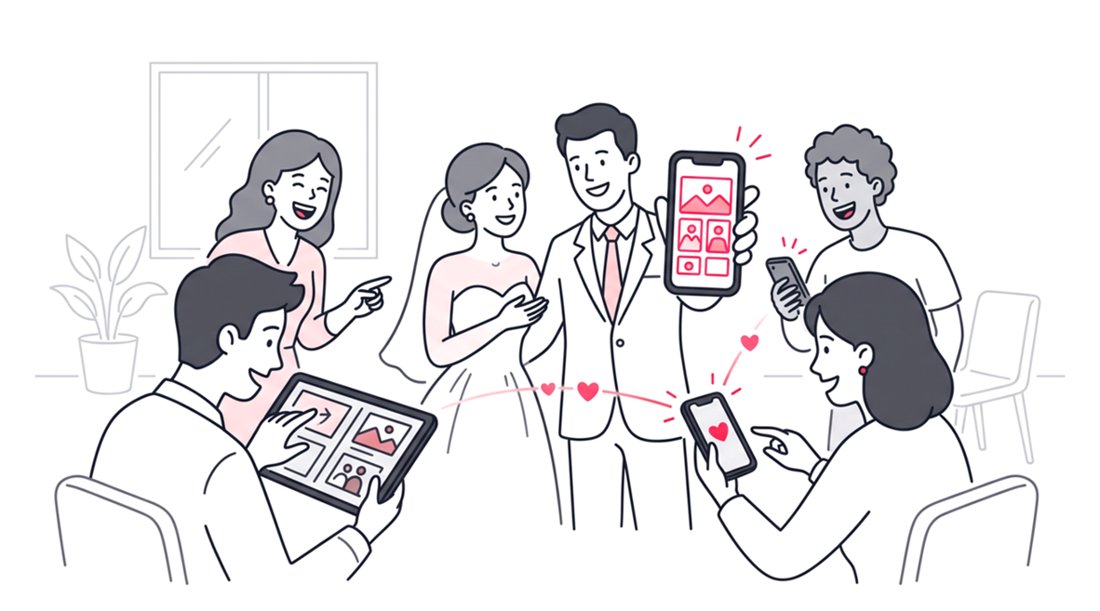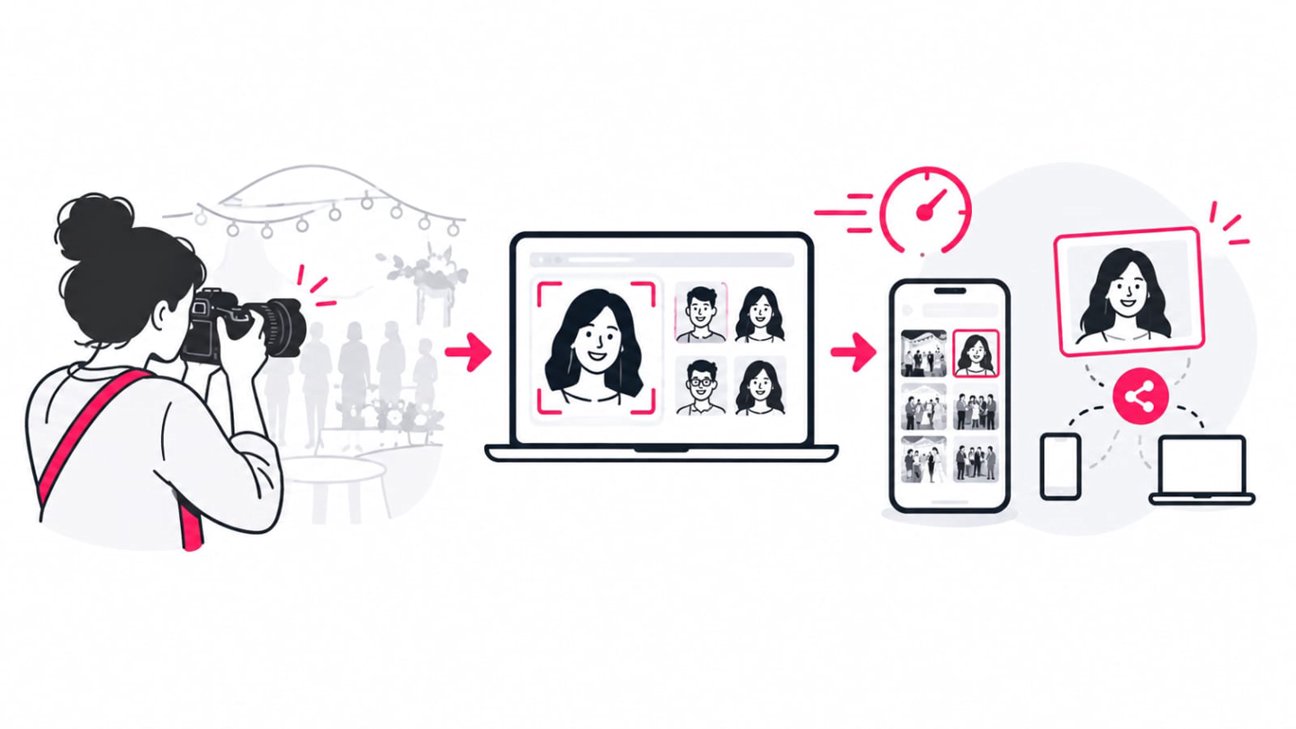
The fastest way to deliver event photos is to remove unnecessary manual steps between capture and guest access. A streamlined workflow combines fast culling and editing with an online photo sharing platform that can handle high-volume uploads, automatically match people to photos, and give guests a direct way to find their images.
For event photographers, speed does not mean rushing the edit. It means eliminating the repetitive work that happens after the creative work is finished. Instead of manually sorting thousands of images into folders, renaming files, sending multiple links, and answering “Where are my photos?” messages, a modern delivery workflow can automate discovery and distribution.
That distinction matters because event photography often produces a large volume of images. A 2023 Shotkit survey of 1,850 professional wedding photographers found that most respondents took two to four weeks to deliver wedding photos, with editing workload identified as the main reason for the turnaround time. While wedding delivery is different from live event delivery, the finding illustrates how post-production and workflow bottlenecks can become the limiting factor.
Why Event Photo Delivery Gets Slow
Uploading photos is rarely the only problem.
The bigger bottleneck is everything that happens around the upload:
- Selecting the final images
- Exporting multiple versions
- Organizing photos by person or group
- Creating folders
- Manually tagging attendees
- Sending individual links
- Explaining where guests should look
- Helping people find themselves in a large gallery
- Re-sending photos when guests cannot locate them
A traditional event photo workflow can therefore look like this:
Shoot → Cull → Edit → Export → Upload → Create folders → Sort → Tag → Share → Answer questions
The goal of a faster workflow is not necessarily to remove every step. It is to automate the steps that do not require a photographer’s creative judgment.
What a Fast Event Photo Delivery Workflow Looks Like
A more efficient process separates creative work from distribution.
| Workflow stage | Traditional approach | Faster approach |
|---|---|---|
| Capture | Shoot normally | Shoot normally |
| Culling | Manually select keepers | Use your existing culling workflow |
| Editing | Edit selected images | Batch edit where appropriate |
| Export | Export final images | Export delivery-ready files |
| Upload | Upload to folders | Upload directly to an event gallery |
| Organization | Manually create attendee folders | AI face recognition indexes people |
| Guest access | Email folders or gallery links | QR code or unique event link |
| Photo discovery | Scroll through the gallery | Search with a selfie |
| Group photos | Search manually | Multi-face search |
| New uploads | Send another message | Notify opted-in guests about new matches |
| Download | Find files individually | Download matched photos or ZIP files |
This is where an event photo sharing platform becomes more than a gallery. It becomes a delivery layer between your edited images and the people who need them.
1. Cull Before You Upload
The first rule of faster photo delivery is simple: do not make your delivery platform process unnecessary images.
After an event, remove obvious duplicates, missed focus, closed eyes, test frames, and images that do not meet your delivery standard. Then make your final exposure and color adjustments before uploading.
This does two things:
- It reduces the amount of data you need to upload.
- It gives guests a cleaner gallery when it goes live.
For photographers shooting high-volume events, this is particularly important. Faster delivery starts before the gallery is created.
Do not over-edit for the sake of speed
Fast delivery should not mean delivering unfinished work.
Create a repeatable editing preset or batch workflow for consistent event conditions. Reserve detailed retouching for hero images where it genuinely improves the final result.
The objective is a predictable pipeline:
Cull efficiently → batch edit → export consistently → upload once → distribute automatically.
2. Choose a Photo Sharing Platform Built for Delivery
Not every file-sharing service is designed for event photography.
A folder in Google Drive or Dropbox can transfer files, but the photographer still has to solve the discovery problem. If 2,000 people attend an event and each person wants the photos they appear in, a folder full of files does not tell each guest which images belong to them.
A dedicated event photo sharing platform should reduce that work.
Look for these capabilities:
- High-volume photo uploads
- Private event galleries
- Mobile-first access
- Direct gallery links
- QR code sharing
- AI face recognition
- Selfie photo search
- Multi-person search
- Batch downloads
- Optional passwords
- Guest notifications
- Watermark controls
- Clear privacy controls
- No mandatory guest app installation
- No unnecessary account creation
Online delivery is already an established preference in professional photography. A PhotoShelter survey reported that 82.7% of respondents preferred downloadable online delivery for commissioned or licensed photography. The survey is older, but it illustrates the long-standing shift toward digital delivery rather than physical media.
3. Use Face Recognition Instead of Manual Photo Sorting
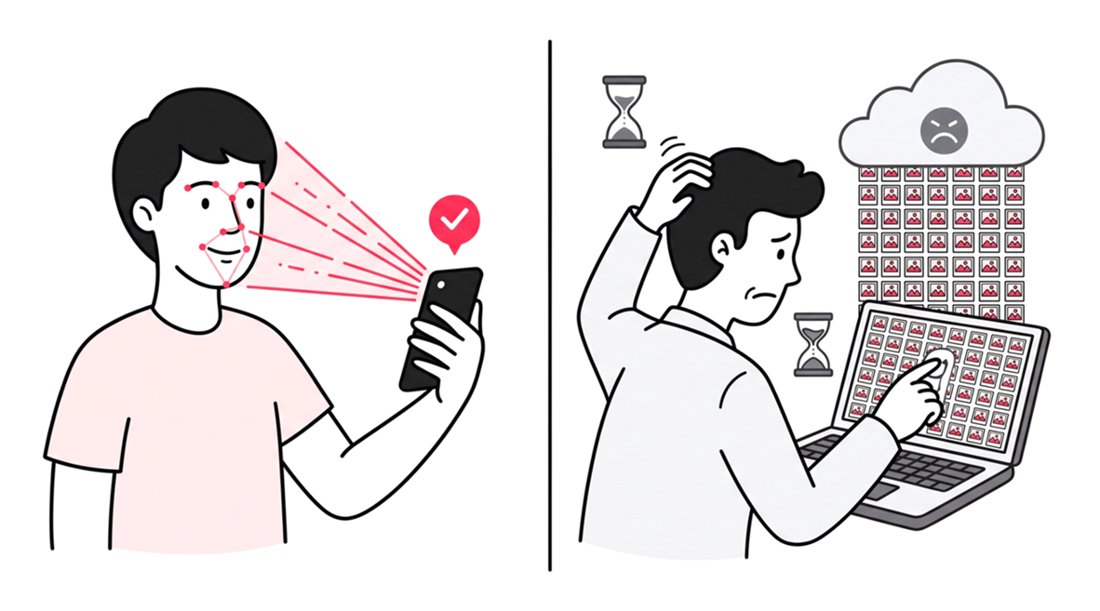
The biggest opportunity to accelerate event photo delivery is often not the upload itself. It is helping guests find the correct images after the upload.
This is where AI face recognition changes the workflow.
Instead of manually creating folders for each guest, you can let them identify themselves through a selfie search.
With SnapSeek, the photographer uploads the event gallery once. Guests then open the event link or scan a QR code, submit a selfie or reference image, and SnapSeek’s face recognition technology searches the event collection for matching photos.
That removes a major manual sorting task.
Learn how SnapSeek works for event photo sharing
4. Make the Guest Search Process Almost Frictionless
There is another important part of photo delivery speed: the guest experience.
A photographer may upload an entire event gallery in minutes, but if attendees need to download an app, create an account, verify an email, remember a password, navigate multiple folders, or search filenames, then the delivery workflow is still slow from the guest’s perspective.
SnapSeek is browser-based, so guests can access a collection from a mobile device without downloading an app or creating an account.
The basic flow is:
Scan QR code → open gallery → take or upload a selfie → see matching photos → download.
That makes QR code photo sharing particularly useful at weddings, conferences, graduations, sports events, races, and brand activations.
5. QR Codes Turn Photo Delivery Into an On-Site Workflow
You do not have to wait until the event is over to think about photo delivery.
A photographer or event organizer can display the event QR code on:
- Welcome signage
- Event screens
- Printed cards
- Tables
- Badges
- Programs
- Sponsor displays
Guests can scan the code and access the gallery directly.
This changes the mental model from “I will send the photos later” to “Guests already know where their photos will be.”
For live events, that distinction can be valuable. When images are uploaded during or shortly after an event, attendees already have the route to find them.
SnapSeek generates a unique QR code and event link for each collection, so the distribution path can be prepared before guests start looking for their photos.
6. Use Multi-Face Search for Group Photos
Single-person search solves one problem. Group search solves another.
At weddings, corporate events, family celebrations, sports teams, and graduations, people rarely want only photos of themselves. They also want pictures with friends, colleagues, family members, or teammates.
SnapSeek’s multi-face search can search for up to five people simultaneously.
That means a guest can search for a group rather than manually checking hundreds or thousands of images.
Instead of opening every gallery page, the guest can retrieve images containing the selected people.
This is particularly useful when your event photography workflow produces a large number of candid group photographs.
Read the guide to multi-face search for event photography
7. Do Not Make the Photographer the Search Engine
One of the hidden costs of slow photo delivery is support. If guests cannot find their pictures, they message the photographer.
“Do you have a photo of me?”
“Where are the group pictures?”
“Can you send me the pictures from the reception?”
“Which folder should I check?”
Every message creates another small task. A face-search photo gallery shifts much of that discovery process to the platform.
The photographer’s job becomes:
Capture → edit → upload → share.
The guest’s job becomes:
Open → search → download.
That separation is one of the most useful ways to make event photography delivery scalable.
8. Use Notifications for New Photo Uploads
Not every event can be delivered in one upload.
A sports photographer may add images throughout a tournament. A corporate photographer may upload photos from different sessions. A festival photographer may release galleries in batches.
In those situations, a useful photo delivery platform should support a continuing workflow rather than forcing you to create a new gallery every time.
SnapSeek allows guests to opt in to notifications. When new photos are uploaded, organizers can notify guests whose new images match their submitted search information.
That means you can progressively publish a gallery without manually identifying every person who needs an update.
9. Protect Speed Without Sacrificing Privacy
Fast delivery is not useful if every guest can browse everyone else’s images by default.
Privacy should be part of the workflow design.
SnapSeek collections are private by default, with optional password protection and host-controlled visibility settings. In a face-search workflow, guests can be shown the photos that match their search rather than being forced to browse the entire event archive.
This can be especially relevant for:
- Corporate conferences
- School events
- Private celebrations
- Youth programs
- Brand activations
- VIP events
Facial recognition also requires careful handling because biometric information can be sensitive. Photographers and organizers should understand the applicable privacy requirements for their jurisdiction and event audience rather than treating AI matching as a purely technical feature.
10. Keep the Download Step Simple
Finding a photo quickly is only half of delivery.
The final step should also be efficient.
A useful event photo sharing platform should make it easy for guests to select their matched images and download them without unnecessary friction.
SnapSeek supports batch downloads, including ZIP generation, so guests can retrieve multiple matched photos rather than downloading every file individually.
For photographers, this means fewer instructions and fewer support requests.
The Ideal Event Photo Delivery Stack
A fast workflow can be summarized as follows:
| Requirement | Why it speeds up delivery |
|---|---|
| Efficient culling | Removes unnecessary uploads |
| Batch editing | Reduces repetitive editing time |
| High-volume upload | Gets the gallery online faster |
| AI face recognition | Removes manual attendee sorting |
| Selfie search | Lets guests find their own photos |
| Multi-face search | Makes group-photo discovery faster |
| QR code | Removes friction between event and gallery |
| Browser access | Avoids app installation |
| Private collections | Controls who can access images |
| Password protection | Adds another access layer |
| Notifications | Reduces manual update messages |
| Batch download | Simplifies file retrieval |
| Watermarking | Protects previews and branding |
A Practical Same-Day Event Photo Workflow
If your goal is to deliver event photos on the same day, build the process before the shutter clicks.
Before the event
Create the collection and prepare the QR code. Add the QR code to signage or event materials so attendees know where photos will be available.
During the event
Capture and cull strategically. If your workflow allows it, begin preparing images for upload rather than waiting until the entire event is finished.
After each shooting block
Select usable images, apply your established editing workflow, export delivery-ready files, and upload them to the event collection.
When the gallery is live
Share the event link and QR code. Guests can search for their photos using face recognition rather than waiting for manually sorted folders.
As more images become available
Upload additional batches and use guest notifications where appropriate. This turns photo delivery into a continuous publishing workflow rather than one large post-event task.
What to Look for in an Event Photo Sharing Platform
Before choosing a platform, ask these questions:
Can it handle the volume I shoot?
A wedding, conference, race, and small party have very different image volumes. Your platform should fit the scale of your typical event.
Can guests find photos without scrolling?
This is where AI photo search and face recognition become particularly useful.
Can guests access photos from their phones?
Mobile access matters because attendees are likely to receive and share their photos on the same devices they use throughout the event.
Google research has repeatedly demonstrated the importance of fast mobile experiences. One widely cited Google study found that 53% of mobile visits were abandoned when a page took longer than three seconds to load. Unnecessary mobile friction can reduce engagement.
Does it reduce photographer workload?
A platform should not simply move the work from one screen to another. The important question is whether it removes manual sorting, folder creation, attendee matching, and repetitive delivery communication.
Does it give you control over privacy?
Look for private galleries, access controls, optional passwords, clear retention policies, and transparent information about how face recognition data is handled.
Why SnapSeek Fits a Faster Event Photo Workflow
SnapSeek is designed around one central problem: getting event photos from the photographer to the right people without creating a second administrative job.
You upload the photos to a private collection. SnapSeek handles the face-search layer, while guests access the gallery through a link or QR code and use a selfie or reference image to locate matching photographs.
The workflow does not require guests to download an app or create an account.
For photographers, that means fewer folders to organize, fewer people to tag manually, and fewer messages asking where a particular image is located.
SnapSeek also supports high-volume event galleries, private collections, optional passwords, watermarks, batch downloads, and multi-face search.
Explore SnapSeek’s event photo sharing features
FAQ
How can I share event photos quickly?
Use an online event photo gallery that supports high-volume uploads, QR code access, and AI-powered photo search. This lets you upload the gallery once and allows guests to find their own photos without manual sorting.
What is the fastest way to share wedding photos with guests?
A browser-based wedding photo sharing platform with QR access and face recognition can significantly simplify guest delivery. Guests can scan a QR code, search with a selfie, and download their matched images.
How does face recognition speed up photo delivery?
Face recognition removes the need for photographers to manually create folders or tag every attendee. The system can match a guest’s search image against faces in the event gallery and return relevant photographs automatically.
Can guests find group photos?
Yes. SnapSeek supports multi-face search for up to five people in a single search, which is useful for wedding groups, families, teams, and corporate groups.
Do guests need an app to find event photos?
No. SnapSeek works through a web browser. Guests can open an event link or scan a QR code without installing a separate mobile application or creating an account.
Conclusion
Fast event photo delivery is not about uploading files faster and hoping guests figure out the rest.
It is about designing the entire path from camera to guest so that every unnecessary manual step disappears.
Cull efficiently. Edit consistently. Upload once. Give guests a QR code. Let AI handle photo discovery. Make downloading simple.
That is the difference between a photographer who simply sends a gallery and one who has built a scalable event photo delivery workflow.
With SnapSeek, photographers can turn large event galleries into searchable, private photo collections that guests can access from a browser and search using face recognition.
Ready to speed up how you share event photos? Create your SnapSeek collection and give your guests a faster way to find their photos.
Start with SnapSeek!