
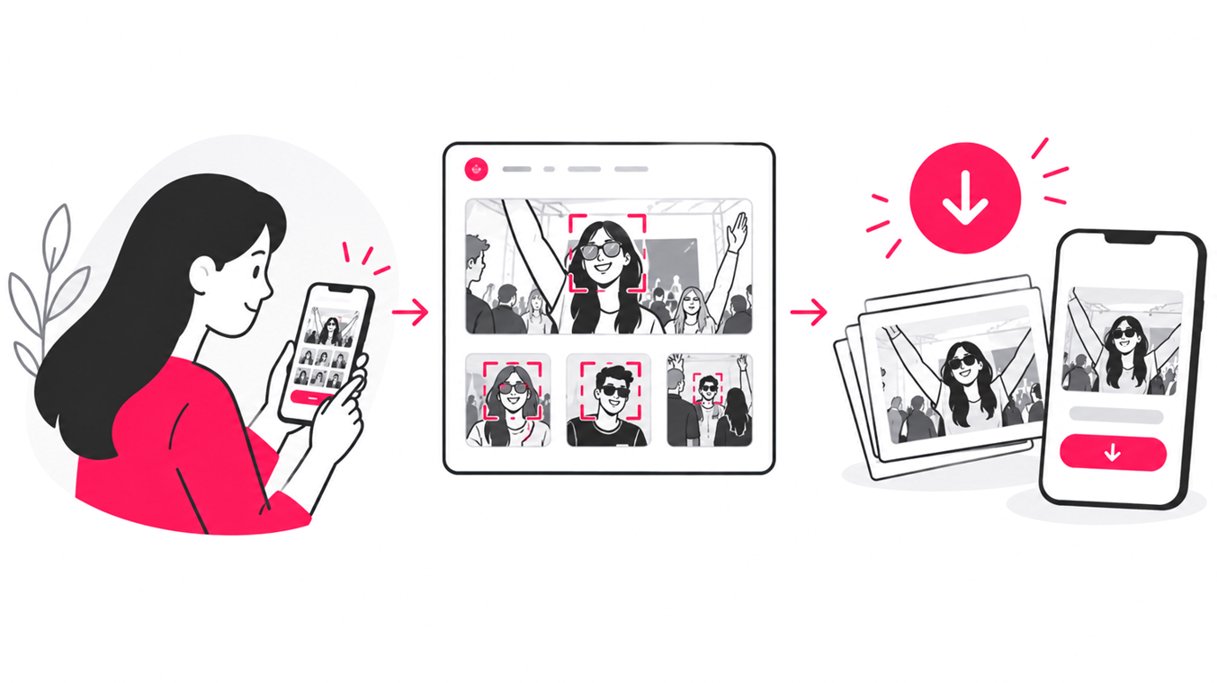
How to Download Event Photos Easily After Any Event
Learn how guests can find and download event photos quickly with SnapSeek, using selfie search, QR codes, mobile-friendly galleries, and simple workflows.
Master the SnapSeek platform with our comprehensive step-by-step tutorials and best practice guides. We walk you through setting up your first gallery, configuring privacy settings, and maximizing the guest experience. These resources are designed to help you get the most out of your account so you can deliver photos faster and more efficiently.
Learn how guests can find and download event photos quickly with SnapSeek, using selfie search, QR codes, mobile-friendly galleries, and simple workflows.
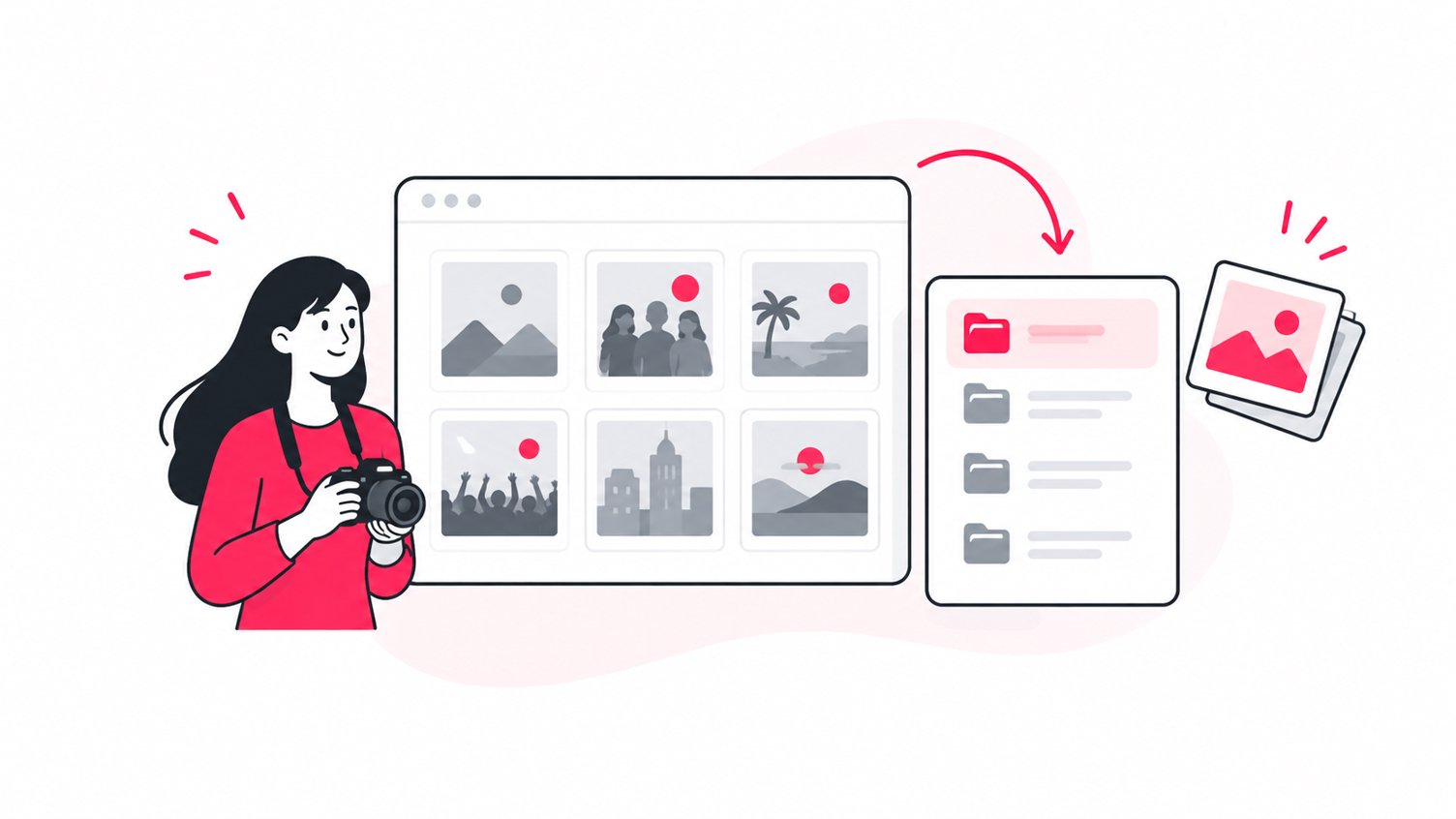
Learn how to organize and share event photo highlights with SnapSeek. Build a focused gallery, help guests find key moments, and simplify photo delivery.
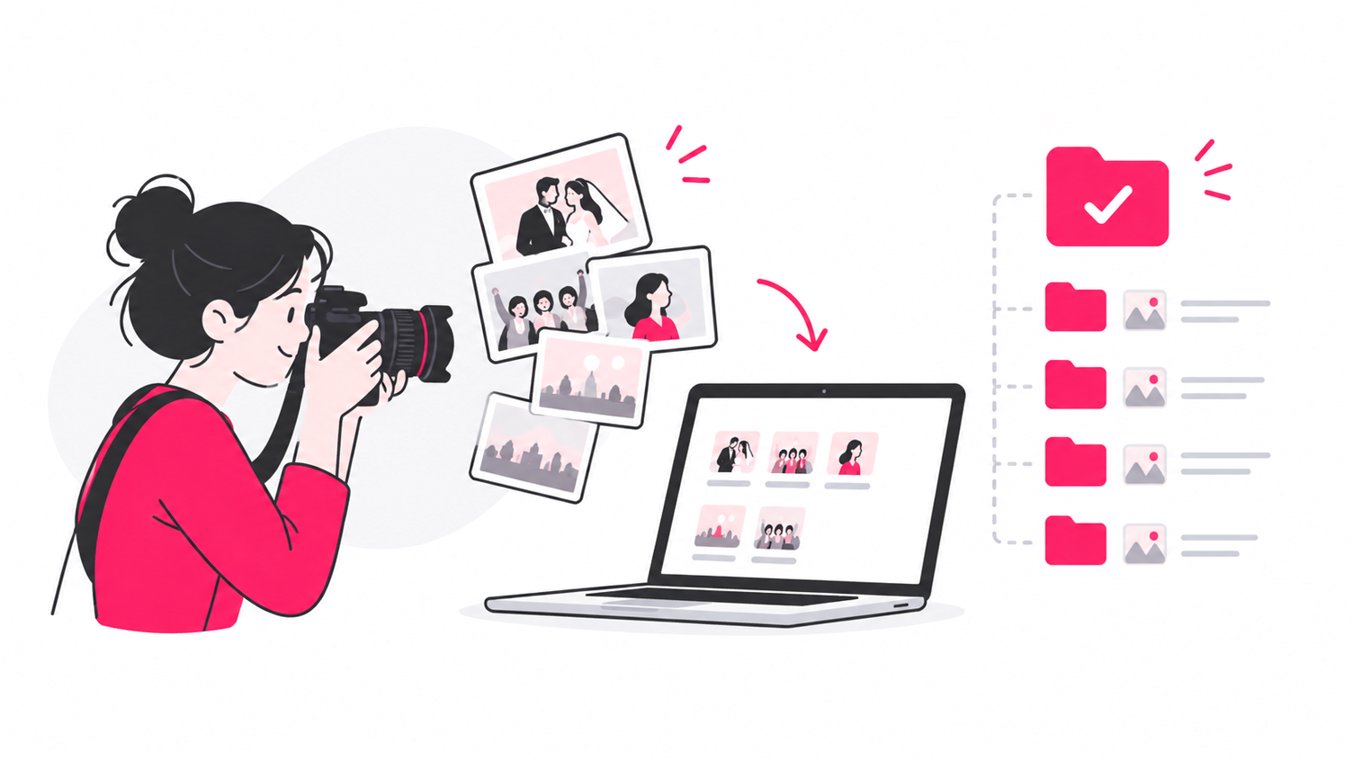
Learn how to organize thousands of event photos with smart folders, efficient naming, culling, metadata, and AI face recognition for faster guest delivery.
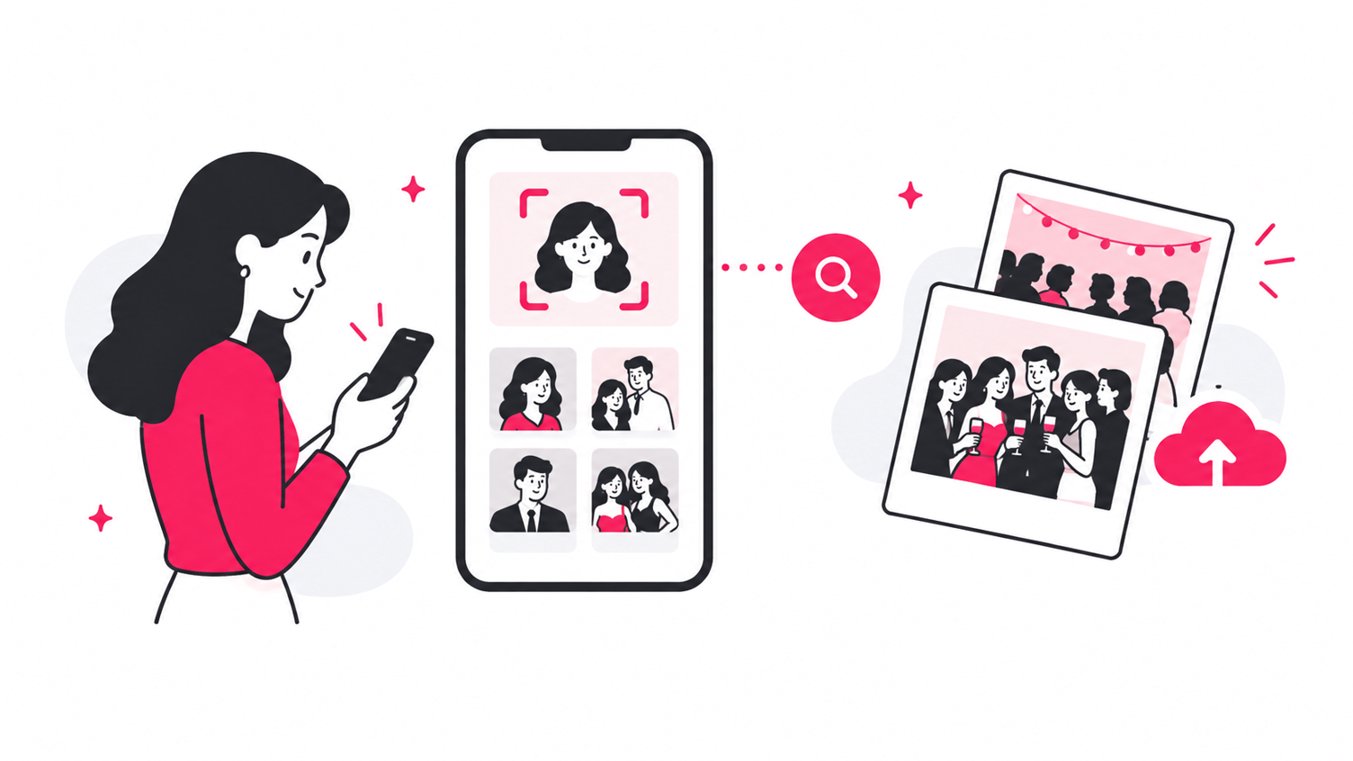
Learn how to find event photos quickly using QR galleries, face recognition, selfie search, private albums, and smarter photo sharing workflows for guests.
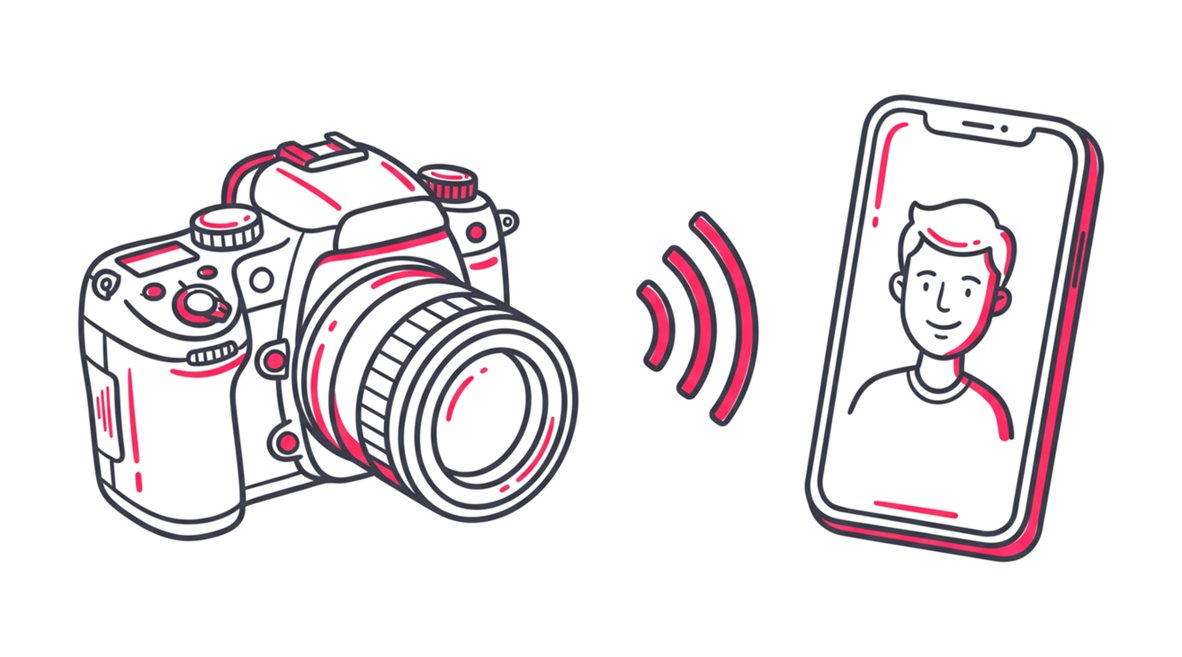
Learn how to use SnapSeek as a roaming photographer. Master live event photo sharing, facial recognition search, and instant delivery to your guests.
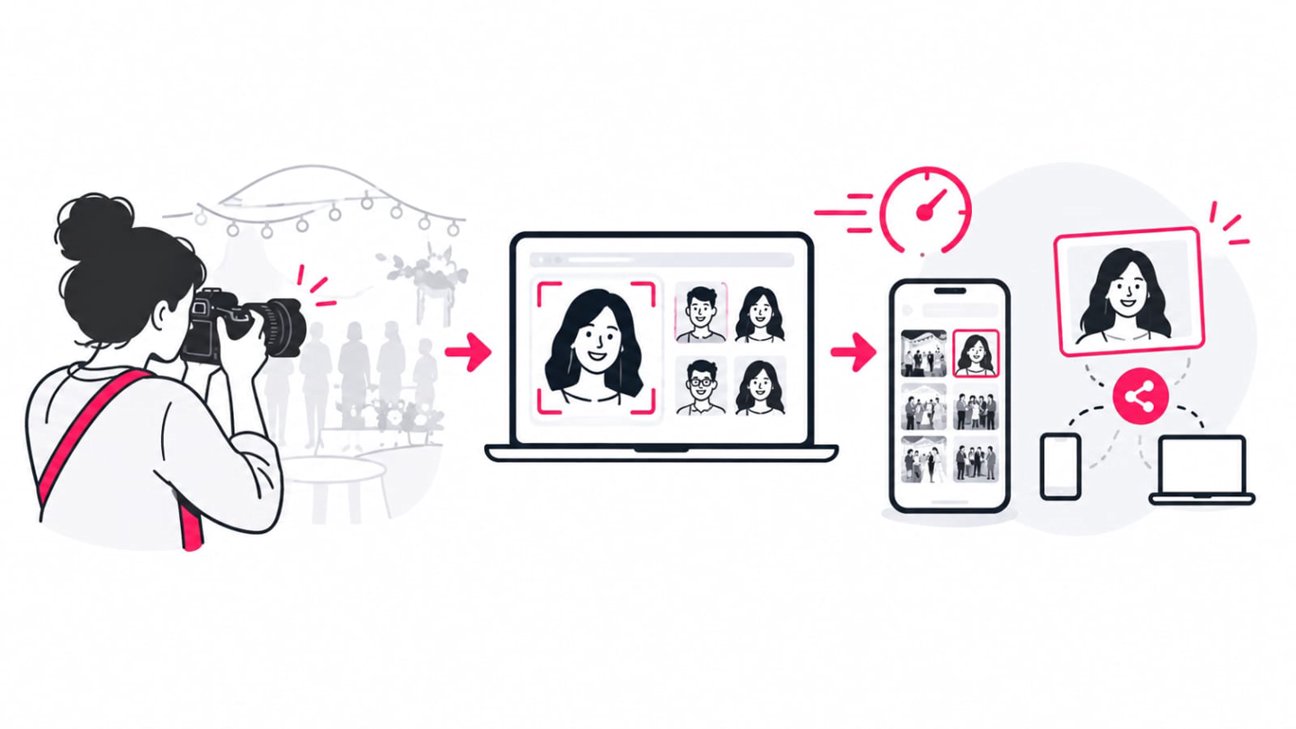
Learn how to deliver event photos faster with smarter culling, online galleries, AI face recognition, QR sharing, and a photographer-friendly workflow.
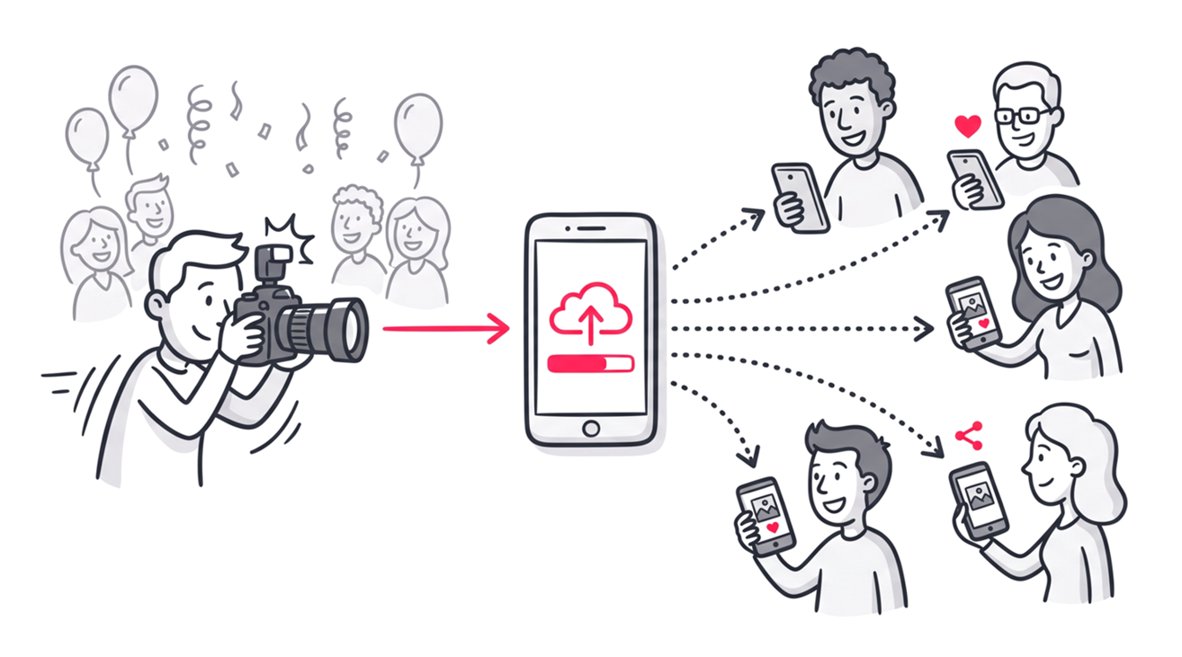
Learn how to share event photos without collecting emails using frictionless workflows, QR codes, and privacy-first web apps to maximize guest engagement.
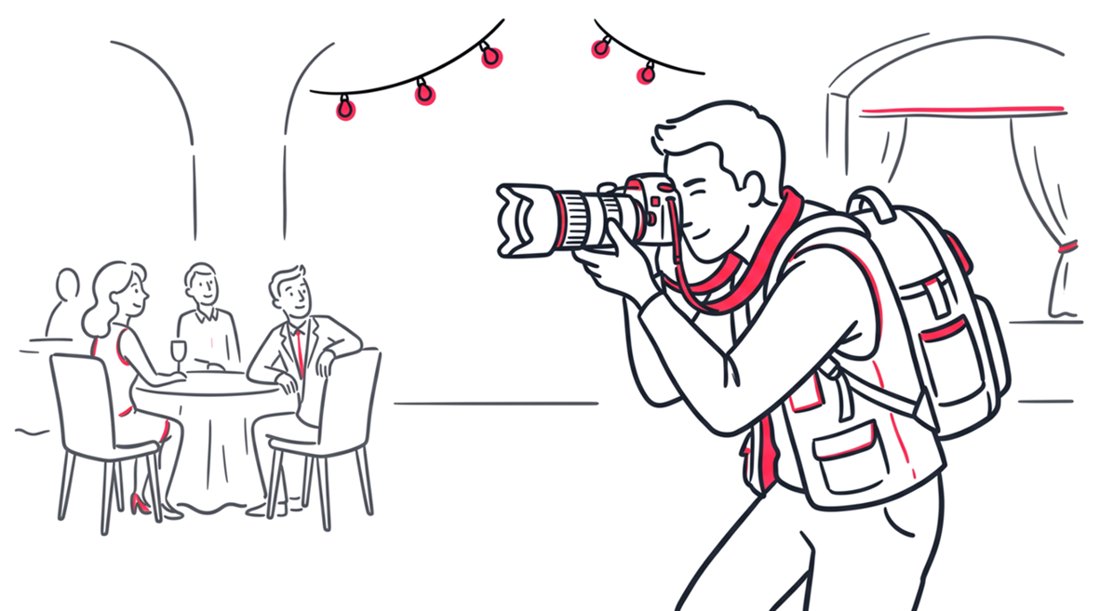
Master event photo sharing with these 10 actionable tips for new photographers. Learn to deliver fast, boost client experience, and grow your business.
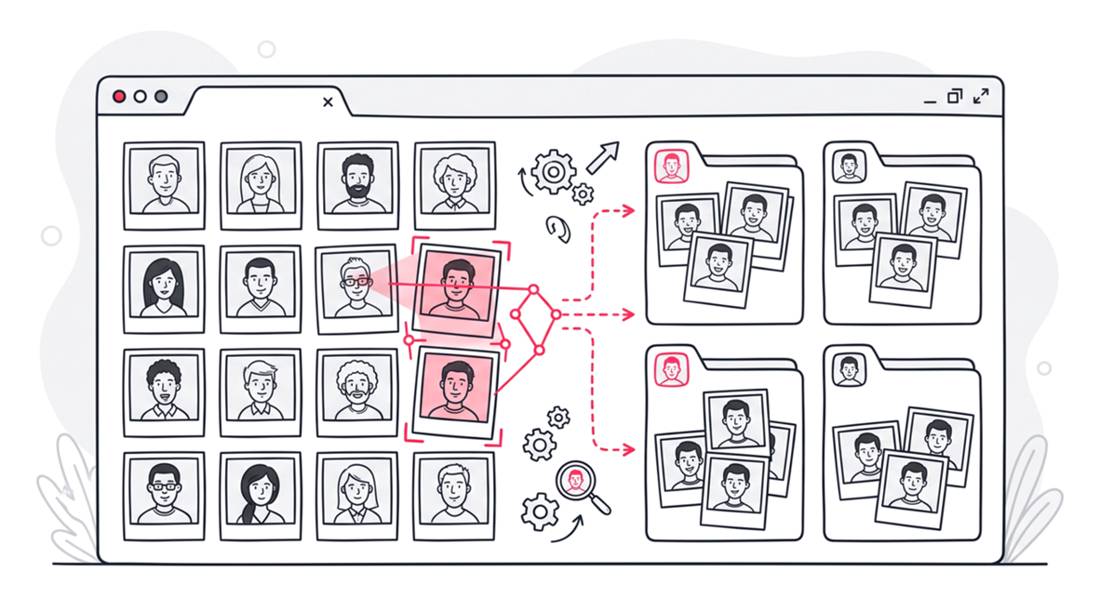
Discover how to import Google Drive photos into SnapSeek for instant face recognition. Automate your event photography sharing workflow with the web app.