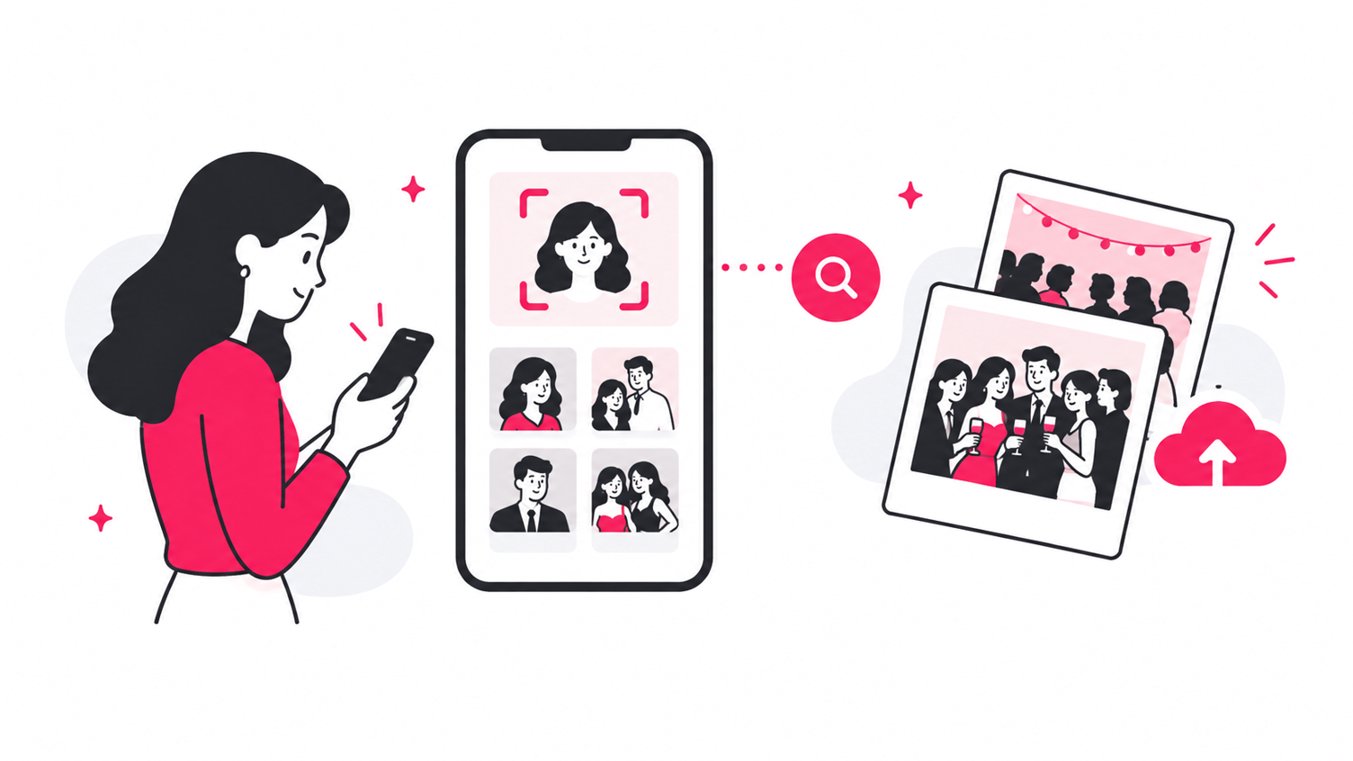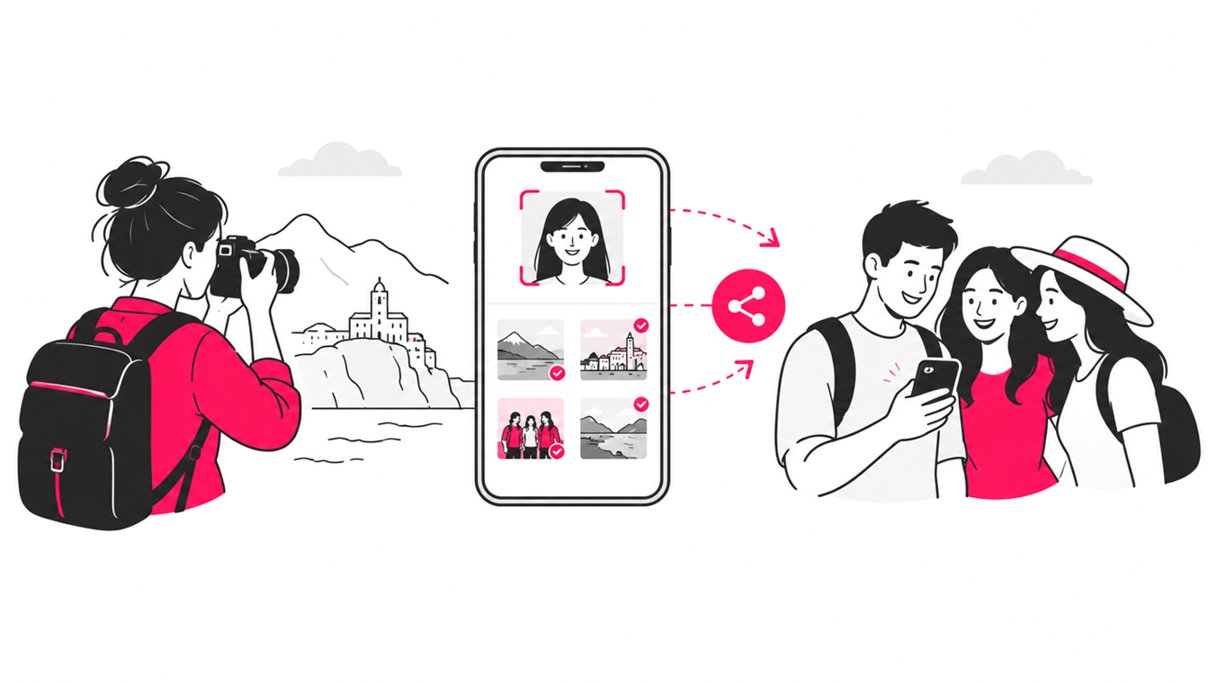
The easiest way to share tour photos afterwards is to give guests one mobile-friendly gallery link or QR code, then let them find their own images with selfie-based face recognition. For photographers and tour operators, this replaces long email threads, manual photo tagging, and hours of asking guests to scroll through large galleries.
A good tour photo sharing workflow should do more than put images online. It should make photos easy to find, quick to access, simple to download, and private enough for a group of travelers who may not know one another.
That matters because photography is already deeply connected to the travel experience. Research on tourism photography found that 89% of pleasure travelers took photographs, while 41% posted them online. The study also found that travelers commonly used several channels to distribute their images.
For a tour photographer, the opportunity is clear: make the professional photos just as easy to access as the pictures travelers take on their phones.
Why sharing tour photos after a trip can be harder than it looks
A typical tour photography workflow sounds simple:
- Photograph the group during the tour.
- Edit the best images.
- Upload them somewhere.
- Send the gallery link.
- Wait for guests to find their photos.
The problem is step five.
If a gallery contains hundreds or thousands of images, guests have to manually search for themselves. A family may appear in dozens of photos, while an individual traveler may be spread across several parts of the tour.
That creates friction at exactly the point where you want people to engage with the images.
A systematic review of tourism and hospitality research found that user-generated photos have become an important part of how people experience and evaluate tourism destinations. Visual content is not simply a souvenir. It can influence how people perceive places and share travel experiences.
For photographers, that makes fast photo delivery after a tour part of the customer experience, not just an administrative task.
The best way to share tour photos after a tour
There are several ways to deliver tour photos, and each has a different workflow.
| Method | Guest effort | Photographer effort | Best for |
|---|---|---|---|
| Email individual photos | High | Very high | Small private groups |
| Cloud storage folder | Medium | Medium | Simple file delivery |
| Traditional online gallery | Medium to high | Medium | Smaller collections |
| Social media posts | Low | Low | Public highlights |
| QR code photo gallery | Low | Low | Tours and group experiences |
| AI face recognition gallery | Very low | Low | Large tour photo collections |
The strongest workflow for larger tours combines a private online photo gallery, QR access, and AI-powered photo search.
That is where SnapSeek can fit naturally into a tour photographer’s workflow.
Create one photo collection for each tour
Start by keeping each tour organized as its own collection. This is easier for guests and easier for photographers to manage than putting every tour into one giant gallery.
SnapSeek lets photographers create unlimited collections and organize photos with custom folders. Collections can also remain available for an extended period, giving travelers time to access and download their pictures.
This is particularly useful for tour operators who run the same itinerary repeatedly. A consistent naming system also makes the workflow easier to repeat.
Check how SnapSeek helps with vacation photo sharing
Upload the photos without creating another complicated guest workflow
Once the photos are edited, upload them to the collection. The goal is not to make guests create an account, download an app, or learn a new platform.
SnapSeek is browser-based. Guests can open a collection from a link or scan a QR code directly from their phone, without an app download or guest account. That small detail can have a major effect on participation.
A tour guest may be willing to scan a QR code after returning to their hotel. They are much less likely to install an unfamiliar app just to retrieve a few travel photos.
Use QR codes to make tour photo sharing frictionless
QR codes are especially useful for tour photographers because they can be placed at several touchpoints.
For example, a tour operator can display a QR code:
- On the final tour information sheet
- On a digital thank-you message
- On a printed card
- On the tour company’s website
- In a post-tour email
- On a vehicle or meeting-point display
- On a confirmation or follow-up page
The QR code becomes the bridge between the physical tour and the digital photo gallery.
Guests simply scan, open the gallery, and start searching.
SnapSeek can generate QR access for collections, making it practical to build QR photo sharing into the standard tour workflow.
Let guests find their photos with face recognition
This is the part that changes the experience most.
Instead of asking a guest to scroll through 600 photos, SnapSeek allows them to take a selfie or upload one from their camera roll. Its AI face recognition system then matches the face against the photos in the collection.
The result is a personalized set of images.
SnapSeek’s face recognition workflow is designed for photo discovery rather than requiring guests to know file names, timestamps, or image numbers. The platform also supports searches involving multiple people, which is useful when families or groups want to find photos together.
For a tour photographer, that means less manual sorting and fewer messages such as: “Can you find the photo of me near the waterfall?”
Why selfie photo search works well for tours
Travel photography is heavily people-oriented. Research examining shared travel photos found that faces are present in a substantial share of tourist imagery, and facial information can be useful for grouping and understanding travel photos.
The practical takeaway is simple: when guests are looking for themselves, searching by their face is often more intuitive than searching by filename.
Make group photo discovery easier
Tour photos are rarely only about one person. A couple may want every photo they appear in together. A family may want group shots. Friends traveling together may want images containing several members of their group.
SnapSeek supports multi-face search, allowing guests to search for multiple people at once.
This can turn a large gallery into a much more personalized experience:
Scan QR code → take selfie → select relevant faces → view matching photos → download.
That is much closer to how guests think about their photos. They are not thinking, “I need image DSC_4821.” They are thinking, “Show me the pictures from the tour where my family is together.”
Keep the tour gallery private
Travel photos can contain children, families, strangers, and people who may not want their images publicly searchable. That makes privacy an important part of online tour photo sharing.
SnapSeek collections are private by default and can use link-only access. Photographers can also add password protection and control guest visibility and downloads.
For tour operators, a sensible setup is:
- Use a private collection
- Share the gallery only with tour guests
- Add a password when appropriate
- Decide whether guests can view all photos or only matched photos
- Enable downloads based on the delivery model
- Keep the collection available for the required delivery period
The exact setup can vary depending on the tour, photographer, and guest expectations.
Give guests a simple download experience
Finding photos is only half the job. Once travelers identify their images, they need an easy way to save them.
SnapSeek supports batch downloads and ZIP file generation, so guests can download multiple images rather than saving every photograph individually.
For photographers, this reduces the number of repetitive support requests after delivery. For guests, it means they can get their favorite travel photos in one session and move on.
A practical post-tour photo delivery workflow
A repeatable workflow might look like this:
| Stage | Photographer or tour operator | Guest |
|---|---|---|
| Before tour | Prepare collection and QR access | Receives tour information |
| During tour | Capture and organize images | Enjoys the experience |
| After tour | Edit and upload photos | Waits for delivery |
| Delivery | Send gallery link and QR code | Scans or opens link |
| Discovery | Let AI index and match faces | Takes a selfie |
| Selection | Maintain gallery and permissions | Reviews matching photos |
| Download | Provide original or permitted files | Downloads favorites |
| Follow-up | Keep gallery available as needed | Shares travel memories |
The important improvement is that the photographer does not have to manually identify every guest’s photographs.
Go beyond the basic gallery: turn photo delivery into a branded experience
A tour photographer is not only delivering files. They are also delivering a representation of their brand. SnapSeek supports features such as custom guest messages, logos, page themes, website links, social links, and automated watermarking.
That means the gallery can become part of the photographer’s customer experience.
For example, a photographer could add:
- Welcome message: “Your photos from today’s Banff tour are ready.”
- Website link: “See more travel photography.”
- Social link: “Follow our latest adventures.”
This creates a natural path from one completed tour to future bookings.
Learn more about how how to create a branded photo gallery here.
Use folders for highlights, not just storage
Not every guest needs to browse every photograph. A useful strategy is to create a Highlights folder containing a smaller selection of the strongest images.
For example:
- Tour Highlights
- Sunset Views
- Group Photos
- Scenic Stops
- Behind the Scenes
The full collection can remain available while the highlights folder gives guests an immediate starting point. This is especially useful when a tour produces a large number of photographs.
How tour photographers can reduce post-tour admin
A good photo delivery system should remove repetitive work. SnapSeek’s workflow can reduce several manual tasks:
- No need to manually tag every guest
- No need to email photos individually
- No need to ask guests which photos they want before they search
- Less manual scrolling through large galleries
- Easier batch downloads
- Easier QR-based distribution
- Optional branding and watermarking
- Private collection controls
- Flexible storage and expiration settings
The result is a workflow that scales better as the number of guests and photos increases. For photographers running multiple tours each week, that operational efficiency matters.
Cloud folders vs AI photo sharing for tour photographers
Cloud storage services are useful for file storage, but storage and photo discovery are different problems.
A folder can answer: “Where are the files?” AI photo sharing can answer: “Which files contain me?”
That distinction becomes increasingly important as galleries get larger.
| Workflow | Cloud folder | AI photo gallery |
|---|---|---|
| Store original files | Yes | Yes, depending on platform |
| QR access | Usually requires extra setup | Built into the workflow |
| Selfie search | No | Yes |
| Automatic face matching | No | Yes |
| Group face search | No | Yes |
| Guest account required | Depends on service | SnapSeek does not require one |
| Batch downloads | Often | Yes |
| Photographer branding | Limited or external | Available |
| Privacy controls | Service dependent | Collection-level controls |
For tour photographers, the difference is not simply storage. It is how quickly a guest can move from “I want my photos” to actually finding them.
The real goal: shorten the distance between the tour and the memory
The best tour photo sharing workflow is not necessarily the one with the most features. It is the one with the fewest unnecessary steps.
A traveler finishes a tour with a camera roll full of memories. The photographer has hundreds of professional images. The delivery system needs to connect those two things without creating another project for either side.
Research into tourism photography has consistently treated image sharing as part of the broader travel experience. One study of 812 travel photos from 186 tourists found that 60% of the shared photos contained no people, while images with tourists and their companions represented a major category of human-present photos.
That mix of landscapes, attractions, portraits, and group photos is exactly why a useful gallery needs both browsing and intelligent discovery.
FAQ
How do you share photos with guests after a tour?
Upload the edited tour photos to an online gallery and send guests a direct link or QR code. For larger collections, selfie-based face recognition lets each guest quickly find photos they appear in.
What is the easiest way to share tour photos?
A mobile-friendly online gallery with QR access is one of the simplest approaches. Guests can scan a code from their phone instead of creating an account or downloading an app.
How can tour photographers share hundreds of photos?
Use a photo sharing platform that supports large collections, automatic face recognition, folders, batch downloads, and private access. This reduces the need for manual tagging and individual delivery.
Can guests find their tour photos using a selfie?
Yes. SnapSeek allows guests to take a selfie or upload one from their device and use AI face recognition to find matching photographs in the collection.
Can multiple people search for their photos together?
Yes. SnapSeek supports multi-face search, which can help couples, families, and groups find photographs containing several people.
Should tour photos be shared publicly?
Not necessarily. A private, link-based gallery gives the photographer or tour operator more control over who can access the images. Password protection and guest visibility controls can provide additional privacy.
How long should tour photos stay online?
There is no universal rule. The right period depends on the tour, customer expectations, photographer’s workflow, and storage costs. Keeping a gallery available long enough for travelers to return home and download their images can reduce follow-up requests.
Can tour photographers add their branding to the gallery?
Yes. SnapSeek supports custom logos, themes, guest messages, website links, social links, and automated watermarking, allowing photographers to maintain a branded photo delivery experience.
Conclusion
Sharing tour photos should not end with sending a folder link and hoping guests find what they are looking for. A better workflow gives travelers immediate access, lets them search by face, keeps collections private, supports group discovery, and makes downloading simple.
For photographers and tour operators, SnapSeek brings these pieces together in a browser-based photo sharing workflow with QR access, AI face recognition, private collections, customizable branding, batch downloads, and flexible controls.
If you want to share tour photos faster, reduce manual photo delivery work, and give travelers a simpler way to find their pictures, try SnapSeek for your next tour.