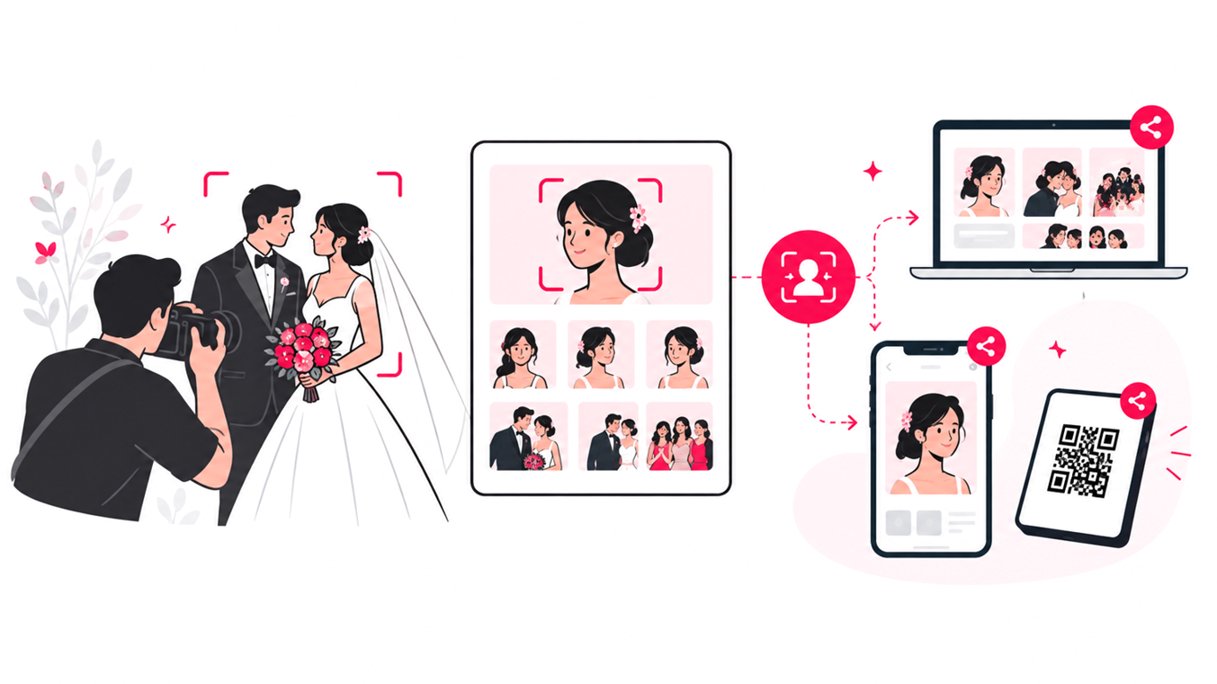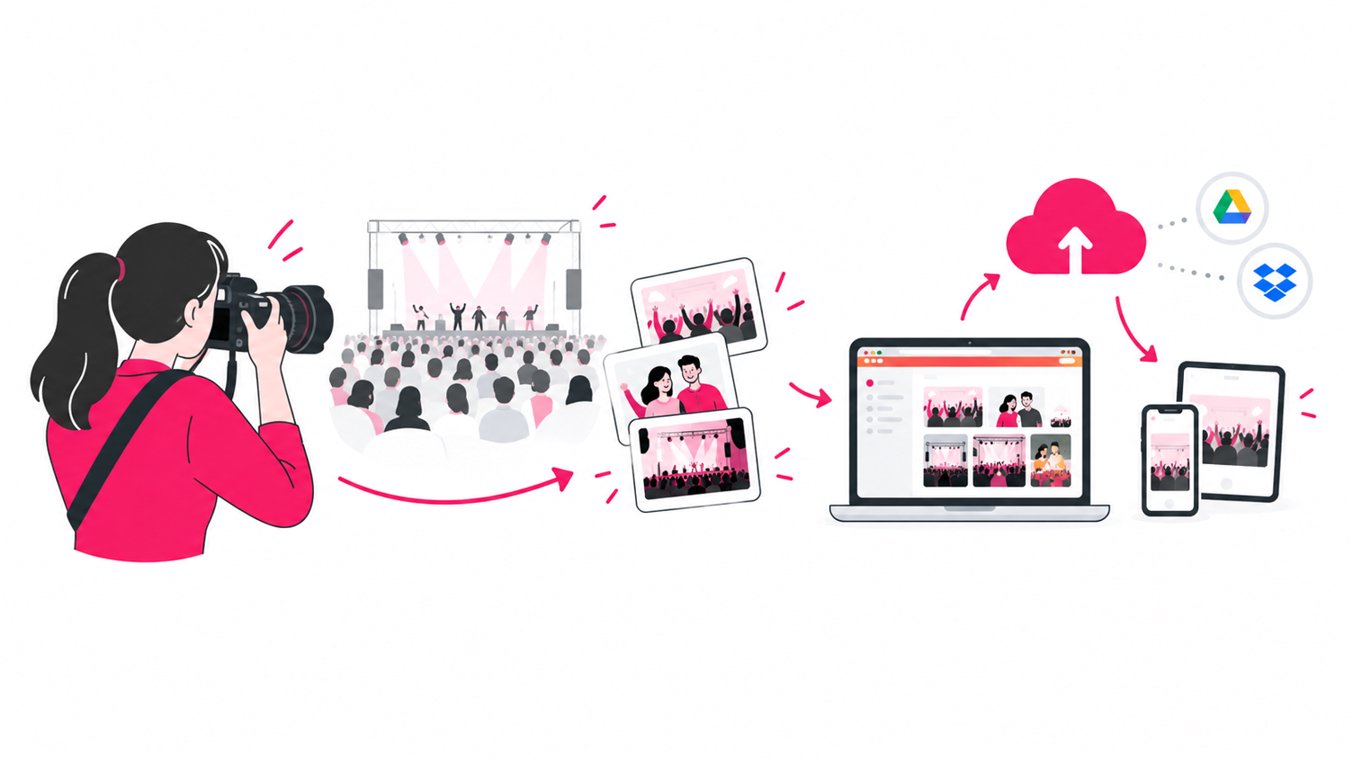
For a 5,000-person event, the best way to deliver photos is to separate photo storage, photo organization, guest access, and photo discovery. Keep master images in reliable cloud storage, organize them by event or shooting workflow, then use a scalable online event photo gallery with a QR code, link, and fast search so thousands of guests can find relevant photos without scrolling through the entire gallery.
The challenge is not simply uploading thousands of images. It is creating a photo delivery workflow that remains fast and usable when thousands of people are looking for their own pictures at the same time.
For photographers, event planners, festival organizers, conferences, races, universities, and large corporate events, that distinction matters.
Why 5,000-person events need a different photo delivery workflow
A 5,000-person event can generate a surprisingly large photography library.
Consider a simple example:
- 3 photographers
- 2,000 usable images per photographer
- 6,000 final images
- 5,000 potential guests looking for photos
- Multiple shooting locations
- Multiple photographers or cameras
- A mix of group, candid, stage, sponsor, and attendee images
That is not a normal album-sharing problem.
A single folder containing thousands of JPEGs may technically deliver the files, but it does not necessarily deliver a good guest photo experience.
The key question changes from: “Where can we upload the photos?” to “How can 5,000 people quickly find the photos they care about?”
That is why large-scale event photo sharing should be designed around discovery as well as delivery.
Check out how to organize thousands of event photos easily.
The four parts of a scalable event photo delivery system
A reliable workflow should separate four jobs.
| Workflow stage | What it solves | Recommended approach |
|---|---|---|
| Storage | Protecting original files | Cloud storage and backed-up masters |
| Organization | Managing thousands of images | Folders, naming conventions, event segments |
| Access | Getting guests to the gallery | QR code and short event link |
| Discovery | Helping guests find themselves | Face search, filters, or structured browsing |
This structure makes the system easier to manage and easier for guests to use.
A photographer can keep the master files in their existing storage workflow while giving guests a purpose-built interface for finding event photos.
Step 1: Build the event photography workflow before the event
Large event photo delivery starts before the first photograph is taken.
Decide in advance how photographers will organize images from different cameras, locations, and shooting teams.
A practical structure organizes assets under a primary event folder with dedicated subfolders for individual shooters (such as Photographer 01, Photographer 02, and Photographer 03) and specific event segments (like Main Stage, Networking, Sponsor Area, and Awards), alongside a designated folder for the Final Edited Gallery.
The exact structure depends on the event, but consistency matters.
Use predictable folder names and keep original files separate from edited delivery files. This makes it easier to troubleshoot missing images and create targeted galleries later.
Use a single source of truth
For large events, avoid creating multiple disconnected copies of the final gallery unless there is a specific reason. Your cloud storage should remain the authoritative location for the final images.
Google Drive, for example, provides up to 15 GB of storage with a Google Account, shared across Google Drive, Gmail, and Google Photos. That means photographers should calculate storage requirements before relying on a personal account for a large event library.
For larger photography libraries, use the storage plan and infrastructure appropriate for the actual file volume.
Step 2: Cull and edit before public delivery
Do not expose the entire camera dump to 5,000 guests. The delivery gallery should contain the images that are actually intended for attendees.
A practical event photography workflow is:
- Ingest the camera files.
- Back up the originals.
- Cull technically poor or duplicate images.
- Edit the selected images.
- Export delivery-ready JPEGs.
- Upload or connect the final folder.
- Test the guest experience.
- Publish the gallery.
This reduces clutter and makes searching more useful. It also protects the photographer from accidentally sharing unfinished, duplicate, or private images.
Step 3: Use cloud storage as the back end, not necessarily the guest experience
Cloud storage is excellent for managing files. It is not always ideal as a public-facing event photo gallery.
A folder-based system makes guests browse filenames, folders, thumbnails, or search terms. That can work for a small client delivery, but it becomes cumbersome when thousands of attendees are looking for themselves.
Google’s own documentation notes that Google storage is shared across Drive, Gmail, and Photos, and that uploads count toward the account’s storage quota.
For large event photography, a better architecture is:
Cloud storage → photo delivery platform → guest
This keeps your storage workflow intact while adding an attendee-friendly discovery layer.
SnapSeek can connect with Google Drive and use the existing photo folder as the source for face-based event photo discovery. Its workflow is designed to read the connected images without changing or deleting the original files.
Step 4: Give everyone one gallery link and QR code
The simplest access system is usually the most scalable.
Create one event gallery and distribute:
- A QR code
- A short gallery URL
- Signage at the venue
- A link in the post-event email
- A link on the event website
- A link in the organizer’s social channels
QR codes are particularly useful because they remove the need for guests to type a long URL.
Put the QR code where people naturally look:
- Registration desks
- Exit areas
- Screens
- Printed event programs
- Sponsor areas
- Photo booths
- Event signage
- Post-event thank-you messages
The QR code solves access. It does not solve photo discovery. That is where the next layer matters.
Step 5: Make photo discovery faster than manual browsing
Imagine a gallery containing 6,000 photos. A guest may appear in 10 of them. Asking that person to manually browse thousands of thumbnails is unnecessary friction.
Face recognition changes the interaction from “Browse → scroll → inspect → download” to “Open gallery → verify face → view matched photos → download”.
SnapSeek’s event photo workflow uses a guest selfie to identify photos containing that person. Guests can access the experience through a browser without installing an app or creating an account. See how guests find event photos using SnapSeek.
This is especially useful for large conferences, festivals, sporting events, university events, corporate gatherings, and public celebrations where attendees do not know which photographer captured their photos.
QR code vs. face recognition: they solve different problems
These technologies should not be treated as alternatives. They solve different parts of the workflow.
| Technology | Main purpose | Best use |
|---|---|---|
| QR code | Fast access | Getting guests into the gallery |
| Event link | Remote access | Email and social distribution |
| Folder structure | Organization | Photographer and admin workflow |
| Search/filtering | Navigation | Smaller or structured galleries |
| Face recognition | Personal discovery | Large event galleries |
| Batch download | File retrieval | Guests selecting multiple images |
The strongest workflow combines them. QR code gets the guest into the gallery. Face recognition helps the guest find the right photos.
Step 6: Design for different types of event photos
A 5,000-person event rarely produces one type of image. Coverage typically spans individual attendee portraits, candid networking moments, and group photographs, alongside stage presentations, speaker sessions, sponsor activations, awards, team photos, behind-the-scenes captures, and venue photography. Your gallery should account for this variety.
Face search works particularly well for attendee-centric photographs, while folders or categories can remain useful for stage, speaker, sponsor, and venue content.
For example, an event organizer could maintain:
| Gallery section | Best discovery method |
|---|---|
| Attendee candids | Face search |
| Networking | Face search |
| Group photos | Face search plus browsing |
| Speaker photos | Folder or name |
| Awards | Folder |
| Sponsor activations | Folder |
| Stage highlights | Folder |
| Venue photos | Folder |
This hybrid approach is more practical than forcing every image into a single search method.
Check out how to create a highlights folder for an event using SnapSeek.
Step 7: Test the gallery before sending it to thousands of people
A large event is not the time to discover that the gallery link is wrong. Run a delivery checklist before publication.
Technical checklist
- Confirm all final images are present.
- Open the gallery on desktop and mobile.
- Test the QR code with multiple phones.
- Test the event link outside your own account.
- Check image quality.
- Test downloads.
- Test face search with several reference photos.
- Confirm privacy settings.
- Check that only intended folders are connected.
- Confirm the gallery can handle the expected audience.
Guest experience checklist
Ask:
- Can someone understand what to do without instructions?
- Can they reach the gallery in a few seconds?
- Can they find their own photos without knowing filenames?
- Can they download several photos efficiently?
- Does the experience work without an app?
- Is the gallery easy to use on a phone?
For a 5,000-person event, these details are part of the photography service, not an afterthought.
How to deliver thousands of event photos faster
Speed is not only about upload bandwidth. It is about eliminating unnecessary manual work.
A scalable workflow moves seamlessly from shooting, backing up, culling, and editing to organizing files in a connected cloud folder, generating an event gallery with a QR code, and letting guests search for and download their photos.
The photographer’s job is to create and curate the images. The delivery system’s job is to make those images easy to discover. This separation is what makes the workflow manageable at scale.
Common mistakes when sharing photos from a large event
1. Sending one giant ZIP file
A ZIP file may be convenient for transferring a complete collection to an organizer. However, it is usually a poor guest discovery experience. Most attendees do not want every photograph from a 5,000-person event. They want the 5 to 30 photos they appear in.
2. Sharing an unstructured cloud folder
Google Drive and Dropbox can be useful for photographers, but a generic folder does not automatically create a personalized attendee experience.
SnapSeek’s guide on using face recognition with Google Drive and Dropbox explains how a connected photo-sharing layer can add face-based discovery while keeping cloud storage as the source.
3. Making guests create an account
Every additional step creates friction. For public or large events, browser-based access through a link or QR code can be much easier than requiring attendees to install an app or register before viewing their pictures.
4. Publishing every image
More images do not automatically mean a better gallery. Quality control matters.
Cull duplicates, test images, accidental captures, and anything that should not be publicly accessible.
5. Waiting too long to plan delivery
The photo delivery workflow should be decided before the event. If the photographer only thinks about delivery after thousands of files have been created, folder organization and file management become much harder.
The right setup depends on the number of final photographs, the number of photographers, event duration, audience behavior, privacy requirements, and how quickly photos need to be available.
A practical 5,000-person event photo delivery checklist
Before the event:
- Choose the cloud storage location.
- Define the folder structure.
- Decide who can access the master files.
- Configure the delivery platform.
- Prepare the event QR code.
- Test the mobile experience.
During the event:
- Back up images regularly.
- Keep photographers’ folders organized.
- Separate unfinished files from delivery-ready images.
- Track special requests from the organizer.
After the event:
- Cull and edit.
- Upload final images.
- Connect the delivery gallery.
- Test face search.
- Test downloads.
- Publish the QR code and link.
- Monitor guest questions.
- Keep the original master archive protected.
The best way to share photos from a 5,000-person event
Large event photo sharing is fundamentally a search problem disguised as a storage problem. A photographer may have thousands of excellent photographs, but the gallery succeeds only when each attendee can quickly locate the images relevant to them.
The most effective workflow combines reliable cloud storage, disciplined photo organization, a single event gallery, QR access, and fast photo discovery.
For event photographers and organizers, this approach reduces manual searching while creating a better guest experience.
FAQ
How do I deliver photos from a 5,000-person event?
Use a cloud-based master storage system, organize and cull the final images, then publish them through an online event photo gallery with a QR code and link. For large galleries, face recognition can help guests find their own photos without manually browsing thousands of images.
How can guests find their photos at a large event?
Give guests a QR code or gallery link. SnapSeek supports face recognition so guests can use a selfie to locate photos containing their face instead of manually searching the entire gallery.
Can I use Google Drive to deliver event photos?
Yes. Google Drive can store and share event photographs, but a standard folder is not designed specifically for personalized guest photo discovery. A connected event photo-sharing platform like SnapSeek can provide a more attendee-friendly search and delivery experience.
Should I use a QR code for event photo sharing?
Yes. A QR code is one of the simplest ways to move attendees from physical event signage to a digital photo gallery. It is especially useful at large events because organizers can display one code in multiple locations.
How many photos should I deliver from a large event?
There is no universal number. Deliver the strongest final images rather than every photograph captured. The appropriate number depends on event duration, photographer count, event type, and the organizer’s expectations.
How can photographers deliver event photos faster?
Reduce manual work between editing and delivery. Use consistent folder structures, cloud-based storage, batch processing, online galleries, QR sharing, and automated photo discovery where appropriate.
Conclusion
Delivering photos from a 5,000-person event is not about putting thousands of files online and hoping guests find what they need.
It is about building a workflow where photographers manage the images efficiently and attendees can discover their own photos with minimal effort.
Keep the master files organized. Use cloud storage as the source of truth. Give everyone one event link and QR code. Then add fast discovery so guests do not have to scroll through an enormous gallery.
With SnapSeek, photographers and event organizers can turn a large event gallery into a browser-based photo-sharing experience where guests can access photos through a link or QR code and use face-based search to find pictures of themselves.