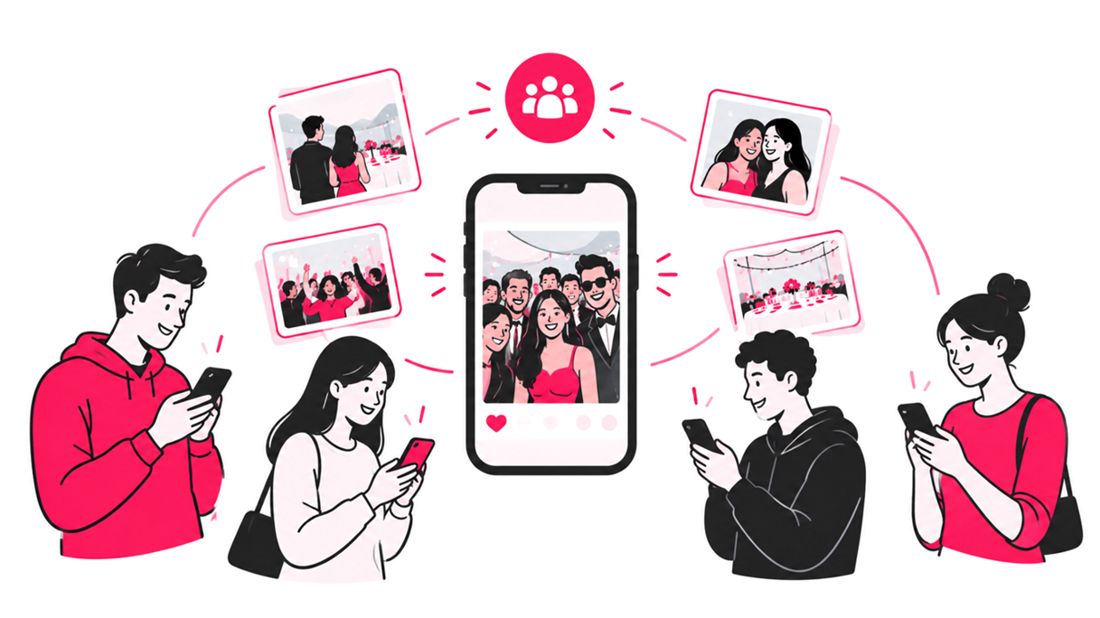
Photo sharing can build community at events by helping people recognize shared experiences, start conversations, and stay connected after they leave. When event planners make it easy for attendees to find, save, and share event photos, the gallery becomes more than a record of the day. It becomes a common space where guests revisit moments, discover new connections, and feel part of something bigger.
For wedding couples, community may mean bringing two families together. For a conference organizer, it can mean helping attendees remember the people they met. At a charity fundraiser, school celebration, festival, or company retreat, thoughtfully shared photos can extend the event experience beyond the venue.
Why Event Photos Help People Feel Connected
An event brings people into the same physical space, but it does not automatically make them feel like a community. Shared experiences help create that feeling, and photographs give people something concrete to revisit and discuss.
A candid picture of a group laughing, a volunteer helping behind the scenes, or colleagues celebrating a milestone can become a conversation starter. It gives attendees a reason to reconnect with someone they met briefly or to remember a moment they experienced together.
Photo sharing can support community in several ways:
- It creates a shared reference point. Guests can talk about a moment they all witnessed, even if they experienced it from different perspectives.
- It recognizes participation. Photos of volunteers, performers, speakers, teams, and attendees help people see that they contributed to the event.
- It helps people reconnect. A gallery can remind guests of people they met and encourage them to follow up.
- It extends the event’s life. Shared images give attendees a reason to revisit the experience days or weeks later.
- It makes memories more inclusive. A well-organized gallery can help people who were busy participating, rather than taking pictures, find moments they would otherwise miss.
The goal is not to maximize the number of photos posted. It is to make meaningful moments easy to find and share.
What the Research Says About Sharing Photos
Images have long played a role in online social interaction. In a 2013 report, Pew Research Center found that 54% of adult internet users surveyed said they posted original photos or videos online, while 47% said they reposted images or videos they had found online. These are historical figures, not current estimates, but they illustrate how sharing visual content had already become a familiar social activity.
The practical lesson for event professionals is that photos can travel beyond the photographer’s original audience. A guest may share a picture with friends, family, teammates, or colleagues who were not at the event. That can help communicate the atmosphere and invite others into the story.
However, a share is not the same as community. The image needs context, people need a comfortable way to access it, and the event itself must give attendees something worth remembering. Photo sharing works best as one part of a wider attendee experience, not as a substitute for thoughtful event design.
Five Ways Photo Sharing Builds an Event Community
1. Help attendees find the people and moments that matter
A gallery with hundreds or thousands of images can be exciting, but it can also feel overwhelming. If attendees cannot find themselves or the people they came with, they may leave without engaging.
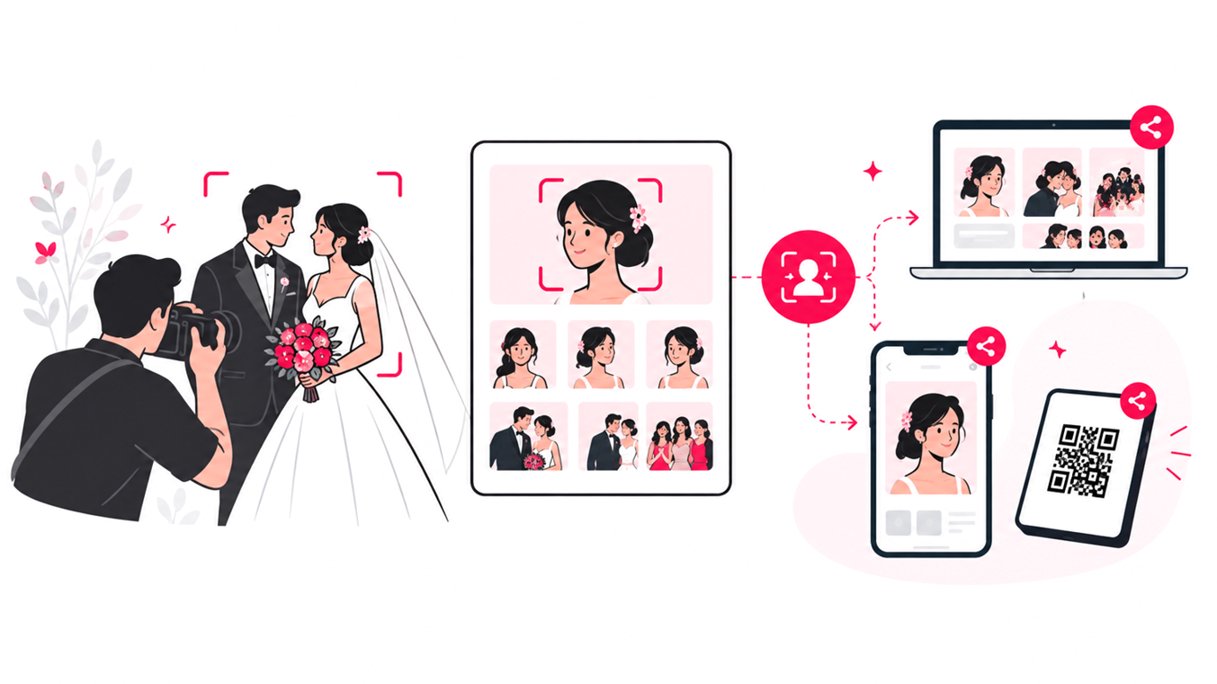
Plan the photo delivery around how people actually look for memories. Depending on the event, attendees might search by activity, session, team, location, or person. For large galleries, AI-powered face recognition can help guests locate photos featuring them without manually scrolling through every image.
Make the process clear before the event ends. A QR code on signage, a short link on the event program, or a follow-up message can give guests a straightforward path to the gallery.
Read more about how to organize photos at events.
2. Turn shared photos into conversation starters
Photos are useful social prompts because they give people a specific moment to talk about. A conference attendee can use a group photo to reconnect with a new professional contact. A wedding guest can send a candid image to relatives who could not attend. A community festival participant can share a performance photo with the people who helped organize it.
Organizers can encourage these interactions without scripting them. Consider sharing a small, curated selection that reflects the range of the event: the main program, spontaneous interactions, activities, volunteers, and behind-the-scenes work.
Captions and context help too. When appropriate, identify the activity or group in a post so viewers can understand what they are seeing. Always check before naming people or sharing sensitive details.
3. Make participation visible, not just attendance
Community is built by contributors as well as guests. Volunteers set up rooms, performers prepare for the stage, sponsors support activities, and staff solve problems behind the scenes. When the photo collection only highlights keynote speakers or formal portraits, many people who made the event possible may feel overlooked.
Build a shot list that represents the event’s different communities. For example:
- Volunteers and crew working behind the scenes.
- Attendees taking part in activities, workshops, or group challenges.
- Speakers and participants interacting, not only posing on stage.
- Community partners, exhibitors, and sponsors contributing to the experience.
- Candid moments that show the atmosphere without embarrassing anyone.
A balanced gallery communicates that the event belongs to its participants, not only its organizers.
4. Keep the connection going after the event
The community-building opportunity does not end when the venue closes. A post-event gallery can support follow-up conversations, thank-you messages, alumni networks, future event promotion, and shared traditions.
Timing matters, but speed should not come at the expense of quality or consent. Share a small preview promptly when possible, then publish the complete edited gallery once it has been reviewed. Tell attendees where to find it and how long it will remain available.
For recurring events, use photo sharing to show continuity. A yearly community gathering might feature a short retrospective, while a professional conference could share images from workshops and networking sessions to help attendees remember new contacts and ideas.
Do not assume that every guest wants their image published publicly. Offer clear access information and respect requests to remove or restrict images.
5. Give guests a simple way to participate
The easier it is to access a gallery, the less likely people are to abandon the process. Requiring a separate app download, complicated registration, or a long search through folders can introduce unnecessary friction, especially when guests are using a phone at a busy event.
Consider these practical access options:
- Display a QR code at the exit, registration desk, or photo area.
- Include a short, readable gallery link in event follow-up messages.
- Make the gallery work in a mobile browser where possible.
- Organize photos so people can find relevant moments quickly.
- Explain privacy settings and whether images can be downloaded or shared.
For large events, tools that group images by person can make discovery easier. SnapSeek, for example, provides browser-based event photo sharing and AI face search, allowing attendees to look for their photos without installing a dedicated app. It can be one part of a broader workflow that helps photographers and organizers deliver images in a way guests can actually use.
Check SnapSeek features to learn more about how SnapSeek can help you share photos with your guests.
Choose a Photo-Sharing Workflow That Fits the Event
Different event formats need different approaches. A wedding gallery may prioritize family groups and private access, while a public festival may focus on quick discovery and a clear policy for publishing attendee photos.
| Event type | Community goal | Useful photo-sharing approach | Important consideration |
|---|---|---|---|
| Weddings and engagement celebrations | Connect families and friend groups | A private gallery with easy guest access and clear categories | Confirm the couple’s preferences for guest privacy and sharing |
| Conferences and networking events | Help attendees reconnect | Searchable galleries, session groupings, and timely follow-up | Be careful with badges, confidential displays, and candid conversations |
| School and community events | Celebrate participation and belonging | Galleries organized by activity, team, or event segment | Obtain appropriate permissions, especially for children |
| Festivals and public celebrations | Capture atmosphere and encourage return visits | QR-accessible galleries and curated highlight collections | Explain photography notices and provide a contact for removal requests |
| Corporate events | Recognize employees, clients, and partners | Branded galleries with role-appropriate access | Follow company policies and restrictions on unreleased information |
| Fundraisers and volunteer events | Thank contributors and show collective impact | Albums highlighting activities, teams, and milestones | Avoid exposing private beneficiary or donor information |
The best solution is not necessarily the one with the most features. It is the one that matches the event’s audience, privacy requirements, image volume, and delivery timeline.
A Practical Plan for Community-Focused Event Photo Sharing
Use this checklist when planning photography and delivery with your event team.
Before the event
- Define what community means for this gathering. Is the priority networking, belonging, recognition, celebration, or continued participation?
- Identify key groups and moments to photograph, including volunteers and behind-the-scenes contributors.
- Agree on photo permissions, opt-out procedures, retention periods, and who can access the gallery.
- Choose a sharing method that works on attendees’ phones and does not create unnecessary steps.
- Tell the photographer and organizers how images will be delivered and who approves the final collection.
During the event
- Capture natural interactions as well as formal portraits and stage moments.
- Include a range of attendees rather than photographing only the most visible people.
- Place gallery QR codes where people can scan them without blocking entrances or activities.
- Make it easy for guests to ask questions or flag an image they do not want shared.
- Avoid interrupting genuine interactions just to create a photograph.
After the event
- Review images for quality, consent concerns, and sensitive information before publishing.
- Share a small highlight collection if a full edit will take longer.
- Send the gallery link through channels attendees already use.
- Invite people to share selected images, while making the event’s sharing and tagging preferences clear.
- Use feedback and gallery engagement to improve the next event, without treating every view or download as proof of stronger community.
How to Measure Whether Photo Sharing Is Helping
A busy gallery does not automatically mean attendees feel more connected. Combine basic usage data with qualitative feedback to understand whether the workflow is useful.
| Metric | What it can tell you | How to interpret it |
|---|---|---|
| Gallery visits | Whether attendees are reaching the collection | Compare visits with the number of people invited, while accounting for repeat visits |
| Photo searches and downloads | Whether people can find images they value | Look for friction points, not just high totals |
| Shares or tagged posts | Whether photos are circulating beyond the gallery | Consider event hashtags and public posts, but remember that private sharing may not be visible |
| Follow-up interactions | Whether attendees are reconnecting after the event | Ask whether photos helped them remember a person, activity, or conversation |
| Feedback and removal requests | Whether the experience feels respectful and safe | Use recurring concerns to improve consent, access, and communication |
Ask whether guests found their photos easily, whether the images helped them reconnect with others, and what would make the experience better next time.
How SnapSeek Fits Into a Community-Focused Workflow
SnapSeek can support the practical side of event photo sharing by giving photographers and organizers a browser-based way to deliver galleries and help attendees find relevant images. Its AI face search can reduce the effort involved in locating photos in a large collection, while link- or QR-based access can make the gallery easier to reach on a phone.
That technology does not create community on its own. The photographer still needs to capture inclusive moments, the organizer needs to set clear expectations, and the gallery needs to respect attendees’ privacy. Used thoughtfully, a tool such as SnapSeek can remove some of the administrative friction between taking a photograph and getting it back to the people who value it.
FAQ
How does photo sharing build community at events?
Photo sharing gives attendees a shared way to revisit moments, recognize each other’s participation, and reconnect after the event. Easy gallery access helps people find and exchange images without relying on one person to distribute every photo manually.
What is the best way to share event photos with guests?
Choose a method that fits the event’s size, audience, and privacy needs. A mobile-friendly online gallery shared through a QR code or direct link is often convenient. For large galleries, search and organization features can make finding photos easier.
How can event planners encourage guests to share photos?
Make the gallery easy to access, share a curated selection promptly, and explain any preferred event hashtag or photographer credit. Encourage sharing without pressuring guests, and provide clear guidance about privacy and consent.
Can photo sharing help people network after a conference?
Yes. Photos from sessions, group activities, and networking moments can remind attendees who they met and provide a natural reason to follow up. They work best alongside intentional networking opportunities and appropriate contact-sharing practices.
How should organizers handle photo privacy?
Tell attendees how images will be used, where they will be published, and how to request removal. Limit access when appropriate, follow relevant laws and organizational policies, and take extra care with children and sensitive settings.
Conclusion
Community grows when people feel seen, included, and able to reconnect. Event photography can support that feeling when it captures a broad range of participants and when the images are delivered in a way that is easy, timely, and respectful.
Plan photo sharing as part of the attendee experience, not as an afterthought. Give guests a clear route to the gallery, make discovery straightforward, and treat privacy as a core requirement. With the right workflow, the photos become more than a record of what happened. They help people carry the experience forward.
If you are planning your next event or refining your photography workflow, explore SnapSeek as one option for making event photos easier for attendees to find and share.