Capturing a multi-day event is an endurance test for any professional photographer. Whether you are shooting a massive corporate conference, a three-day music festival, or a weekend-long wedding, the shutter rarely stops clicking. By the final day, you are left with thousands of high-resolution files that need to be culled, edited, and delivered.
The real challenge begins after the event concludes. Event organizers and attendees expect a seamless photo sharing experience that does not involve digging through endless digital folders. They want immediate access to their specific memories without technical friction.
Learning how to create shareable photo galleries for multi-day events is crucial for your business. The right event photography workflow saves you hours of manual labor while maximizing your brand exposure. A smart digital infrastructure turns a simple photo delivery into a powerful marketing tool for future bookings.
The Chaos of High-Volume Event Photography
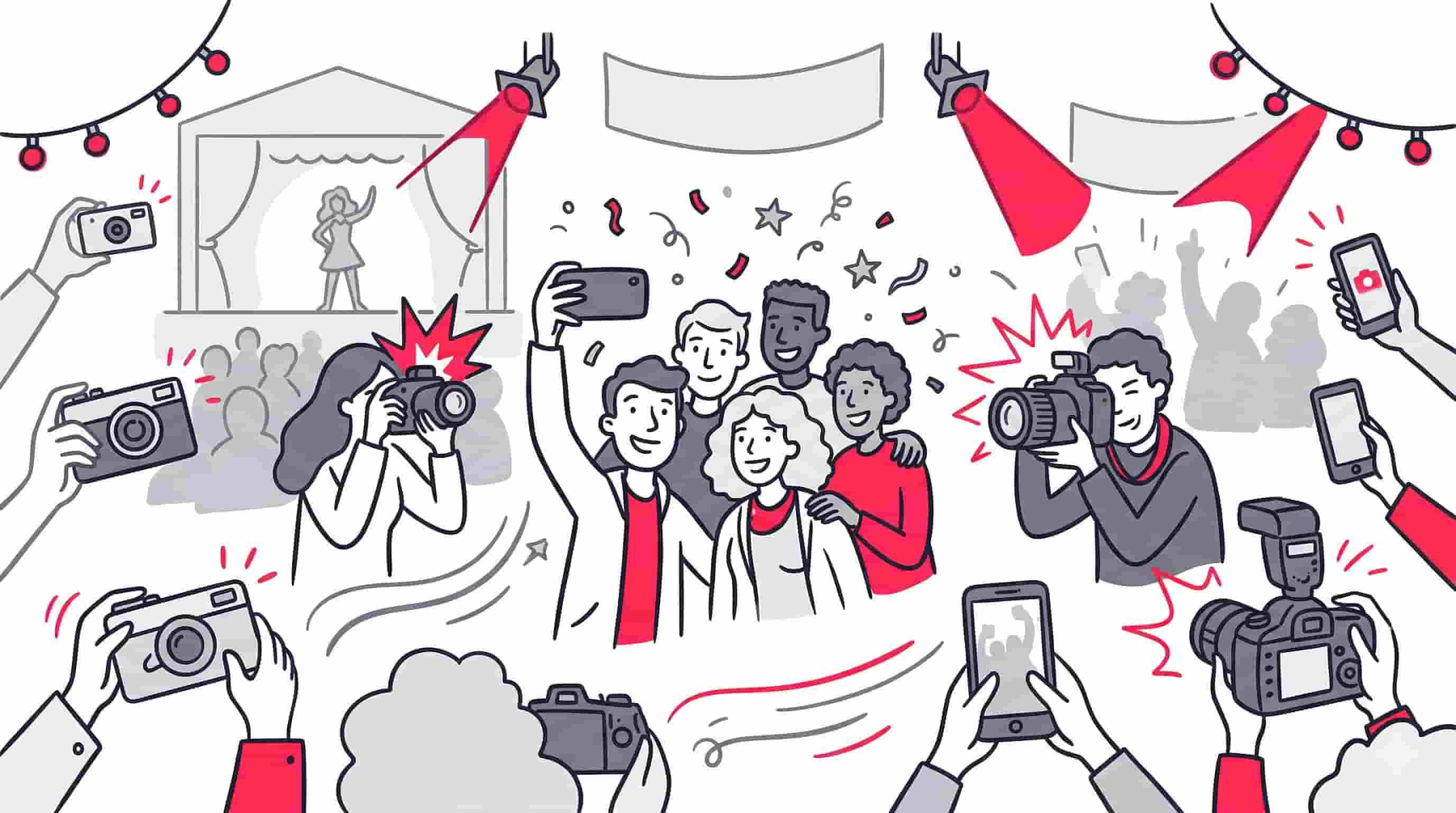
Multi-day events generate an overwhelming amount of media. A standard keynote session alone can produce hundreds of viable shots. When you multiply that output across multiple stages, networking dinners, and VIP meetups, the volume becomes staggering.
Photographers historically relied on basic cloud storage folders to distribute these files. This approach forces attendees to scroll endlessly to find a single image of themselves. It creates a frustrating user experience that reflects poorly on both the photographer and the event host.
Modern event photography demands a more sophisticated approach to distribution. Knowing how to organize photos at large events effectively requires a centralized hub that can handle large files while providing intuitive search capabilities. The goal is to get the right photos into the right hands as quickly as possible.
The Problem with Two-Way Sharing Apps
Many photographers mistakenly turn to collaborative platforms for their event delivery. These systems allow attendees to upload their own smartphone snapshots alongside your professional edits. This creates a chaotic, uncurated mess of mixed resolutions and poor lighting.
Professional event photographers need strict quality control over their final product. This is why a one-way photo sharing model is the industry standard for premium events. Only the host or the hired professional should have the authority to upload images to the official gallery.
When you restrict upload access, you protect the integrity of the event’s visual narrative. Guests are not bombarded with blurry selfies taken by other attendees. Instead, they interact exclusively with your polished, high-resolution deliverables.
Why a Web App Outperforms Native Mobile Apps
Friction is the enemy of guest engagement. Asking an attendee to visit an app store, download a dedicated mobile app, and create a new account is a massive barrier to entry. Most guests will simply abandon the process entirely.
This is why utilizing a web app is far superior for event photo distribution. A web-based platform allows guests to access the gallery instantly through their mobile browser. There is no software to install and no mandatory signup forms to fill out.
By eliminating app downloads, you guarantee a higher adoption rate among attendees. They can scan a QR code on a signage poster and immediately view the gallery. This zero-friction approach is the cornerstone of the best AI photo sharing platforms available today.
Best Practices for Setting Up Shareable Photo Galleries
Preparation is everything when managing a multi-day photography project. You cannot simply dump five thousand images into a single digital bucket and expect good results. Structuring your delivery method requires careful thought and intentional design.
The architecture of your gallery dictates how easily users can navigate your work. You must anticipate the search intent of your audience. Corporate sponsors will look for branding shots, while individual attendees will search strictly for their own faces.
Implementing a logical hierarchy within your platform keeps the user experience clean. You should treat the gallery as a digital extension of the physical event itself.
Organizing by Day, Track, or Session
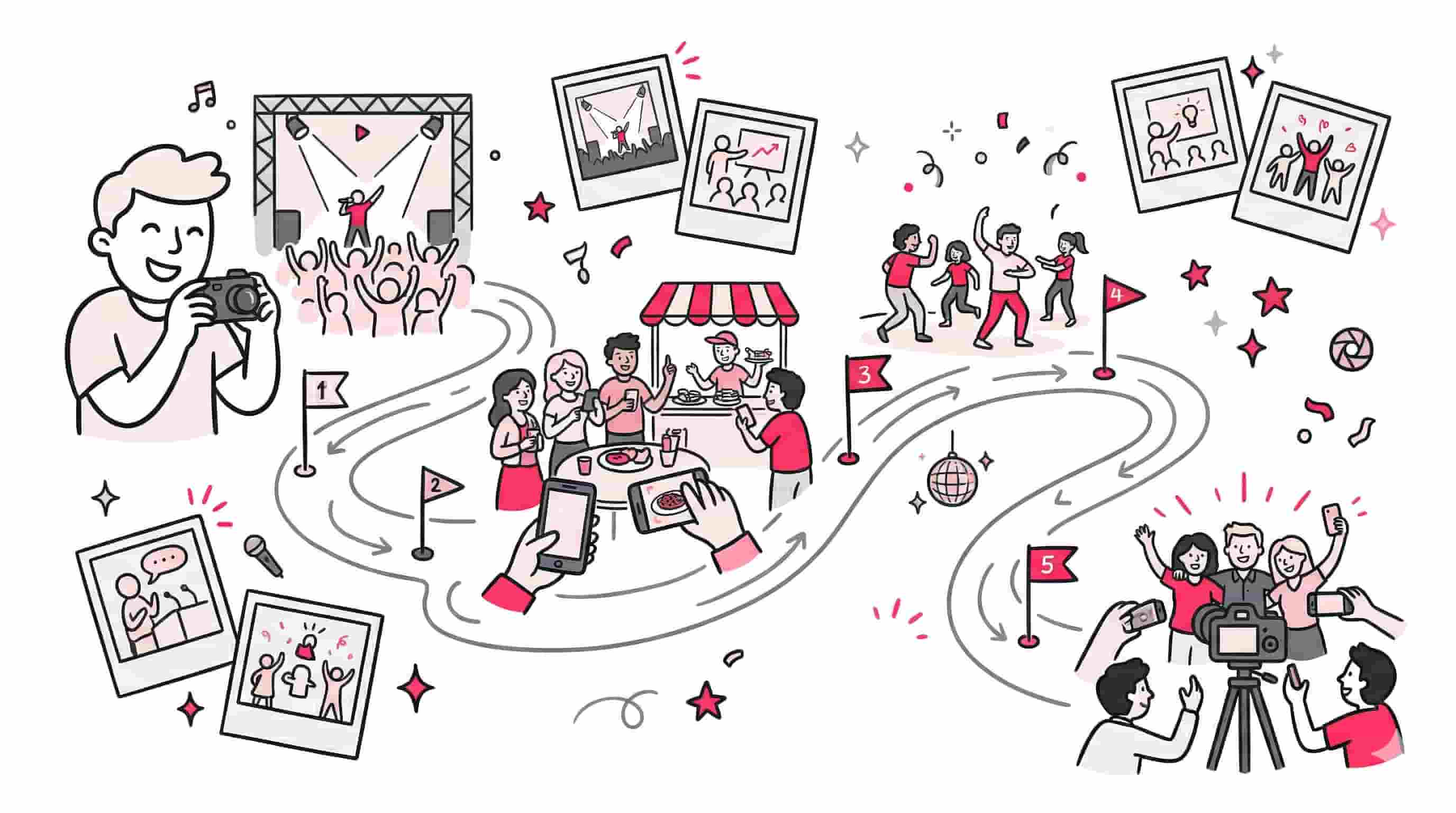
Large events naturally segment into distinct timeframes and locations. Your photo delivery system should reflect this reality. Create separate albums or collections for each specific day of the event. This multi-day album structure is also ideal when planning how to share vacation photos across multi-stop itineraries or group travel.
You can break things down even further for complex conferences. Separate the keynote speeches from the breakout sessions and the evening networking mixers. This immediate categorization helps users narrow down their search before they even type a query.
Consistent naming conventions are vital for this organizational strategy. Use clear, descriptive titles for every collection you generate. This level of detail shows professionalism and respect for the attendees’ time.
Culling and High-Resolution Uploads
Speed is important, but quality should never be sacrificed for a faster turnaround. Take the time to properly cull your images in Lightroom or Capture One before exporting. Remove the misfires, the blinked eyes, and the awkward mid-sentence expressions.
Once your edits are finalized, you need a platform capable of handling large files. Professional cameras produce massive raw files that translate into heavy JPEGs. Your sharing solution must support high-resolution uploads, ideally up to 30MB per photo, to preserve your image quality.
Batch uploading is a mandatory feature for multi-day events. You should be able to queue up hundreds of photos and let the system handle the processing in the background. This frees you up to begin editing the next batch of images.
How to Share Event Photos With a Large Crowd
Delivering files to a few clients is easy, but distributing photos to thousands of attendees requires specialized tools. You need a system that scales effortlessly without crashing or slowing down. The logistics of mass distribution dictate the software you choose.
If you are wondering how to share event photos with a large crowd effectively, the answer lies in automation. Manual tagging and emailing are relics of the past. You must leverage artificial intelligence to do the heavy lifting for you.
AI-driven platforms revolutionize the way guests interact with event media. They transform a static gallery into an interactive, personalized experience.
Utilizing AI Face Recognition and Selfie Search
Scrolling through massive albums is a terrible user experience. Modern attendees expect immediate gratification. This is where facial recognition technology becomes your most valuable asset.
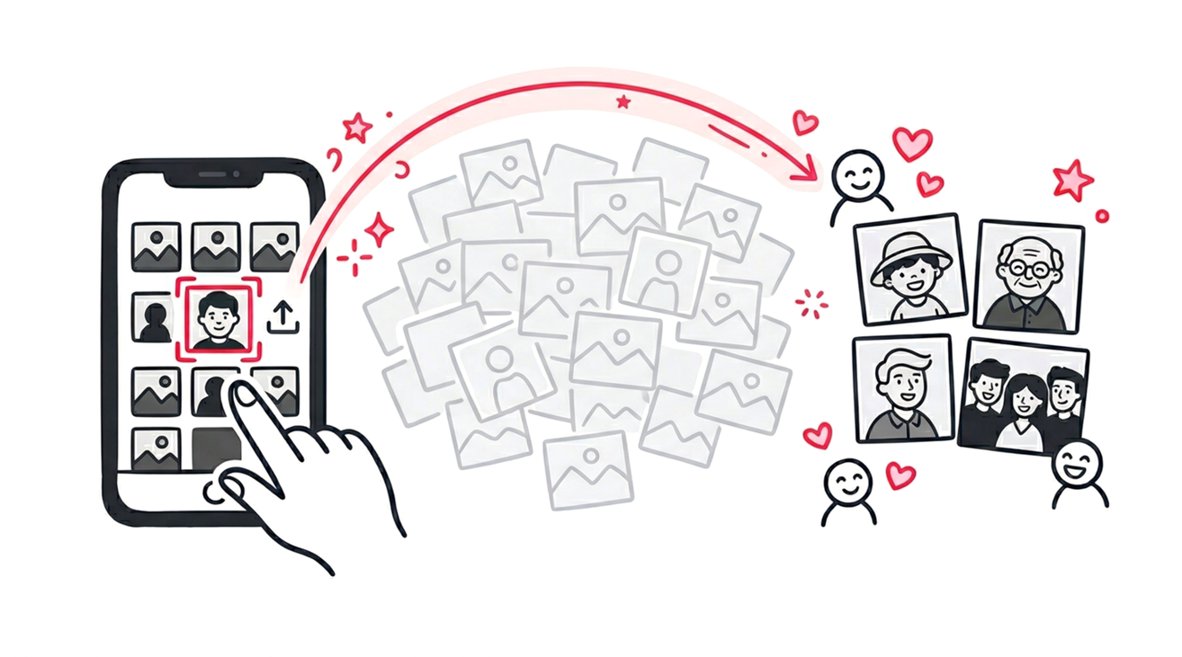
Platforms like SnapSeek utilize advanced face grouping to automate the sorting process. Guests simply snap a quick selfie on their phone to initiate a visual search. The AI instantly scans the entire event database and retrieves every professional photo featuring their face.
This selfie search technology works flawlessly in diverse lighting conditions and captures different angles. It is the defining feature of the best AI photo sharing systems. You can read more about how visual search to find event photos transforms the guest experience on our blog.
Instant Delivery and Automated Notifications
Multi-day events build momentum over time. Attendees want to post photos to their social media accounts while the conference is still happening. Providing real-time or daily drops of photos capitalizes on this excitement.
Guests can opt-in to receive notifications when new photos are added to the system. As you upload your edited batches at the end of each day, the AI goes to work. It matches the new uploads to the subscribed guests and you can send them an automated email alert.
This one-click automated email delivery keeps attendees engaged throughout the entire weekend. It ensures your photos hit social media at peak relevance. Learn how to automate alerts when you need to execute corporate event photo sharing at scale.
Comparing Event Photo Sharing Methods
Choosing the right distribution method directly impacts your brand reputation. Relying on outdated technology will make your photography business look unprofessional. You need to understand how different systems stack up against each other.
Traditional cloud storage drives are cheap but lack specialized features for photographers. Mobile applications offer decent features but introduce massive friction for the end-user. Dedicated web apps designed specifically for event professionals offer the perfect balance of power and accessibility.
Below is a breakdown of how the most common sharing methods handle multi-day event workflows.
| Feature / Capability | Cloud Drives (Drive, Dropbox) | Traditional Mobile Apps | SnapSeek (Web App) |
|---|---|---|---|
| Guest App Download Required | Often | Yes | No (Browser Access) |
| Upload Direction | Two-Way (Chaotic) | Two-Way (Mixed Quality) | One-Way (Host Only) |
| AI Face Recognition | No | Sometimes | Yes (Selfie Search) |
| Email Lead Collection | No | Rarely | Yes |
| Live Slideshow Capability | Very Basic | No | Yes |
| Automated Watermarking | No | No | Yes |
Monetizing and Marketing Your Event Photography
Your photo gallery should be more than just a delivery mechanism. It is a highly trafficked digital space that you completely control. You must treat this platform as an engine for lead generation and brand awareness.
Every time a guest downloads a photo, they should be interacting with your brand. The right photo sharing app allows you to customize the interface to match your business. This includes adding custom welcome messages and integrating your personal website links.
By utilizing these marketing tools, you turn a single event into a pipeline for future clients. The guests at today’s corporate summit are the decision-makers for tomorrow’s industry events.
Automated Watermarking and Branding
Protecting your intellectual property is a major concern when distributing digital files. You want attendees to share your work, but you also want credit for the capture. Automated watermarking solves this problem beautifully.
A professional platform lets you upload your custom logo and apply it to every image automatically. You control the opacity, size, and positioning of the watermark. This ensures your brand is attached to every single photo that makes its way onto social platforms.
This subtle branding acts as a digital business card. When attendees share their portraits on LinkedIn or Instagram, your logo travels with it. It is a passive marketing strategy that yields significant long-term results.
Email Lead Collection
Multi-day events are goldmines for networking. As an event photographer, you have access to thousands of highly engaged individuals. Capturing their contact information should be a top priority.
SnapSeek allows you to optionally gate your photo collections behind a simple email capture form. Before a guest can download their high-resolution images, they provide their email address. This allows you to build a massive contact list effortlessly.
You can export this list after the event and use it for your marketing campaigns. It is a proven method to secure repeat bookings and expand your corporate client base.
Pay-As-You-Go Credit Models vs. Subscriptions
Software overhead can eat into your profit margins, especially if you shoot seasonally. Monthly subscriptions force you to pay for software even when you have no events on the calendar. This model makes no financial sense for many freelance photographers.
A pay-as-you-go credit system is vastly superior for event photography. You only purchase credits when you actually have a gig booked. These credits never expire, allowing you to scale your costs directly alongside your revenue.
This flexible approach ensures you are never wasting money during slow months. Discover how this pricing structure helps photographers maximize event photography ROI across all their bookings.
Engaging the Crowd During the Event
The best event photography workflows integrate seamlessly into the live experience. You do not have to wait until the event is over to start sharing your work. Bringing your photos to the venue floor creates massive excitement among attendees.
Interactive digital displays are becoming standard at premium conferences and weddings. They provide an immediate visual feedback loop for the guests. It shows them the value of the professional photography team in real-time.
Setting up these live experiences is incredibly easy with the right web-based tools. You can turn your uploaded batches into dynamic presentations within seconds.
QR Posters and Instant Access
Distributing the link to your photo gallery used to involve messy email chains and confused attendees. Now, you can rely on physical signage placed strategically around the venue. Generating instant QR posters bridges the gap between the physical event and your digital gallery.
You can print these customized posters and place them at registration desks, exit doors, and dining tables. Guests simply point their smartphone cameras at the code to access the web app. It requires zero technical knowledge and gets them into the gallery instantly.
This method completely bypasses the need for attendees to search for links. It is the cleanest, fastest way to onboard users into your photo sharing ecosystem.
Live Slideshow Presentations
A live slideshow turns your photography into event entertainment. As you upload new, culled batches of photos throughout the day, they can automatically populate on large screens. This creates a cinematic viewing experience for guests walking through the venue halls.
SnapSeek offers a professional live slideshow feature with smooth cross-fade transitions. You can let the presentation run continuously on external monitors. It is a fantastic way to showcase sponsor branding alongside your stunning imagery.
This feature is particularly effective during multi-day events, as the slideshow content evolves daily. It keeps attendees checking the screens to see if they spot themselves in the latest uploads.
Read our case study on how we delivered 1000 wedding photos to see this workflow in action.
Security and Privacy for Multi-Day Events
Handling thousands of photos of private individuals requires strict security protocols. Corporate events often feature proprietary information or confidential presentations in the background. Weddings demand a high level of privacy to protect the intimacy of the occasion.
You cannot rely on public folders or unencrypted drives to deliver this media. Professional photographers need enterprise-grade security to protect their data and their clients. The platform you choose must take privacy seriously.
Password Protection and Access Controls
Every multi-day event gallery should be private by default. A secure web app ensures that only individuals with the specific, unique link can access the collection. This prevents unauthorized public browsing and search engine indexing.
For highly sensitive events, you can add an optional password protection layer. This guarantees that only verified attendees can view the gallery. You also have granular control over download permissions and guest visibility.
These security features are non-negotiable for high-end corporate clients. Demonstrating your commitment to data protection is a major selling point when pitching your event photography services. Understand how face grouping simplifies event photo sharing while maintaining strict privacy standards.
FAQ
How do I share thousands of event photos without crashing the platform?
Use a dedicated web app designed for event professionals that supports batch uploading and high-resolution files. Platforms utilizing cloud infrastructure can handle massive upload volumes, ensuring smooth delivery without software crashes.
Why shouldn’t I let guests upload their own photos to the official gallery?
Allowing guest uploads creates a chaotic gallery with mixed resolutions and poor quality control. A one-way sharing model, where only the host uploads, protects your professional brand and ensures guests only see high-quality, curated images.
Do attendees need to download an app to find their photos?
No, the most effective platforms operate as web apps. Guests simply scan a QR code or click a link to access the gallery directly through their mobile browser, entirely eliminating the friction of app store downloads.
How does AI face recognition work for event photography?
Guests take a quick selfie on their mobile device, and the AI visual search scans the entire event gallery instantly. It accurately matches their facial features and retrieves only the professional photos they appear in, saving hours of manual scrolling.
Is it safe to use facial recognition for private corporate events?
Yes, professional platforms isolate data per collection and keep galleries private by default. You can also implement password protection and strict download permissions to ensure enterprise-grade security for sensitive corporate gatherings.
Conclusion
Mastering how to create shareable photo galleries for multi-day events will fundamentally change your photography business. Moving away from clunky mobile apps and two-way sharing chaos allows you to deliver a premium, frictionless experience. By leveraging web-based platforms, AI face recognition, and automated marketing tools, you elevate your brand value instantly.
Your event workflow should generate leads, protect your intellectual property, and amaze your clients. Stop wasting time on manual sorting and outdated cloud drives. Start maximizing your ROI and streamline your next multi-day event with a smarter digital infrastructure.
Ready to transform your event photography delivery? Try SnapSeek today and let our AI-powered web app automate your workflow while delighting your guests.