Event photography has always faced a significant bottleneck. A photographer captures hundreds of stunning moments, but those photos often sit in a gallery that guests never actually see. The gap between taking the photo and getting it into the guest’s hands is where most engagement is lost.
Traditionally, hosts would send a mass email with a link days or weeks later. By then, the excitement of the event has faded. SnapSeek has changed this dynamic by introducing a powerful new feature that allows you to notify guests the exact moment their photos are live.
This guide explores how to use the new “Notify Me” feature to streamline your event photography workflow and provide a world-class experience for your attendees.
The Friction in Traditional Photo Sharing
Most photo sharing methods rely on the guest doing the heavy lifting. They have to bookmark a link, remember to check it periodically, and then scroll through thousands of images to find themselves.
This manual process results in low engagement rates. Photographers lose out on the viral potential of their work, and guests miss out on memories they would have loved to share on social media.
By automating the notification process, you eliminate this friction. Instead of the guest looking for the photos, the photos find the guest.
Introducing the Notify Me Feature
SnapSeek has developed a streamlined workflow that connects your uploaded collections directly to the people appearing in them. This is not just a generic notification sent to an entire guest list.
It is a targeted, AI-driven alert. When you upload new photos to a collection, the system identifies the faces and sends a personalized email to those specific individuals.
This feature ensures that guests are only bothered when there is something relevant for them to see. It respects their time while maximizing the impact of your photography. Learn more about how instant email alerts work on our dedicated Real-Time Guest Notifications feature page.
How to Set Up the Collection
To get started, the host or photographer must first configure the collection settings within the SnapSeek dashboard. This is where you establish the “source of truth” for the event.
- Create a new collection for your event and adjust your privacy settings.
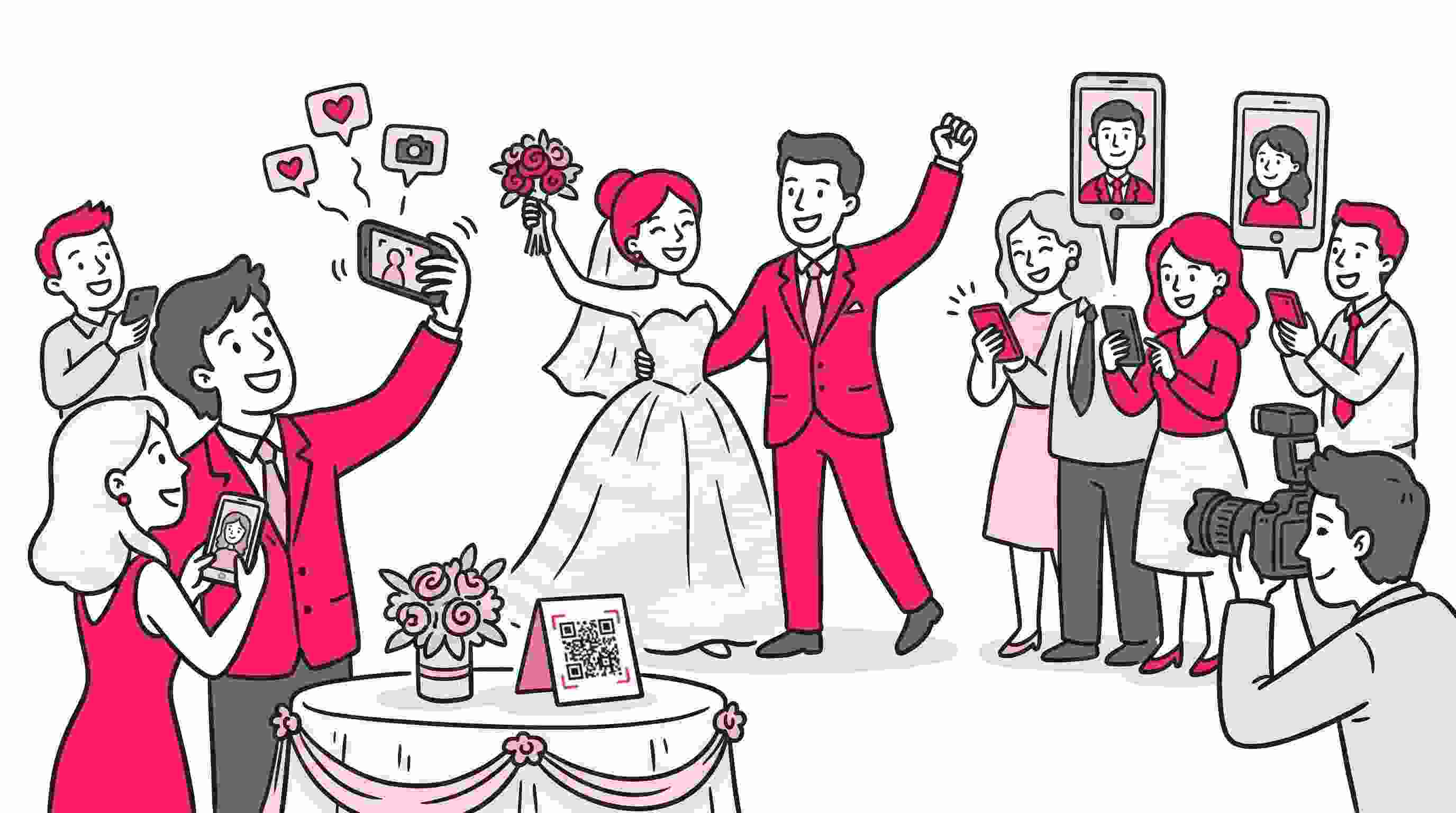
- Generate your unique event QR code or sharing link from the collection page.
- Display this QR code prominently at the venue or include the link in your digital invitations.
The goal is to get the guests into the collection environment as early as possible. Even if no photos have been uploaded yet, guests can still subscribe to future updates.
The Guest Experience: Subscribing via Selfie
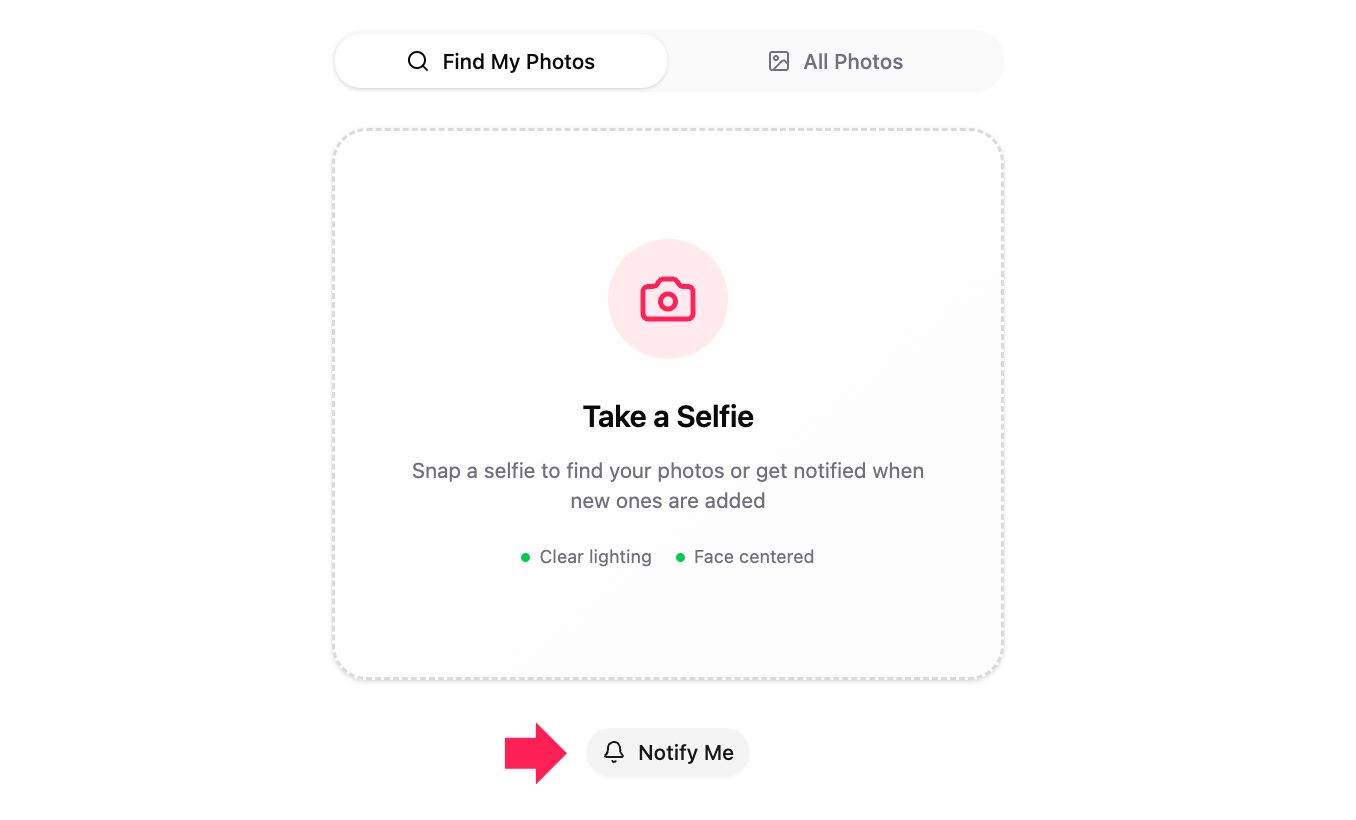
When a guest scans the QR code or clicks the link, they land on a photo search page where they are asked to click a selfie. Below that, they will see an option labeled “Notify Me”. They click it and are prompted to sign up. For the system to work accurately, the guest needs to sign in.
Once signed in, the guest is prompted to take a quick selfie. This selfie serves as the digital fingerprint for the AI to match them with the event photos. It is a one-time step that unlocks instant delivery for the rest of the event.
Make sure the guests click on the “Notify Me” button.
Triggering the Notifications from the Host Side
As a host or photographer, you maintain full control over when notifications are dispatched. You do not have to worry about guests receiving dozens of emails for every single photo you upload.
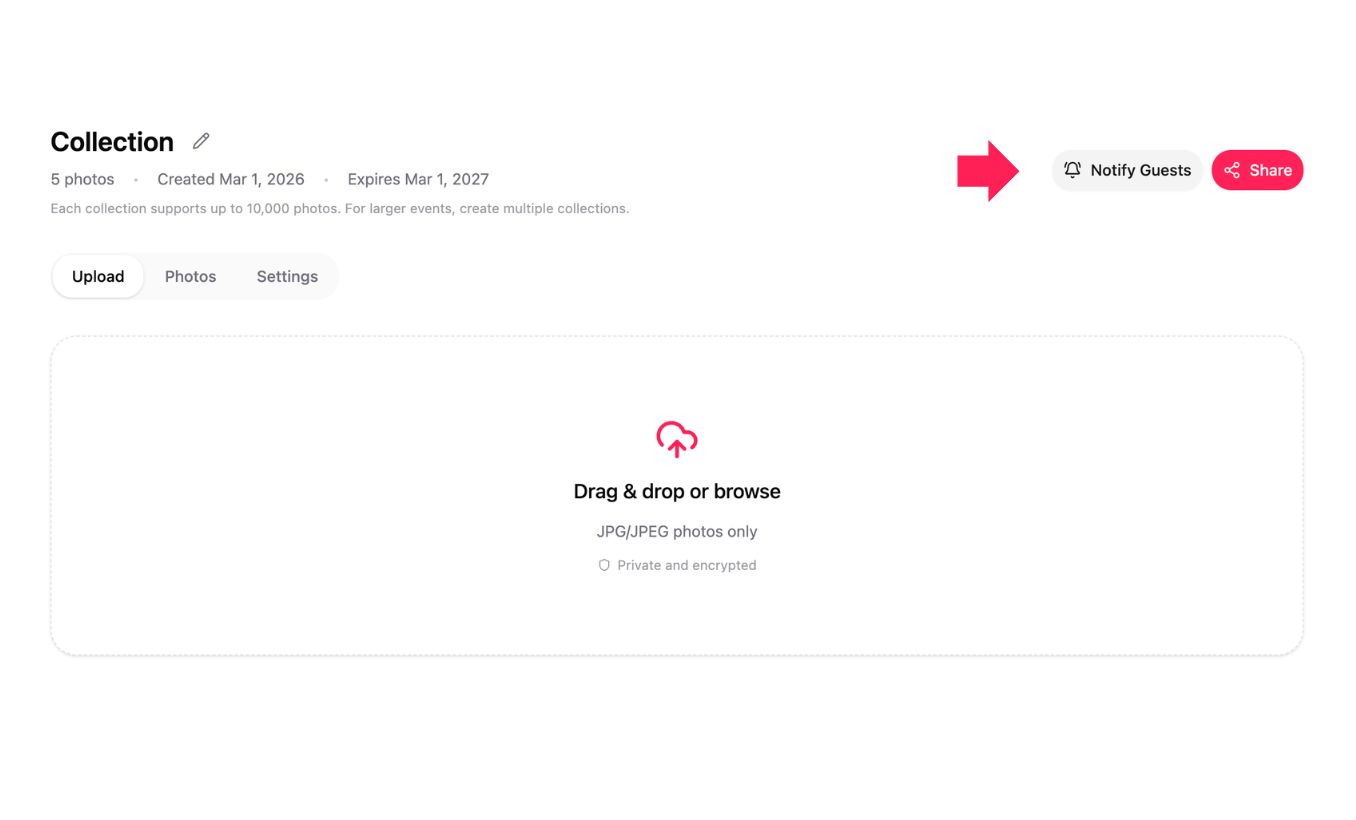
Once you have uploaded a batch of photos, you will see a “Notify Guests” button on the collections page. Clicking this button triggers the AI matching engine.
The AI compares the selfies provided by subscribed guests against the newly uploaded photos. If a match is found, an email is automatically sent to that guest.
How the AI Match and Email System Works
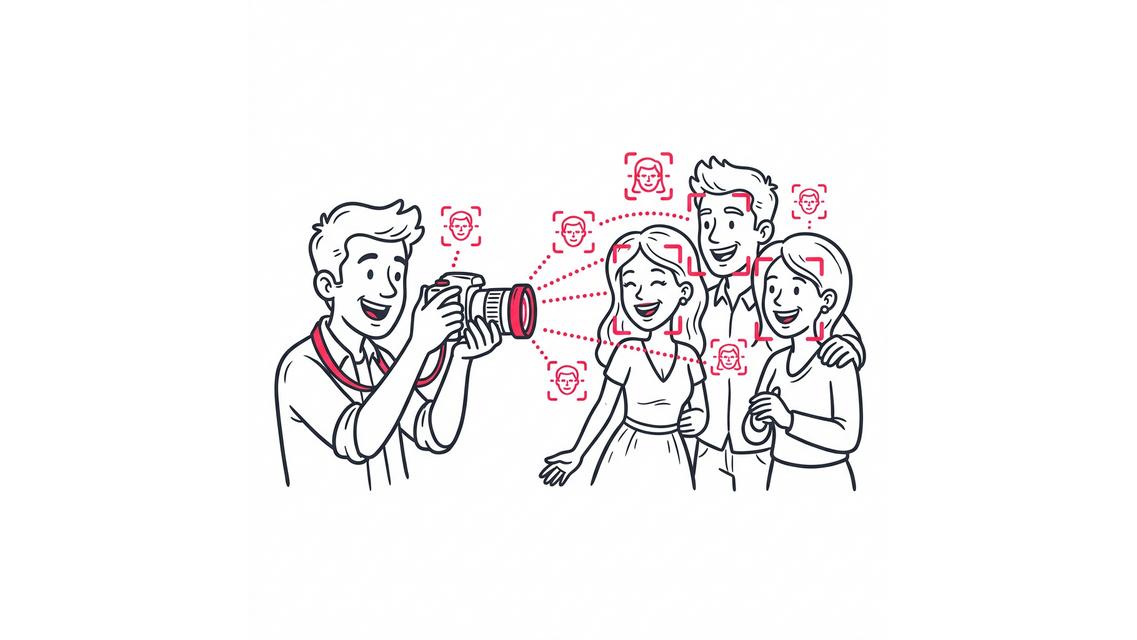
The technology behind this feature is a sophisticated facial recognition engine. It analyzes facial geometry from the guest’s selfie and maps it against every person in your uploaded collection.
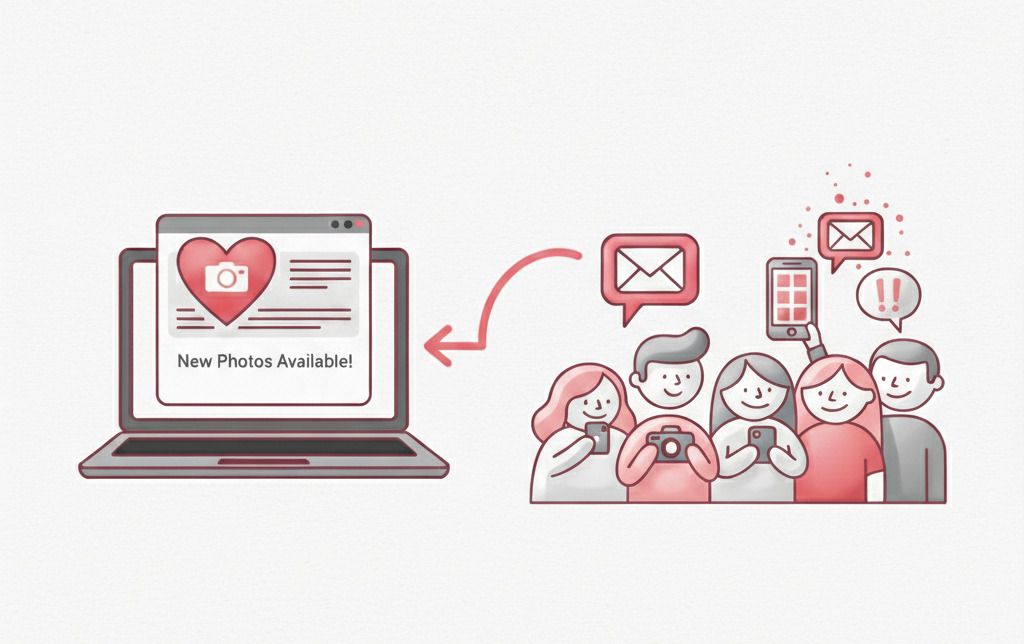
The notification email is highly specific. Rather than a vague update, it tells the guest the exact number of new photos found containing their face.
| Feature | Traditional Sharing | SnapSeek Notify Me |
|---|---|---|
| Notification Type | Manual/Mass Email | Automated & Personalized |
| Search Effort | High (Manual Scrolling) | Zero (Face Recognition) |
| Timing | Post-Event (Delayed) | Real-Time or On-Demand |
| Accuracy | None | High (AI Facial Recognition) |
| Guest Engagement | Low | High |
Why “On-Demand” Notifications Matter
We built the Notify Me button to be clicked manually by the host for a reason. In professional photography, you might upload hundreds of photos during an edit or a culling session.
By giving the host the power to trigger the notification, you ensure that guests only receive an email when the gallery is truly ready for viewing.
Whether you want to notify them once at the end of the night or in stages as you upload different segments of the event, the choice is yours. This level of control is essential for maintaining a professional brand image.
Best AI Photo Sharing for Weddings and Corporate Events
In high-stakes environments like weddings or large corporate conferences, speed is everything. Guests want to post their photos while the event is still trending on social media.
Using SnapSeek as your primary event photo sharing app allows you to meet this demand without adding hours of manual work to your post-production schedule.
You can learn more about optimizing your workflow in our guide on 7 ways to turn event photo galleries into repeat bookings.
Enhancing Privacy Through Face Recognition
One of the biggest concerns with public event galleries is privacy. Many guests do not want their photos accessible to everyone who attended the event.
SnapSeek addresses this by using the selfie-matching system to create a “private-first” experience. While the host can still offer a public gallery, the notification system directs guests specifically to the images they are in.
This targeted approach reduces the exposure of other guests and ensures a more secure environment for sharing personal memories. For more on this, check out our analysis of how to handle event photography privacy.
FAQ
Do guests need to download an app to receive notifications?
No. SnapSeek is a web-based application. Guests only need to scan the QR code, sign in through their browser, and take a selfie to subscribe to email notifications.
How accurate is the AI face recognition?
The AI is highly accurate and can identify faces even in group shots or varying lighting conditions. The better the initial selfie, the more accurate the matching will be.
Can I notify guests multiple times?
Yes. Every time you upload new photos and click the Notify Guests button, the system will check for new matches and send out updated emails.
Will guests get an email if no photos of them are found?
No. The system only sends emails to guests whose faces were successfully matched with the newly uploaded photos in that specific batch.
Is the guest’s selfie stored securely?
Yes. SnapSeek prioritizes data privacy. Selfies are used exclusively for the purpose of matching faces within the specific event collection.
Conclusion
The ability to notify guests the moment their photos are available is a game-changer for event organizers and professional photographers alike. It transforms a static gallery into a dynamic, engaging experience that keeps your audience connected to the event.
By utilizing the SnapSeek Notify Me feature, you are not just sharing photos. You are delivering a personalized service that guests will remember long after the event ends.
Ready to elevate your event photography? Start using SnapSeek today and experience the future of seamless photo sharing.