To share event photos efficiently, new photographers should prioritize speed, client accessibility, and secure hosting. The best approach is to deliver a sneak peek gallery within 24 hours. Follow this up with a fully curated final gallery hosted on a web-based, one-way distribution platform.
Using QR codes for instant access and implementing facial recognition will drastically improve the guest experience. These technical additions drive more referrals for your growing photography business.
The New Standard in Event Photo Delivery
Client expectations in the photography industry have shifted drastically over the past few years. Today, speed and accessibility matter just as much as your technical camera skills. You are not just delivering digital files; you are delivering an experience.
The photography industry is more saturated than ever before. Standing out requires more than just a good eye for composition and expensive lenses. The way you handle the post-production and delivery phases can completely differentiate your brand.
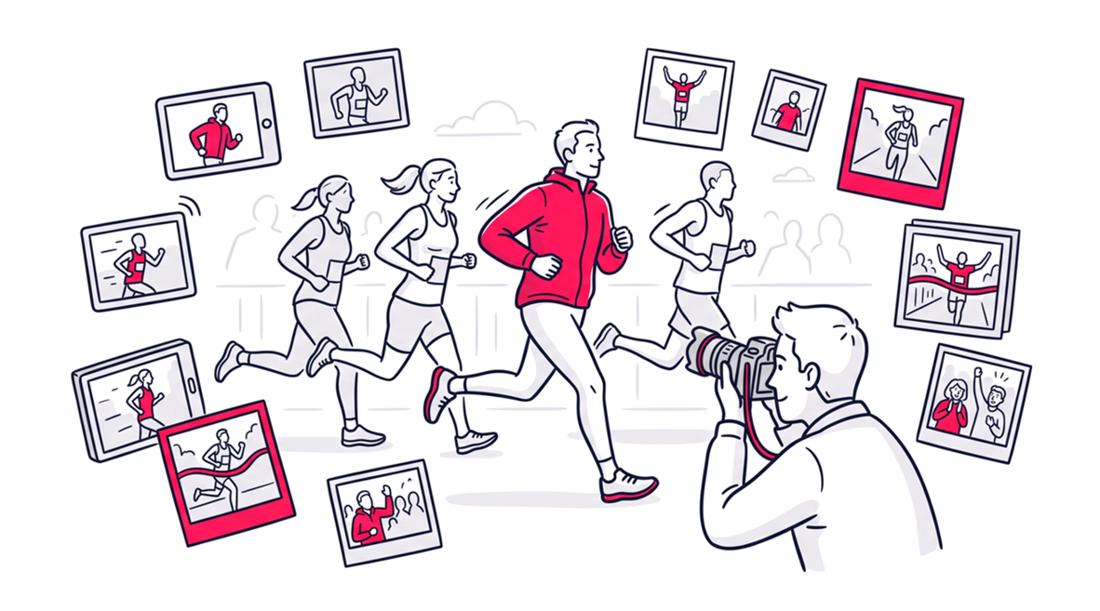
When covering sports, graduation ceremonies, or corporate summits, the way you hand over the final product defines your brand. A clunky delivery process can ruin the goodwill built during a fantastic shoot. Relying on outdated methods will cost you repeat business and referrals.
New photographers must adopt modern workflows to stay competitive. This means ditching USB drives and messy email attachments. Here are the top 10 photo sharing tips to streamline your delivery and delight your clients.
Tip 1: Deliver Sneak Peeks Within 24 Hours
The first 48 hours post-shoot are absolutely critical for capitalizing on client excitement. Delivering a small batch of edited photos sets a professional tone immediately. This strategy turns raw excitement into immediate social media shares.
Data shows that same-day photo delivery generates 4.2 times more social media shares compared to traditional timelines. Furthermore, industry reports indicate that 68 percent of younger clients expect a preview within 48 hours. A quick sneak peek acts as free, high-impact marketing for your business.
When clients post your photos immediately, their network sees your work at peak relevance. This is especially vital for weddings and corporate events where social buzz is highest right after the event concludes. Do not make them wait weeks to see your talent.
Tip 2: Use Strict One-Way Photo Distribution Platforms
Many new photographers make the mistake of using collaborative folders like Google Drive for client delivery. This often leads to messy galleries where guests accidentally upload their own smartphone shots. You must maintain complete control over the visual narrative.
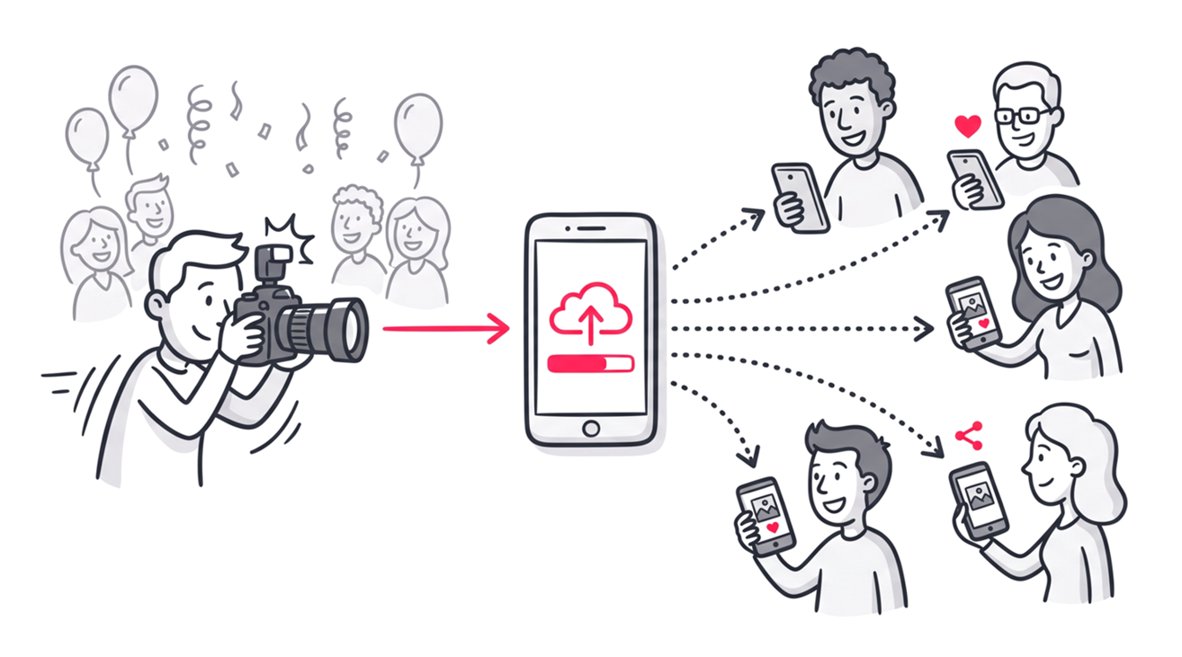
The ultimate solution is to use a strict one-way photo distribution platform. This setup ensures only the host or the hired photographer uploads the high-resolution images. Guests can easily view and download their memories, but they cannot alter the core gallery.
This approach maintains your strict brand standards and prevents technical confusion among older guests. To dive deeper into this workflow, read our complete guide on one-way photo distribution platforms for professionals.
Tip 3: Implement Facial Recognition for Massive Galleries
Finding personal photos in a gallery of thousands is a massive headache for event attendees. This frustration is incredibly common at massive events like summer camps, sports tournaments, and graduations. Guests simply do not want to scroll through endless thumbnails to find their own face.
Modern photo sharing tools utilize AI-driven facial recognition to completely solve this problem. Attendees can simply upload a quick selfie to find all their matching photos instantly. This feature transforms a tedious search process into a magical user experience.
Incorporating this technology proves you are a tech-savvy professional. It drastically reduces support emails from parents or attendees asking where their photos are. You can explore the technical side of this in our article covering facial recognition in photography.
Tip 4: Cull Ruthlessly to Boost Your Perceived Value
New photographers frequently over-deliver because it feels generous to the paying client. However, experienced professionals know that a tight, curated set of images feels far more impressive. Your client will always remember your worst delivered image, not just your best one.
The math behind perceived value is surprisingly simple. If you deliver 200 images and 180 are excellent, your client thinks you have a 90 percent hit rate. If you deliver 400 images with only 180 excellent shots, that perception plummets to 45 percent.
Aggressive culling protects your professional reputation and saves you hours of unnecessary editing time. Advanced tools that group duplicate faces or detect closed eyes save hours of manual review. Only deliver the absolute best representations of your creative work.
Tip 5: Optimize Turnaround Times by Niche
Delivery expectations vary wildly depending on the specific type of photography you shoot. A multi-day corporate conference requires a vastly different workflow than a standard portrait session. Understanding these baselines prevents client frustration and sets clear boundaries.
Photographers who deliver full galleries in under two weeks see a 40 percent higher referral rate. You must balance this need for speed with the sheer volume of frames shot. Below is a breakdown of standard delivery expectations by event type.
Standard Delivery Timelines by Photography Niche
| Event Niche | Average Frames Shot | Expected Turnaround Time | Typical Keeper Rate |
|---|---|---|---|
| Corporate Conference | 2000 to 4000 | 2 to 7 Days | 15 to 30 percent |
| Weddings | 2000 to 5000 | 2 to 6 weeks | 15 to 30 percent |
| Sports Tournaments | 5000 to 20000 | 24 to 48 Hours | 2 to 10 percent |
| Portrait Sessions | 100 to 500 | 24 to 72 Hours | 20 to 40 percent |
Always outline these specific timelines in your initial contract. It is better to under-promise and over-deliver than to miss a deadline.
Tip 6: Utilize QR Codes for Frictionless On-Site Access
Event attendees want immediate access to the gallery link before they even leave the venue. Relying entirely on post-event email blasts often results in terrible engagement rates. You need a frictionless handoff method right there on-site.
Print dynamic QR codes on your business cards or display them on table tents at the event. Guests can scan the code to instantly pre-register for gallery access. Once you upload the final files, they will receive an automatic notification.
This strategy captures leads effortlessly and builds anticipation. It is highly effective at weddings and summer camps where parents and guests are eager for updates.
Tip 7: Standardize Your Export Settings for Web Viewing
Avoid uploading massive, uncompressed TIFF files to a client-sharing gallery when they aren’t needed. Large files can increase upload times, storage usage, and potentially hosting costs, while providing little benefit for normal screen viewing.
For web delivery, export optimized JPEGs in sRGB, with a long edge around 2048 pixels. The exact pixel dimensions should be adjusted based on the gallery platform’s current recommendations. 72 PPI is not required for web images—the pixel dimensions determine their on-screen size.
Keeping web-gallery files appropriately sized helps provide a faster, more responsive browsing experience and reduces unnecessary storage usage. If a client needs images for large-format printing or other high-resolution applications, provide the full-resolution files separately.
This approach keeps the viewing gallery lightweight while preserving high-resolution files for clients who need them.
Tip 8: Prioritize Web Apps Over Native Mobile Apps
Asking a client to download a dedicated mobile app just to view their photos creates unnecessary friction. People are highly protective of their phone storage space and hesitant to install single-use apps. They will likely abandon the process if forced to visit the app store.
Instead, you should always host your galleries on responsive web applications. A web app opens instantly in any mobile or desktop browser without requiring a download. This guarantees a seamless viewing experience without any technical barriers for your guests.
Web platforms are universally accessible and easily shareable via a simple URL. Check out our advanced event photo sharing strategies to refine your digital delivery methods.
Tip 9: Protect Your Work With Metadata and Subtle Watermarks
Watermarking is a heavily debated topic in the professional photography community. Large, intrusive watermarks can ruin the viewing experience and look incredibly unprofessional. However, you still need to protect unpurchased images from casual theft.
Use a subtle, low-opacity watermark placed near the center of the image. This makes it more difficult to crop out while keeping the subject clearly visible and enjoyable. Do not slap massive logos across people’s faces or important details.
Beyond visual watermarks, always consider embedding your copyright information into the IPTC metadata of your exported files. This can include your name, copyright notice, contact information, and usage rights. IPTC metadata provides an additional layer of attribution and provenance, helping identify you as the creator if the file is shared online.
However, metadata is not foolproof. It can be removed or altered when an image is uploaded, processed, or re-exported. Likewise, a watermark is a deterrent rather than a guarantee against unauthorized use.
Using both approaches gives you a practical layer of protection while preserving the quality and professionalism of your photography.
Tip 10: Automate Your Client Email Sequences
Manual follow-ups and status updates waste valuable post-production time that could be spent editing. You should not be writing individual emails explaining how to download photos. Automation is the absolute key to scaling your photography business efficiently.
Set up an automated email sequence in your CRM for every new client. Send a warm thank-you note with the sneak peek link exactly 24 hours after the shoot. Follow up with the final gallery link and clear download instructions once the project is complete.
This level of professional communication builds immense trust. It keeps the client informed and drastically reduces the number of anxious texts asking about photo status.
The Business Impact of a Flawless Delivery Workflow
Your photo delivery process directly impacts your bottom line. Happy clients who receive their photos quickly and effortlessly are your best marketers. They will eagerly share your links and recommend your services to friends.
Conversely, a frustrating download experience can lead to negative reviews. If guests cannot figure out how to save their photos, they will blame the photographer. Investing time in optimizing this workflow pays massive dividends.
Investing in the right software stack will save you hundreds of unbillable hours every single year. Speed, simplicity, and security are the foundations of a successful photo sharing strategy. Master these elements, and your client satisfaction rates will skyrocket.
FAQ
What is the best way to share photos with clients?
The best method is using a secure, web-based photo sharing platform that offers one-way distribution. This ensures the photographer maintains control over image quality while providing clients with an easy, app-free viewing experience.
How many photos should a photographer deliver?
It depends on the niche, but quality always beats quantity. For an eight-hour wedding, 400 to 600 curated images is standard. A corporate event might require 200 to 400 highly polished shots.
Why should I provide a sneak peek gallery?
Delivering a sneak peek within 24 hours capitalizes on client excitement and generates immediate social media shares. It reassures the client and significantly boosts your overall referral rates.
Do I need to force guests to download an app to view photos?
No, forcing app downloads creates unnecessary friction and hurts the user experience. Using a responsive web application allows guests to view and download their photos instantly from any mobile or desktop browser.
Conclusion
Sharing event photos does not have to be a stressful, time-consuming bottleneck. By adopting strict one-way distribution platforms, utilizing facial recognition, and prioritizing speed, you can completely transform your client experience. Fast delivery and frictionless access are truly your best marketing tools.
To streamline your entire workflow, consider using SnapSeek. As a powerful web-based distribution platform, SnapSeek makes it effortless to share photos securely while giving guests lightning-fast access to their memories. Elevate your photography business today with a platform built for modern, efficient professionals.