To prepare for an event photography gig, you must secure a detailed client brief and conduct a thorough location scout. Next, pack a redundant gear kit, organize your photography team with clear roles, and establish a robust digital workflow. Finally, plan exactly how to share event photos efficiently using AI delivery tools to ensure immediate client satisfaction.
Event photography is a high-pressure environment where second chances simply do not exist. Unlike studio sessions, you cannot ask a speaker to repeat their keynote or a couple to redo their first kiss. Preparation is the absolute foundation of a successful event shoot.
Professional event photographers rely on rigid systems to eliminate variables and guarantee consistent results. This preparation encompasses technical gear readiness, clear client communication, and a strategic post-production plan. Knowing how to capture the image is only half the battle.
The other half is understanding the logistics of file management and delivery. A common industry statistic reveals that nearly 70 percent of clients value fast photo delivery just as highly as image quality. Therefore, a solid preparation routine must address both the capture and the distribution of your images.
Understanding the Event Photography Workflow
The workflow of an event photographer starts weeks before the actual date of the shoot. Gathering information is your first critical task. You need to know exactly what the client expects, who the key VIPs are, and what the timeline looks like.
Without a clear roadmap, you risk missing crucial moments that matter most to the organizers. A thorough pre-production process saves you from unnecessary stress on the day of the event. It also positions you as a true professional in the eyes of your clients.
Securing the Detailed Client Brief
Never step into a venue without a signed contract and a comprehensive shot list. Before the event, schedule a pre-event consultation with the client to discuss the exact deliverables, timeline, and overall visual style they want. Ask for a list of essential shots, including specific executives, sponsors, speakers, group photos, and candid moments.
Be sure to confirm important venue logistics as well, such as access, parking, lighting restrictions, the event schedule, and the main point of contact. You should also clarify the expected turnaround time for the final gallery. Setting these expectations early helps prevent scope creep and ensures everyone is on the same page.
Finally, discuss how the photos will be delivered and whether the client has any security or privacy requirements. If you are unsure which delivery platform to use, talk through the options during the initial consultation so you can agree on a secure and convenient method before the event.
Scouting the Location and Lighting
Whenever possible, visit the event venue before the actual day of the shoot. Pay close attention to the ambient lighting conditions, ceiling heights, and potential obstructions. Mixed lighting scenarios are notorious at corporate events and weddings, often requiring specific white balance strategies.
If an in-person scout is impossible, request photos of the venue from the event planner. Look for dark corners where you might need to set up off-camera flashes. Understanding the layout helps you position yourself perfectly for wide crowd shots and tight stage angles.
Building Your Event Photography Gear Kit
Your equipment is your lifeline during an event. However, technology can fail and gear can break down at the most inconvenient times. That’s why redundancy should be a fundamental part of your event photography preparation.
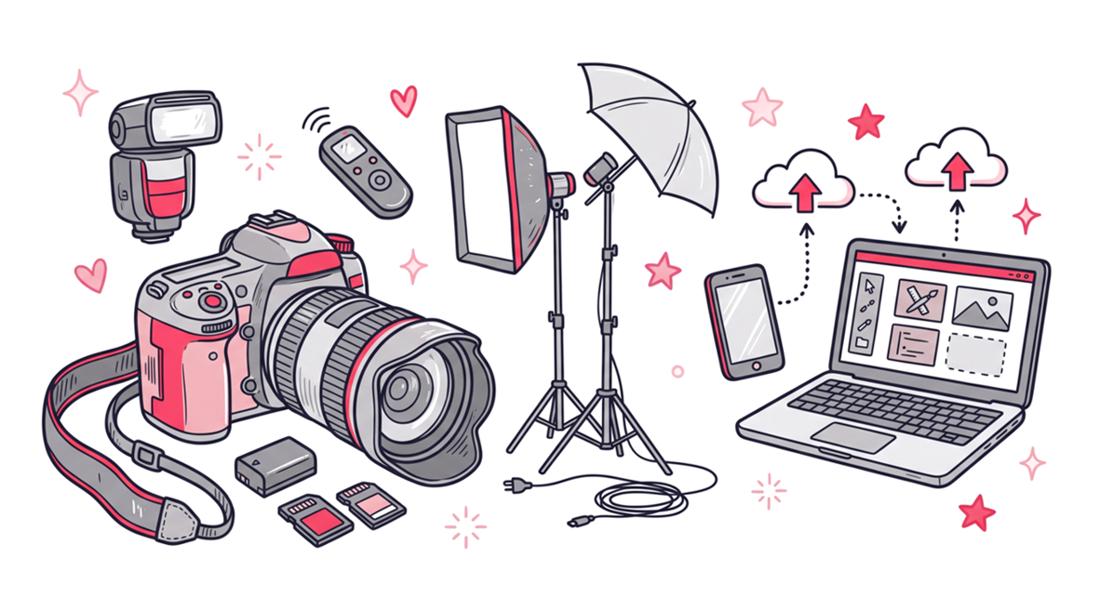
Never shoot a paid event with only one camera body or a single memory card. Whenever possible, use a camera with dual card slots and configure it to record your images to both cards simultaneously. This provides an immediate backup in case one memory card becomes corrupted or fails.
It’s also wise to bring backup essentials, including extra batteries, multiple memory cards, spare lenses, chargers, and other critical accessories. Having a backup for your most important equipment can make the difference between calmly handling a technical problem and having to stop shooting altogether.
Primary and Backup Equipment
Your primary camera should perform well in low-light conditions and have a fast, reliable autofocus system. Pair it with versatile zoom lenses, such as a 24–70mm for general event coverage and a 70–200mm for stage presentations, speeches, and candid moments from a distance. Prime lenses with wide apertures are also excellent for creating artistic portraits and working in challenging lighting conditions, but zoom lenses generally offer greater flexibility in fast-paced event environments.
Always carry a backup camera body with the same lens mount as your primary system. This allows you to switch quickly between bodies without needing a separate set of lenses. As a general rule, bring at least twice as many batteries and memory cards as you expect to use. Speedlights with fast recycle times and external battery packs can also be valuable for indoor events, particularly when you need consistent flash performance throughout a long shoot.
| Gear Category | Primary Kit Standard | Minimum Backup Requirement |
|---|---|---|
| Camera Body | Full-frame mirrorless, dual card slots | Secondary compatible body |
| Lenses | 24-70mm f/2.8 and 70-200mm f/2.8 | Fast 35mm or 50mm prime |
| Lighting | On-camera TTL speedlight | Extra speedlight and off-camera trigger |
| Power | 4-6 fully charged OEM batteries | 2 extra batteries, power bank |
| Storage | Multiple high-speed, high-capacity memory cards | Additional spare cards in a protective case |
Assembling and Briefing Your Photography Team
Large-scale events often require more than one set of eyes and hands. When an event has more than 200 guests or involves multiple activities happening simultaneously, hiring a second photographer is highly recommended. A second shooter can provide additional coverage, capture moments happening in different locations, and ensure important parts of the event are not missed.
Working with a team requires careful coordination and clear communication. You cannot simply hire another photographer and expect them to know your approach. Before the event, provide a detailed briefing that covers the schedule, key people, required shots, assigned areas, and overall visual style. It is also helpful to discuss camera settings, file formats, flash usage, and how images will be organized and transferred after the event.
Clear roles and expectations allow the team to work efficiently without duplicating coverage or getting in each other’s way. The goal is to operate as a coordinated team while maintaining a consistent look and quality throughout the final gallery.
Defining Roles and Responsibilities
Assign specific zones or tasks to each member of your photography team. For example, the lead photographer might cover the main stage and VIPs, while the second shooter captures guest reactions and sponsor booths. This division of labor guarantees that no aspect of the event goes undocumented.
Sync the time and date settings on all camera bodies before the event begins. This technical step is crucial because it allows you to merge all files chronologically during post-production. Ensure your team also understands the specific style and composition guidelines dictated by the client brief.
Tech Stack: How to Share Event Photos Fast
Capturing incredible images is only step one of the modern event photography process. The true bottleneck for most creatives is the post-event delivery phase. Clients no longer want to wait weeks to see their images, especially in the age of rapid social media consumption.
Understanding how to share event photos efficiently is a massive competitive advantage. You need a tech stack that handles massive file transfers, secure backups, and intuitive client galleries. Traditional cloud storage folders are clunky and offer a poor user experience for event guests.
The Post-Processing Bottleneck
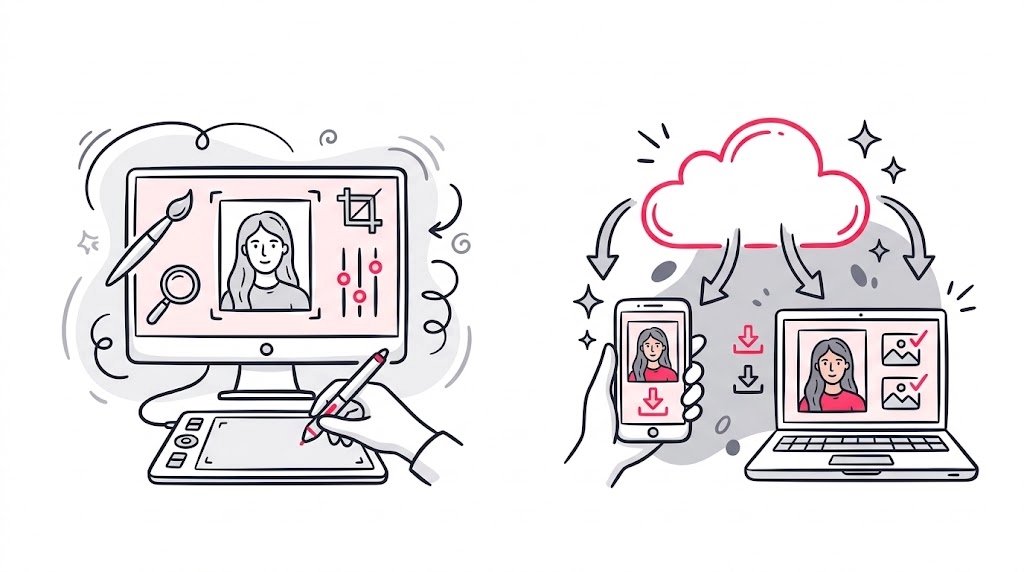
Culling and editing thousands of photos can take days if you do not have a streamlined workflow. Utilize AI culling software to quickly remove blurry or poorly exposed images. Apply batch color corrections and standard presets to speed up the editing process across different lighting environments.
Once the final JPEG files are ready, the delivery mechanism becomes the focus. Sending a basic ZIP file link can frustrate clients who are looking for specific pictures of themselves. Guests do not want to scroll through a gallery of a thousand images just to find one portrait.
Leveraging SnapSeek for Instant Delivery
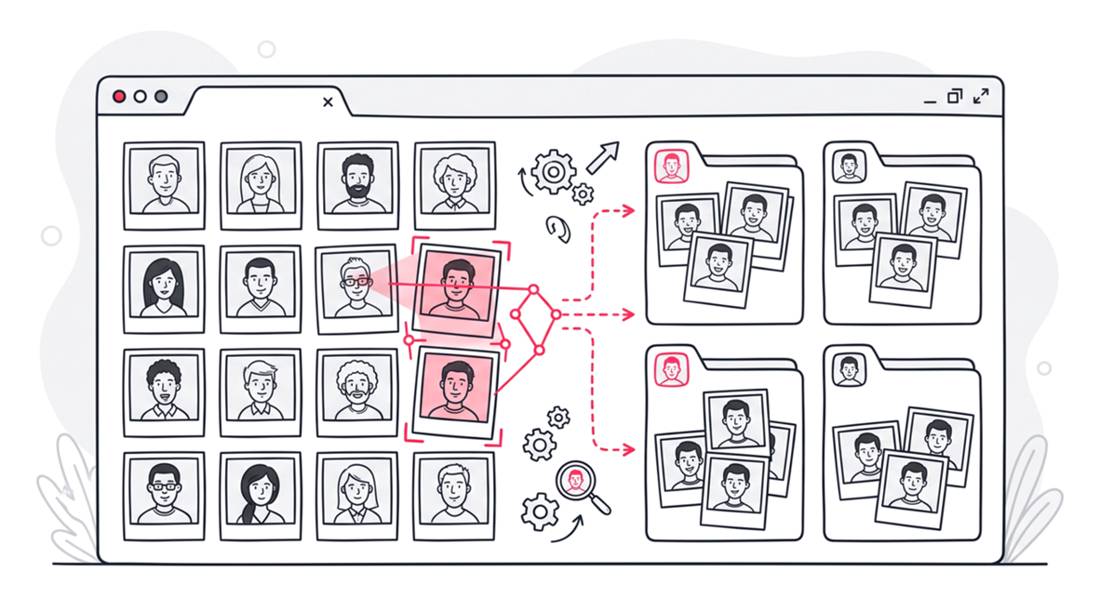
This is where modern technology completely transforms the client experience. SnapSeek is the ultimate platform for delivering event photography with zero friction. It uses advanced facial recognition AI to automatically find and deliver photos to the right guests.
Instead of manually tagging individuals, you simply upload the final gallery to SnapSeek. Guests take a quick selfie, and the platform instantly curates a personalized album containing only their photos. This eliminates the headache of manual distribution and provides a magical experience for event attendees.
When you use SnapSeek for event photo delivery, you elevate your brand perception. It is a highly professional touch that sets you apart from amateur photographers. The platform also offers secure access controls and high-resolution download capabilities.
| Feature | Traditional Cloud Storage | AI Delivery via SnapSeek |
|---|---|---|
| Guest Search | Manual scrolling through folders | Instant facial recognition search |
| Privacy | Anyone with the link sees everything | Guests see only their own photos |
| Setup Time | Creating complex folder structures | Simple drag-and-drop upload |
| User Experience | Clunky, frustrating for large events | Fast, modern, and highly personalized |
Essential Preparation Checklists
Mental preparation is just as important as packing your gear. Create a standardized checklist and follow it before every event. Relying on memory is an easy way to forget an extra battery, essential equipment, or an important client request.
Format your memory cards in the camera the night before the event, but only after confirming that any previous files have been safely backed up. Clean your lenses with a microfiber cloth and check your camera sensor for dust. Pack a small emergency kit containing gaffer tape, lens wipes, basic pain relievers, and energy bars. These simple preparations can help you stay focused and handle unexpected problems throughout the event.
The 24-Hour Countdown
The day before the event should be dedicated to final checks and physical rest. Review the timeline one last time and map out your travel route to the venue. Account for unexpected traffic and aim to arrive at least one hour before your scheduled start time.
Double-check that all batteries are fully charged and packed securely. Confirm the arrival times with your second shooter or photography assistants. A calm, organized approach the night before translates to a confident, professional presence on the event floor.
Data and Statistics in Event Photography
Understanding industry trends helps you justify your preparation methods and pricing strategies. Studies show that event photography businesses that deliver photos within 48 hours receive 60 percent more referrals. Speed is undeniably a currency in the modern event industry.
Furthermore, photographers report spending nearly 40 percent of their total working hours on administrative and post-production tasks. Tools that automate photo sharing and culling directly impact your bottom line. By reducing non-billable hours, you increase your effective hourly rate and prevent creative burnout.
FAQ
What is the most important piece of backup gear for an event photographer?
A secondary camera body with dual memory card slots is the most critical backup item. If your primary camera fails, you must be able to continue shooting seamlessly without losing any previously captured data.
How many photos should a professional event photographer deliver?
Delivery volume depend on the event timeline and contract, but a standard benchmark is 50 to 75 high-quality, edited images per hour of coverage. Focus on delivering impactful moments rather than repetitive, similar shots.
What is the best way to share photos with hundreds of event guests?
The most efficient method is using an AI-powered platform like SnapSeek. It allows guests to use facial recognition to instantly find and download their specific photos without scrolling through massive public galleries.
Which camera lens is best for corporate event photography?
A 24-70mm f/2.8 lens is widely considered the workhorse of event photography. It provides the perfect focal range for capturing wide room shots, small group photos, and environmental portraits in challenging lighting.
Conclusion
Preparing for event photography requires a blend of technical readiness, clear communication, and modern software strategies. By packing redundant gear and managing your team effectively, you secure the capture phase. Just as importantly, by planning exactly how to share event photos using advanced tools, you guarantee an exceptional client experience.
Do not let outdated delivery methods slow down your workflow and frustrate your clients. Take advantage of modern facial recognition technology to automate your distribution process. Start using SnapSeek today to deliver personalized photo galleries instantly and watch your event photography business thrive.