“Pics or it didn’t happen.”
We have all heard it. But in 2026, the updated version is: “Pics while it is happening.”
Couples and event planners are no longer satisfied waiting 6 to 8 weeks for their gallery. They want to post on Instagram before the cake is even cut. For photographers, this demand can feel like a nightmare. You are already on your feet for 10 hours straight, managing lighting, timelines, and family dynamics. The idea of pulling out a laptop during dinner service to edit photos sounds like a fast track to burnout.
But what if you could deliver a “day-of” sneak peek in under 15 minutes without adding stress? What if this simple add-on could become your most powerful marketing tool?
This guide breaks down a streamlined workflow to deliver instant value, thrill your clients, and get your work shared virally. All before you pack up your gear.
Why “Day-Of” Sneak Peeks Are a Non-Negotiable in 2026
The industry has shifted. Speed is now a service.
Instant Gratification is the Standard
Guests are capturing every moment on their phones. If you want your professional work to be the images that get shared, speed is your only advantage. When a guest posts a blurry iPhone photo of the first dance, that becomes the “memory” for everyone on social media. But if you can get your high-resolution, professionally lit image into their hands within minutes, you reclaim the narrative. Your work becomes the definitive record of the night.
Marketing Gold
When you deliver photos while the event is still happening, anticipation and engagement are at their peak. Vendors share your work, tag you, and credit you immediately. This is how you build authority and get on the radar of planners and venues.
Imagine this scenario. The makeup artist is still on-site or checking their phone at home. They see a stunning portrait of the bride you just uploaded. They repost it immediately, tagging you. The florist sees the detail shot of the bouquet. They repost it. Suddenly, your work is being broadcast to the exact network of potential clients you want to reach, all while the emotions of the wedding day are high. This is organic marketing that you simply cannot buy.
Elevated Client Experience
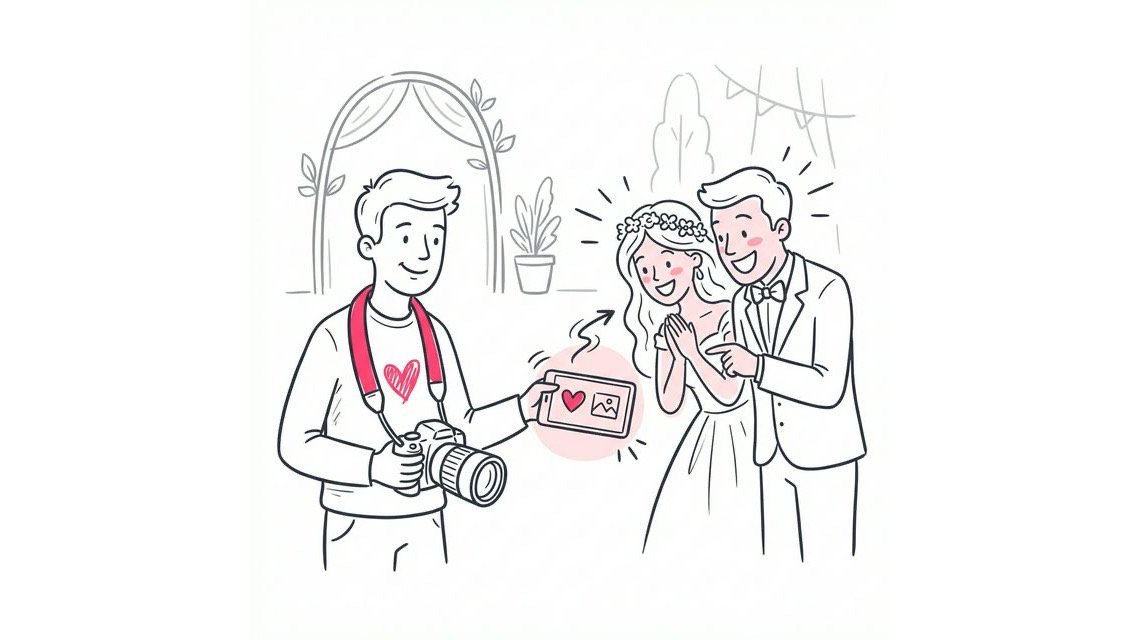
Delivering a handful of stunning images on the spot exceeds expectations. It gives your couples something to look at immediately and reassures them that they made the right choice. It bridges the long gap between the wedding day and the final gallery delivery. That 6-week wait feels a lot shorter when they have 10 incredible images to obsess over the next morning.
The Technical Setup for Speed
Before you even arrive at the venue, your gear needs to be configured for this workflow. You cannot speed up a system that is fighting you.
Dual Card Slots are Mandatory
You should be shooting RAW to Card 1 and JPEG (Medium or Small) to Card 2. Why? Because transferring 50MB RAW files to a tablet over Wi-Fi takes forever. A 5MB JPEG transfers in seconds. These JPEGs are more than enough for a social media sneak peek.
Time-Sync Your Cameras
If you are shooting with a second shooter or using two bodies, sync your clocks. There is nothing worse than trying to find “that moment during the first dance” and realizing one camera is 10 minutes behind.
Customize Your Rating Button
Dive into your camera’s custom menu. Map the “Rate” or “Protect” function to an easily accessible button (like the Fn button near the lens mount). You need to be able to rate a photo without taking your eye off the viewfinder.
The 5-Step Workflow for Stress-Free Sneak Peeks
You do not need to be a robot to pull this off. You just need a system.
Step 1: Shoot for the Sneak Peek
Do not try to find a needle in a haystack later.
Throughout the day, when you take a “hero shot” - that perfect couple portrait, a stunning detail shot, or an emotional candid - mark it in-camera. Most professional cameras have a rating button. Give these shots a 5-star rating immediately.
Aim for 5 to 10 images total. You are looking for impact, not volume.
Think about the story of the day. You want one wide shot that sets the scene. One emotional close-up. One detail shot that showcases the couple’s style. And of course, the hero portrait. If you are diligent about rating these 5-star images as you shoot, you eliminate the need to scroll through 3,000 bad frames later. You are essentially editing as you shoot.
Step 2: The High-Speed Cull
During your downtime (yes, you should take your breaks), transfer your images to your tablet or laptop.
If you used the in-camera rating system, filter by “5 stars” immediately. You now have your selection ready in seconds.
The key here is to trust your gut. Do not compare similar frames. If it hit you emotionally when you took it, it will hit the client, too. Grab it and move on. Remember, you are selecting for a sneak peek, not the final album. Perfection is the enemy of done.
Step 3: The “One-Touch” Edit
This is not the time for extensive retouching.
Use Lightroom Mobile or your preferred editing software. Apply your standard preset. Tweak exposure and white balance. That is it.
Your goal is a polished, professional look that fits your style. Consistency wins here. Remember, these are teasers, not the final product. Most clients will be viewing these photos on a phone screen, where minor imperfections are invisible. They are looking for the feeling of the moment, not pixel-peeping at 100% zoom.
Step 4: Instant Delivery with SnapSeek
Here is where the magic happens. Most photographers get stuck here. They try to upload to Dropbox or Google Drive, then hunt down the planner to air-drop a link, or text the bride directly. It is clunky and unprofessional.
- The Fix: Use a simple QR code to share photos.
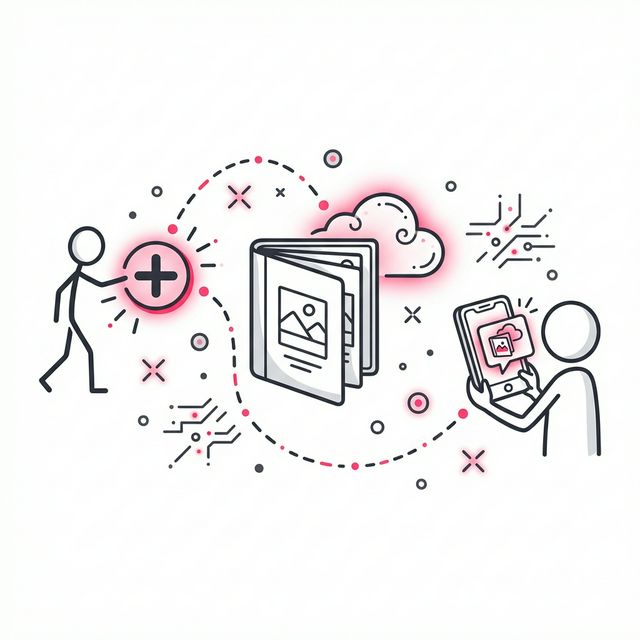
With SnapSeek, you simply upload your 10 edited JPEGs to a dedicated event gallery. The platform generates a unique QR code. You can do this from your phone in seconds.
SnapSeek is designed specifically for this workflow. Unlike general cloud storage, it understands that events are social. No “login to view” friction. No “download app to see” barriers. Just pure, instant visual joy.
Step 5: Automate the Hype
Do not email the couple yet. They are busy dancing.
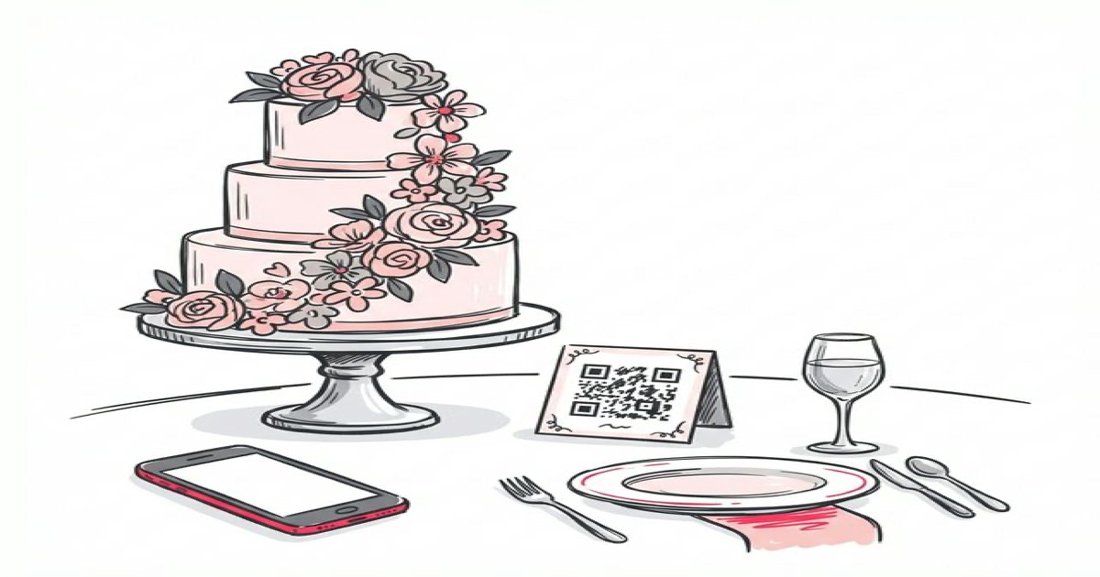
Instead, print the QR code or have it displayed on a screen at the reception. Guests and the couple can scan it to instantly view the sneak peek gallery.
SnapSeek is designed to find photos with a selfie that allows everyone to find themselves in the crowd shots instantly. This turns your sneak peek into an interactive experience for the entire room.
Imagine the buzz in the room when the DJ announces that photos from the ceremony are already available. Guests scan the code, find their own photos, and start sharing them immediately. You have effectively turned every guest with a smartphone into a marketing agent for your photography business.
Tools That Do the Heavy Lifting
Choosing the right delivery method makes all the difference.
| Feature | SnapSeek | Gallery Apps | Google Drive/Dropbox |
|---|---|---|---|
| Guest Access | Instant (QR/Selfie) | Requires App/Link | Clunky Login |
| Setup Time | < 2 Minutes | Moderate | High |
| Face Search | Yes | Limited | No |
| Privacy | High | Varied | Low/Manual |
SnapSeek is built for this exact moment. It removes the friction of “logging in” or “downloading an app.” Guests scan, view, and share. Compare this to Dropbox where permissions and file limits often kill the vibe.
When you use a professional tool like SnapSeek, you signal to your clients that you are a modern, tech-forward business. You are not just a photographer. You are a memory curator.
Managing Client Expectations
You never want to over-promise and under-deliver.
- The Golden Rule: Under-promise.
In your contract, state that sneak peeks will be delivered “within 24 hours.” When you deliver them during the reception, you look like a superhero.
If you promise “day-of” delivery and your camera breaks or the wifi goes down, you have failed. But if you promise “next day” and deliver “same night,” you have delighted them. Always leave yourself a safety buffer.
Pricing Your Sneak Peek Service
Should you charge for this?
Strategy A: The Value-Add. Include it in your top-tier packages to drive upsells. “Book Package A and wait 8 weeks. Book Package B and get same-day sneak peeks.” The perceived value of “immediate” is incredibly high for modern couples.
Strategy B: The a la Carte Add-on. Offer “Day-Of Sneak Peeks” as a specific add-on. This anchors the value of your time and skill. Even if you end up throwing it in for free as a booking incentive, the client knows it is worth it.
Strategy C: The Standard of Excellence. Do it for everyone, for free. This is the long-game play. It establishes your brand as the premium, high-service option in your market. You become “the photographer who delivers fast.” In a crowded market, that reputation is priceless.
Common Pitfalls to Avoid
As with any new workflow, there are traps.
Oversharing: Do not upload 50 photos. Stick to your 10 best. If you upload too many, you dilute the impact of the best ones.
Bad Wifi: Always have a backup plan. If the venue has no signal, can you hotspot? If not, focus on editing the photos and delivering them the moment you step outside or get back to the hotel.
Ignoring the Room: Do not get so sucked into editing that you miss the party. Timebox your editing session. Set a timer for 15 minutes. If you are not done, stop. The live event is more important than the sneak peek.
FAQ
How many photos should be in a day-of sneak peek?
Aim for 5 to 15 high-impact images. This is enough to tell a story and create excitement without overwhelming you or the couple. It is a teaser trailer, not the full movie.
Do I need to edit sneak peeks fully?
No. Apply your standard preset and make basic adjustments to exposure and white balance. Save the detailed retouching for the full gallery delivery. Speed is the priority here.
What is the best way to share photos with guests instantly?
QR codes are the most effective method. Platforms like SnapSeek allow guests to scan a code and instantly view or find their photos using face recognition, removing the need for app downloads.
Will providing a sneak peek make clients impatient for the full gallery?
Actually, the opposite is usually true. When clients have a handful of great photos to share immediately, they feel satisfied and are more willing to wait for the full collection.
Conclusion
Delivering same-day photos is no longer a luxury, it is becoming the standard for high-end event photography. By streamlining your selection process, mastering a quick mobile edit, and using a delivery platform built for speed like SnapSeek, you can provide an experience that your clients will talk about for years.
This workflow doesn’t just make your clients happy; it builds your brand, strengthens vendor relationships, and ensures your work is the first thing everyone sees on social media. Start small, under-promise, and watch how a few well-timed photos can transform your business.
For a deeper dive into making your galleries work harder for you, check out how to turn event photo galleries into repeat bookings.
Ready to wow your couples? Start for free with SnapSeek today.