Let’s be honest: the era of the “wedding photo dump” is over.
You know the drill. You wait weeks for the photographer to edit thousands of shots. Then, you receive a Google Drive or Dropbox link containing 3,000 unorganized files. You forward this link to your guests, forcing them to doom-scroll through hundreds of photos of strangers just to find one picture of themselves on the dance floor.
It’s tedious. It’s impersonal. And in 2026, it’s completely unnecessary.
The new standard for sharing wedding photos is AI face recognition. It transforms a static gallery into an interactive, personalized experience. While traditional online gallery platforms for wedding photographers focus heavily on post-event print sales, adding AI face matching ensures guests receive instant gratification. Guests get their photos instantly, privacy is preserved, and the “search” is replaced by a simple selfie.
Here is why modern couples and event photographers are switching to AI-powered sharing, and how platforms like SnapSeek are leading this seamless revolution.
Traditional Photo Sharing Methods
For years, we’ve relied on clunky methods to share event photos.
The Google Drive/Dropbox Method: Great for storage, terrible for user experience. Asking your guests to navigate a folder hierarchy to find their table photos is a recipe for frustration.
The Hashtag Method: “Hashtags are dead.” We’ve said it before, and we’ll say it again. Why Wedding Hashtags Are Dead in 2026 explores this in depth. Relying on guests to take and tag photos results in low-quality images and missed moments. Plus, not everyone wants their face plastered on public Instagram feeds.
The “Tag Yourself” Facebook Album: Privacy nightmare. In an age where digital footprint matters, publicly tagging 200 guests without their consent is a major faux pas.
Enter AI Face Recognition: A Privacy-First Solution
This is where SnapSeek changes the game.
Instead of dumping a massive gallery on your guests, you provide a smart, curated experience.
It works on a simple premise: Face-to-Photo Matching.
Guests upload a quick selfie (or “face map”). The AI scans the entire gallery instantly. It filters out everything else and delivers only the photos where that guest appears.
It feels like magic. But for the tech-savvy, it’s a sophisticated application of computer vision that respects user time and privacy.
Why Guests Love It
- Zero Friction: No app downloads. No long sign-up forms. They scan a QR code, snap a selfie, and see their photos.
- Instant Gratification: They get their professional photos while the excitement is still high.
- Privacy Control: They only see photos they are in (or photos the host chooses to make public). The Privacy Case for controlled sharing is stronger than ever.
How SnapSeek Enhances the Wedding Experience
We built SnapSeek not just to sort photos, but to enhance the entire guest experience from the ceremony to the final send-off.
1. “Notify Me” - The Real-Time Engagement Booster
One of our most loved features. Guests can register their face before the photos are even uploaded.
When the photographer uploads a new batch- say, from the cocktail hour or the first dance- SnapSeek runs the AI in the background.
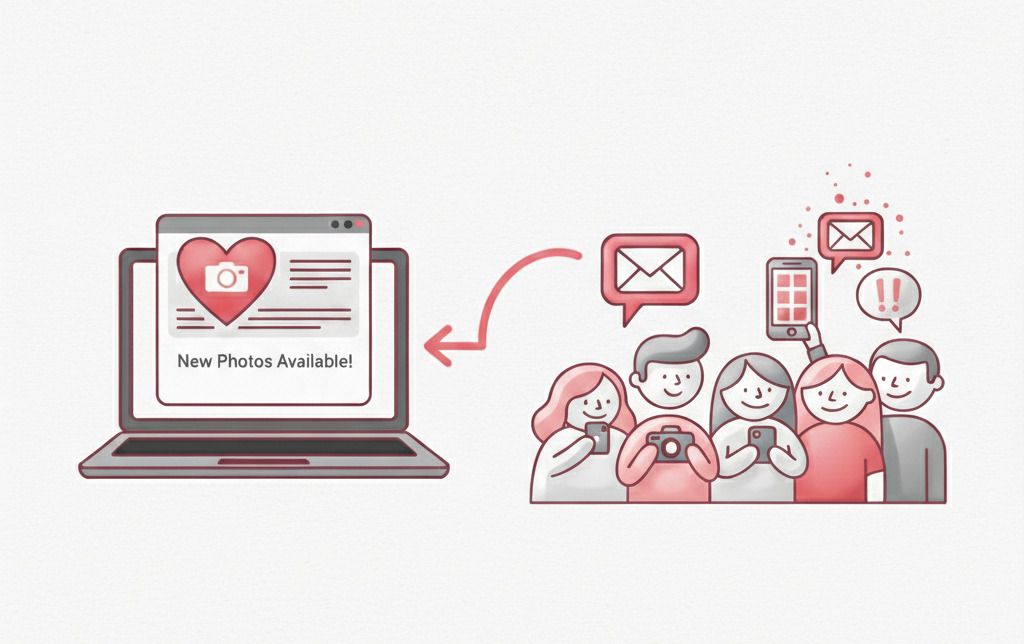
The moment a match is found, it groups the photos and the host can simply notify the guests with one click. The guests then receive an email notification: “New photos available!”
This keeps engagement high without you lifting a finger. Read more on How to Notify Guests When Photos are Uploaded in Real-Time.
2. Custom QR Codes & No App Download
We know that if you require a guest to download an app, you’ve already lost 50% of them.
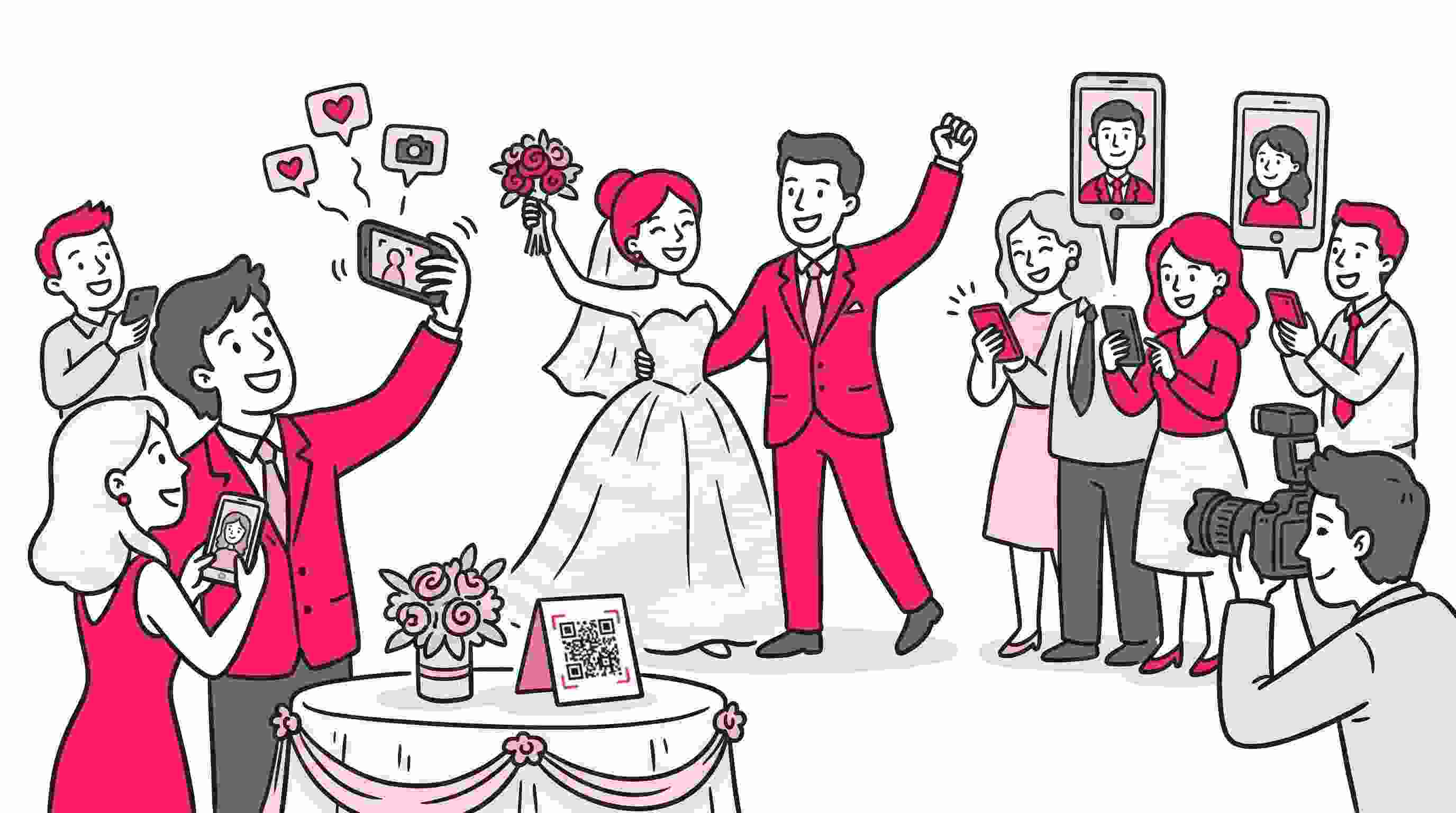
SnapSeek runs entirely in the browser. You can print unique, custom QR codes for the reception tables. Guests scan, snap, and view. It’s that simple.
3. Co-Hosting for Collaborative Uploads
Modern weddings often have multiple shooters or a designated content creator.
SnapSeek allows you to add Co-Hosts. This means your second shooter or your videographer can upload content to the same central gallery. It consolidates everything into one professional, branded hub.
Check out our guide on How to Add a Co-Host to Your Private Photo Galleries to set this up.
4. Custom Messages & Branding
Don’t just send a link; send a memory.
You can configure a custom message that guests see when they open the gallery. A simple thank you note or a welcome message adds a personal touch that a Google Drive folder simply can’t match.
Comparison: Old School vs. SnapSeek AI
| Feature | Google Drive / Dropbox | Social Media Hashtags | SnapSeek AI Sharing |
|---|---|---|---|
| Guest Access | Link clutter | Public search | QR Code |
| Finding Photos | Manual scrolling (Hours) | Manual tagging (Inconsistent) | Selfie Search (Seconds) |
| Privacy | All-or-nothing | Public / Low Privacy | Personalized / Private |
| Notifications | None | Algorithm dependent | Instant Email Alert |
| App Required? | Often yes (for mobile) | Yes (Instagram/FB) | NO |
| Resolution | Varies | Compressed / Low | High Res |
The “Techie” Side: How Safe is It?
As a tech strategist, I know the first question you have: Is my biometric data safe?
SnapSeek is built with a “Privacy by Design” architecture.
- Temporary Face Data: The “selfie” used for searching is strictly for matching purposes.
- Host Control: You, the host, decide who can add and who can only view the photos.
- No Public Indexing: Unlike social media, these photos are private and not indexed publicly.
This makes it the Best Face Recognition Photo Sharing App for Events where privacy is a priority.
How to Get Started in 3 Steps
Ready to modernize your wedding photography workflow?
- Create an Event: Sign up on SnapSeek and create a new collection for your wedding.
- Upload & Sort: Drag and drop your high-res photos. The AI automatically groups faces and indexes the gallery.
- Share the QR Code: Print your custom QR code on table cards or send the link via email. Guests snap a selfie to unlock their personalized album.
FAQ
Do guests need to download an app to use SnapSeek?
No. SnapSeek is entirely browser-based. Guests simply scan a QR code or click a link to access the gallery and use the face recognition features instantly.
Is face recognition mandatory for all guests?
No. While face recognition is the core feature for quick finding, hosts can also allow guests to browse the full public album if they choose. The privacy level is up to you.
Can I notify guests when new photos are added later?
Yes! If guests use the “Notify Me” feature by uploading a selfie, the host can let the guests know with a one-click notification button. SnapSeek will automatically email them if a new photo of them is detected in the gallery.
Is SnapSeek secure for private family photos?
Absolutely. We use enterprise-grade security. You can password-protect galleries, restrict view-all settings, and ensure that photos are not publicly shared.
Does SnapSeek compress the photo quality?
SnapSeek supports high-resolution uploads, ensuring your guests download the same professional quality your photographer delivered.
Conclusion
The wedding industry is evolving. Guests expect convenience, and couples demand privacy.
Dumping 3,000 photos into a folder is a disservice to the professional quality of the images and the experience of your guests.
By using SnapSeek, you aren’t just “sharing files.” You are delivering a curated, premium experience that honors the memories you’ve created.
Stop the scroll. Start the experience.