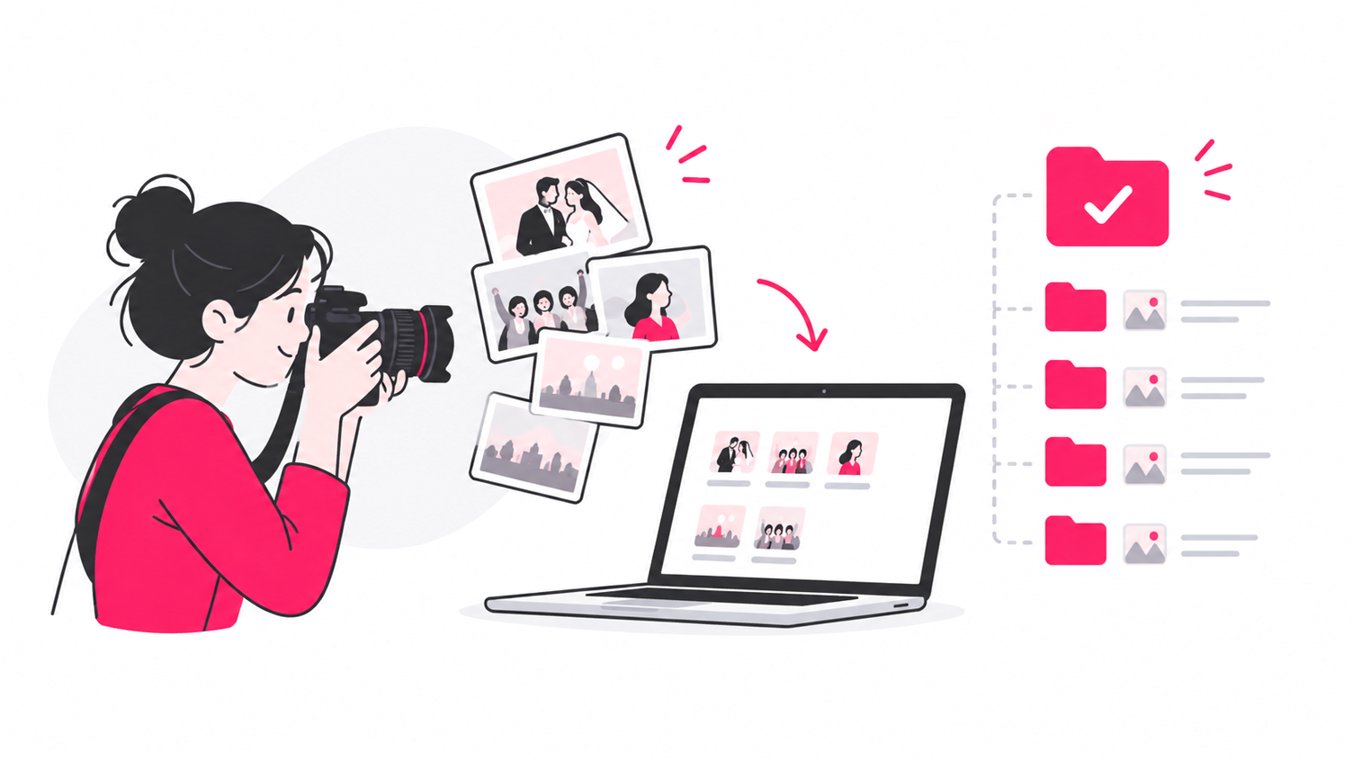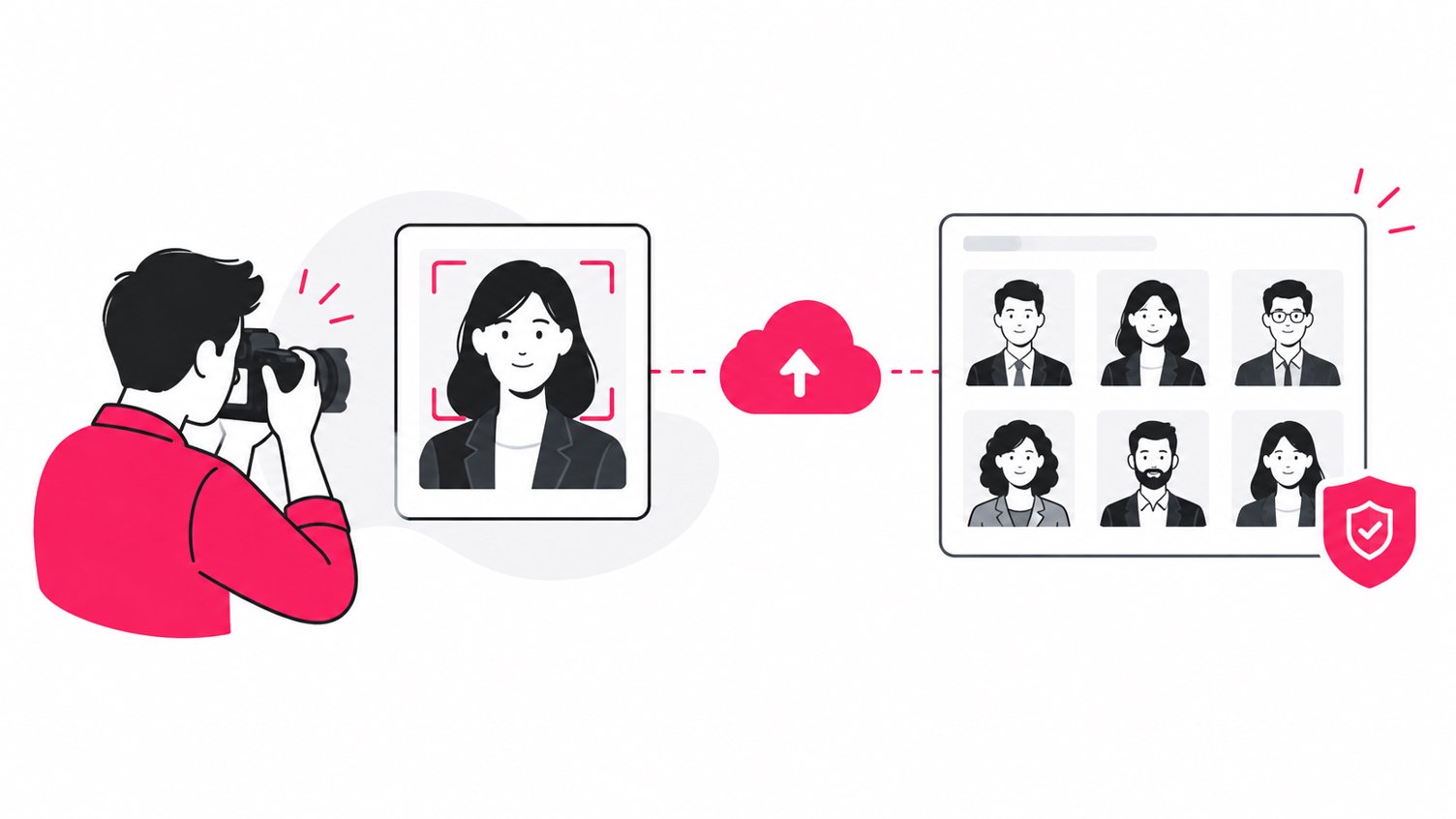
The most efficient way to share professional headshots with a group is to upload the finished portraits to one private SnapSeek gallery and let each person find their own images with AI face recognition. Clients can open the gallery in a browser, scan a QR code, or use a shared link without downloading an app or creating an account. Photographers can also add branding, control access, and deliver high-resolution files.
For corporate headshot photographers, this solves a common delivery problem: one shoot can produce hundreds of images for dozens of people, while every employee only needs their own portraits.
Why Headshot Delivery Needs a Better Workflow
A professional headshot can become an employee’s LinkedIn photo, company bio image, speaker portrait, press photo, website asset, or personal branding image.
LinkedIn reports that profiles with a photo are 14 times more likely to be viewed. Adobe similarly describes corporate headshots as images that communicate confidence, competence, personality, and trust.
The photography may be excellent, but the delivery can still feel clumsy if clients receive a maze of folders and links.
For a high-volume headshot session, the ideal workflow is simple:
- Photograph the full group.
- Cull and retouch the final images.
- Upload the approved batch once.
- Share one private gallery link or QR code.
- Let each person search for their own portraits.
- Make downloads straightforward.
- Keep the gallery visually aligned with your photography brand.
This is where AI-powered photo sharing becomes useful.
Why AI Face Recognition Works So Well for Headshots
Event galleries and headshot galleries have different discovery problems.
An event gallery might contain candid photographs, stage images, groups, and portraits. A corporate headshot gallery can contain hundreds of similar-looking portraits captured against the same backdrop and lighting setup.
Asking employees to scroll through every thumbnail is inefficient. Asking them to identify filenames such as “IMG_4821.jpg” is even less practical.
SnapSeek uses AI face recognition so the subject’s face becomes the search key. Its feature set includes selfie search, automatic face detection, face grouping, and multi-face search.
Traditional delivery vs AI photo sharing
| Traditional headshot delivery | SnapSeek workflow |
|---|---|
| Create individual folders | Upload one collection |
| Sort files manually | AI detects and groups faces |
| Send many links | Share one gallery |
| Ask clients to scroll | Search with a selfie |
| Answer repeated “Where are my photos?” messages | Clients self-serve |
| Generic file-storage experience | Branded photo gallery |
The important improvement is not just speed. It is reducing the number of decisions the photographer has to make after the shoot.
How to Share Professional Headshots With SnapSeek
1. Prepare the final headshots
Complete your normal culling, color correction, retouching, and export process first.
For corporate work, upload only approved deliverables rather than test frames or rejected expressions. A curated gallery makes it easier for employees to choose a final image.
2. Upload the complete batch
Create one private SnapSeek collection for the headshot job and upload the finished images.
This approach works well for:
- Corporate headshot days
- Executive portrait sessions
- Employee onboarding photography
- Company rebranding shoots
- Conference headshot stations
- LinkedIn headshot events
- Actor and model headshots
- School and university portrait days
SnapSeek supports high-resolution images up to 30 MB per photo and full-resolution downloads.
Instead of building one delivery workflow per employee, build one workflow per shoot.
3. Let each client find their own photos
Clients can search with a live selfie or upload a reference photo from their device’s camera roll. SnapSeek then searches the private collection for matching faces.
This is particularly useful when 50, 100, or more people were photographed during one production.
The photographer does not need to know which employee needs which file. The client can retrieve the relevant images themselves.
For a deeper look at this approach, see SnapSeek’s studio portrait photography workflow.
No App Download Means Less Friction
Corporate photographers work with clients using different devices, operating systems, and IT policies. A delivery system should therefore require almost no setup.
SnapSeek is browser-based. Its feature documentation says guests can access collections through a link or QR code without downloading an app or creating an account.
That gives photographers a clean handoff:
Upload once → share one link or QR code → employee opens the gallery → employee searches → employee downloads.
For an on-site corporate headshot event, put the QR code on a small card, display it at the exit, include it in a company email, or add it to the event’s internal communications.
SnapSeek also supports printable QR posters and custom backgrounds.
Use Branding to Make Delivery Feel Premium
Headshot photographers sell a professional experience, not just JPEG files. The delivery gallery should reflect that.
SnapSeek supports custom logos, page themes, guest messages, website and social links, automated watermarking, and complete whitelabeling.
For photographers, branding can be practical:
- Add your studio logo to reinforce your identity.
- Match the gallery theme to your visual brand.
- Add a short welcome message explaining the search process.
- Link back to your portfolio or booking page.
- Use watermarks for proofing or paid-download workflows.
- Use whitelabel options when the client expects a fully branded experience.
SnapSeek also supports paid high-resolution downloads with automated delivery after purchase.
For more ideas, read How to Sell Prints from Event Galleries.
Privacy Matters With Corporate Portraits
Corporate headshot galleries contain identifiable images of employees, executives, contractors, and clients. Access control should therefore be part of the workflow.
SnapSeek describes collections as private by default, with link-only access and no public browsing. It also provides optional password protection, collection-level isolation, visibility controls, and flexible expiration.
Photographers should still follow the privacy, retention, and security requirements agreed with the corporate client.
A professional handoff should make these points clear:
- Who receives the gallery link.
- Whether a password is required.
- Who can download files.
- How long the gallery stays online.
- What happens when the delivery period ends.
- Where the photographer’s permanent archive is stored.
SnapSeek should be treated as a delivery layer, not a substitute for your own master-file backup strategy.
A Better Corporate Headshot Delivery Workflow
| Stage | Photographer action | Client experience |
|---|---|---|
| Planning | Confirm employee count and delivery requirements | Clear expectations |
| Shooting | Photograph subjects consistently | Professional portraits |
| Culling | Remove technical misses and duplicates | Cleaner selection |
| Editing | Retouch and export finals | Ready-to-use images |
| Upload | Add the complete batch | One central gallery |
| AI indexing | Let face recognition organize discovery | No manual browsing |
| Sharing | Send one link or QR code | Easy access |
| Search | Client uses selfie or reference image | Personal results |
| Download | Client saves selected images | Fast retrieval |
The key operational principle is simple: if you photograph 80 employees, you should not have to build 80 delivery systems. Build one delivery system that can serve 80 people.
FAQ
What is the best way to share corporate headshots with employees?
A private online gallery with AI face search is an efficient option when many employees need individual portraits from one session. SnapSeek lets the photographer upload the finished batch once and share one gallery link or QR code.
How can photographers share headshots without creating individual galleries?
Upload the complete headshot batch into one SnapSeek collection. Employees can search for their own photographs using a selfie or reference image instead of receiving separate folders and links.
Do clients need an app to find their headshots?
No. SnapSeek is browser-based, and guests can access collections through links or QR codes without downloading an app or creating an account.
Can corporate headshot galleries be branded?
Yes. SnapSeek supports custom logos, themes, guest messages, website and social links, watermarking, and complete whitelabeling.
Is SnapSeek suitable for private corporate headshots?
SnapSeek provides private collections, link-only access, optional passwords, collection isolation, visibility controls, and configurable storage duration. Photographers should also follow their client’s privacy and retention requirements.
Can SnapSeek handle large corporate headshot sessions?
Yes. The single-gallery model is designed for workflows where many people need individual images from one production. Face search removes much of the manual sorting normally required.
Conclusion
Professional headshot photography should not end with a folder full of JPEGs and a long list of individual delivery tasks.
SnapSeek gives portrait and corporate headshot photographers a practical way to simplify that final stage: upload once, share one private gallery, let AI face recognition handle discovery, and give every client a direct path to their images.
For photographers who want less manual sorting and a more polished client experience, SnapSeek makes professional headshot photo sharing faster, more private, and easier to scale.