SnapSeek and FotoOwl both help event photographers share photos through AI-powered face search and QR-code galleries. The better fit depends on whether you need a streamlined, credit-based photo-sharing workflow or a broader event media platform. Compare the features you will actually use, how each platform handles the guest journey, and what the workflow may look like at your next event before choosing.
For photographers, the real question is not simply which platform uses AI. It is how much work remains after the shoot, how guests find their pictures, what branding and privacy controls are available, and whether you want to monetize the gallery or collect audience content.
SnapSeek vs FotoOwl at a glance
| Capability | SnapSeek | FotoOwl |
|---|---|---|
| Main focus | Browser-based event photo sharing with AI face search | Event photo delivery and media workflow tools |
| Guest photo discovery | Selfie search and reference-photo upload | Selfie-based AI face search |
| QR code and shareable link | Yes | Yes |
| Guest app required to search | No, browser-based access | No for the browser gallery; FotoOwl also offers a guest app |
| Multi-person search | Search up to five people at once | No |
| Gallery branding | Themes, logo, watermark, custom messages and links; full white-label options | Logo, gallery themes, contact details and watermarking |
| Guest-contributed photos | SnapSeek is a one-way sharing workflow: only the host uploads | Guest Upload lets attendees submit photos |
| Live photo workflow | Upload batches to the collection and notify opted-in guests when new matches are available | Beam supports camera-to-cloud uploads |
| Photo sales | Optional paid downloads with automated delivery | Photo selling and event-level monetization options |
| Pricing model | Credit-based | Subscription plans |
The biggest difference is the workflow, not face recognition
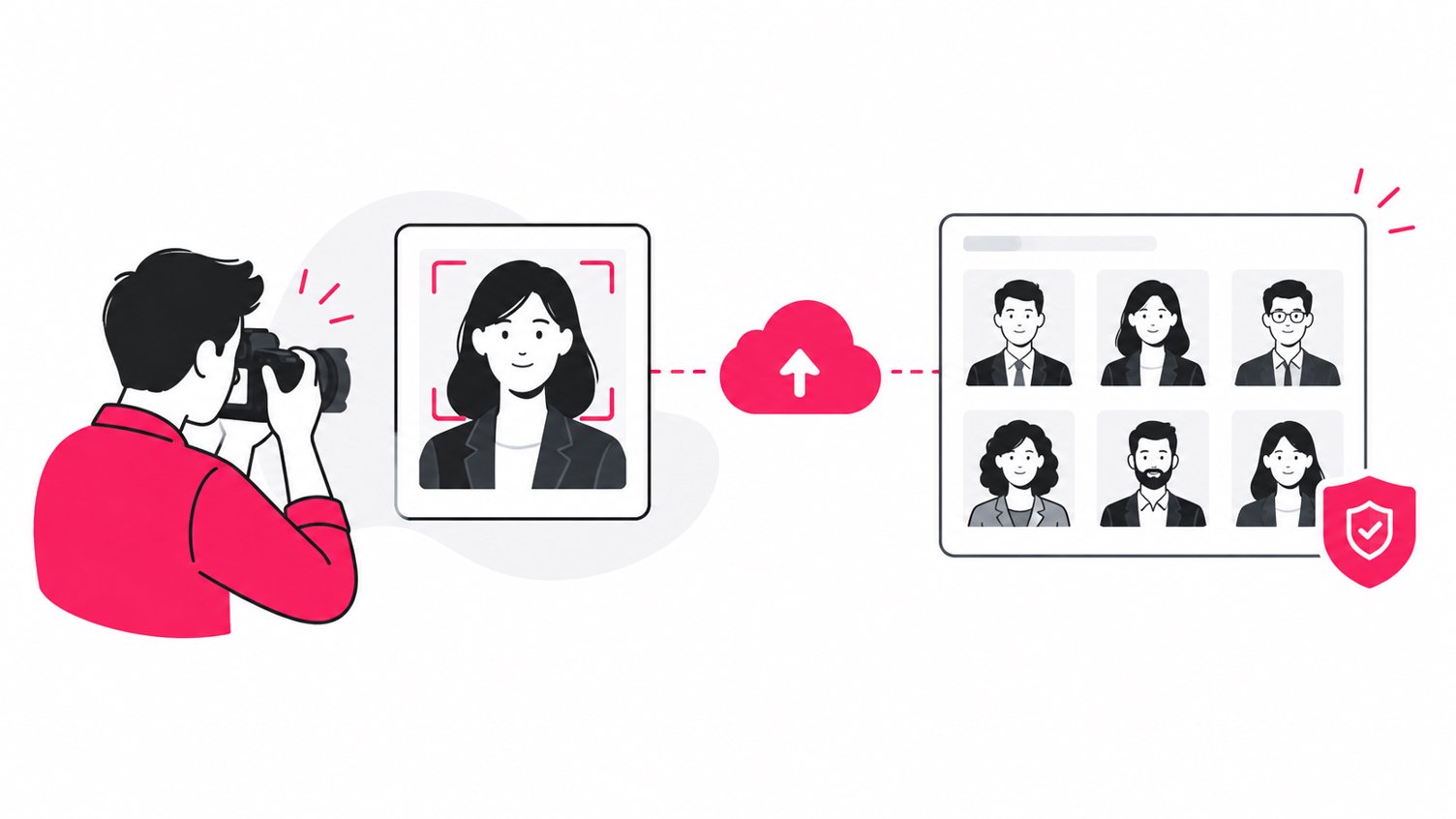
Both platforms use AI to help guests find images of themselves instead of scrolling through a long event album. That solves a common problem for conference photographers, wedding photographers, sports photographers, and event organizers: a gallery may contain hundreds or thousands of images, but each guest usually wants only a small selection.
The distinction is what happens around that core search experience.
SnapSeek: focused photo sharing and guest discovery
SnapSeek is built around a simple delivery path: upload selected event photos, share a collection link or QR code, and let guests search for matching images in a browser. Guests do not need to install an app or create an account to access the gallery.
Its features include private collections, optional passwords, selfie or reference-photo search, multi-face search for up to five people, batch downloads, watermarks, custom guest messages, notifications for opted-in guests, and flexible gallery-expiration controls. Depending on the setup, organizers can also enable lead capture, paid downloads, custom branding, and a live slideshow.
See the SnapSeek features overview for the current list of capabilities.
FotoOwl: event media toolkit
FotoOwl also provides AI face search and QR-based galleries, but its published product suite extends further into event media workflows: Beam for camera-to-cloud uploads, Guest Upload for attendee-contributed photos, ReelIt personalized reels, and Hashtrack social sharing prompts.
That wider toolkit may be useful when an event brief includes more than distributing the professional photographer’s edited images.
Compare the guest photo-sharing experience
A photo gallery is only useful if guests can reach it easily and find their pictures without asking the photographer for help.
SnapSeek’s guest journey
- The photographer uploads the edited photos to a collection.
- SnapSeek provides a unique gallery link and QR code.
- Guests open the link or scan the code on their phone.
- They take a selfie or upload a reference photo to search for matches.
- They view and download the photos available to them, subject to the host’s settings.
This browser-based flow is useful when guests are unlikely to want another app for a single event. It also suits event organizers who want a straightforward QR code for signage, table cards, badges, or a follow-up email.
Read how to share event photos without requiring email collection for examples of reducing friction in the guest journey.
FotoOwl’s guest journey
FotoOwl’s follows a similar process: create an event, upload images, share the event QR code or link, and let guests upload a selfie to retrieve matching photos.
The practical difference is not that one platform has QR codes and the other does not. Both do. Instead, decide whether your guests need a simple browser gallery or whether the wider FotoOwl ecosystem, including its guest app and additional media tools, matches your event strategy.
What to test before an event
Run a guest-side test on an ordinary phone, not only on your desktop:
- Can a first-time visitor understand what to do without instructions?
- Is the QR code easy to scan from the expected distance?
- Does the gallery work well on mobile data?
- Can guests use an existing reference photo if they do not want to take a live selfie?
- Are access and visibility settings clear?
- Can guests download several photos without repeating the same steps?
Testing these details in advance can prevent a queue of guests from asking for help during a live event.
Photo discovery, face search, and group photos
AI face search reduces the need for manual tagging, but the details of the search flow matter.
SnapSeek supports selfie search and reference-photo upload. Its multi-face search feature can search for up to five people at once, which is helpful when guests want photos with friends, family members, or teammates rather than only solo images.
FotoOwl creates personalized galleries, with the aim of showing guests photos in which they appear. It additionally promotes tools for organizing event images.
Face recognition performance can vary with lighting, face angle, image resolution, occlusion, and the quality of the reference photo.
Live uploads versus a post-production-first workflow
The right workflow depends on when the client expects the images.
When a batch-upload workflow is enough
For many weddings, private celebrations, portraits, and corporate events, the photographer still needs to cull and edit the images before sharing them. A practical sequence is:
- Capture the event.
- Cull missed-focus shots, duplicates, and frames that should not be delivered.
- Apply the normal editing and export process.
- Upload the approved images to the gallery.
- Share the QR code or link and let guests search for matches.
- Upload later batches as they are ready, if needed.
SnapSeek fits this workflow when the priority is controlled distribution of selected images. Its guide to speeding up event photo delivery covers ways to reduce unnecessary steps between editing and delivery.
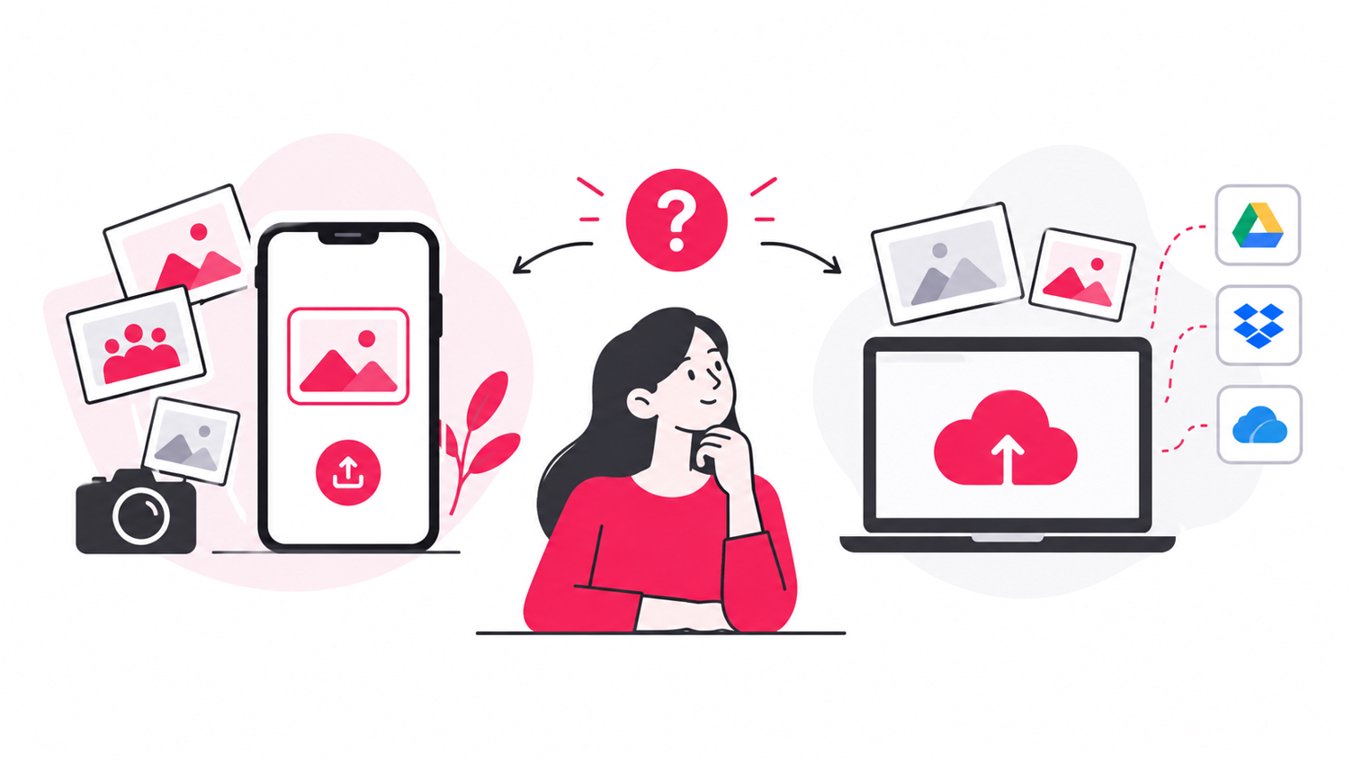
When live camera-to-cloud upload matters
FotoOwl’s Beam feature is designed for camera-to-cloud uploads. If your event calls for photos to appear while the photographer is still shooting, that can be a meaningful distinction. Live publishing is relevant for events where guests expect quick access.
However, live upload does not remove every production decision. Photographers still need to consider connectivity, battery life, upload reliability, image selection, and whether unreviewed images should be visible to guests. A delayed or unstable network can also affect the experience.
Branding, privacy, and control over the gallery
Professional photo sharing should protect the photographer’s presentation as well as the guests’ experience.
| Requirement | SnapSeek | FotoOwl |
|---|---|---|
| Brand identity | Custom themes, logo, watermark, guest messages and portfolio/social links; full white-label options are available | Customizable gallery design, logo, contact details and watermark |
| Guest access | Private collections, link-based access, optional password and visibility controls | Personalized galleries and access controls |
| Guest uploads | One-way workflow; host or photographer uploads the photos | Guest Upload supports attendee contributions with moderation |
| Retention | One-year storage with options to extend | Subscription dependent |
For more on the guest experience, see how to share event photos privately without social media apps.
Photo monetization and marketing opportunities
Not every photographer wants the same commercial model. Some include all digital photos in the event fee. Others sell individual downloads, use event galleries to capture leads, or want to encourage branded social sharing.
SnapSeek: paid downloads and lead capture
SnapSeek supports optional paid downloads. Photographers can set prices and use watermarked previews, with purchased high-resolution files delivered automatically after payment. It also offers configurable lead-capture forms for organizers who want to request details such as a name or email address.
These tools may suit photographers who want to sell digital event photos without manually invoicing each guest, or marketers who want to make the photo gallery part of an event follow-up campaign. Check the current credit costs and feature settings before building a quote.
See the SnapSeek paid-downloads feature for details.
FotoOwl: photo sales and social amplification
FotoOwl’s feature set includes photo selling, event-level monetization, and Hashtrack, which prompts guests to share photos with event hashtags. It also offers ReelIt for personalized reels and other tools aimed at extending the life of event content.
These options may be attractive for photographers and organizers who want to combine gallery delivery with sales and social distribution. Before choosing, check which features are available on the plan you intend to use and whether tools such as live uploads or selling must be enabled when the event is first created.
Understand the pricing model before comparing costs
A headline subscription price rarely tells the whole story. Estimate the cost of a typical event using your actual photo volume and required features.
SnapSeek uses a credit-based model, where one credit corresponds to one uploaded photo. Some optional features, such as multi-face search or white-labeling, may have their own credit requirements. Guest search and downloads are generally free unless the host enables paid downloads.
FotoOwl publishes subscription plans, with different storage limits and feature availability. Some features require a paid plan or separate pricing.
Build a like-for-like estimate using these inputs:
- Number of photos uploaded per event.
- Number of events per month or year.
- Storage and retention needs.
- Whether live upload is required.
- Whether guest uploads or personalized reels are needed.
- Whether you need paid downloads or lead capture.
- Whether full white-label branding is essential.
- Any additional usage, payment processing, or service fees.
For a photographer who handles many small events, a usage-based model may be easier to align with actual volume. For a business running frequent events and using several tools, a subscription may be worth considering. The better value is the plan that covers the workflow you will use, not the plan with the longest feature list.
Which platform is best for your type of event?
Weddings and private celebrations
Choose SnapSeek if your main objective is to publish a controlled gallery, let guests find their own photos, and keep the process simple through QR codes and browser access. Its reference-photo search and multi-face search can help guests find both individual and group images.
Consider FotoOwl if you also want guest-contributed images, live camera uploads, personalized reels, or other tools for extending the event experience.
Corporate conferences and brand activations
For a corporate event, think beyond photo delivery. Do attendees need a simple way to find their photos? Does the marketing team need lead capture? Are sponsors expecting branded sharing or reporting?
SnapSeek offers gallery branding, lead capture, and paid-download options. FotoOwl offers a broader set of event-media features, including live upload and social-sharing tools. Map each requirement to a feature and verify the plan before signing off on the event workflow.
Sports, races, and high-volume events
The key requirements are volume, speed, and participant discovery. Test how each platform handles the number of images you expect, how guests retrieve matches, and how reliably photos appear when uploads happen during the event.
If camera-to-cloud delivery or sports-specific workflows are central, investigate FotoOwl’s Beam and relevant sports tools. If you mainly need a streamlined QR gallery and AI-powered guest search, test SnapSeek with a representative batch from a past event.
School, camp, and youth events
For events involving children, privacy and access control should carry particular weight. Choose SnapSeek as it focuses on delivering the photos you select, to guests you choose to share them with.
FAQ
Is SnapSeek better than FotoOwl for event photo sharing?
It depends on the workflow. SnapSeek is a strong fit for browser-based galleries, AI photo search, QR sharing, gallery controls, and credit-based usage.
Do SnapSeek and FotoOwl use AI face recognition?
Yes. Both platforms describe AI face recognition that helps guests find event photos in which they appear.
Do guests need to install an app to find photos?
SnapSeek supports browser-based access without requiring guests to install an app or create an account.
Can guests search for group photos with SnapSeek?
Yes. SnapSeek’s multi-face search supports searching for up to five people at once. This can help guests locate photos with friends, colleagues, or family members.
How should photographers compare pricing?
Estimate costs using your expected photo volume, number of events, storage needs, and required add-ons. SnapSeek uses credits, while FotoOwl offers subscription plans and may price certain tools separately.
Conclusion
SnapSeek and FotoOwl both address the challenge of helping guests find event photos without manually browsing a huge album. The deciding factor is the surrounding workflow: whether you need straightforward AI-powered sharing and gallery controls, or a wider collection of event-media tools for live uploads, guest contributions, selling, and social content.
If you want a browser-based way to share event photos through QR codes, let guests search with a selfie or reference photo, and manage branding and access in one place, explore SnapSeek. Test it with a real event-sized batch, compare the guest experience, and choose the setup that saves your team time without adding unnecessary complexity.