
Real-Time Guest Notifications for Event Photo Uploads
SnapSeek allows hosts and photographers to notify guests the exact moment their photos are uploaded. Attendees opt-in by scanning a venue QR code and taking a quick selfie. When new photos are uploaded, SnapSeek's AI face recognition engine automatically matches guests and sends targeted email alerts, eliminating manual gallery searching. For step-by-step strategies and workflow integration, read our guide on how to notify guests when photos are uploaded.
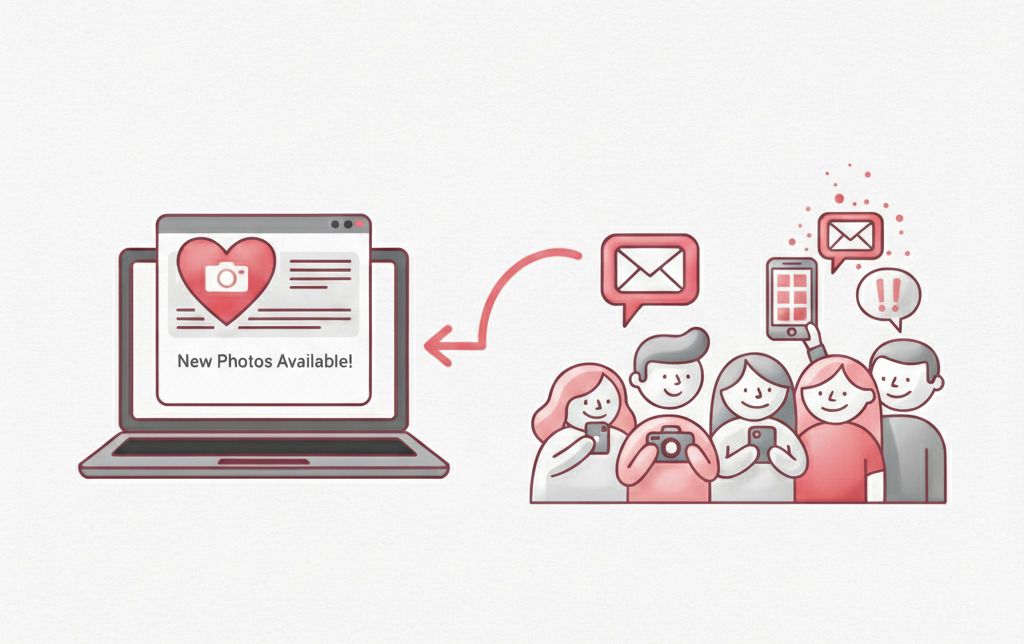
Why use real-time guest notifications for event photo delivery?
Traditional photo sharing relies on mass emails days later or forcing guests to manually scroll through thousands of gallery images. Real-time notifications flip this process so photos find the guest instantly. By using AI face matching, email alerts are targeted and sent only when relevant photos of that specific attendee are uploaded, maximizing guest engagement while preserving privacy.
Targeted AI Face Matching
SnapSeek analyzes facial geometry from guest selfies to match them against uploaded event collections, ensuring emails are only sent when relevant photos are found.
Selfie-Based Subscription
Guests scan a venue QR code or open a private link, click "Notify Me", and take a quick selfie that acts as a digital fingerprint for instant delivery.
Host-Controlled On-Demand Dispatch
Photographers maintain full control over email timing. Upload photos in batches and click the "Notify Guests" button only when galleries are curated and ready.
Zero App Download Web Portal
Operates completely in the mobile browser. Guests subscribe and view personalized matched photos without downloading apps or creating accounts.
Private-First Photo Sharing
Enhances event privacy by directing guests directly to images containing their face, reducing unnecessary exposure of other attendees.
How to Set Up and Trigger Guest Notifications
Event hosts display a gallery QR code at the venue. Guests scan the code and take a quick selfie to subscribe to updates. After uploading new photo batches to the collection, hosts click the "Notify Guests" button in the SnapSeek dashboard to run the AI matching engine and trigger instant personalized email alerts.
Display Venue QR Code & Sharing Link
Create an event collection in SnapSeek, generate the unique QR code or link, and display it at your venue or in digital invitations.
Guests Subscribe via Quick Selfie
Attendees scan the QR code in their mobile browser, click "Notify Me", sign in, and take a quick selfie to register for updates.
Upload Photos & Click "Notify Guests"
Upload photo batches to your collection and click the "Notify Guests" button in the dashboard to trigger automated AI matching and instant email alerts.
Frequently Asked Questions about Real-Time Notifications
Do guests need to download an app to receive notifications?
No. SnapSeek is a web-based application. Guests only need to scan the QR code, sign in through their browser, and take a selfie to subscribe to email notifications.
How accurate is the AI face recognition?
The AI is highly accurate and can identify faces even in group shots or varying lighting conditions. The better the initial selfie, the more accurate the matching will be.
Can I notify guests multiple times?
Yes. Every time you upload new photos and click the Notify Guests button, the system will check for new matches and send out updated emails.
Will guests get an email if no photos of them are found?
No. The system only sends emails to guests whose faces were successfully matched with the newly uploaded photos in that specific batch.
Is the guest’s selfie stored securely?
Yes. SnapSeek prioritizes data privacy. Selfies are used exclusively for the purpose of matching faces within the specific event collection.
Ready to Get Started?
Join thousands of event organizers and photographers using SnapSeek to simplify photo sharing.