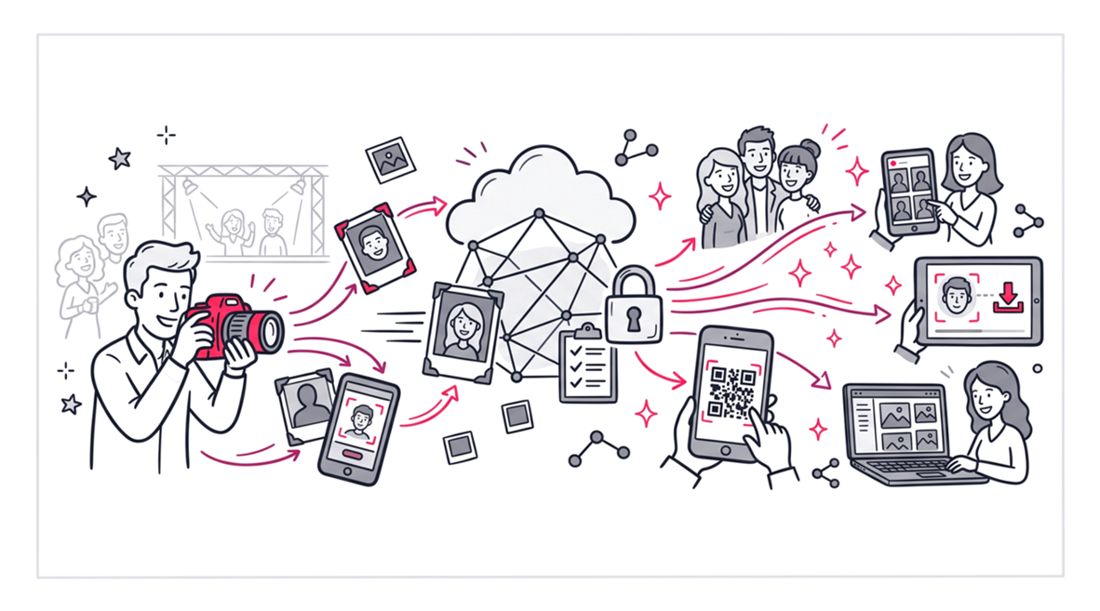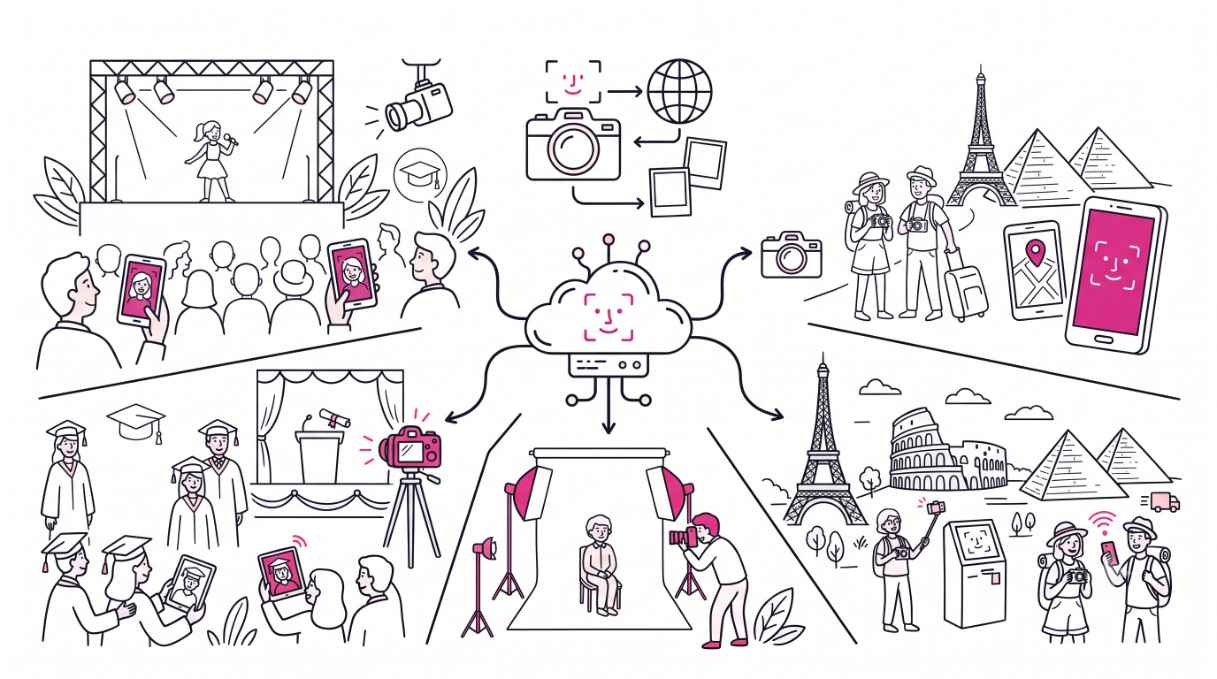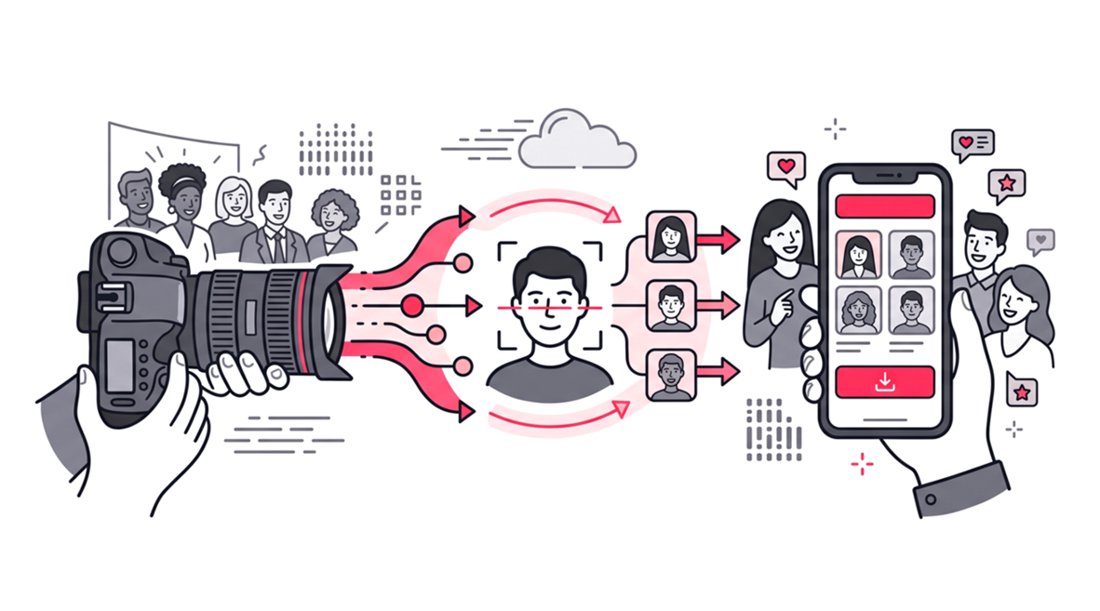
To deliver high-resolution event photos to attendees, event organizers should use a dedicated web-based gallery ensuring that, even after compression, the image quality remains intact. The most efficient delivery method pairs a frictionless direct web link with facial recognition technology. This allows guests to instantly find their specific high-resolution photos using a simple selfie without downloading any mobile applications.
The Importance of High-Resolution Event Photo Delivery
Capturing stunning images at an event is only half the battle for professional photographers. How you share event photos with attendees determines the final impact of your work. High-resolution images ensure your brand looks sharp when guests print photos or post them on high-definition social media feeds.
Poor delivery methods can ruin hours of careful editing and curating. If an attendee receives a pixelated image, they will likely associate that poor quality with your photography business or the event organizer. Providing crisp and clear files is absolutely non-negotiable for modern event technology workflows.
When attendees zoom in on their faces, the details need to remain razor-sharp. High-resolution delivery protects the integrity of your professional lighting, lens choices, and careful color grading. It proves to your clients that their investment in a professional photographer was fully justified.
The Hidden Friction in Traditional Photo Sharing
Many photographers still rely on outdated methods to deliver high-resolution event photos. These legacy systems create a terrible digital user experience that alienates guests. Understanding why these older tools fail is the first step toward improving your event photo delivery software.
The Cloud Storage Dilemma
Generic cloud folders might preserve image quality, but they are incredibly tedious for users. Industry data shows that 34 percent of guests never retrieve their photos when sent a generic Google Drive or Dropbox link. Attendees do not want to scroll through thousands of event images to find three pictures of themselves.
This scrolling fatigue causes guests to abandon the gallery entirely. Furthermore, attendees often resort to screenshotting images from cloud previews. This completely defeats the purpose of a high-resolution export because screenshots reduce the image quality.
The Messaging App Problem
Messaging apps compress photos to save bandwidth. If you want to maintain your professional standard, you must avoid delivering files through standard texting or social messaging apps.
Groups created on these apps often go quiet within 48 hours. Not all guests will use the same messaging platform, which fragments the delivery process. Relying on messaging apps guarantees that your high-resolution assets will be degraded into low-quality thumbnails.
The Social Media Hashtag Trap
Relying on event hashtags to distribute photos is another flawed strategy. Social media platforms inherently reduce image quality to optimize their own server storage. A beautiful high-resolution shot will lose its sharpness the moment it is uploaded natively to a social feed.
Additionally, many professionals maintain private accounts. This prevents them from easily accessing or sharing branded content through public hashtags. You need a dedicated platform that bypasses these third-party image quality reduction algorithms entirely.
The Technical Requirements of High-Resolution Delivery
You need a streamlined workflow to ensure guests get their photos quickly and in perfect quality. Your delivery strategy actually begins inside your editing software. Proper export settings are the foundation of successful event photo sharing.
Understanding PPI and Pixel Dimensions
Export images with a long edge of approximately 3000 pixels for online galleries. This provides excellent quality for screens and supports high-quality prints up to about 10 inches on the long edge at 300 PPI, while keeping file sizes manageable.
Massive files will only slow down the gallery loading time without adding noticeable value. Attendees rarely need files large enough to print on a billboard. You must balance visual fidelity with fast browser loading speeds.
JPEG vs RAW File Formats
You should never deliver RAW files directly to event attendees. RAW files require specialized software to open and are massive in size. They also lack the polished color grading and exposure adjustments that define your professional style.
Always convert and compress your curated selections into high-quality JPEGs. JPEGs are universally supported across all devices and browsers. They retain excellent visual data without the cumbersome file size of a RAW image.
Color Profiles and Web Optimization
Ensure your editing software is set to export using the sRGB color profile. This is the universal standard for web browsers and mobile phone screens. If you export in Adobe RGB, the colors may look dull or shifted when guests view them online.
Consistency in color representation is vital for preserving your artistic intent. When a guest downloads a photo, the skin tones and lighting should match exactly what you edited. The sRGB profile guarantees this accurate translation across all consumer devices.
Why Mobile Apps Fail at Event Photo Sharing
The biggest mistake event managers make is forcing attendees to download a dedicated mobile application. Research confirms that requiring an app installation causes a massive drop in gallery participation. Guests are fatigued by downloading single-use applications that drain their battery and waste storage space.
The App Store Drop-Off Rate
Every extra step required to view a photo decreases attendee engagement. Navigating to an app store, waiting for a download, and creating an account takes too much time. You should always opt for a web app that works natively in any smartphone browser.
By removing the app install step, you eliminate the primary barrier to entry. Guests can simply click a link or scan a QR code to access the gallery instantly. SnapSeek operates entirely as a frictionless web application, ensuring guests never have to visit an app store.
The Power of Web Applications
Web applications load instantly and require zero storage space on a user device. They democratize access because they work flawlessly on any operating system. Whether an attendee uses an older smartphone or a brand new device, the experience remains identical.
This universal compatibility is critical for large corporate events and weddings. You cannot afford to troubleshoot app installation issues for hundreds of attendees. A direct web link guarantees immediate gratification and frictionless photo retrieval.
Mastering Facial Recognition for Photo Delivery
Finding personal photos in a massive event gallery used to take hours of manual searching. Today, AI facial recognition is the absolute standard for delivering event photos efficiently. This technology processes large batches of images at lightning speed.
How AI Sorting Works
Facial recognition algorithms instantly scan and index every face present in a gallery. Guests simply take a quick selfie to find every single high-resolution image they appear in. It transforms a tedious manual search process into a magical user experience, while helping hosts understand how to know attendees’ names in events through intelligent face indexing.
This targeted delivery method ensures attendees only see the photos relevant to them. They no longer have to sift through hundreds of irrelevant images. You can learn more about facial recognition photo sharing to see how it increases overall attendee engagement.
Speeding Up Post-Event Turnarounds
Delivery speed is just as important as image quality. The window for peak social sharing closes rapidly after an event ends. Same-day photo delivery generates four times more social media shares compared to traditional post-production timelines.
If you wait weeks to deliver the photos, the initial excitement will completely fade. Event organizers should aim to share a curated gallery of high-resolution images within the first 24 to 48 hours. AI sorting makes this rapid turnaround entirely possible by eliminating manual tagging.
Providing One-Way Photo Distribution
Many platforms try to mix official event galleries with messy guest upload folders. This dilutes the quality of your professional deliverables and creates visual clutter. Your primary delivery tool should act strictly as a one-way photo sharing channel.
By keeping the gallery focused purely on professional distribution, you maintain complete control over the visual branding. SnapSeek is specifically built as a one-way photo sharing tool. It ensures your curated high-resolution images remain the undisputed star of the show.
The Role of QR Codes in Event Photo Sharing
QR codes are rapidly becoming the preferred bridge between physical events and digital galleries. Placing a well-designed QR code on event signage allows for immediate gallery access. Guests simply scan the code with their native phone camera to bypass typing long URLs.
Increasing Immediate Participation
QR code photo sharing systems collect significantly more engagement than app-based alternatives. The core reason is that guests can complete the process in seconds with zero installations. Research shows that QR code participation averages 65 percent of guests, compared to a mere 40 percent for traditional apps.
This seamless transition from physical to digital is crucial for high-end events. You can place these codes on table tents, badges, or digital presentation screens. It effectively turns every guest’s smartphone into a direct pipeline to your high-resolution gallery.
Best Practices for QR Code Placement
To maximize engagement, QR codes must be highly visible and clearly instructed. Do not just place a code on a sign without explaining what it does. Add a clear call to action, such as scanning the code to receive high-resolution portraits instantly.
Ensure the codes are printed large enough to be scanned from a comfortable distance. Proper lighting around the signage will also help older smartphone models scan the code easily. Combining a QR code with a web-based facial recognition platform guarantees the highest possible download rate.
Comparing High-Resolution Delivery Methods
Choosing the right event photo delivery software drastically impacts your digital success. Event planners must weigh file quality against user friction. Here is a quick breakdown of how standard methods compare.
| Delivery Method | Preserves Resolution | User Experience | Friction Level |
|---|---|---|---|
| Messaging Apps | No | Fast but heavily compressed | Low |
| Cloud Storage (Drive/Dropbox) | Yes | Tedious manual searching required | High |
| Native Mobile Apps | Yes | Complex onboarding and downloads | High |
| Web App with Face Recognition | Yes | Instant personalized photo delivery | Zero |
A web-based platform with facial recognition clearly dominates the market. It is the only method that offers zero friction while strictly maintaining high-resolution image quality.
FAQ
How do I share high-resolution photos without losing quality?
You should use a dedicated web-based photo sharing platform that supports full-resolution uploads. Avoid sending photos through standard messaging apps because they apply heavy compression algorithms to the files.
Why should I avoid using mobile apps for event photo sharing?
Requiring attendees to download a mobile app creates significant user friction and drop-off. Data shows that removing the app install step dramatically increases guest participation and gallery download rates.
What is the fastest way for guests to find their event photos?
Facial recognition technology is currently the fastest and most accurate method available. Guests can simply upload a selfie to a web platform like SnapSeek and instantly receive their personal high-resolution photos.
Conclusion
Learning how to deliver high-resolution event photos to attendees is essential for modern event success. You must prioritize file quality, rapid delivery speed, and an entirely frictionless user experience. Ditching outdated cloud folders will immediately elevate your professional brand reputation.
You can streamline this entire workflow today by investing in the right digital tools. SnapSeek is a powerful one-way photo sharing web app that uses facial recognition to deliver photos instantly. Provide your attendees with a premium digital experience and let SnapSeek handle your high-resolution event delivery seamlessly.