Imagine this scenario: you have just finished a marathon event. Maybe it was a three-day corporate conference, a high-energy wedding reception, or a massive graduation ceremony. You have captured 5,000 incredible images. You have edited them to perfection. And now, you have uploaded them to a gallery.
For you, the job is done. But for the guest, the work is just beginning.
To find a photo of themselves, they have to click a link. Then they have to scroll. And scroll. And scroll. They have to sift through hundreds of photos of strangers, food, and decor just to find that one candid shot where they happen to be in the background.
It is a terrible user experience. It creates friction. It reduces the likelihood that they will download the photo, let alone share it on social media.
This “scroll and hope” method is obsolete. The new standard is Face Recognition.
If you want to know how to use face recognition to let guests find their photos with a selfie, you are in the right place. This guide will walk you through exactly how this technology works, why it is safer than public galleries, and how you can implement it in minutes using SnapSeek.
The Problem with Traditional Photo Sharing
Before we dive into the solution, we need to understand why the old ways are failing us. Standard cloud drives also fall short here; read our review on face recognition limitations in Google Drive and Dropbox to see why consumer cloud storage cannot power event galleries.
The Volume Problem
Cameras are better. Memory cards are cheaper. Photographers are shooting more frames than ever before. A typical wedding photographer might deliver 800 to 1,000 photos. A sports photographer covering a marathon might produce 10,000.
Expecting a user to manually parse this volume of data is unrealistic. Learning how to organize photos at large events eliminates the hassle of handing attendees a digital phone book without alphabetical ordering.
The Privacy Paradox
To make photos easy to find, you traditionally had to make the gallery public. You would send a “View All” link to everyone.
But this creates a privacy nightmare. Why should the intern at a corporate event be able to scroll through photos of the CEO’s private dinner? Why should a wedding guest be able to see intimate getting-ready photos of the bride?
On the flip side, if you lock the gallery with individual passwords, you create massive friction. No one wants to manage 500 unique logins.
The Engagement Drop-off
Every second a user spends searching is a second they are likely to give up. The “time-to-content” metric is crucial. If it takes 10 minutes to find a photo, they won’t share it. If it takes 10 seconds, they will post it to Instagram while the event is still trending.
The Solution: Face Search with a Selfie
This is where SnapSeek changes the game. Instead of browsing, guests search.
But they don’t search with text. You can’t type “John Smith happening to laugh near the cake” into a search bar. They search with their visual identity. They search with a selfie.
How It Works (The User Journey)
Here is exactly what happens when you send a SnapSeek link to a guest.
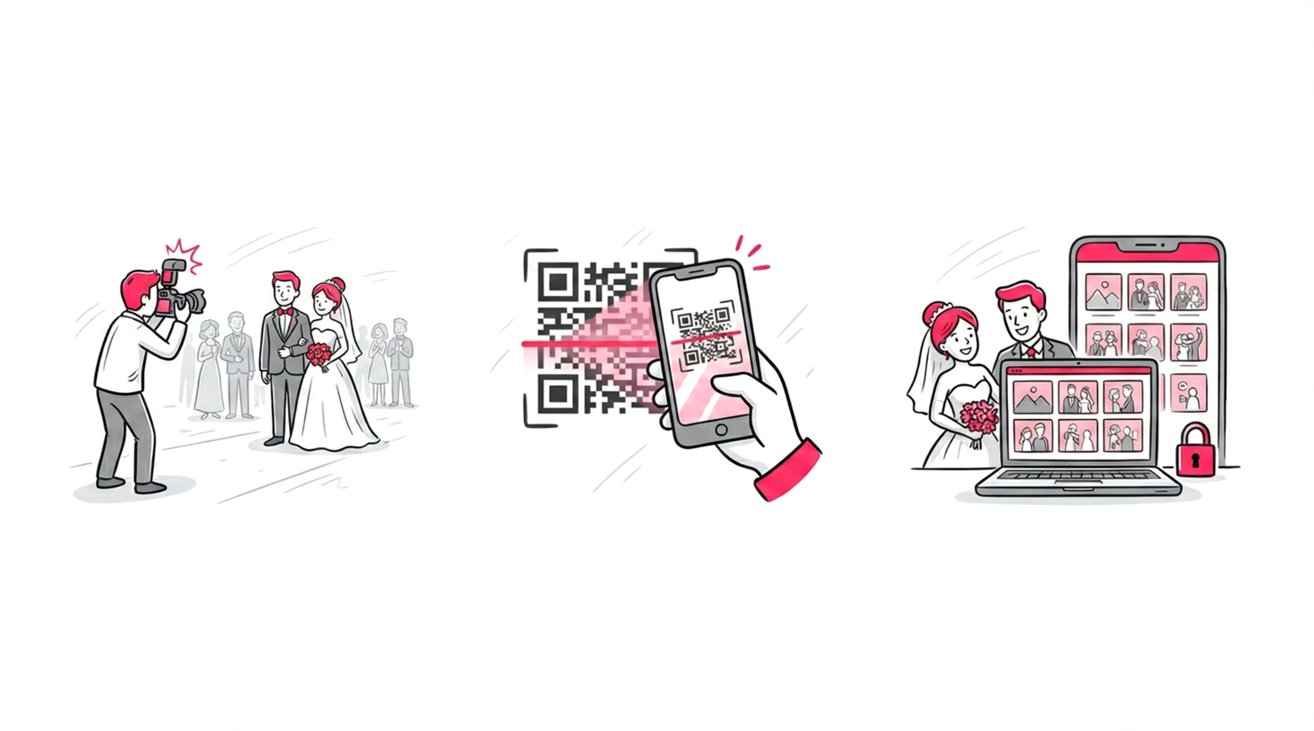
- The Link/QR Code: The guest receives a simple link via email or scans a QR code.
- The Prompt: Instead of seeing a wall of thumbnails, they see a simple prompt to click a selfie.
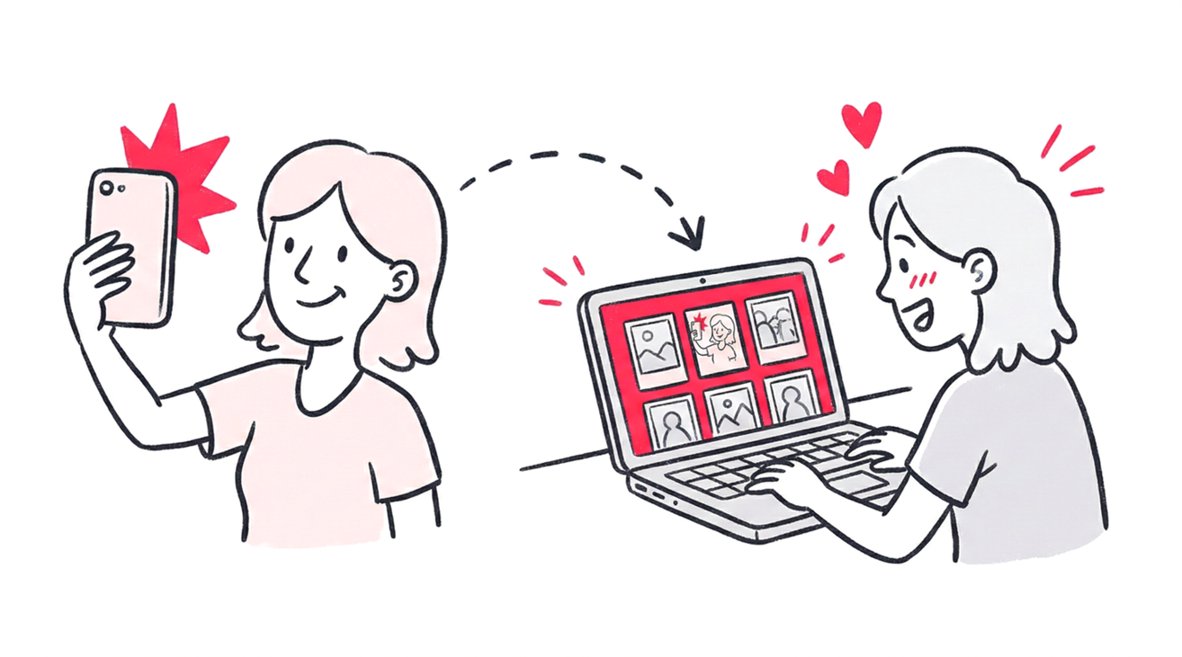
- The Selfie: The guest takes a quick selfie with their smartphone camera.
- The Magic: SnapSeek’s AI analyzes the selfie. It converts the facial features into a unique mathematical vector.
- The Result: In milliseconds, the AI scans the entire event gallery (even if it has 10,000+ photos). It filters out everything else and displays only the photos where that guest appears.
It is simple. It is magical. And it feels completely personalized.
Why This is Safer Than You Think
When people hear “face recognition,” they often worry about surveillance. But for event photography, Face-Based Access is actually more private than traditional methods.
No “Doom Scrolling”
If you turn off the “View All” feature in SnapSeek, a guest can only see their own matches. They cannot browse the rest of the gallery. They cannot see who else was there. They cannot see photos of children or sensitive moments.
Ephemeral Data
The selfie uploaded by the guest is used solely for the purpose of the search. It is matched against the specific gallery provided by the host. It is not added to a global database. It is not used to track them across the internet.
Host Control
As the host, you remain the gatekeeper. You control the photos. You can remove an image at any time. You can disable the link. You own the data, not a third-party social network.
Step-by-Step Guide: Setting Up Face Search
So, how do you actually do this? Do you need a degree in computer science? No. If you can drag and drop a file, you can use SnapSeek.
Here is the professional workflow for setting up a face recognition gallery.
Step 1: Create the Event
Log in to your SnapSeek dashboard. Click “New Event.” Give it a name, like “Annual Tech Summit 2025” or “Sarah’s Graduation.”
Step 2: Upload Your Photos
This is the only manual part of the job. Select your edited JPEGs. Drag them into the uploader. SnapSeek handles high-resolution files (up to 30MB each), so don’t worry about compressing them.
Once the upload starts, the AI kicks in. It begins indexing every face in every photo in the background. You don’t have to tag anyone. You don’t have to name files. The system builds the “face map” automatically.
Step 3: Configure Privacy Settings
This is where you decide how guests will interact with the gallery.
- For Maximum Privacy: Go to Settings. Turn “View All” to OFF.
- Result: Guests see a blank page asking for a selfie. They find their photos. They leave. No browsing allowed.
- For Social Events: Turn “View All” to ON.
- Result: Guests can browse the general photos (decor, atmosphere) but can still use the “Selfie Search” to shortcut the search for their own portraits.
Step 4: Share the Link
SnapSeek generates a unique URL for your event. It also generates a QR code.
- At the Event: Print the QR Code. Put it on tables. Put it on the projection screen. Guests scan it, snap a selfie, and get their photos before they even leave the venue.
- After the Event: Email the link to your attendees. “Click here to find your photos instantly.”
Use Cases: Who Needs This?
Face recognition isn’t just a cool party trick. It is a workflow necessity for modern events.
Marathons and Sports
In a race with 5,000 runners, finding photos by bib number is tedious and often inaccurate (bibs get crumpled or obscured). Face search is effortless. A runner crosses the finish line, scans a code, uploads a selfie, and instantly gets the shot of their triumph. This speed is critical for selling photos or satisfying sponsors. Read more about Sports Photography workflows.
Large Corporate Conferences
At a designated networking event, professionalism is key. Attendees don’t have time to scroll. They want their headshot, and they want the photo of them shaking hands with the keynote speaker. Face search delivers this efficiently, respecting their time and the corporate brand.
Weddings and Socials
While weddings are intimate, they are also chaotic. The bride doesn’t want to be the tech support contact for 150 guests asking for photos. By setting up a SnapSeek gallery, she automates the distribution. Guests serve themselves. The couple gets to enjoy their honeymoon without file management duties.
University Graduations
Graduations are high-volume, high-stakes events. Parents are desperate for that one photo of their child holding the diploma. Searching through 3,000 photos of students in identical gowns is a nightmare. Face recognition cuts through the uniformity and finds the specific student instantly.
Best Practices for Face Recognition Galleries
To get the best results, follow these tips.
Lighting Matters The AI is powerful, but it needs data. Photos that are extremely dark or where faces are heavily obscured (backs turned, heavy sunglasses) might not match. Shoot with clear visibility in mind.
Group Shots The AI is excellent at Smart Face Grouping. It can identify five different people in a single group shot. This means that one group photo will appear in five different people’s personalized search results. This maximizes the reach of your “hero” shots.
Inform Your Guests Make sure guests know how to use it. A simple sign saying “Scan to find your photos with a selfie” is often enough. The UX is intuitive, but the concept might be new to some.
FAQ
“Does it work with masks?”
Modern AI has improved significantly with partial face occlusion, but clear faces are always best.
“What if I look different in the selfie?”
The AI matches facial geometry, not just “pixels.” It works remarkably well even if the guest isn’t wearing the same makeup or has a different expression.
Conclusion
The era of the “photo dump” is over. We are in the era of the smart gallery.
Your photos are valuable. They are memories. They are branding assets. Do not bury them in a clunky folder structure that frustrates your end user.
By using SnapSeek, you unlock a workflow that is faster for you and magical for your guests. You provide secure, instant, and personalized access to the moments that matter.
Stop managing files. Start delivering experiences.
Ready to see it in action? Start for free and create your first face-recognition gallery today.