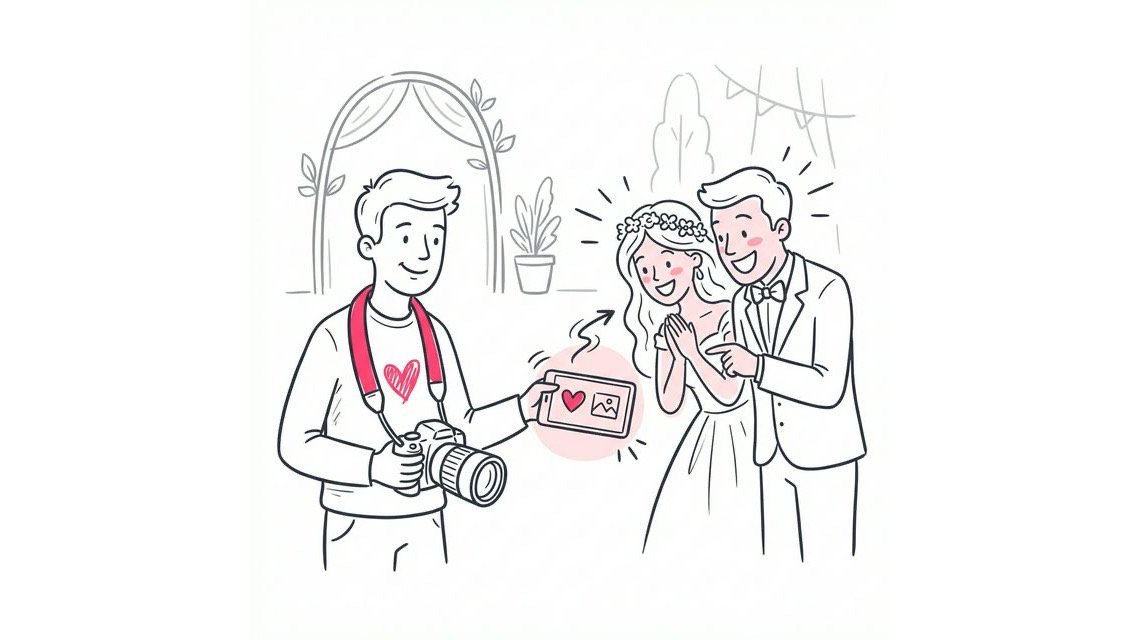
Event photography is rarely a solo operation. You might have a second shooter covering the groom while you are with the bride, or an assistant capturing candid reception moments. Because professional media distribution requires curated quality, you need a secure way for your team to contribute to the final gallery.
Opening the floodgates to unvetted guest uploads compromises your brand. We designed the platform strictly as a one-way sharing utility to protect this exact workflow.The historical challenge has been centralizing these high-resolution files securely.
Previously, photography teams had to physically swap memory cards or hand over root login credentials. Both methods create security vulnerabilities and drastically slow down the post-production pipeline.
Modern access management has completely eliminated this friction. Secure delegation is critical for teams managing large volumes of media. You no longer need to share your master password to collaborate.
Here is how delegated upload links upgrade your distribution workflow:
- Zero Credential Sharing: Co-hosts receive a secure, unique upload link that grants them contribution rights without exposing your main account settings.
- Curated One-Way Delivery: You empower your second shooters to add their assets directly to the final gallery while strictly preventing low-quality public uploads.
- Instant Centralization: Team members can upload their shots remotely, entirely eliminating the need to physically transfer storage drives at the end of the night.
Why You Need a Co-Host for Your Event Gallery
A collaborative photo album is essential for comprehensive event coverage. It allows you to merge different perspectives into a single, cohesive timeline.
Primary benefits include:
- Full Coverage: Ensure no moment is missed by having multiple people contribute to the same stream.
- Speed: Uploading happens in parallel. Your assistant can upload the ceremony photos while you are shooting the reception.
- Backup: If one camera fails, the co-host’s stream ensures there is still content being delivered.
This approach transforms a static gallery into a dynamic, living collection of memories.
The Old Way: Shared Passwords and Cloud Folders
For years, photographers used shared folders on platforms like Dropbox or Google Drive. To let someone else upload, you often had to give them edit access or even your login details.
This is a security nightmare. Sharing passwords exposes your entire business account, not just that one gallery. It also leads to file management chaos. The organization becomes a manual burden that costs you hours after the event.
For a deeper dive into why file-based sharing is outdated, read our comparison on Dropbox vs. SnapSeek.
The New Way: Role-Based Access and Upload Links
The modern standard for private photo sharing is role-based access. You remain the Admin. You designate others as Contributors.
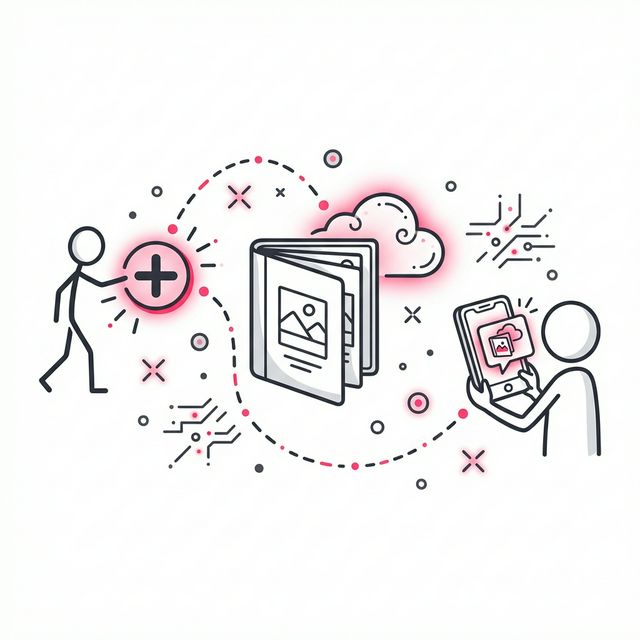
You do not achieve this by creating new accounts for them. You do it by giving them access to already created gallery by generating a unique “Upload Link.” Anyone you add as a co-host can upload photos to the specific gallery you chose. They cannot see your other events. They cannot see your complete profile or change any other settings.
This method effectively adds a co-host without the administrative overhead. It is secure, fast, and specific to the event.
How to Add a Co-Host in SnapSeek
SnapSeek simplifies this process by removing the need for app downloads. You or your co-hosts do not need to install anything to start contributing.
Here is the step-by-step workflow:
- Create Your Event: Set up the new gallery in your SnapSeek dashboard.
- Add Co-Host: Go to Settings and add the email address of the co-host as “Contributor” under the ‘Allowed Guests’ section.
- Instant Upload: When they open SnapSeek, they will see the added gallery in the dashboard and can start uploading high-resolution images immediately.
Because there is no app download required, this works perfectly for temporary help or even enthusiastic guests.
The Psychology of Contribution: Why Guests Make Great Co-Hosts
We often cringe at the thought of “guest photos.” We imagine blurry, dark images that clutter the professional gallery. But the mobile photography landscape has changed.
Guests are carrying high-resolution cameras in their pockets. They are positioned in places you cannot be: on the dance floor, at the dinner tables, or in the limo.
When you treat guests as co-hosts, you unlock a layer of authenticity that is impossible to stage.
Reducing the Friction to Zero
The reason guest contribution failed in the past was friction. Downloading an app to upload five photos is too much to ask.
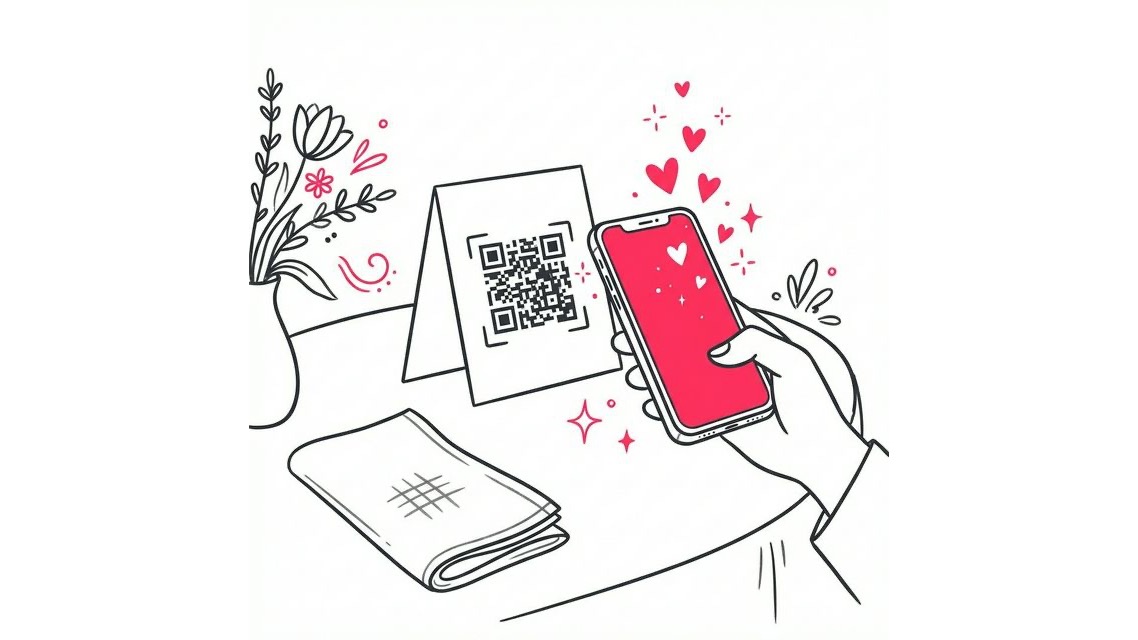
By using a QR code that leads directly to an upload screen, you remove the barrier. The “co-host” experience becomes instantaneous. They scan, select, and upload.
This ease of use increases the volume of photos you receive by 300-400% compared to app-based solutions.
Managing Privacy and Quality
Opening up your gallery to co-hosts requires some management. You want to ensure the quality remains high and the content is appropriate.
SnapSeek uses AI face recognition to organize the influx of photos. As images come in from different sources, the AI sorts them by person. This prevents the gallery from becoming a disorganized dump of files.
For privacy, you can choose between secure vs. public galleries.
- Public/Open: Good for maximum engagement where everyone can see everyone’s photos.
- Private/Secure: Guests only see photos that match their own face data.
Best Practices for Collaborative Galleries
To keep your collaborative photo gallery professional, follow these guidelines:
- Set Expectations: Tell your co-hosts what file size and format (JPEG vs. RAW) you expect.
- Style: Maintain your brand style in all photos by applying standard styles and filters.
- Curate: Even with a co-host, you are the director. Review the stream to ensure it meets your brand standards.
Real-World Scenarios for Multi-User Uploads
The Wedding Day
You are the primary shooter. You have a second shooter for the groom’s prep and an assistant for lighting.
- You: Upload the main ceremony and portrait shots.
- Second Shooter: Uploads candid moments from the cocktail hour via the link.
- Guests: Scan codes at tables to upload “table selfies.”
- Result: A complete 360-degree view of the wedding, available instantly.
Learn more about the wedding photography trends to follow to make your wedding photography stand out from the rest.
Corporate Conference
A multi-day event with simultaneous breakouts. No single photographer can cover every room.
- Team: Three photographers are assigned to different tracks.
- Workflow: All three upload to the same “Annual Summit” gallery using the same link.
- Attendees: Can find their customized headshots or networking photos immediately, regardless of who took the picture.
School Sports Day
Multiple games happening at once on different fields.
- Teachers or designated parents: Can act as co-hosts, uploading shots of their kids’ teams to a central league gallery.
- Privacy: Each parent only sees their own child’s photos thanks to Face Search, keeping the experience secure and compliant.
FAQ
Can I add a co-host without giving them my password?
Yes. Modern platforms like SnapSeek allow you to share an upload-only access. This gives the person permission to add photos without giving them access to your account settings.
Can multiple photographers upload to the same gallery?
Absolutely. Multiple people can upload photos to the same gallery simultaneously. The system will merge their uploads into the main gallery timeline automatically.
How do I stop a co-host from uploading?
You can simply remove their email from the allowed guests list in the settings. This instantly revokes their access.
Can I add multiple co-hosts?
Yes. You can add multiple co-hosts to your gallery. Each co-host will have the access to upload photos to the gallery.
Do my co-hosts need to pay for an account?
No. In SnapSeek, only the host requires a plan. Contributors can upload photos and the host’s credits will be used for the uploads.
Conclusion
Adding a co-host to your private gallery is the smartest way to scale your event coverage. It moves you away from the risks of shared passwords and into a secure, collaborative workflow.
By using upload links and AI sorting, you keep control while capturing every angle. Whether you are leading a team of pros or crowdsourcing from guests, the technology now exists to make it seamless.
You no longer have to choose between security and collaboration. You can have both. You can have a gallery that is rich with diverse perspectives: from the polished professional portraits to the raw, joyous moments captured by friends on the dance floor.
Start your collaborative gallery with SnapSeek today and see how easy managing multiple contributors can be. It is time to stop chasing files and start enjoying the full story of your event.