SnapSeek is an AI-powered event photo sharing platform that uses face recognition to help guests find their photos instantly without scrolling through hundreds of images. It is built for weddings, corporate events, festivals, school events, and any scenario where many people need access to their pictures quickly.
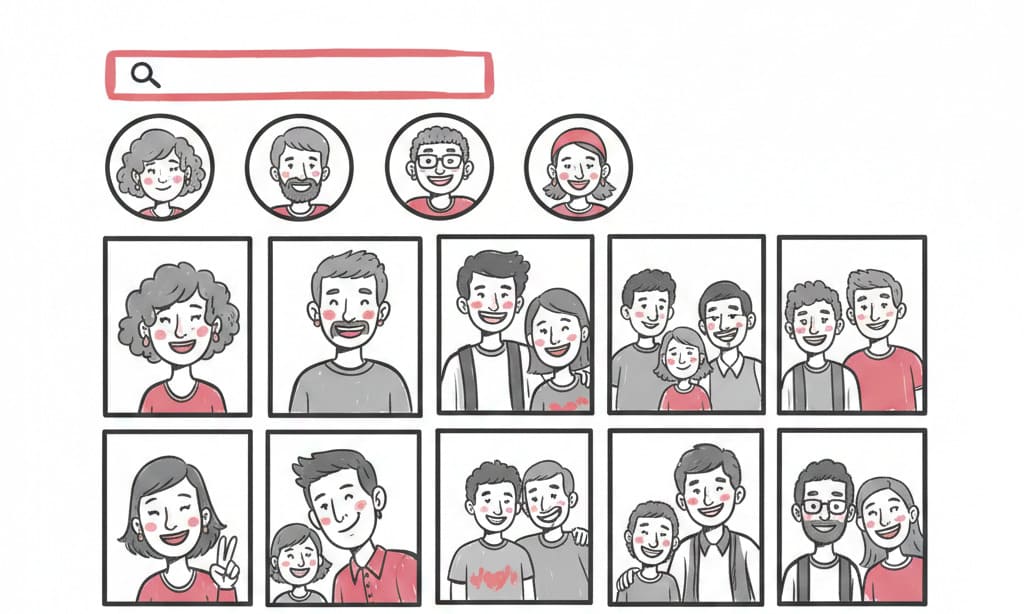
Unlike traditional photo sharing methods, SnapSeek lets guests search by taking a selfie, then automatically groups every image that includes their face. There is no guest signup, no app download, and collections stay private behind unique links and optional passwords.
Why use SnapSeek for photo sharing?
If you have ever tried to send event photos via email, WhatsApp, or generic cloud folders, you know how messy it gets. SnapSeek focuses specifically on:
- Fast photo delivery using AI face recognition and selfie-based search.
- Private collections with full control over who can view, download, or share event photos.
- Time savings for photographers and organizers by eliminating manual sorting and tagging.
This makes SnapSeek ideal for anyone looking for smarter tools for photo sharing, photo finding, photo sorting, and sending photos at scale. If you are exploring versatile use cases for SnapSeek, it adapts easily across weddings, corporate galas, and sports events.
Step 1: Sign up on SnapSeek
To start, go to the SnapSeek website and create an organizer account. You only need basic details such as your name, email, and a secure password to get going.
New users can start with free credits, which let you test the full event photo sharing workflow before committing long term. Once signed in, you land on the dashboard where you can create and manage collections for each event.
Step 2: Create a new collection
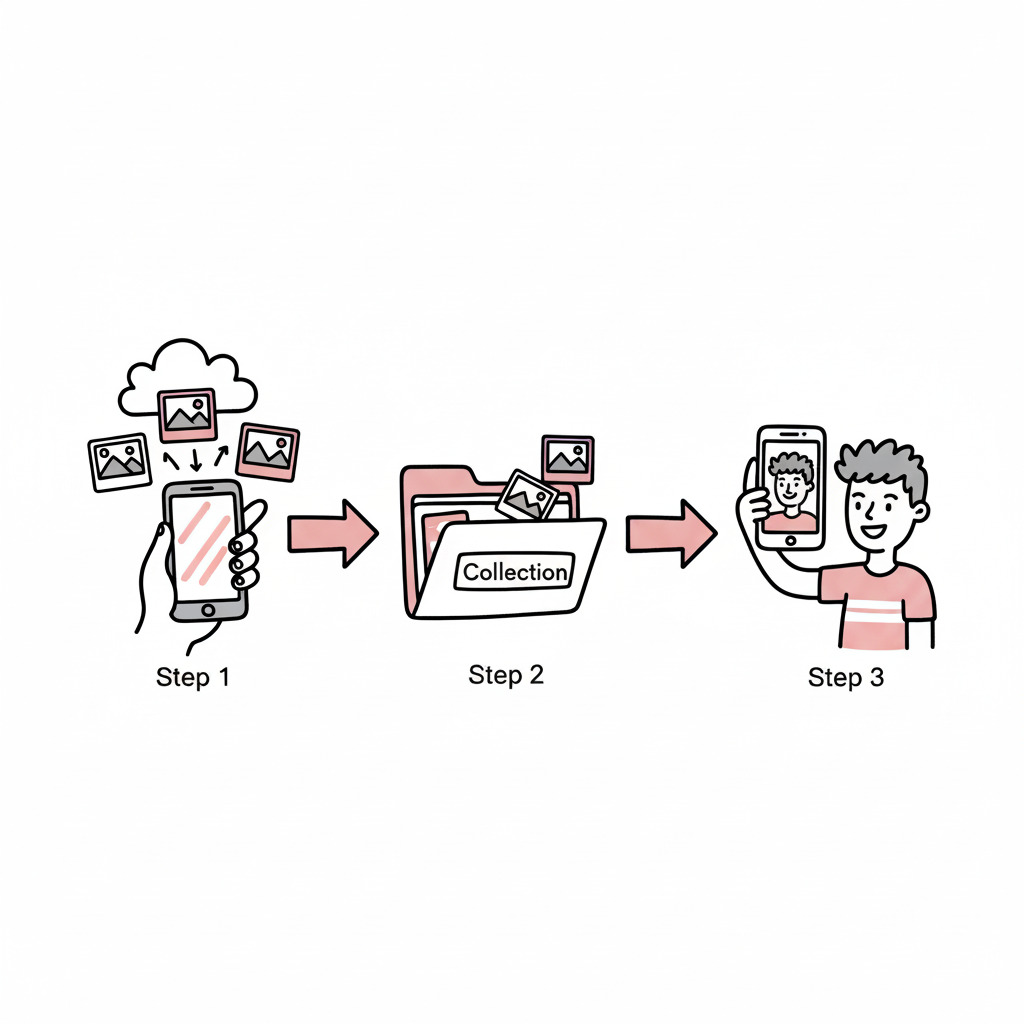
In SnapSeek, every event or project lives inside a “collection.” From your dashboard, create a new collection and name it clearly, such as “Alex \& Priya Wedding,” “Q4 Sales Conference,” or “Summer Music Festival 2025.”
You can create unlimited collections, so it is easy to separate jobs by client, date, or event type. Collections are private by default and can only be accessed through the unique share link or QR code you generate later.
If you run recurring events (for example monthly meetups or multiple concerts), you can create one collection per event to keep photo sorting and sharing organized. You can also learn how to create an event highlights folder in a dedicated collection to provide a curated recap or sneak peek for clients and sponsors before distributing the full gallery.
Step 3: Upload your photos
Once the collection is created, upload your event photos directly into it. SnapSeek supports high resolution images up to large file sizes, so you can maintain image quality for printing and social media.
During upload, SnapSeek’s AI starts analyzing faces in the background and prepares the collection for smart photo finding and face grouping. You can upload in batches and continue to work on other settings while the system processes photos in the background.
This step is where SnapSeek replaces manual sorting; instead of building separate folders or naming files, the platform uses face recognition to do the heavy lifting.
Step 4: Configure collection privacy and guest options
Before sharing, configure the collection’s settings so the guest experience matches your needs. SnapSeek gives several privacy and photo sharing controls.
Guest visibility: show all photos or only their own You can choose whether guests:
- See the entire gallery and browse all event photos.
- Only see photos they appear in, after they upload a selfie for AI matching.
For weddings and private events, many organizers prefer “selfie-only” mode so each guest sees just their own pictures. For festivals, corporate events, or marketing-heavy experiences, enabling browsing of the full gallery can encourage more social sharing and engagement.
Email collection and lead capture If you want to build an email list or follow up after the event, enable email collection for the gallery. Guests can be prompted to enter their email address before viewing or downloading photos, turning your photo sharing tool into a lead generation channel.
This is especially powerful for:
- Event photographers who want to upsell prints or future sessions.
- Brands and organizers who want to nurture attendees with post-event campaigns.
Password protection for sensitive events For private or restricted events, enable password protection on the collection. Guests will need both the unique link or QR code and the password to view photos, adding an extra layer of security.
Password protection works well for:
- Corporate offsites and internal meetings.
- School or family events where privacy is critical.
Add a custom message to guests SnapSeek lets you configure a custom welcome or instruction message that appears for guests when they open the gallery. Use this to:
- Explain how to use selfie search to find photos.
- Share download rules, printing rights, or promotional offers.
A clear message helps improve the guest experience and reduces the number of questions you receive later.
Watermark settings for brand protection If you want to protect your images or promote your brand, enable watermarking inside the collection settings. You can usually control watermark position, size, and opacity so it is visible but not distracting.
Many photographers apply watermarks to downloaded photos to ensure their studio or brand travels with every shared image. For sponsored events, you can also add logos or partner branding to reinforce campaign visibility.
Step 5: Share the collection with guests
Once your collection settings are finalized, use the “Share with guests” option to generate access. SnapSeek gives you two primary sharing formats:
- A unique shareable link that opens the gallery in any browser.
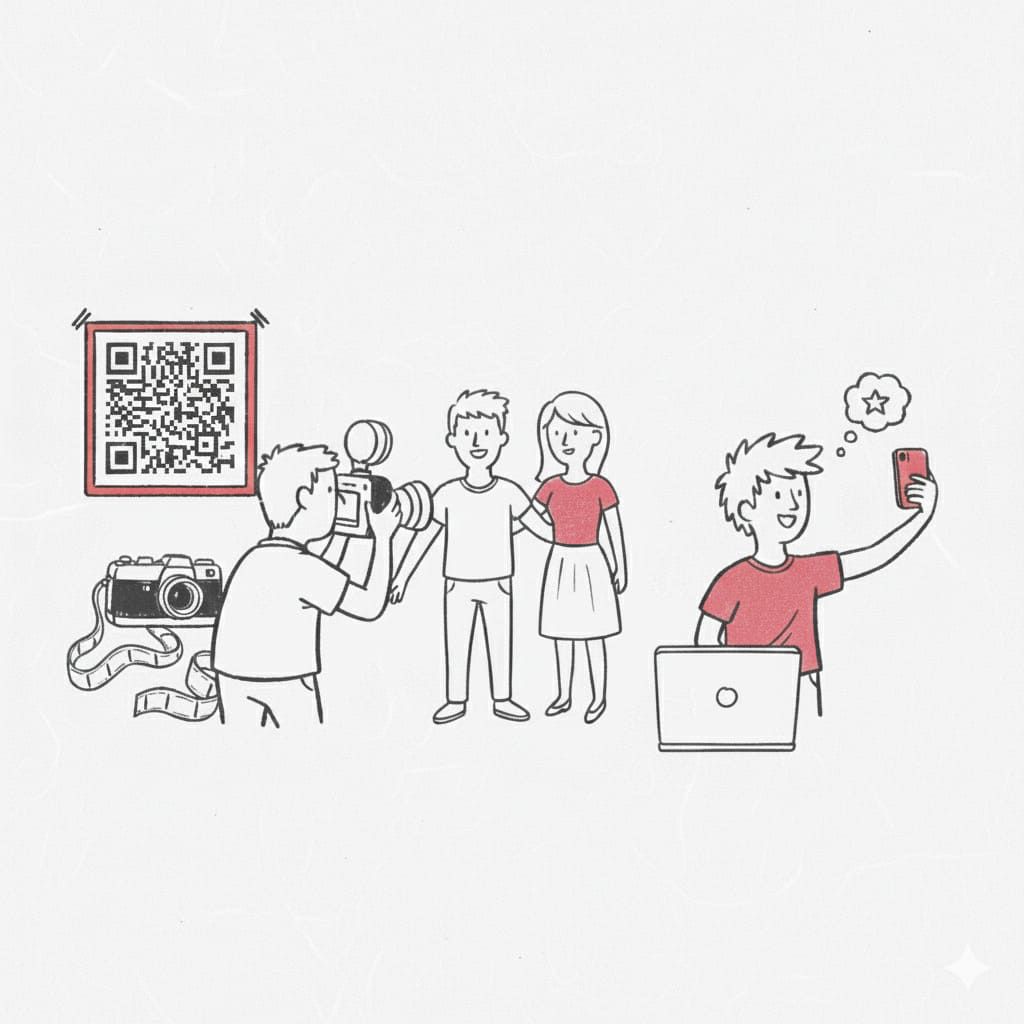
- A QR code that guests can scan using their phone cameras.
From there, you can distribute the link or QR code however your audience communicates:
- Email newsletters or one-off email blasts.
- Printed cards, table stands, or posters at the venue using the QR code.
- Social media posts or DMs for public or semi-public events.
- SMS or WhatsApp messages for groups, clients, or teams.
SnapSeek does not require guests to download an app or create an account, which makes photo sharing extremely frictionless. If you are covering an active floor, see how roaming photographers use SnapSeek to tether their camera over Wi-Fi and share QR codes on the spot.
Step 6: How guests view and find their photos
Once guests receive the link or scan the QR code, they land on your branded gallery. What they see next depends on the visibility and privacy options you previously selected.
Browsing all photos If you have allowed open browsing, guests can scroll through the full collection like a traditional online gallery. This is popular for festivals, nightlife, and brand activations where the goal is to maximize social sharing and fun.
Even in this mode, guests can still use selfie search to quickly jump to their photos instead of browsing everything manually.
Selfie-based photo finding and smart face grouping The real power of SnapSeek is in AI-guided photo finding. Guests simply:
- Tap the selfie search option inside the gallery.
- Take or upload a quick selfie.
- Let SnapSeek automatically run face recognition and group all photos that contain their face.
Within seconds, the guest sees a curated view of just their photos, sorted for easy scrolling and downloading. SnapSeek processes selfies in a privacy-conscious way, which keeps face recognition focused purely on search inside that specific event collection.
This selfie-based search is what sets SnapSeek apart from conventional photo sharing tools and generic cloud galleries.
Step 7: Guests share and download images
Once guests find their favorite photos, they have flexible options to keep and share them.
Downloading photos and zip folders Guests can download individual photos or bulk-download multiple images, often as a compressed zip folder. This makes it easy to save everything to their device for personal backup, printing, or future sharing.
If you have watermarking enabled, the downloaded images include your custom watermark to protect your work and promote your brand.
Sharing photos with friends and family Guests can then share their pictures beyond the original event audience. They might:
- Post selected photos on social media.
- Forward the link to friends or family who were at the event.
- Use the images for their own albums, portfolios, or memories.
Because SnapSeek is optimized for private event photo sharing, you remain in control of the original collection while still enabling guests to enjoy and spread their images freely.
Ways SnapSeek helps with photo sharing and photo management
For anyone searching for a better way to share photos online, SnapSeek positions itself as more than just a gallery. It solves multiple pain points around photo management.
Key benefits related to photo sharing, photo finding, and sorting photos include:
- AI-powered photo finding using face recognition and selfie search, instead of manual browsing.
- Automated photo sorting via smart face grouping, eliminating hours of manual organization per event.
- Private, link-based photo sending with password options and granular visibility controls.
- Built-in watermarking, email collection, and guest messaging to support professional use cases.
For more event-specific strategies, visit the SnapSeek blog, where there are guides tailored to concerts, festivals, and other event types.
Core SnapSeek features for event photo sharing
| Feature | What it does for you | Why it helps with photo sharing |
|---|---|---|
| AI face recognition | Automatically matches guest selfies to event photos | Guests instantly find their own photos without scrolling |
| Private collections | Keeps each event isolated and accessible only by link | Safer than public albums or open social media galleries |
| Guest visibility controls | Lets you choose between full-gallery browsing or selfie-only views | You can tailor privacy for weddings, brands, or festivals |
| Email and lead collection | Captures guest emails before or after viewing photos | Turns your photo sharing flow into a marketing channel |
| Password protection | Adds an extra layer of access control to galleries | Ideal for corporate, school, or sensitive events |
| Custom watermarks | Places your logo or branding on downloaded photos | Protects your images and promotes your brand wherever photos travel |
| QR code and link sharing | Lets you distribute access via print, email, or messaging apps | Guests can join instantly from any device at the event |
FAQ
Is SnapSeek free to try?
Yes. When you sign up, you receive free credits to test the full platform, including uploading photos, testing AI face recognition, and sharing a trial gallery.
How many photos can I upload per event?
SnapSeek is built for scale. You can upload upto 10000 images in a single collection, which is perfect for marathons, festivals, or multi-day conferences—without hitting typical folder limits.
Do I need to tag people manually?
No. SnapSeek’s AI analyzes faces automatically in the background. You simply upload the files, and the system handles the sorting and grouping.
Conclusion
If you are ready to streamline your photo sharing workflow, create an account on SnapSeek, set up your first collection, and test the selfie-based photo finding experience with your next event. With AI-driven sorting, private collections, and flexible sharing tools, SnapSeek helps you deliver photos faster while saving hours of manual work.