The global corporate events market is expanding rapidly and is projected to reach over 590 billion dollars by the end of the decade. In-person gatherings provide unparalleled value, but they are also significantly more expensive to host than virtual formats. Maximizing your return on investment requires strategic planning, optimized budgets, and flawless technical execution.
Executing a high-level B2B summit or trade show goes beyond simply booking a venue and organizing catering. Event organizers must deploy cutting edge workflows to keep attendees engaged from the initial registration phase through post event follow ups.
Tip 1: Define Clear and Measurable Event Goals
If you do not track your return on investment, you cannot guarantee a successful corporate event. You must identify whether your primary focus is lead generation, brand awareness, client retention, or product education. Setting specific key performance indicators early on ensures every budget dollar is actively justified.
Detailed goal setting allows you to measure exactly how attendees interact with your programming. Analyzing these data points helps you refine your strategy for future conferences and proves value to key stakeholders.
Establishing Core Metrics
Select three primary metrics to monitor throughout the timeline, such as total registrations, session attendance rates, and post event survey scores. Share these goals with your entire organizing team to maintain complete alignment across all departments. This clarity prevents scope creep and keeps your budget allocated toward high impact activities.
Tip 2: Streamline Venue Logistics and Technology Integration
Logistics can easily consume the majority of your event planning bandwidth. Industry reports indicate that up to 65 percent of corporate event budgets are allocated strictly to venue operations and catering costs. This heavy financial burden leaves a narrow margin for error when selecting and integrating your event tech stack.
Planners must choose reliable software platforms that integrate seamlessly with existing customer relationship management systems. Streamlining your technology ensures that data flows effortlessly between your registration desk, marketing team, and sales personnel.
Managing On-Site Infrastructure
Always conduct a thorough technical walkthrough of the venue at least two weeks before the event starts. Verify that the local internet bandwidth can support hundreds of concurrent users without dropouts. Prepare dedicated backup cellular hotspots for critical operational areas like registration desks and media upload stations.
Tip 3: Upgrade to a Dedicated Corporate Event Photo Sharing App
Traditional methods of sharing event photos create massive friction for both event organizers and guests. Dumping thousands of high resolution files into a generic cloud storage drive forces attendees to scroll endlessly through irrelevant thumbnails. This outdated approach drastically reduces the impact of your investment in professional photography.
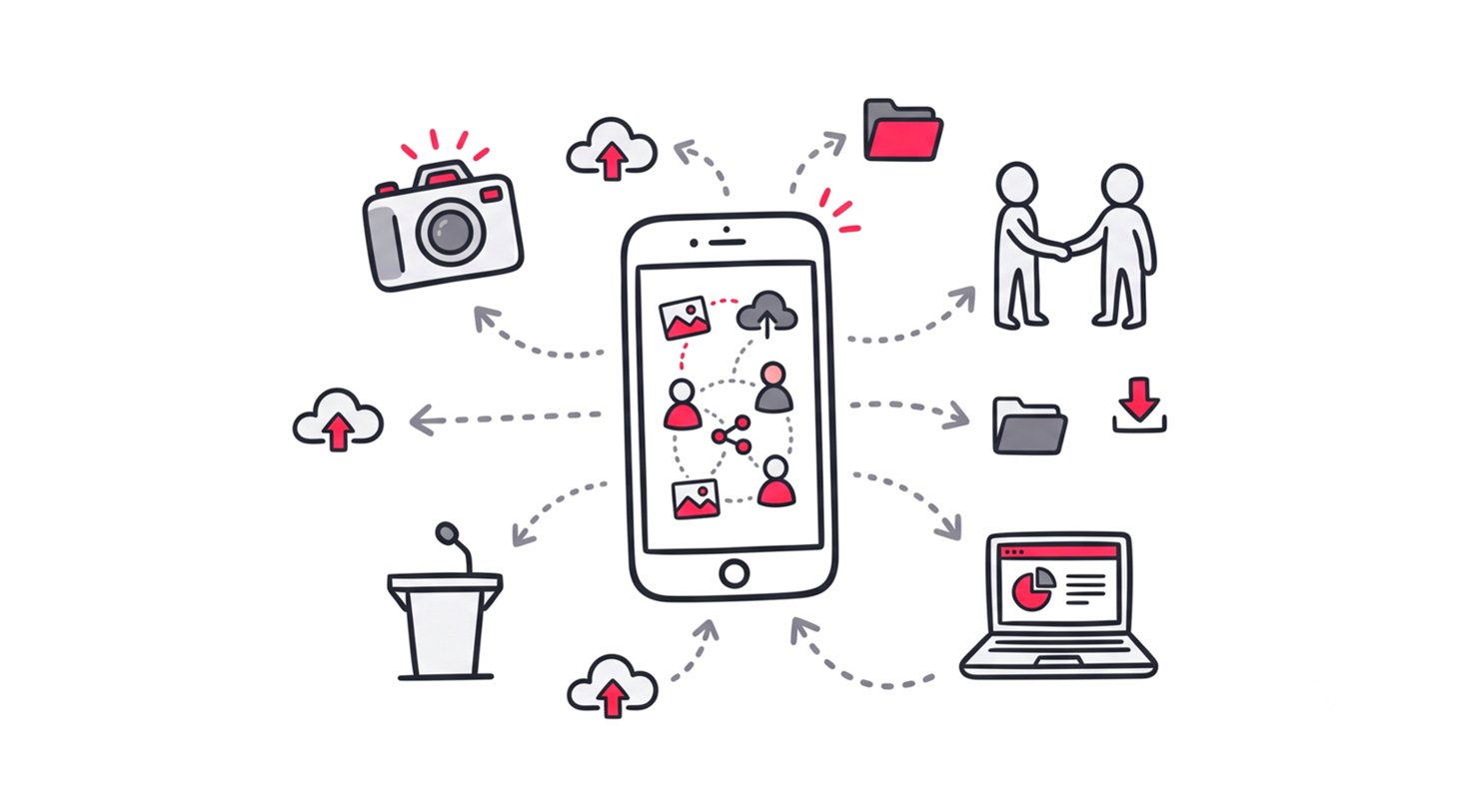
Instead, you should implement a modern corporate event photo sharing app to solve this issue instantly. Delivering professional media directly to the right person elevates the entire event experience. It provides attendees with immediate value while protecting the privacy of other guests.
Enhancing Brand Recall
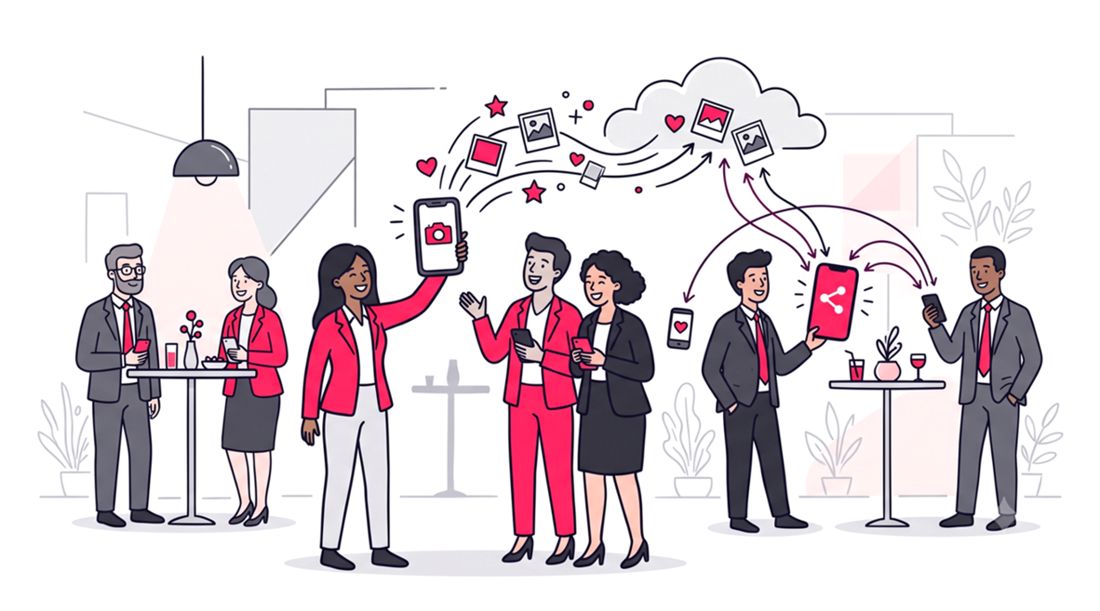
When attendees receive their professional photos quickly, they are much more likely to share them on professional networks like LinkedIn. This immediate organic sharing acts as free marketing for your corporate brand. It amplifies your reach to a broader industry audience while the event is still trending online.
Tip 4: Leverage Face Recognition Photo Sharing for Events
Artificial intelligence has completely transformed how professional photography is managed and delivered. With an instant selfie photo finder for events, guests simply upload a quick selfie to securely locate their professional photos. The AI technology scans the photographer’s centralized database to find all matching faces in a matter of milliseconds.
This automation entirely eliminates the need for manual tagging by your event staff. It also replaces outdated, highly inaccurate sorting metrics like trying to categorize images by jersey colors or bib numbers. Using face recognition photo sharing for events guarantees absolute precision.
Elevating the Guest Experience
Attendees no longer have to worry about missing out on key networking moments to pose for photos. They can navigate the conference naturally, knowing that any candid shot taken of them will be delivered automatically. This creates a much more authentic and enjoyable environment for business professionals.
Tip 5: Provide Event Photo Delivery with No App Download
Forcing attendees to download a native mobile app for a single weekend conference is a proven way to kill digital engagement. Attendees want immediate access to their digital assets without jumping through technical hoops or creating new passwords. Friction at this stage will cause abandonment, meaning your expensive photography goes unseen.
Instead, utilize a robust web application that offers event photo delivery with no app download required. A simple QR code scan at a registration desk or a direct text message link is all it takes to instantly deliver value. This ensures a universally smooth experience across all mobile devices and operating systems.
Optimizing Technical Accessibility
Web based platforms load instantly inside standard mobile browsers, bypassing restricted corporate device limitations. This accessibility is vital for enterprise clients who use strictly managed company phones that block external app store installations. Minimizing access barriers maximizes your overall attendee engagement rates.
Tip 6: Prioritize High Quality Professional Photography Workflows
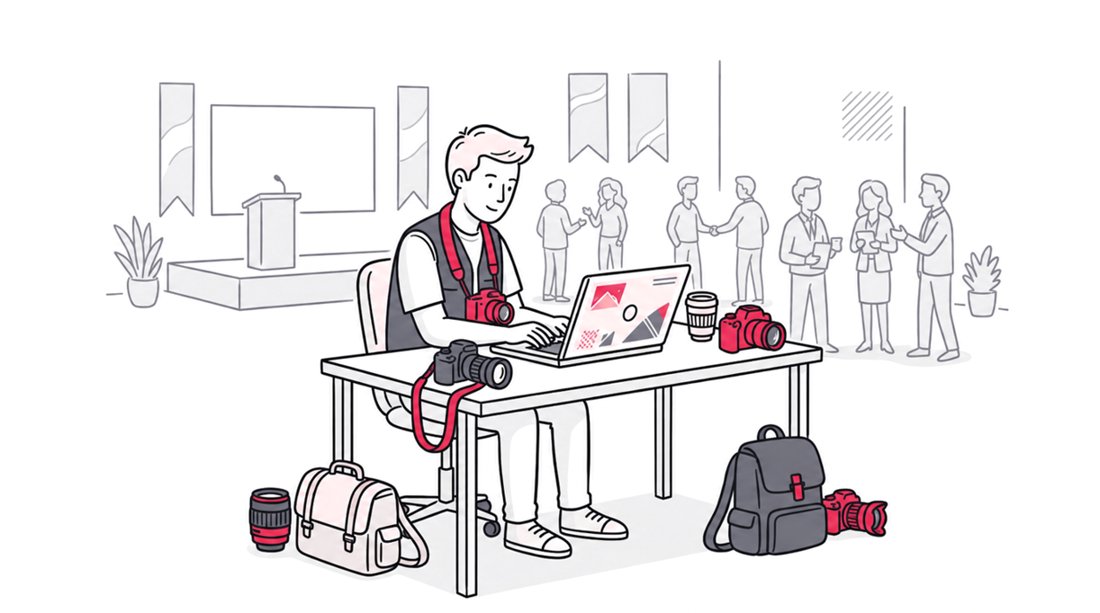
Your corporate event is only as memorable as the media captured during it. Hiring an experienced event photographer ensures you have high quality assets for your future marketing materials and press releases. Investing in professional talent is non negotiable for premium brand positioning.
A strict one way sharing tool guarantees that only curated, professional grade photos reach your guests. This prevents the gallery from being cluttered with blurry smartphone pictures taken by attendees.
Establishing Clear Creative Briefs
Provide your photography team with a detailed shot list that outlines key keynote speakers, sponsor banners, and VIP networking sessions. Ensure they understand the precise lighting conditions of each hall to avoid underexposed images. A well coordinated workflow guarantees consistent asset quality across all days of the conference.
Tip 7: Optimize Networking with AI Driven Matchmaking
More than 60 percent of attendees prioritize professional events strictly for the networking opportunities they provide. Integrating automated matchmaking software into your registration process helps attendees connect with relevant peers instantly. This smart technology analyzes user profiles, job titles, and industry interests to suggest highly targeted B2B meetings.
Optimized networking transforms standard coffee breaks into highly profitable business sessions. By facilitating these connections, you increase the tangible value your event provides to corporate attendees.
Structuring Interactive Spaces
Designate specific areas within your venue floor for targeted networking based on industry verticals. Use clear digital signage to guide participants to their pre scheduled matchmaking appointments. Providing physical spaces for these interactions dramatically improves overall attendee satisfaction scores.
Tip 8: Create Frictionless Attendee Journeys
The average size of in-person conferences requires precise crowd management to avoid operational bottlenecks. Managing crowd sizes efficiently requires a frictionless check-in process and clear digital wayfinding signage. Confusion upon arrival immediately degrades the attendee experience and causes schedule delays.
Digital badges, self service check-in counters, and contactless kiosks keep lines moving rapidly. Reducing morning registration friction sets a positive, professional tone for the entire event.
Improving Pre-Event Communication
Send out comprehensive logistical guides three days before the event begins, detailing parking options and registration steps. Use clean, minimalist layouts that are easy to scan quickly on a mobile screen. Clear communication reduces the volume of support questions hitting your registration desk on opening morning.
Tip 9: Design Branded Digital Touchpoints for Sponsors
Corporate sponsors demand visible returns and concrete analytics for their financial investments. Advanced software allows you to embed sponsor logos directly into the interface. This creates a highly targeted advertising space that attendees actively want to view.
Every time an attendee uses the event-adapted platform, your sponsor receives premium brand visibility. This customized digital touchpoint is highly effective for monetizing the experience.
Tip 10: Gather Real-Time Feedback and Post-Event Data
The success of your event is ultimately determined by the data you collect and how you act upon it. Shockingly, data shows that nearly 80 percent of trade show leads never receive any follow up communication after an event concludes. This represents a massive loss of potential revenue and completely negates the purpose of hosting the event.
Sending automated post event surveys helps you gather immediate, actionable feedback while the experience is still fresh. Tracking engagement metrics, email open rates, and session attendance will drastically improve your follow up conversion rates for next year.
Executing Rapid Follow-Up Strategies
Clean and segment your attendee lists within twenty four hours of the closing keynote address. Send personalized emails containing links to session recordings, presentation slides, and their customized photo galleries. Prompt communication keeps your brand top of mind and capitalizes on event momentum.
FAQ
What is a corporate event photo sharing app?
It is a specialized web platform designed to distribute professional event photos directly to attendees. Modern solutions use facial recognition to deliver personalized galleries instantly.
How does face recognition photo sharing work?
Guests upload a quick selfie to a web application, and the AI scans the photo gallery to find all matching images. This acts as an instant selfie photo finder for events, bypassing manual tagging.
Why should I avoid forcing attendees to download an event app?
Event photo delivery without app downloads reduces digital friction. Attendees are much more likely to engage with a simple web link or QR code than they are to install a heavy native mobile app for a short term event.
Conclusion
Planning and executing a flawless corporate gathering requires strategic budgeting, clear objectives, and modern digital workflows. By implementing these practical tips to make your corporate event successful, you guarantee a memorable and high value experience for every guest.
Prioritizing frictionless technology, such as an AI powered web app for media distribution, separates industry leading events from the rest. Ready to elevate your next conference with seamless, one way photo delivery? Discover how SnapSeek transforms professional photography workflows through powerful face recognition web technology today.