Real-time photo notifications are automated email alerts that inform corporate event attendees the exact moment professional photos featuring their face are uploaded. By using AI face recognition, organizers can instantly distribute personalized photo batches throughout a multi-day conference. This keeps post-keynote engagement high without requiring guests to scroll through massive public galleries or download dedicated apps.
Corporate events require significant financial investments. Organizers spend months securing keynote speakers, designing breakout sessions, and booking premium venues. Yet, the momentum often dies the moment the final session concludes.
Event photography should act as a bridge to extend that engagement. Unfortunately, traditional photo delivery methods are fundamentally broken. Attendees rarely revisit a shared drive link sent weeks after the conference ends.
This is where a seamless photo sharing workflow changes the game. Implementing a smart notification system ensures your investment in professional photography translates directly into prolonged brand engagement.
The Challenge of Multi-Day Conference Engagement
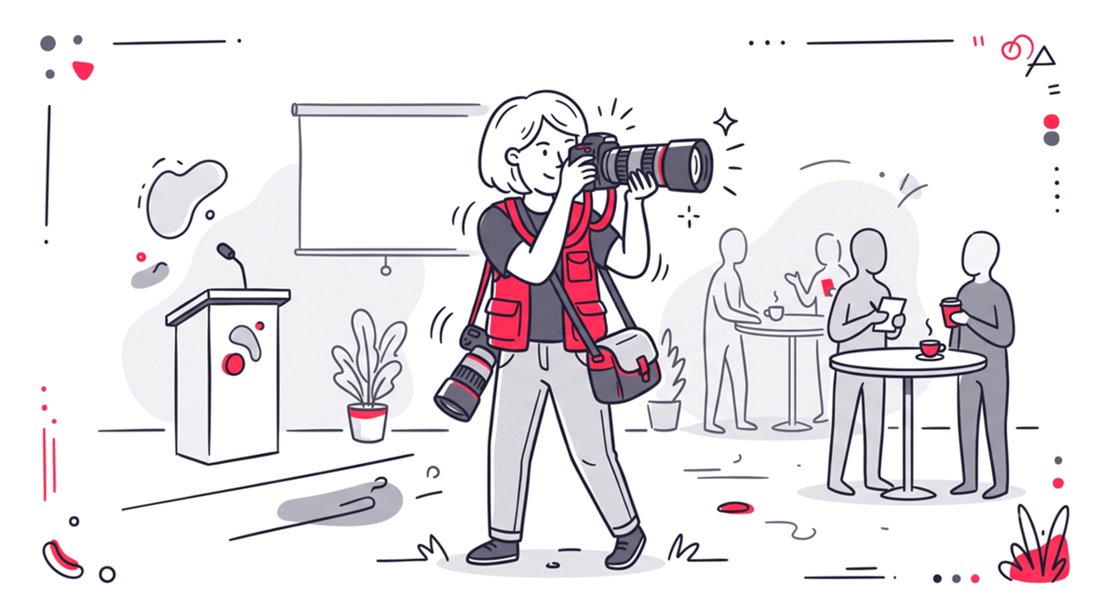
Multi-day conferences generate thousands of images. A busy event photographer captures candid networking moments, stage presentations, and sponsor booth interactions. Sorting through this massive volume of content is a logistical nightmare.
In the past, organizers dumped all these files into a single online folder. They would send a mass email to attendees thanking them for coming. This generic approach yields low click-through rates and zero personalization.
Modern attendees expect instant gratification. They want to post high-quality content to professional networks like LinkedIn while they are still at the venue. If they have to wait two weeks for a gallery link, the relevance of the event has already faded.
Why Traditional Galleries Fail Post-Event
Traditional galleries lack an individualized user experience. When a guest opens a folder with three thousand photos, they experience immediate cognitive overload. Finding a specific image from a particular networking mixer becomes an impossible chore.
Frustrated guests simply abandon the search entirely. They rely on poor quality smartphone selfies instead of your branded professional assets. This represents a massive missed opportunity for corporate marketing teams.
Event professionals are actively seeking better solutions. Read more in our guide about the best face recognition photo sharing app.
The Mechanics of Real-Time Photo Notifications
The foundation of modern event engagement relies on artificial intelligence. A face recognition platform scans every image uploaded by your photographer. It maps unique facial features and indexes the entire gallery in seconds.
Guests initiate the process by taking a quick selfie on their smartphone. The system cross-references this selfie against the massive event gallery. It then curates a personalized digital album containing only the photos where that specific guest appears.
The true power lies in the background notification engine. As photographers continue to shoot and upload throughout the event, the AI continuously scans for matches. Guests do not need to constantly refresh a webpage to check for updates.
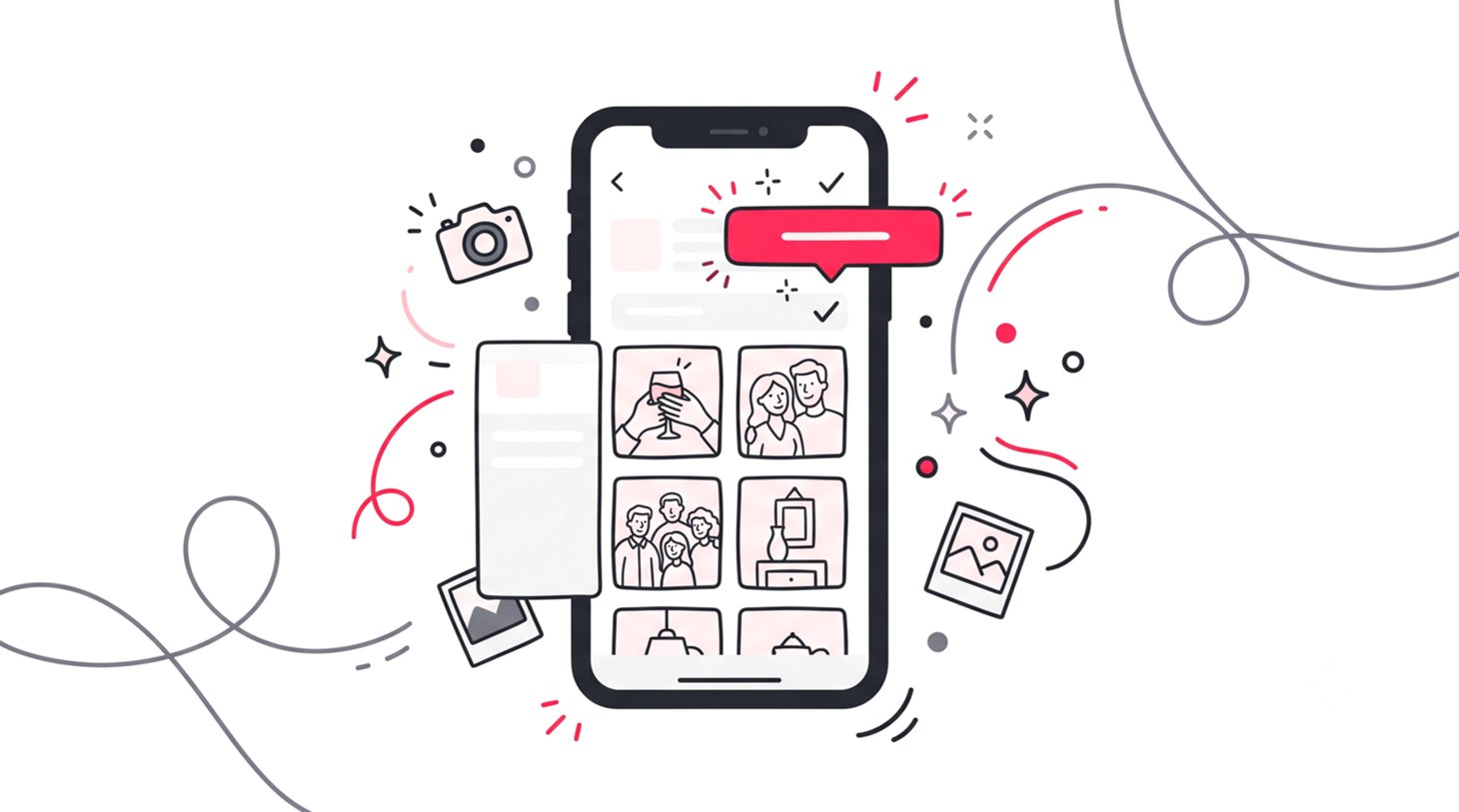
When a new match is found, the system holds the data. Once the organizer triggers the alert, attendees receive an automated email. The message lets them know a new personalized photo is ready to view and download.
| Feature | Traditional Galleries | AI Photo Notifications |
|---|---|---|
| Delivery Speed | Weeks after the event | Instant or scheduled batches |
| Guest Effort | Manual scrolling required | Selfie upload only |
| Engagement | Low post-event interaction | High daily engagement spikes |
| Privacy | Public links expose everyone | Private individualized albums |
| Branding | Generic file hosting UI | Custom branding |
Optimizing the Multi-Day Conference Angle
Single-day events have a straightforward distribution model. The gallery is typically shared all at once after the editing process is complete. Corporate conferences require a completely different distribution strategy to maximize reach.
A multi-day summit thrives on sustained momentum. You want attendees talking about the event on Monday, Tuesday, and Wednesday. Dumping all photos on Friday ruins the daily engagement cycle.
Batch Drops for Daily Momentum
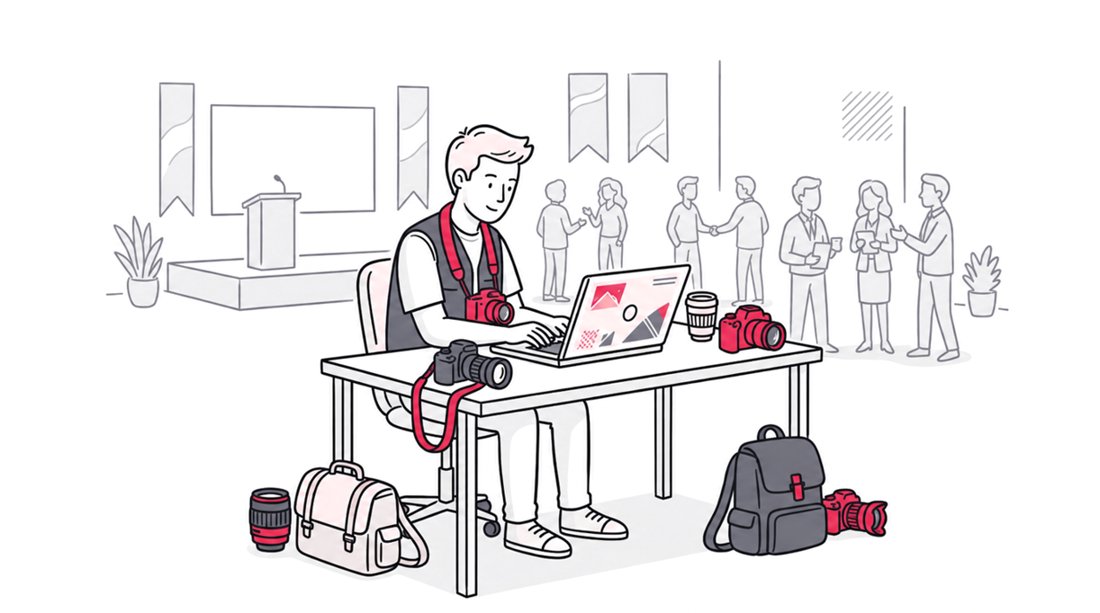
Photographers should utilize a camera-to-cloud workflow. This allows an editor to process images remotely while the photographer keeps shooting. As soon as a morning session ends, the editor pushes those files to the digital gallery.
Organizers can then utilize the platform to notify guests in strategic batches. A notification sent during the lunch break gives attendees perfect content to post in the afternoon. This real-time sharing turns your guests into active brand ambassadors.
The evening gala presents another opportunity. Photos uploaded late at night can trigger a morning email notification. Attendees wake up to fresh, polished images right as they prepare for the next day of sessions.
Implementing a Seamless Photo Sharing Workflow
Setting up this technology requires very little technical expertise. The entire infrastructure is built to run effortlessly in the background. The goal is maximum participation with minimal friction.
Step 1: Smart QR Code Deployment
Forget about asking attendees to download dedicated applications. Forcing an app install destroys your attendee adoption rate. The most effective method utilizes simple web browsers natively built into smartphones.
Generate a custom QR code tied to your private gallery. Place this code on lanyard badges, registration desks, and digital signage. Guests simply scan the code with their default camera app.
They are instantly directed to a branded landing page. This initial touchpoint sets a premium tone for the tech experience. It clearly communicates that finding their photos will be effortless.
Step 2: The Face Matching Registration
Once on the landing page, the guest is prompted to find their photos. They snap a quick selfie right there in the registration line. The AI maps their face securely and instantly displays any existing matches.
This is the crucial moment for future engagement. The system prompts the user to opt into the notification service. They provide their email address so the platform can alert them when new photos arrive.
Step 3: Triggering the Notification Engine
As the multi-day event unfolds, your media team uploads new batches. The AI works silently in the background processing thousands of faces. It groups the new images according to the registered attendees.
The organizer can access the new matches and deploy the notification emails to everyone with new content.
| Event Type | Upload Frequency | Notification Timing | Guest Expectation |
|---|---|---|---|
| Trade Show | Hourly batches | Twice daily | Immediate social sharing |
| Leadership Summit | End of day | Early next morning | LinkedIn professional updates |
| Annual Gala | Live during event | During dessert course | High excitement sharing |
| Training Seminar | Post-event only | One day after | Reference and memory |
Best Practices for AI Photo Management
Managing an AI-powered online photo gallery requires specific organizational habits. You must communicate clearly with your photography team before the event begins. They need to understand the batch upload schedule.
Ensure your platform supports high-resolution image delivery. Corporate guests want to use these images for professional speaker bios and press releases.
Privacy must remain a top priority. Corporate events often feature proprietary presentations or sensitive networking conversations. You must use a platform that defaults to strict privacy settings.
Face recognition inherently solves many privacy concerns. Guests only gain access to images where their face is officially recognized. This prevents unauthorized personnel from browsing the entire event catalog.
Elevating the Guest Experience with SnapSeek
The technology you choose dictates the success of your distribution strategy. You need a platform built specifically for high-volume, fast-paced environments. The architecture must handle massive concurrent uploads without slowing down.
SnapSeek provides the exact infrastructure needed for multi-day conferences. It eliminates friction by keeping everything within the mobile browser. Your guests never have to visit an app store or create cumbersome accounts.
By utilizing our advanced notification system, you transform passive attendees into active participants. You give them the tools to promote your event in real time. This organic marketing reach is invaluable for future ticket sales.
Stop letting your expensive event photography go to waste in forgotten cloud folders. Upgrade your workflow and deliver a personalized experience that attendees will actually use. Your sponsors, stakeholders, and guests will notice the difference immediately.
FAQ
What is a real-time photo notification?
A real-time photo notification is an automated email alert sent to an event attendee when a new photo featuring their face is uploaded. It uses AI facial recognition to securely match incoming professional photos with a guest’s selfie profile.
Do guests need to download an app to receive photo alerts?
No. SnapSeek uses browser-based platforms. Guests simply scan a QR code, upload a selfie, and enter their email to receive alerts directly to their inbox without any app installations.
How does face recognition protect corporate event privacy?
Face recognition ensures guests only see the specific photos they are in. The full gallery remains hidden and secure, preventing unauthorized attendees from viewing sensitive event material.
How quickly are photos delivered to guests?
Photos are delivered in real-time as they are uploaded. The AI matching process takes only a few seconds, allowing guests to receive their photos within minutes of the photographer taking them.
Can photos be delivered after the event?
Yes. While the platform supports real-time delivery, organizers can also batch notifications and send them at custom intervals. This is ideal for multi-day events where sending notifications after each day prevents attendee fatigue.
Why is batching notifications important for multi-day conferences?
Batching prevents notification fatigue during long events. Instead of sending an alert for every single photo, organizers can group uploads and send one curated email per day, keeping engagement high without spamming attendees.
Conclusion
Corporate event photography is evolving rapidly. The days of sending massive, unorganized file links to busy professionals are over. Real-time photo notifications provide the customized, instant gratification that modern attendees demand.
By adopting AI-driven workflows, you extend the lifespan of your event far beyond the closing remarks. You empower your guests to share professional, branded content while their excitement is at peak. This strategy directly amplifies your event ROI.
Ready to revolutionize how you deliver conference memories? Explore the powerful features of SnapSeek today and turn your event gallery into a dynamic marketing engine. Your attendees are waiting for their photos.