Corporate event photography operates on strict timelines. The speed of corporate event photo sharing directly impacts the media coverage an event receives. However, having great photos is only half the battle in the event industry.
The real challenge lies in identifying exactly who is in those photos. When hundreds of attendees gather for a gala, manually identifying every stakeholder becomes a massive logistical hurdle. Knowing the identities of key individuals is critical for media distribution. This is where modern event technology completely changes the traditional workflow.
By utilizing automated photo tagging, event organizers can eliminate the guesswork from gallery delivery. Instead of manually cross referencing guest lists with faces, software handles the heavy lifting. This shift allows marketing teams to focus on pitching stories rather than squinting at contact sheets.
The Hidden Problem in PR Photography Workflows
PR photography workflows are notoriously complex and time sensitive. Photographers capture thousands of images during a single evening. These files then undergo rapid editing before being passed to the communications team. The communications team must then accurately caption these images before sending them to media outlets.
This process grinds to a halt when the team cannot identify a key sponsor or executive in a group shot. Misidentifying someone in a press release can cause significant embarrassment for the brand. It can also damage relationships with high value stakeholders and sponsors. Event VIP identification must be completely accurate to avoid these costly mistakes.
Traditionally, teams relied on interns or event coordinators to manually identify faces. They would circulate contact sheets and wait for written confirmations. This manual review process consumes valuable hours during the critical post event media window. Modern automated solutions replace this friction with instant data capture.
How to Share Event Photos with Guests and Media Instantly
Many professionals still wonder how to share event photos with guests without compromising security. Sending open cloud drive links is unprofessional and chaotic. It also offers zero data collection opportunities for the event host. A dedicated photo sharing app provides a much more secure and branded environment.
A modern web app approach is ideal for corporate settings. Native mobile applications require downloads, which creates friction for busy executives. A web based solution ensures anyone can access the gallery instantly via a simple browser link. This frictionless access is vital for high profile audiences.
The Old Way vs The Smart Way
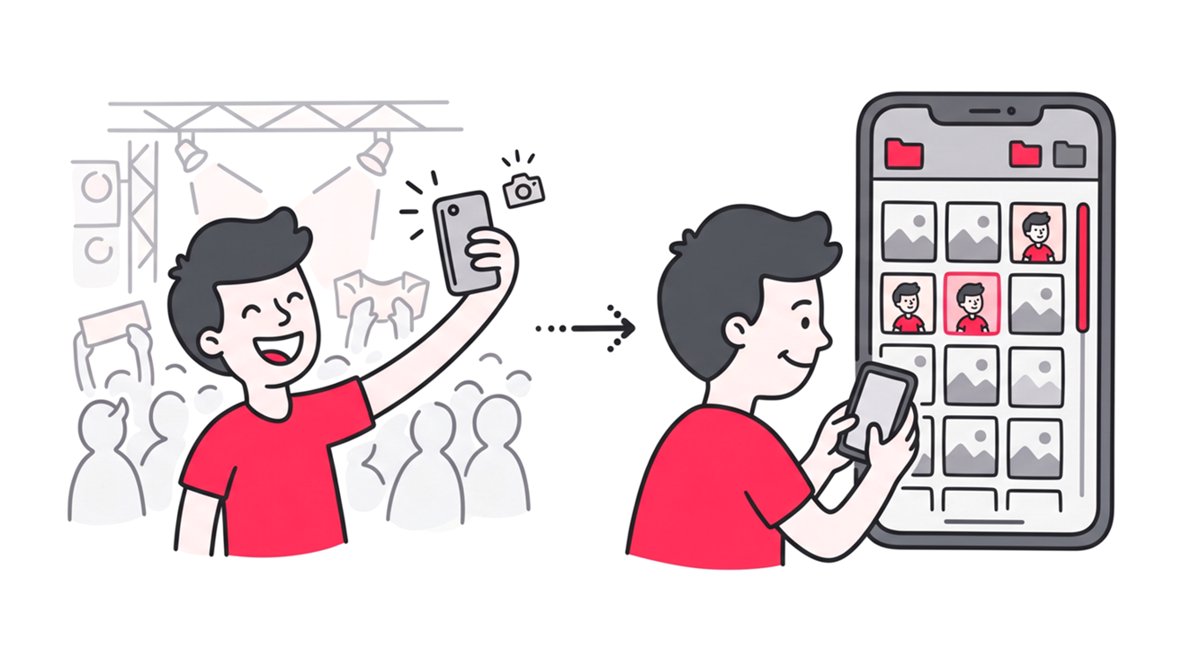
The old way of managing event photos involved separate workflows for delivery and identification. Photographers would deliver a massive gallery link to the event host. The host would then manually sort through folders to find relevant images for specific guests. This disjointed process delayed the final delivery to the end user.
The smart way integrates delivery and identification into a single step. By capturing guest data at the point of access, the system builds an intelligent database automatically. This creates a searchable gallery where photos are instantly categorized by the faces within them.
How SnapSeek Changes Corporate Event Photo Sharing
SnapSeek is designed specifically for these high stakes environments. As a secure web app, it eliminates the need for attendees to download anything to their devices. SnapSeek provides a streamlined, one way sharing experience that keeps the host in complete control. Only the host or official photographer can upload high resolution images to the gallery.
This strict upload control maintains the professional integrity of the event collection. Guests cannot upload their own blurry smartphone shots to dilute the official album. Instead, attendees visit the web app solely to view and retrieve their professional portraits. This ensures the final gallery reflects the highest standards of the hosting brand.
Enabling Guests to Provide Details to Tag Photos
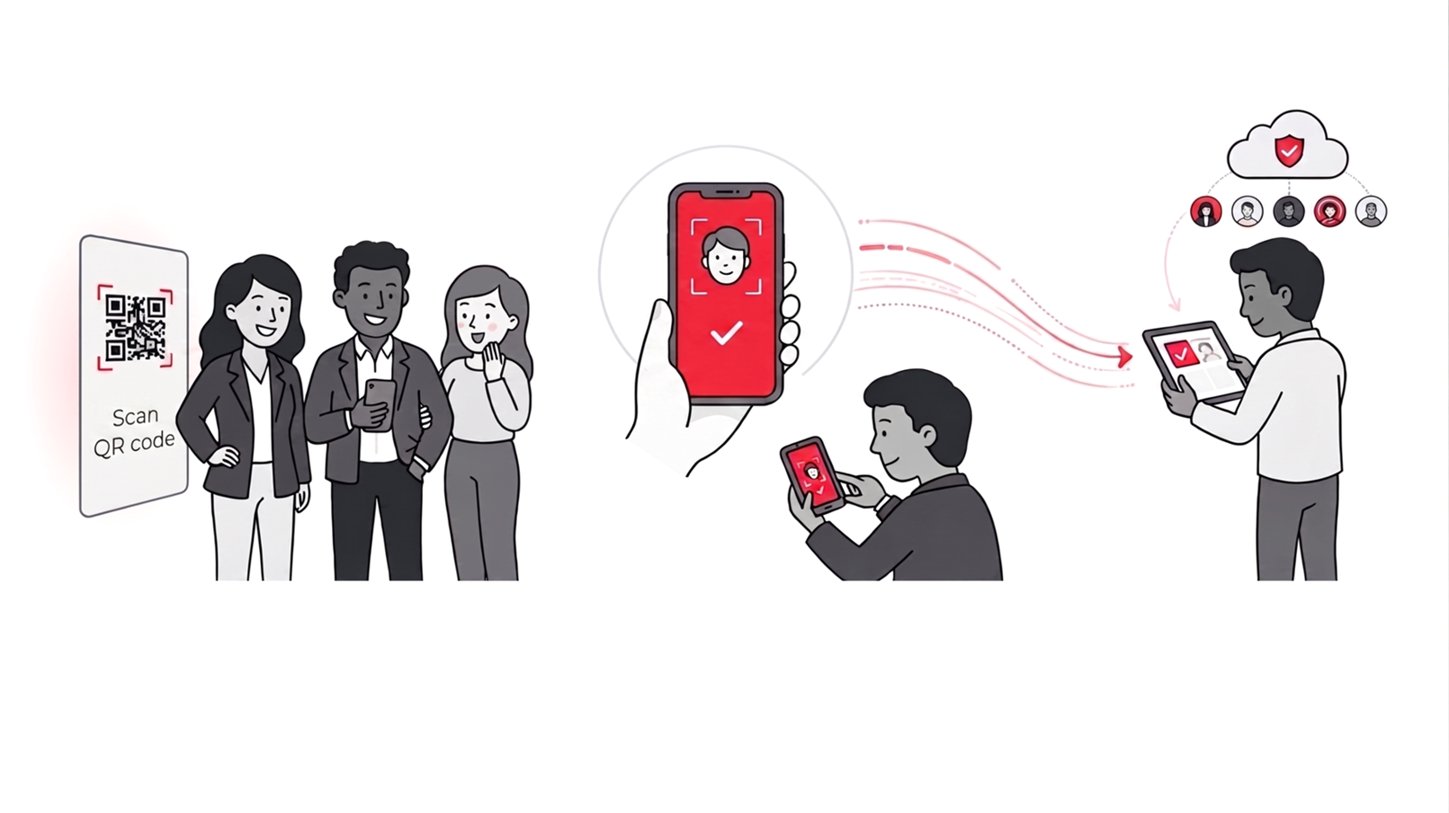
The core of this streamlined workflow is the mandatory face tagging prompt. When attendees access the gallery, they are required to sign in securely. They then take a quick selfie to verify their identity. This feature allows the guests to provide details to tag the photos directly within the system.
Once the selfie is registered, the platform scans the official gallery. It instantly matches the guest with any professional photos they appear in. The event host immediately gains access to a fully identified database of attendees and their corresponding images. This zero effort data collection is a massive advantage for post event reporting.
Setting Up Automated Photo Tagging for Your Next Gala
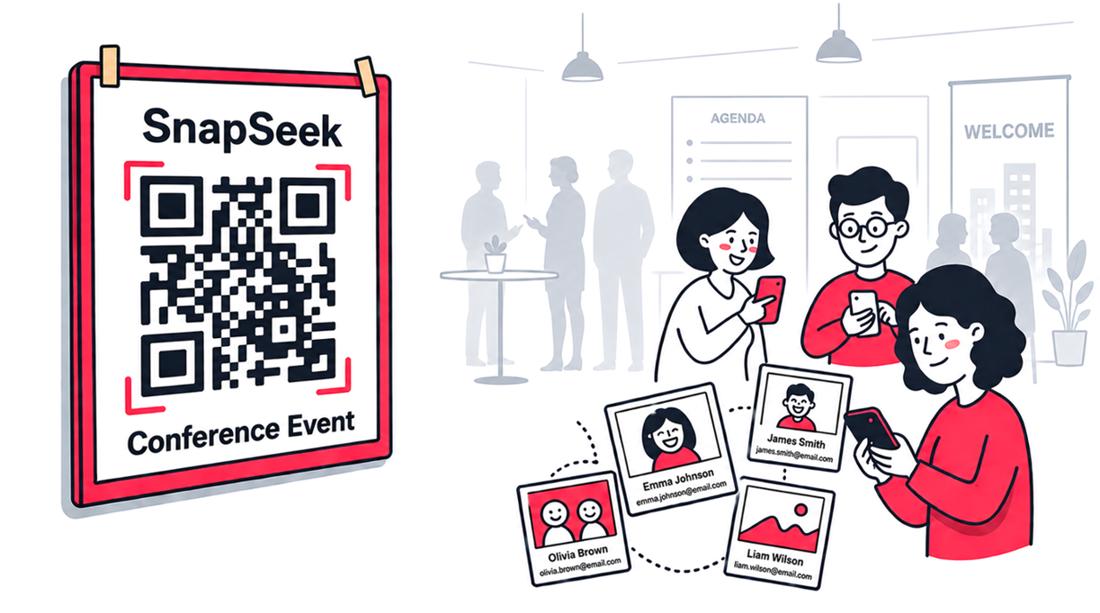
Implementing this technology requires a simple setup process before the event begins. Event organizers create a dedicated gallery space within the web app. They then generate access links or QR codes to be distributed at the venue. These entry points can be placed on table tents or digital displays.
The workflow remains entirely passive for the event management team during the actual gathering. The photographer focuses solely on capturing great moments. The software operates quietly in the background to handle the distribution and identification logistics.
Step 1: The Host Uploads the Gallery
After the event, the photographer provides the final edited images. The host uploads this entire collection directly to the SnapSeek web app. Because it is a centralized platform, there is no need to create separate folders for different VIPs. The entire collection lives in one secure, unified space.
Step 2: Guest Selfie Verification & Tagging
Guests navigate to the gallery link provided during the event. To view the photos, they must upload a selfie to unlock the face matching. They are then prompted to enter their details (name and email) to tag the photos.
Step 3: Instant Database Generation
As guests upload selfies and provide their details, the platform cross references their details against the uploaded images. The software automatically tags the photos with the corresponding guest profiles. The host can then view a comprehensive dashboard showing exactly who has accessed the gallery. They can also see exactly which photos feature specific individuals.
The Best AI Photo Sharing for Professional Workflows
Selecting the best AI photo sharing platform depends heavily on user experience. Corporate clients demand simplicity and reliability above all else. Platforms that clutter the interface with unnecessary social features often frustrate corporate users. The ideal solution focuses strictly on secure delivery and accurate tagging.
SnapSeek excels by maintaining a clean, professional environment. The one way photo sharing model ensures the gallery remains a curated asset. Integrating mandatory detail collection transforms a simple gallery into an active PR tool. This is why many organizations consider it the premier choice for event photography management.
Integrating with Your Current Strategy
This technology naturally complements existing marketing initiatives. You can easily integrate these galleries into your post event email campaigns. For more insights on maximizing engagement, you can read our comprehensive guide on how to utilize automated email alerts for gallery updates. Learning how to notify guests when photos are uploaded ensures maximum visibility for your investment.
Why Web Apps Outperform Mobile Event Apps
Corporate audiences are experiencing severe app fatigue. Asking a busy employee to download a dedicated mobile application for a single evening is an unreasonable request. Most attendees simply will not comply with that demand. This lack of adoption defeats the purpose of the technology entirely.
A web app completely bypasses this friction point. Attendees simply scan a QR code and are immediately directed to the platform via their default browser. This accessibility drastically increases participation rates. Higher participation leads directly to a more comprehensive and accurate photo database.
Maintaining Data Accuracy and Privacy
Privacy is a paramount concern for corporate event organizers. Open galleries expose attendees to unwanted attention. A secure platform ensures that images are only accessible to verified individuals. The selfie verification process acts as a robust security gate.
This method also guarantees the accuracy of the collected data. Because attendees input their own information, the risk of misspelling a name is eliminated. The host receives pristine, accurate data that is ready for immediate use in press releases.
Driving Organic Engagement Post-Event
The days immediately following a corporate event are critical for momentum. Attendees are eager to share their experiences on professional networks like LinkedIn. Providing them with instant access to high quality, tagged images facilitates this organic sharing.
When attendees share these branded images, it amplifies the event’s reach exponentially. The automated tagging ensures they can find their best shots without scrolling through hundreds of irrelevant files. This frictionless experience encourages positive sentiment toward the hosting organization.
FAQ
How do guests access the event photos securely?
Guests access the gallery via a standard web link or QR code. They are required to complete a secure sign in process, which includes taking a selfie to verify their identity and access their specific images.
Can attendees upload their own photos to the gallery?
No. To maintain professional quality, the platform utilizes a one way sharing system. Only the event host or the official photographer can upload images to the central gallery.
How does the system identify people in the crowd?
This feature allows the guests to provide details to tag the photos. Once they take a verification selfie, the software automatically scans the professional gallery to match their face and tag their specific images.
Is a mobile app download required for the guests?
No download is required. The platform operates entirely as a responsive web app, ensuring instant access through any standard mobile or desktop browser.
How does this improve corporate PR workflows?
By automating the identification process, PR teams no longer need to manually review contact sheets to identify VIPs. They gain immediate access to a searchable database of attendees and their verified photographs for rapid media distribution.
Conclusion
Mastering PR photography workflows requires more than just hiring a great photographer. It demands a strategic approach to distribution and identification. Moving away from manual sorting and embracing automated photo tagging is essential for modern event management. It saves countless hours and prevents costly editorial mistakes.
By adopting a secure, one way web app, hosts maintain total control over their brand image. The selfie recognition ensures a premium, personalized experience for every attendee. Most importantly, it transforms a static image gallery into a dynamic, intelligent database.
Ready to completely upgrade your corporate event photo sharing strategy? Let our platform handle the logistics while you focus on the media impact. Start streamlining your workflow with SnapSeek today and experience the future of professional event delivery.