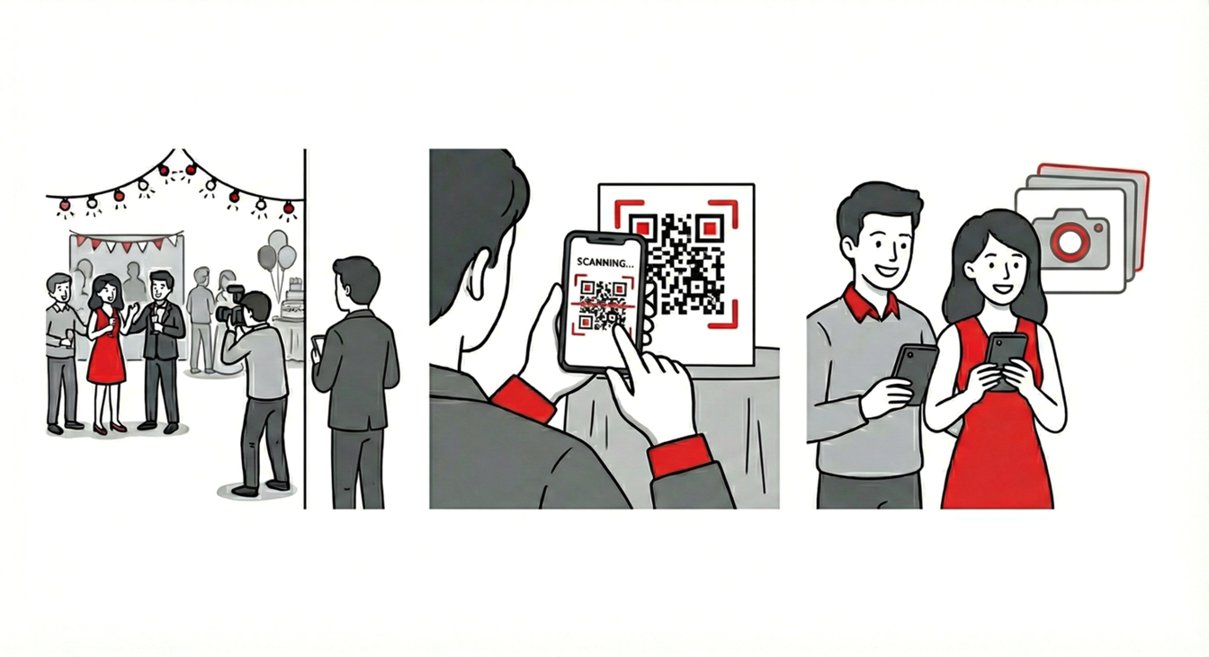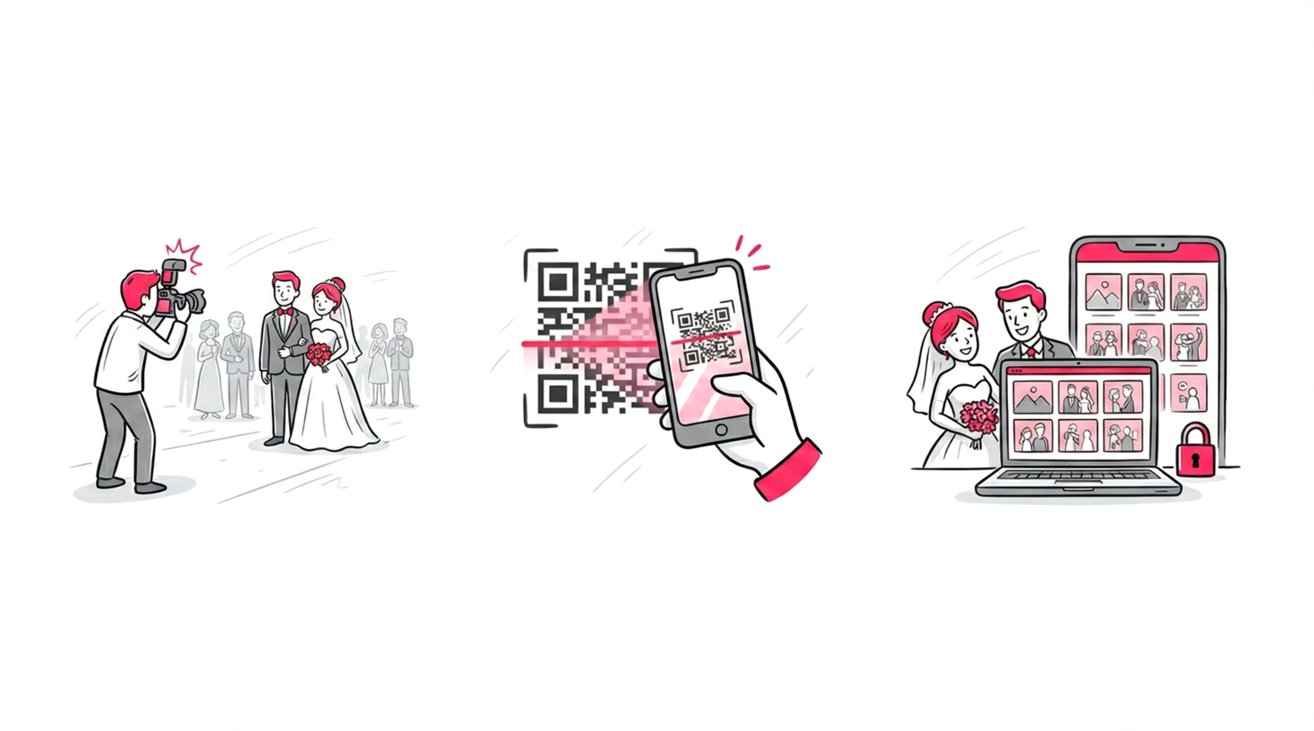
Event photographers and corporate organizers are traditionally forced into a restrictive binary when delivering media: impose heavy friction via passwords and forced app downloads, or risk client privacy with open public links.
Historically, the industry standard has been a fragmented delivery process—sending a secure drive to the primary client while distributing a watered-down, completely separate gallery to guests.
However, based on SnapSeek platform data, this dual-handling severely suppresses engagement and splits gallery traffic. Through hosting 100+ events and processing over 70K indexed faces, we have engineered a hybrid, multi-collection architecture.
Instead of relying on separate platforms, a single intelligent event link adapts its privacy rules depending on who is clicking it, offering:
- Restricted Vaults: Secure environments protected by military-grade passwords, heavily utilized for intimate wedding portraits or confidential corporate media.
- Frictionless Public Modes: High-speed, open-access layers optimized for virality at large-scale gatherings like summer camps and sporting events.
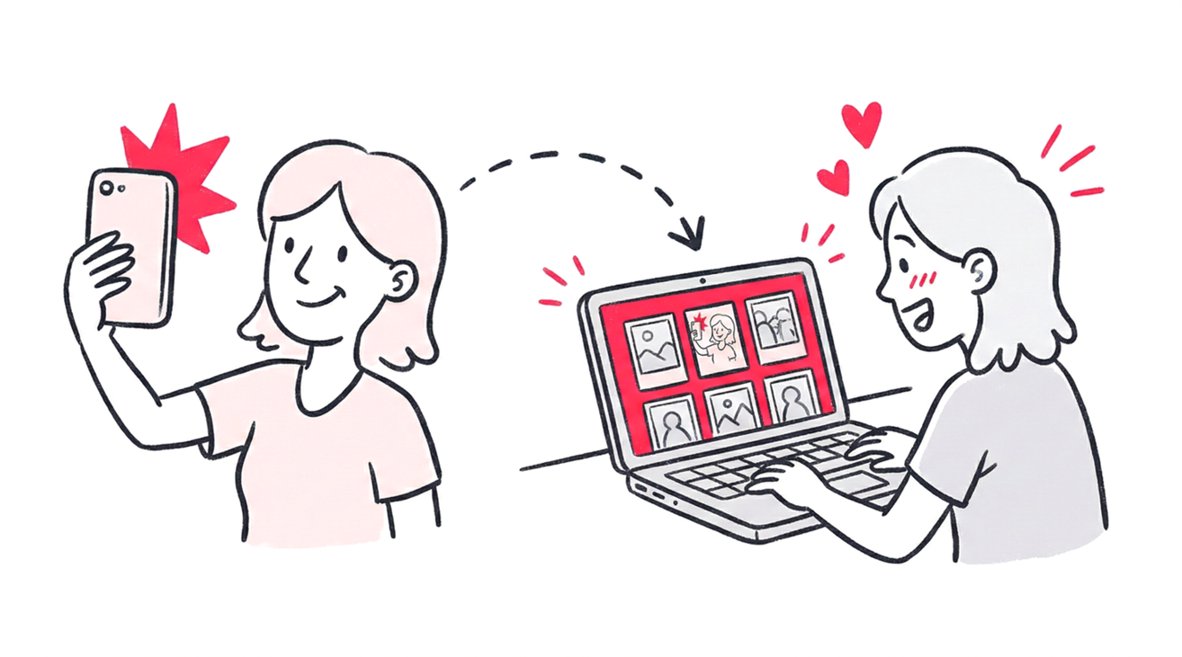
- AI-Filtered Delivery: A mechanism that allows guests to bypass the traditional “View All” clutter, utilizing instant facial recognition to find only the photos they appear in.
The Modern Wedding Dilemma: Intimacy vs. The Party
To understand why this feature is critical, let’s look at the quintessential use case: the modern wedding.
A wedding is two distinct events happening simultaneously.
- The Private Event: This includes the intimate “first look,” the emotional exchange of vows, the private family portraits, and the getting-ready moments in the bridal suite. These photos are deeply personal. The couple wants them, but they might not want their second cousin or a college friend’s plus-one scrolling through them.
- The Public Party: This is the reception, the dance floor, the cake cutting, and the candid laughter. These photos are meant to be shared. In fact, if they aren’t shared quickly, they lose their value. Guests are eager to see them, post them, and tag themselves.
Most photo sharing apps force you to treat the entire day as one block. If you lock it down, the guests at the reception can’t see the fun party shots without a password. If you open it up, the bride’s private tears in the dressing room are visible to everyone.
SnapSeek solves this by allowing you to create different “zones” within the same event.
Hybrid Galleries: How It Works
SnapSeek allows you to create unlimited collections under a single event. Each of these collections has its own independent security settings. This is not just a “folder”; it is a fully configurable environment.
The Protected Vault (For the Bride and Groom)
For the sensitive content, you create a collection - let’s call it “Ceremony & Portraits” - and enable Password Protection.
- Access: Restricted options.
- Security: High.
- Guest Experience: When a user clicks this collection, they are prompted for a unique password.
- Use Case: You give this password only to the couple and perhaps the parents. They get full access to high-resolution downloads and the complete story of the day, safe in the knowledge that no one else can see these files.
The Public Stream (For the Guests)
For the reception, you create a second collection called “Reception Party.” Here, you act differently.
- Access: Open (via Link or QR Code).
- Security: Frictionless.
- Feature Focus: The “View All” toggle.
When you enable “View All” on a public collection, it functions like a traditional gallery. Guests can scroll through the feed, soak in the atmosphere, and relive the night. Because you have separated the private content, you don’t have to worry about over-sharing.
The Power of “View All” vs. “Face Search Only”
One of SnapSeek’s most powerful privacy levers is the control over how photos are discovered.
In many photo sharing apps, accessibility is all-or-nothing. SnapSeek gives you a middle ground called Face Search Only.
Scenario A: The Open Reception (View All: ON)
At a wedding reception, people generally know each other. It is a social environment. Turning “View All” to ON allows guests to browse the full gallery. They can see photos of the decor, the band, and their friends. It encourages browsing and increases the time they spend interacting with your brand.
Scenario B: The Corporate Conference (View All: OFF)
Now, imagine you are shooting a corporate conference or a marathon. These are public events, but the attendees are strangers. Privacy regulations (like GDPR) and general etiquette suggest you shouldn’t let strangers scroll through photos of other people, children or private conversations.
In this case, you create a public collection but turn “View All” to OFF.
- The gallery link is public.
- BUT, when a guest clicks the link, they see nothing. They see only a prompt to “Take a Selfie.”
- Once they upload their selfie, SnapSeek’s AI finds only their matches.
This is the ultimate balance. The gallery is “public” (easy to access) but “private” (personalized view). You don’t need passwords, but you also aren’t broadcasting everyone’s face to the world.
Workflow: Setting Up a Wedding in SnapSeek
Here is how a professional photographer or the host can set this up to impress a client or the guests.
Step 1: Create the Event
Name the collection, for example, “Sarah & James Wedding.”
Step 2: Upload the ‘Private’ Collection
- Upload the private photos (ceremony, portraits).
- Go to Settings.
- Turn Password Protection ON. Set the password you want.
- Keep “View All” ON (so the couple can browse their private album).
Step 3: Upload the ‘Public’ Collection
- Upload the public photos (party shots).
- Go to Settings.
- Turn Password Protection OFF.
- Turn Email Capture ON if your business uses email marketing(to collect guest emails).
- Turn View All ON (to let guests browse the fun) or OFF (to let guests see only their face matches).
Step 4: Share the Links or QR codes
You send the URL or the QR codes to the couple.
- The couple can share the respective collection links with their desired guests(Private and Public as per their choice and collection settings).
- When the guests visit the link, they can click on the respective collection and see the photos.
- If the collection is private, they will be prompted to enter the password.
- If the collection is public, they can view all the photos or/and be prompted to click a selfie to see their face matches as per the collection settings.
It is seamless, professional, and keeps everyone in their designated lane.
Comparing SnapSeek to Competitors
Many apps struggle to do both sides of this equation well.
- Google Photos / Drive: Excellent for private storage, terrible for public nuance. You can’t watermark, you can’t capture emails, and “sharing” usually means “everyone sees everything.”
- High-End Proofing Tools (Pixieset, etc.): Great for the private couple album, but clunky for guests. They often require logins or favor print sales over rapid social sharing. They lack the “Face Search” capability that makes large public galleries navigable.
- Social Media Hashtags: The ultimate “public” sharing, but zero quality control and zero privacy.
SnapSeek sits perfectly in the middle. It gives you the security tools of a proofing platform with the speed and sociability of a social network.
Best Practices for Secure Sharing
To make the most of SnapSeek’s privacy features, follow these rules of thumb:
- For public collections, ensure the barrier to entry is low enough for a non-tech-savvy relative. Avoid complex passwords for the general guest list. Use Face Search or View All to make finding photos instant.
- If a password for a private collection gets leaked, SnapSeek allows you to change it instantly. The old password stops working immediately, re-securing the folder without needing to move files or change the URL.
- Apply your watermark to the Public/View All collection to protect your IP as it flies around social media. Leave the Private/Password Protected collection clean, as these are high-value images for your paying client.
FAQ
Can I have both public and private albums for the same event?
Yes. SnapSeek allows you to create unlimited “collections” within a single event. You can have a password-protected collection for VIPs and an open collection for general attendees.
What happens if a private password gets leaked?
You can change the password instantly in your dashboard. The old password stops working immediately, securing the gallery without needing to move files or change the link.
Can guests browse all photos at a public event?
You have full control. You can turn “View All” ON to let guests browse the full gallery, or turn it OFF so they can only find their own photos using Face Search.
Is this secure for corporate events?
Absolutely. With granular access controls, you can ensure sensitive content remains locked while safe-to-share photos are easily accessible to attendees.
Conclusion
The era of choosing between “secure” and “shareable” is over. As events become more digital and privacy concerns become more mainstream, photo sharing apps must adapt. SnapSeek leads this charge by acknowledging that a single event has multiple audiences.
Whether you are shooting a high-stakes celebrity wedding or a local community gala, the ability to toggle between a fortified private vault and an open, searchable public gallery - all within the same sleek interface - is a game changer. It protects your clients, delights their guests, and ultimately protects your reputation as a modern professional.
Ready to experience the best of both worlds? Explore SnapSeek’s pricing and features to start sharing smarter today.