Corporate event photography is a demanding profession that requires speed and precision. Capturing the moments is only half the battle. The real challenge begins when the event concludes and the post-production workflow starts.
Managing thousands of images from a large-scale conference or networking event is traditionally exhausting. Photographers spend countless hours sorting files and attempting to deliver photos to the right attendees. This manual labor cuts directly into your profitability and scales poorly.
The secret to scaling your event photography business lies in aggressive automation. Modern technology allows you to streamline your entire process from capture to final delivery. Implementing the right tools completely transforms your client experience.
It is time to leave outdated delivery methods behind and embrace seamless workflows. This comprehensive guide explores seven time-saving automation tips specifically designed for corporate event photographers.
1. Automate Guest Photo Retrieval with AI Facial Recognition
Corporate event photography generates massive volumes of high-resolution images. Finding a specific VIP or attendee in a gallery of thousands is a logistical nightmare. Traditional delivery methods rely on manual tagging or tedious visual scanning.
This archaic approach wastes hours of your valuable post-event workflow. It also guarantees a frustrating user experience for the attendees. Most guests simply give up after scrolling through hundreds of irrelevant photos.
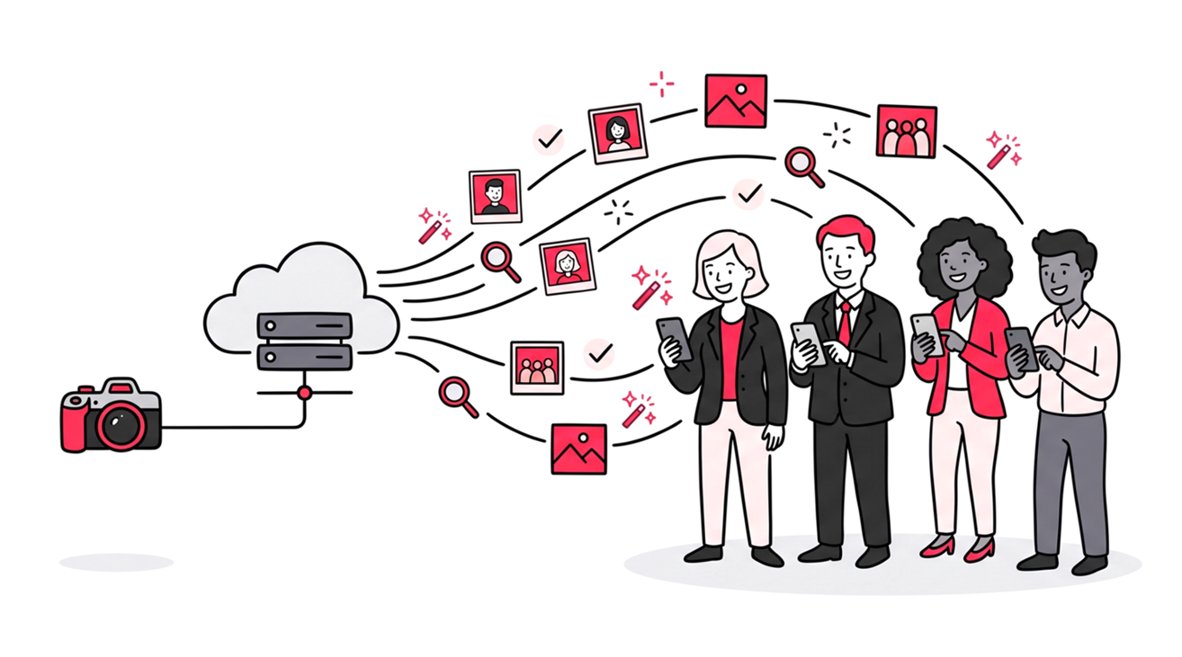
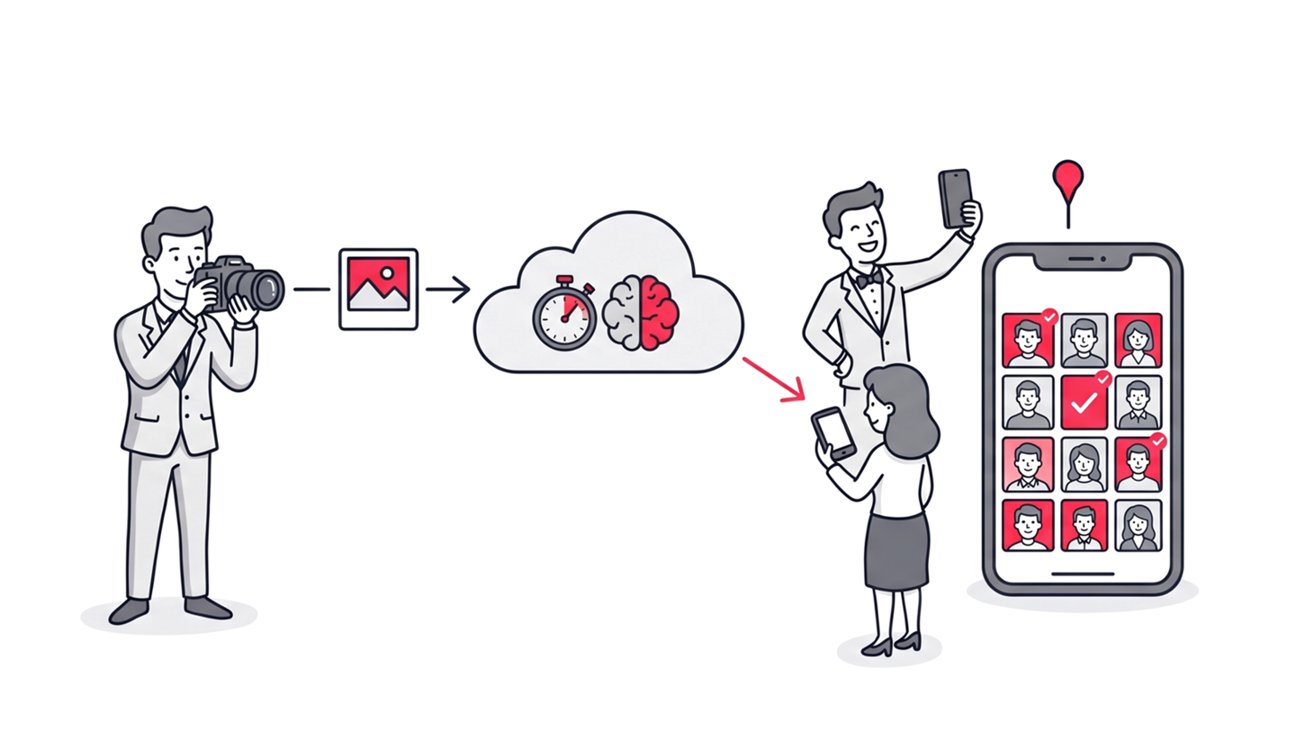
Instead, you must leverage AI facial recognition to automate the entire retrieval process. A modern photo sharing app uses intelligent algorithms to map faces instantly and accurately. Guests do not have to search for themselves manually anymore.
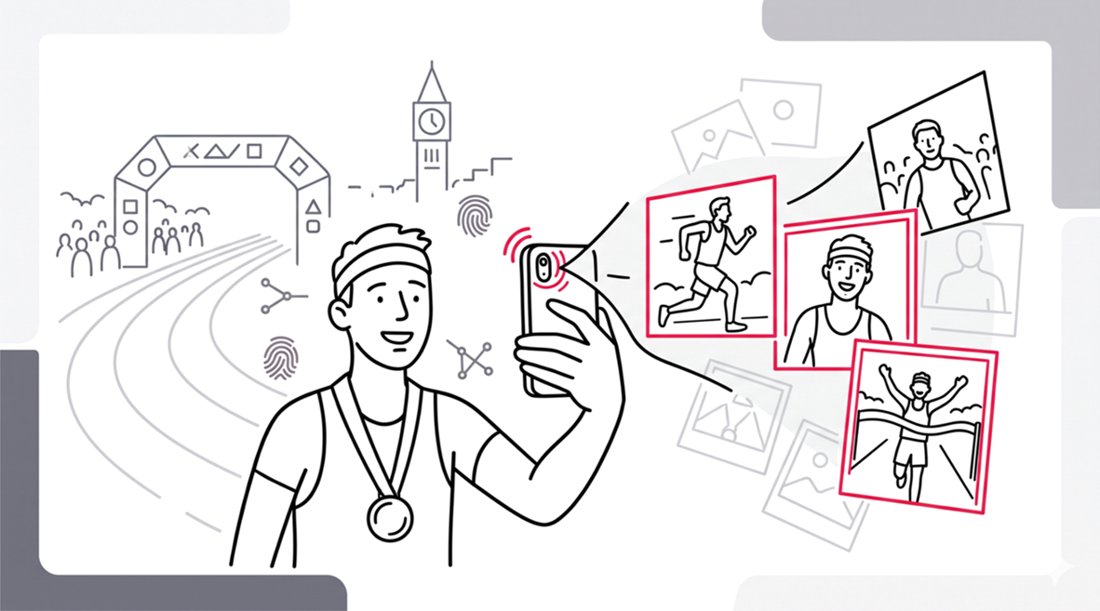
Attendees simply snap a quick selfie and upload it securely to the platform. The web application cross-references this selfie against your entire uploaded gallery. Within seconds, it delivers a personalized album containing only the photos featuring that specific guest.
This eliminates manual sorting entirely for the photographer. Photographers no longer need to field endless emails asking for specific pictures. The system works flawlessly even in complex lighting conditions or crowded backgrounds.
You get your time back to focus on editing and securing new bookings. To understand the underlying technology, explore how a face recognition app to find photos makes it easy to manage a shared album.
2. Use One-Way Distribution Galleries for Brand Control
Maintaining a highly professional image is non-negotiable for corporate clients. Collaborative digital albums where everyone can upload photos often devolve into a chaotic mess. You risk mixing your high-quality edits with blurry smartphone pictures taken by attendees.
The solution is enforcing a strict one-way photo distribution model. SnapSeek is designed exclusively as an online photo sharing tool for professionals. It is not designed for photo editing or capturing moments directly.
Only the host or the professional photographer has the permission to upload content. Guests cannot upload to the gallery under any circumstances. This restriction keeps the environment pristine and highly curated.
This approach eliminates version control issues completely. Event organizers never have to worry about inappropriate or off-brand content appearing in the official gallery. The focus remains entirely on your stunning, professionally captured imagery.
Your corporate clients receive a polished gallery that perfectly reflects their brand standards. You maintain absolute quality control over the final product. A strictly curated gallery elevates your perceived value as a professional photographer.
3. Deploy Frictionless Access via QR Codes
Asking corporate attendees to create an account is a massive barrier to entry. Forcing them to download a dedicated mobile application is even worse. Engagement plummets dramatically when the process involves multiple unnecessary steps.
You need a frictionless delivery method to maximize gallery views. This is where a responsive, browser-based web application truly excels. SnapSeek operates entirely through the mobile browser, eliminating the need for any app downloads.
You can easily generate a unique QR code for your specific event gallery. Place this code prominently on event badges, digital screens, or registration desks. Attendees simply scan the code with their default smartphone camera.
QR codes can be integrated directly into your custom branding materials. You can display them on projector screens during breaks or print them on table centerpieces. This widespread availability ensures maximum visibility and interaction from the crowd.
Guests are instantly directed to the secure platform without any friction. There are no tedious sign-up forms or complex registration requirements. This approach drastically increases the number of guests who actually view and download your work.
4. Leverage Automated Email Capture and Notifications
Following up with attendees after an event is historically difficult for event organizers. Photographers rarely have access to the master guest list or contact database. This makes distributing the final post-conference photos a frustrating bottleneck.
You can automate this communication entirely by using an intelligent email capture gate. Before guests access their personalized AI gallery, prompt them to enter their email address. This allows you to build a comprehensive list of highly engaged attendees.
Once the photographer finishes post-production and uploads the final edits, the system takes over. The photographer can encourage guests to subscribe to notification emails, so that the platform can send out instant email notifications to every registered attendee automatically. This guarantees that your event photos actually reach the people depicted in them.
You can also send links to sponsor websites or include a call to action for upcoming conferences in the post-conference emails. This transforms a simple photo delivery into a highly effective marketing touchpoint.
This automated outreach is also an incredible lead generation tool for your business. You can follow up with corporate attendees for future headshot sessions or private event bookings.
5. Ditch Outdated Cloud Storage Systems
Many photographers still rely on generic cloud storage to deliver corporate event photos. Platforms like Google Drive or Dropbox are fundamentally not built for large-scale event photo sharing. They offer a frustrating, linear scrolling experience for the end user.
When you share event photos with a large crowd using generic folders, privacy is completely compromised. Everyone with the link can view and download every single image in the folder. This is a massive data liability for high-profile corporate gatherings.
Corporate clients demand strict data protection and individualized privacy controls. You must transition to a specialized platform designed specifically for secure distribution. For a deeper understanding of these security flaws, read our guide on finding a Google Drive alternative for your workflow.
Comparing Cloud Storage versus Dedicated Web Applications
The differences between generic storage and professional platforms are stark. The table below outlines why a dedicated system is necessary for corporate events.
| Feature Category | Generic Cloud Storage | Professional Web Application |
|---|---|---|
| Guest Access | Endless manual scrolling | Instant AI selfie search |
| Privacy Controls | Public link exposes all photos | Face-matched privacy per guest |
| Upload Rights | Often messy and collaborative | Curated one-way distribution only |
| Software Needs | Account creation often needed | Zero downloads required |
As the data shows, generic drives fail to provide a seamless photo sharing experience. Upgrading your delivery software is the fastest way to improve client satisfaction.
6. Pre-Sort Galleries with Intelligent Sub-Folders
Multi-day corporate conferences generate thousands of photographic assets across various distinct sessions. Dumping all these images into a single massive folder is a terrible organizational practice. It overwhelms the user and makes specific networking moments difficult to locate.
Automation starts with intelligent organization long before the delivery phase begins. Group your edited photos logically by day, keynote speaker, or specific networking event. A robust web application allows you to create unlimited collections and nested folders.
You can assign different access permissions to different collections if necessary. VIP networking sessions can remain completely separate from the general admission keynote speeches. This granular control is essential for managing complex corporate itineraries.
Guests navigate cleanly through structured categories instead of an endless grid of thumbnails. This logical structure drastically reduces the time guests spend searching. Proper organization ensures repeat bookings from high-value corporate clients.
7. Apply Instant Custom Branding and Watermarks
Corporate photography is a powerful and heavily utilized marketing asset. Every single photo shared by an attendee on social media is a potential impression. Sending out unbranded images is a massive missed opportunity for organic growth.
You can automate your brand visibility by applying digital watermarks during the upload process. Configure your web application to overlay your logo or the client logo automatically. When attendees share their personalized AI gallery on LinkedIn, your branding travels directly with them.
You can also customize the digital gallery interface with corporate logos. Include personalized welcome messages to give the digital space a premium feel. Learn exactly how to execute this by reading our guide on how SnapSeek makes photo sharing truly personal.
This level of customization transforms a simple photo delivery into an immersive brand touchpoint. Corporate sponsors love seeing their logos integrated seamlessly into the attendee experience. It adds significant tangible value to your event photography packages.
Measuring the Impact of Workflow Automation
Implementing these seven steps will drastically alter your weekly schedule. Let us look at the actual time saved per event when transitioning to an automated workflow.
| Post-Event Task | Traditional Manual Method | Automated Web App Method |
|---|---|---|
| Sorting 1000 Photos | 3.5 Hours | 0 Hours |
| Tagging Attendees | 2.5 Hours | 0 Hours |
| Gallery Organization | 1.0 Hour | 15 Minutes |
| Delivery & Follow-Up | 2.0 Hours | 10 Minutes |
| Total Time Spent | 9.0 Hours | 25 Minutes |
Saving nearly nine hours of administrative work per event is revolutionary for solo photographers. You can handle more clients, shoot more events, and scale your revenue effortlessly.
FAQ
How do guests find their specific photos from a massive corporate event?
Attendees simply upload a quick selfie to the web application. The platform uses AI facial recognition to instantly scan the gallery and deliver a private album containing only their photos.
Can guests upload their own pictures to the event gallery?
No, guests cannot upload to the gallery. The platform utilizes a strict one-way photo distribution model, meaning only the professional photographer or the host can upload images to maintain absolute quality control.
Do attendees need to download a mobile app to view their photos?
No app downloads are required. The platform operates entirely as a browser-based web application, providing frictionless access via a simple QR code scan or direct link.
Is the platform secure enough for private corporate events?
Yes, the platform ensures high-level privacy. Unlike generic cloud drives that expose the entire gallery via a public link, attendees only gain access to photos where their face is matched, keeping all other images private.
Does the platform capture or edit the photos?
No, it is strictly an online photo sharing tool designed for post-production delivery. Photographers capture and edit images using their own professional gear and software before uploading the final files for distribution.
Conclusion
Corporate event photography demands efficiency, professionalism, and flawless execution. Relying on manual sorting and outdated cloud storage severely limits your potential for growth. By embracing AI facial recognition and strict one-way distribution, you elevate your entire business model.
Automating your delivery process ensures a seamless photo sharing experience for every single attendee. Stop wasting hours on tedious administrative tasks and start delivering photos like a modern professional. Take control of your workflow, protect your brand, and delight your corporate clients with instant access.
Ready to transform your post-event workflow and save hours of administrative work? Experience the power of intelligent delivery with SnapSeek today.