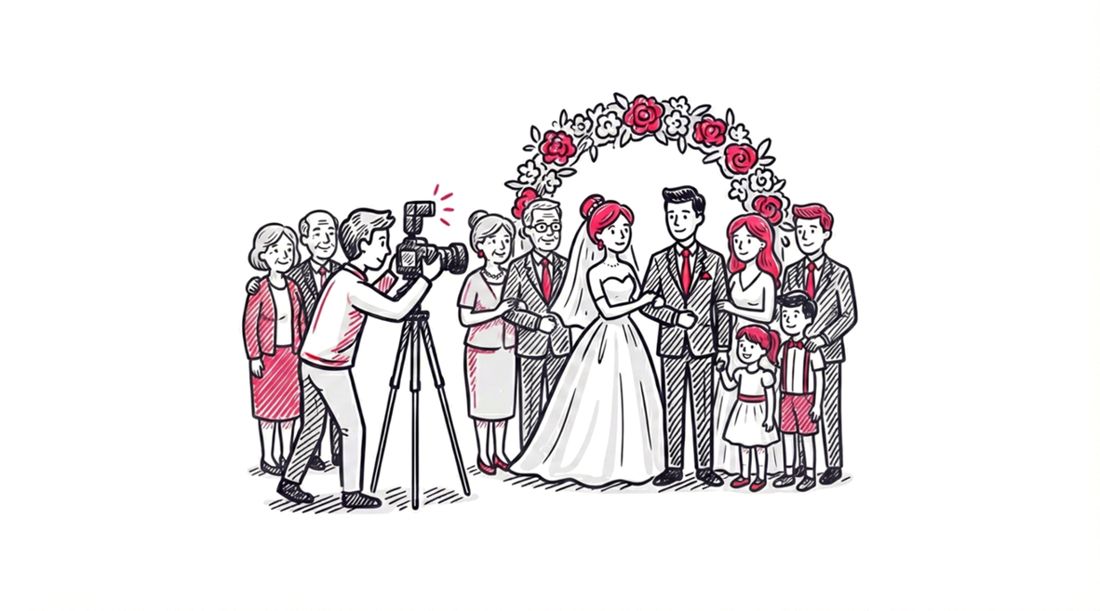
A wedding is a collision of two worlds: the highly intimate, emotional ceremony and the highly public, social celebration. In 2025, these worlds are mediated not just by vows and toasts, but by smartphones, social media feeds, and digital galleries.
The ubiquity of cameras has created a new set of unwritten rules. We call this “Digital Wedding Etiquette.”
When does a guest have the right to post a photo of the bride? Is it rude to block the professional photographer’s shot with an iPad? How should a couple distribute photos to 200 guests without violating the privacy of the few who want to remain offline?
This is not just about manners; it is about privacy, intellectual property, and ensuring the couple retains control over their own narrative.
If you are a couple planning your big day, a guest wondering if you should tag the groom, or a photographer trying to manage expectations, this guide is for you. We will break down the dos and don’ts of how to share wedding photos, explore the best digital wedding rules, and see how platforms like SnapSeek are solving these etiquette dilemmas with technology.
For the Couple (The Hosts)
As the hosts, you set the tone. It is your event, your image, and your data. But with great power comes the responsibility of clear communication.
The “Unplugged” vs. “Connected” Decision
The first etiquette hurdle is deciding what kind of digital footprint you want.
- The Unplugged Ceremony: This is increasingly popular. You ask guests to put away phones during the vows.
- Why: It forces guests to be present. It prevents the aisle from turning into a sea of raised arms and glowing screens. It ensures your paid photographer gets a clean shot of your first kiss without an iPhone 16 Pro blocking the frame.
- How to ask: Be direct. A sign at the entrance reading “Welcome to our Unplugged Ceremony. We invite you to be fully present” is polite but firm.
- The Connected Reception: Once the party starts, the rules flip. You want people to take photos. You want to see the candid moments your photographer might miss.
The Distribution Dilemma
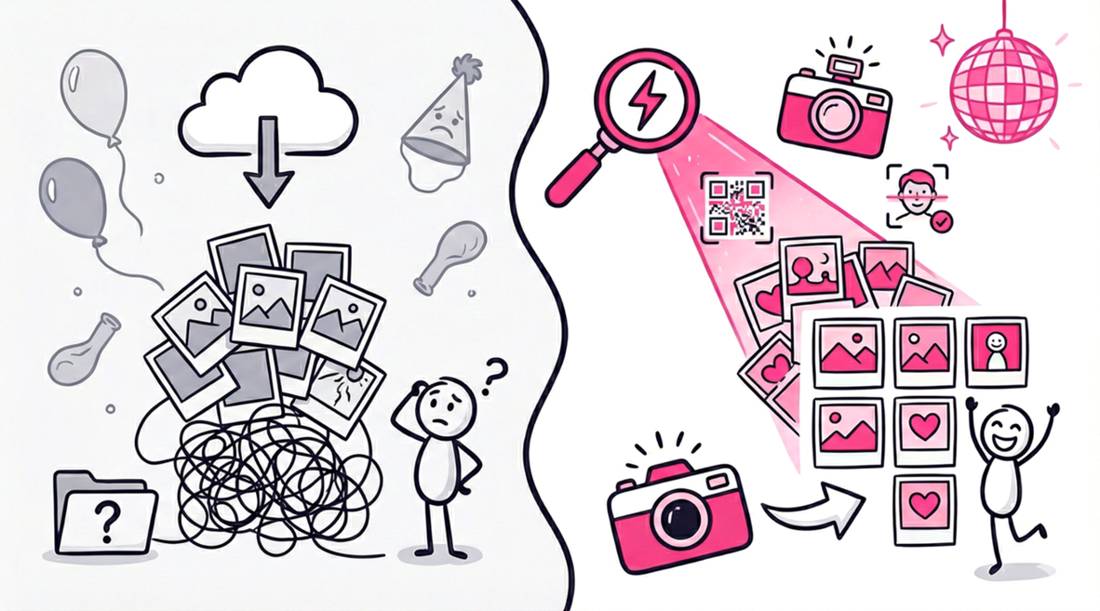
After the wedding, you will receive roughly 800 to 1,000 photos from your pro. Etiquette dictates that you share wedding photos with guests, but how you share them matters. finding the best way to share wedding photos is key to keeping everyone happy.
- Don’t: Dump everything on Facebook. Not every guest wants their sweaty dance floor photo indexed on a public social network.
- Don’t: Send zip files. Expecting Grandma to unzip a 4GB archive is digital cruelty.
- Do: Use a dedicated gallery platform like SnapSeek.
- SnapSeek allows you to create a private wedding photo gallery using password protection.
- You can toggle “View All” to OFF for specific collections, ensuring guests only see photos relevant to them via Face Search.
Permission to Publish
Before sharing your wedding album publicly, consider your guests’ privacy. Some individuals may prefer not to have their likeness shared online for personal or professional reasons.
For the Guests
The guest’s role has changed. You are no longer just a witness; you are a content creator. But remember: you are a guest first.
The Golden Rule: Don’t Scoop the Couple
This is the cardinal sin of modern weddings.
- The Rule: Do not post a photo of the bride or groom on social media until they have posted one first.
- Why: You don’t want to steal the thunder. The couple pays thousands of dollars for professional photos. They should be the first ones to reveal their look to the world. A grainy Instagram Story posted from the third row ruins that reveal.
The Photographer’s Right of Way
The photographer is working. You are playing.
- The Rule: Never jump in front of the pro to get “your shot.”
- The Reality: If the photographer is setting up a group portrait, don’t stand behind them with your phone. It distracts the subjects (their eyes go to you, not the lens) and slows down the timeline.
- The Fix: Wait. Your professional photographer will capture a better version of that moment. If the couple uses SnapSeek, you will get access to that high-res file later anyway.
Tagging and Privacy
Just because you look great in a photo doesn’t mean the person next to you does.
- The Rule: Ask before you tag. If someone looks inebriated, messy, or compromised, keep that photo in your private camera roll. Do not broadcast it.
For the Photographer
You are the custodian of memories. Your etiquette responsibilities revolve around speed, delivery, and professionalism.
The “Sneak Peek” Expectation
In the era of instant gratification, waiting 8 weeks for a photo is painful.
- The New Standard: Deliver a “Sneak Peek” gallery of 20 to 50 highlight images within 48 to 72 hours.
- Why: This scratches the itch. The couple gets something to post immediately. It stops them from using low-quality guest photos as their profile picture.
- Workflow: Upload these 50 shots to a “Highlights” collection on SnapSeek and send the link. The couple can share this instantly.
Accessibility for Guests
Photographers often gatekeep photos to sell prints. While this is a valid business model, it creates friction.
- The Modern Approach: Include high-resolution digital downloads in your package. Providing premium wedding photo sharing elevates your brand and gives guests a refined, luxury viewing experience.
- The Delivery: Use a platform that makes finding photos easy. Sending a gallery of 1,000 photos sorted by filename is lazy.
- The SnapSeek Advantage: By using Face Recognition, you empower guests to find their own photos instantly. This reduces the number of emails you get asking, “Do you have any shots of me?”
Watermarking and Branding
You have a right to protect your work, but giant watermarks ruin the experience.
- Etiquette: Place a subtle, tasteful watermark in the corner. Do not plaster “PROOF” across the bride’s face.
- Strategy: On SnapSeek, you can apply watermarks specifically to the Public / View All collections (where sharing happens) while leaving the Private / VIP collections clean for the couple to print. This balances brand protection with client satisfaction.
How SnapSeek Enforces Good Etiquette
Technology can actually help enforce these etiquette rules without awkward conversations. SnapSeek’s features are designed to align with these best practices.
Controlled Sharing with “View All”
One of the biggest etiquette fears is “over-sharing.” A couple wants to share wedding photos, but they don’t want random guests scrolling through every single image.
- The Feature: SnapSeek allows the host (or photographer) to turn “View All” to OFF.
- The Etiquette Win: Guests will use Face Search. They upload a selfie and see only their matches. This respects the privacy of everyone else at the event. It essentially creates a personalized mini-gallery for each person.
No Guest Uploads (The Curated Feed)
Some apps allow guests to upload their own photos to the main gallery. This sounds fun, but it often leads to a gallery filled with blurry,duplicate, or inappropriate shots.
- The Feature: SnapSeek is Host-Upload Only.
- The Etiquette Win: The couple maintains editorial control. The gallery remains a polished, professional product. It is not a dumping ground for every blurry smartphone snap.
Passwords for Privacy
For the most intimate moments (the boudoir shoot, the private vow exchange), public access is a violation of etiquette.
- The Feature: Password Protection.
- The Etiquette Win: You can create a separate collection called “Private Moments,” lock it with a password, and give that password only to the couple. The rest of the event remains accessible to guests, but the private core remains secure.
Easy Takedowns
Sometimes, despite best efforts, a bad photo slips through. Maybe a guest hates how they look.
- The Feature: Instant admin control.
- The Etiquette Win: If a guest complains, the host can delete that specific photo from the SnapSeek dashboard instantly. It vanishes from everyone’s view immediately. There is no waiting for a third-party support team.
FAQ
Is it rude to ask guests unplug?
Not at all. An “Unplugged Ceremony” ensures everyone is mentally present and your professional photographer gets a clear shot. Just Communicate it politely with a sign.
How do I politely stop guests from posting photos before me?
You can add a note to your wedding website or program: “Please wait until tomorrow to post so we can share our first look!” Most guests will respect a direct request.
Can I delete a photo if a guest complains?
Yes. With SnapSeek, the host (or photographer) has instant admin control to remove any specific photo from the gallery immediately if someone is uncomfortable.
Should I password protect the whole gallery?
It depends on your comfort level. If you are comfortable with all your photos being public, then no. But if you have some private moments you would like to keep private, then yes.
A Note on “The Grandma Test”
When setting up your sharing rules, always apply “The Grandma Test.”
If the process is too complicated for a non-tech-savvy relative, it is bad etiquette. Sending a link that requires an app download, a complicated signup, and a 2FA verification code is asking too much of your guests.
SnapSeek passes the Test because it lives in the browser. Guest scans a QR code. They see a button that says “Take a selfie.” They take a selfie. They see their photos. It is respectful of their time and their ability.
Conclusion
Wedding photo sharing etiquette boils down to one word: Respect.
- Respect the Couple: Let them break the news. Let them control the privacy.
- Respect the Pros: Let them work. Don’t block their shots.
- Respect the Guests: Make it easy for them to get their photos. Don’t make them jump through hoops.
By combining common sense with smart tools like SnapSeek, you can navigate the digital minefield of modern weddings. You can ensure that the memories are shared far and wide, but that the dignity and privacy of the day remain intact.
The photos will last a lifetime. Make sure the relationships do too.
Ready to share your wedding photos the right way? Explore SnapSeek’s features and set up your respectful, professional gallery today.
Start for free today at SnapSeek.