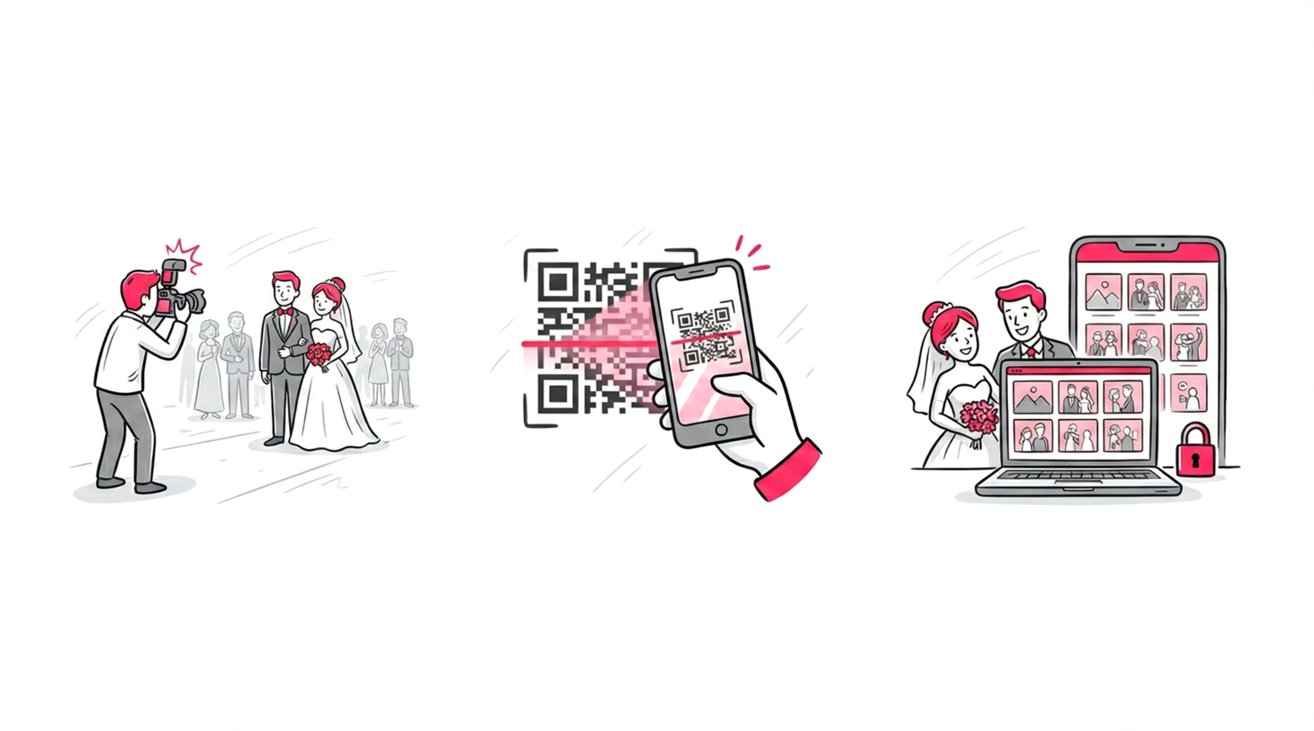
Distributing event media to a small group is simple, but scaling that process creates significant operational friction. When professional photographers need to share high-resolution galleries with 500 corporate gala attendees or 2,000 marathon runners, traditional delivery methods quickly break down. To master the logistics of massive crowds, read our complete guide on sharing high-volume photos with large groups to eliminate delivery bottlenecks.
Utilizing consumer cloud storage introduces severe privacy liabilities and massive digital clutter for guests. Conversely, legacy professional proofing software traps event organizers in rigid, overpriced monthly subscriptions that rapidly drain project profit margins.
The definitive standard for affordable event photo sharing with large groups completely abandons the monthly subscription model. The modern workflow relies on a dedicated, one-way photo sharing web application powered by a flexible, pay-as-you-go software infrastructure. This architecture allows event professionals to seamlessly deliver biometric photo retrieval capabilities to massive crowds while maintaining strict, transparent control over their operational costs.
The “Hidden Costs” of Traditional Sharing Methods
Before we look at the solution, we have to talk about why the old ways are costing you more than you think.
The Clunky Cloud Folders (Google Drive, Dropbox)
It is tempting to just use Google Drive. It is free (mostly), and everyone has it. But for a large event, it is a branding disaster.
- The friction: Guests have to dig through thousands of filenames like
DSC_8923.jpgto find themselves. - The privacy nightmare: You usually have to make the folder public. That means everyone sees everyone else’s photos.
- The storage limits: High-resolution event exports will hit your 15GB cap instantly, forcing you into a monthly upgrade anyway.
The Expensive Subscription Platforms
Traditional photo sharing platforms are incredible tools for weddings and detailed proofing. But for high-volume sharing? They are overkill and over-budget.
- Monthly burn: You pay whether you have shoots or not.
- Tiered limits: Most starter plans cap your storage. If you shoot a 3,000-photo marathon, you are suddenly bumped to a “Pro” plan costing $40-60/month.
Enter SnapSeek: The Versatile, Pay-As-You-Go Solution
SnapSeek has emerged as the most cost-effective contender because it flips the pricing model on its head. Improvements in AI have made face recognition technology accessible, but SnapSeek makes it affordable.
No Subscriptions, No Contracts
Unlike competitors that lock you into a monthly bleed, SnapSeek operates on a credit system. You purchase credits (1 credit = 1 photo), and they never expire.
This is revolutionary for:
- Seasonal Photographers: If you shoot tons of events in December but nothing in January, you pay $0 in January.
- Side-Hustlers: You don’t have the overhead of a monthly bill gnawing at your profits.
- Occasional Large Events: If you are an event planner who only needs a gallery tool twice a year, you just buy what you need for those two events.
Why SnapSeek Wins for Large Groups
Affordability isn’t just about the price tag; it’s about the value you get for that price. When sharing with huge crowds, standard galleries break down. Here is how SnapSeek solves the “Large Group” problem specifically.
Instant Face Search (The “Selfie” Factor)
Imagine a guest at a charity run trying to find their photo in a gallery of 5,000 images. In a standard gallery, they scroll for 20 minutes, get frustrated, and leave.
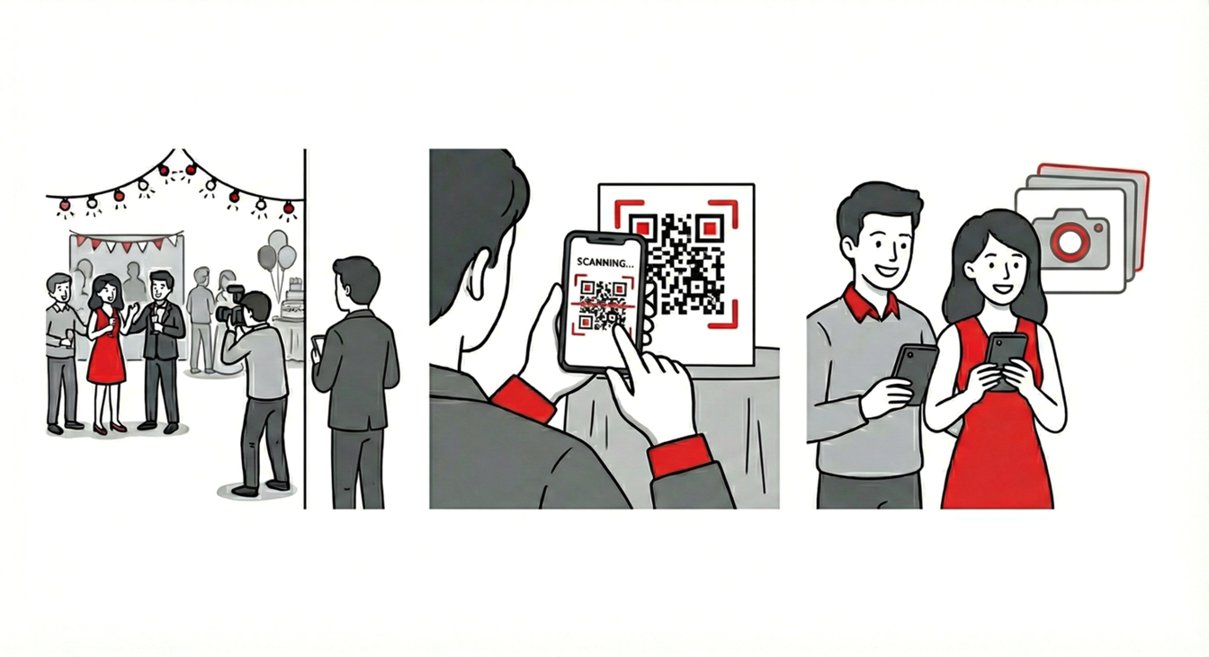
With SnapSeek, they:
- Open the link (no app download).
- Take a quick selfie.
- Instantly see every photo of themselves.
For the photographer or the host, this means higher engagement. Guests actually download and share their photos because they can find them. For the budget-conscious professional, this feature usually costs a premium on other platforms (often starting at $50/month), but on SnapSeek, it is included in the standard credit model.
Zero Friction = Zero Support Emails
Affordable also means saving your time. If you use a password-protected zip file, you will get dozens of emails: “I can’t open this on my phone,” “What was the password again?”
SnapSeek requires no guest account creation and no app download. Guests simply click, search, and save. By removing the friction, you remove the tech support hours you typically bill for free.
Multi-Collection Organization
For large events, you rarely want just one bucket of photos. SnapSeek allows you to create unlimited collections within a single event.
- Corporate Event: Separate “Keynote Speaker,” “Award Ceremony,” and “Cocktail Hour.”
- Sports: Separate “Start Line,” “Mile 10,” and “Finish Line.”
You can have different privacy settings for each (e.g., enable Password Protection for the VIP after-party folder) without paying extra for additional galleries.
Direct Comparison: Where Do You Save?
Let’s break down the true cost of sharing photos for a 1,000-person event over the course of a year.
| Feature | Google Drive / Dropbox | Traditional Subscription (Premium) | SnapSeek (Pay-As-You-Go) |
|---|---|---|---|
| Annual Cost | Free (until 15GB limit) | $400 - $600/year | Pay per event only |
| Face Search | No | Yes (Often extra fee) | Included |
| Guest Privacy | None (Public Folder) | Yes | Granular (Custom) |
| Branding | None | Yes | Yes |
| Support Friction | High (Link sharing issues) | Low | Zero |
| Ideal For | Personal use | Wedding Pros (Full-time) | Events / Large Groups |
This table clarifies why “Free” isn’t free. If you spend 2 hours answering emails about a Google Drive link, you have lost more money than a credit pack costs.
Use Cases: Where This Model Saves You Money
Let’s look at real-world scenarios where SnapSeek’s pay-as-you-go model beats the subscription giants.
The Corporate Event Planner
Scenario: You organize a quarterly conference with 500 attendees. You hire a photographer who delivers 800 final selects.
- Subscription Model: You pay $50/month for a gallery host year-round, totaling $600/year, even though you only used it 4 times.
- SnapSeek Model: You buy a credit pack. You use 3,200 credits total. You pay exactly for those credits once. If you don’t have an event for 6 months, your cost is $0.
The High-Volume Sports Photographer
Scenario: You shoot a 5K race and have 4,000 images.
- Subscription Model: You are forced into a “High Storage” tier because of the file count, likely costing $50+/month.
- SnapSeek Model: You bulk-buy credits. You upload the 4,000 images. You charge the race organizers a “Face Identification Fee” that covers your credits plus a markup. The cost is passed directly to the client as a tangible line item, not an overhead cost you have to eat.
Read more about face recognition for sports photography.
The Wedding “Content Creator”
Scenario: You are supplementing the main photographer with candid, social-media-ready snaps.
- The Problem: You don’t want to maintain a full website gallery just to deliver 300 casual photos.
- The SnapSeek Fix: Create a “Social Highlights” event. Spend 300 credits (about the cost of a coffee). Send the couple a link where they can use “Browse All” to see everything, while guests use face search. It is professional, branded delivery for pennies.
The Schools and Non-Profits (High Impact, Low Budget)
Scenario: A high school graduation or a community charity gala. Budget is tight, but privacy is non-negotiable.
- The Problem: Schools strictly cannot post photos of minors in a public Google Folder. Parents demand privacy, but there are 400 students.
- The SnapSeek Fix:
- Upload all graduation photos.
- Set the gallery to “Face Match Only” (turning off Browse All).
- Share one link.
- Parents upload a selfie of their child and see only their child. It is secure, and incredibly affordable compared to enterprise school photography software. Plus, the school pays only for the credits used, making it feasible for PTA budgets.
How to Maximize Value with SnapSeek
To make this the most affordable option possible, follow these tips:
1. Cull Before You Upload Since you pay per photo credit, your culling workflow becomes a money-saver. Don’t upload 5 near-duplicates of the same group shot. Pick the best one. This makes your gallery stronger and your cost lower.
2. Buy Credits in Bulk Like any economy of scale, purchasing a larger pack of credits significantly lowers the cost-per-photo. If you know you have a busy season coming up, buy the larger pack upfront. Remember, credits never expire. It is an investment that sits in your account until you need it.
3. Use Email Capture for Marketing Turn your gallery into a profit center. Enable Email Capture in your guest settings.
- Guests enter their email to view photos.
- You download the CSV of 500 leads.
- You email them next year: “Running the 5K again? Book a finish-line portrait package!” The marketing value of those leads often outweighs the cost of the credits entirely.
FAQ
How does SnapSeek’s pricing compare to subscription models?
Unlike subscription platforms that charge you monthly fees regardless of usage, SnapSeek operates on a credit system (pay-as-you-go). You only pay for the photos you upload, and credits never expire, making it ideal for seasonal photographers or occasional large events.
Is SnapSeek cheaper for one-off large events?
Yes. Since there are no monthly contracts, you can simply buy a credit pack for a single event (e.g., a marathon or conference) without committing to a year-long subscription plan.
Do guests have to pay to download their photos?
Guests can download photos for free, unless the host enabled paid downloads.
Can I brand the gallery for different clients?
Yes. You can customize each event gallery with specific branding (logos, watermarks) and privacy settings, ensuring a professional look for corporate clients, sports events, or weddings.
Conclusion
If you are a wedding photographer delivering 80 events a year with print sales and album proofing, stick to your high-end subscription.
But, if you are looking for affordable options for sharing event photos with large groups where speed, ease of access, and scalable costs are king - SnapSeek is the clear winner. It strips away the monthly overhead and gives you enterprise-grade facial recognition for a price that makes sense for everything from a family reunion to a city-wide festival. Check out the features page for more details.
Stop paying for idle months. Switch to a workflow that works when you do. Visit SnapSeek.app to grab your first free credits and test the face search yourself.